Block landing · dining table cad block
Free dining table CAD blocks in DWG and DXF
By Saumyajit Maity · Published 8 Jul 2022 · Updated 10 May 2026
A dining table anchors the room it sits in, so getting its footprint right early saves a lot of re-juggling later. This page gathers free dining table CAD blocks in DWG and DXF — two, four and six-seater tables, most drawn with their chairs already arranged around them — at true millimetre dimensions and ready to drop into AutoCAD 2004 or later. Every file is free for personal and commercial work, with no signup, no watermark and no attribution required.
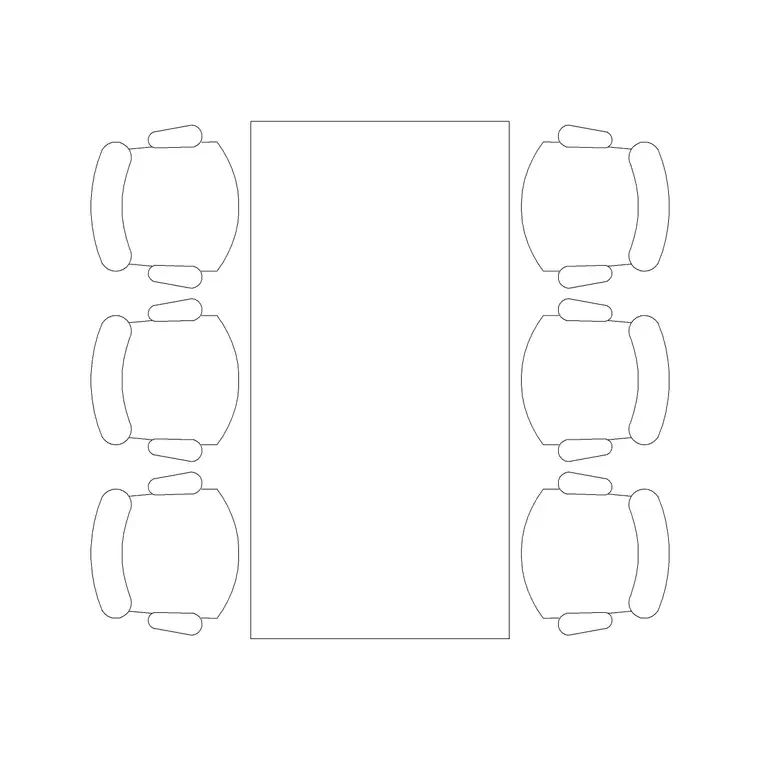
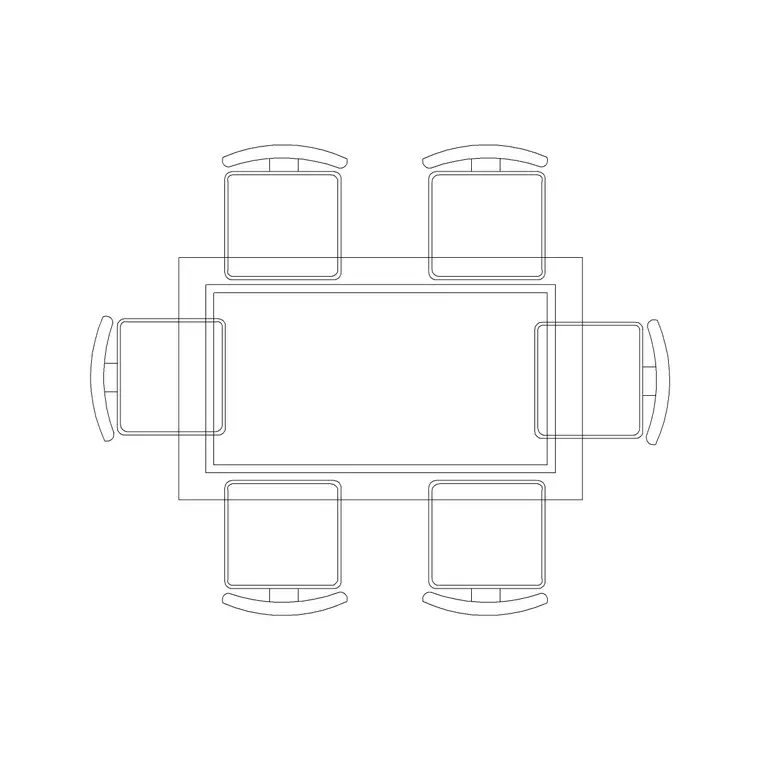
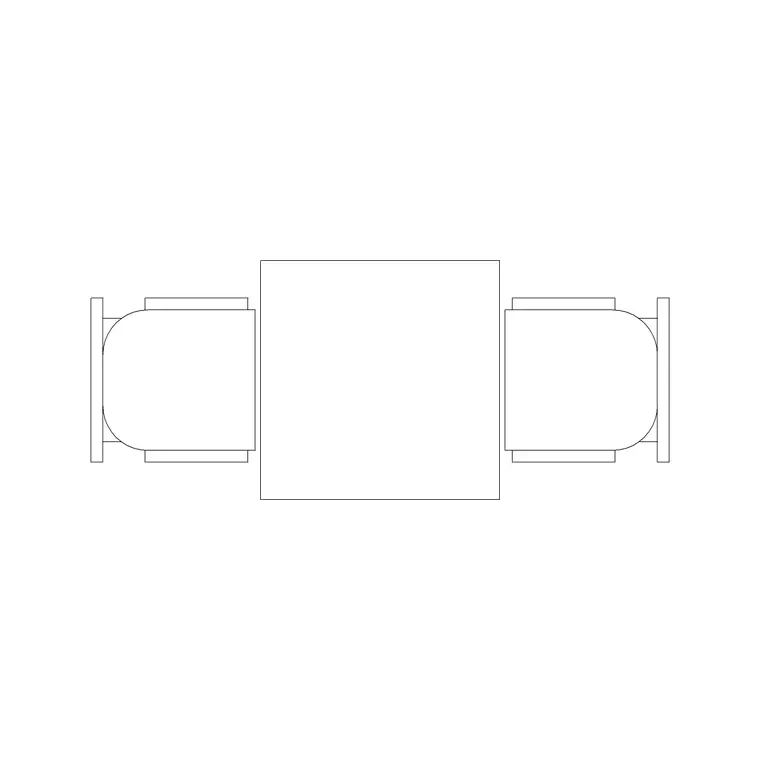
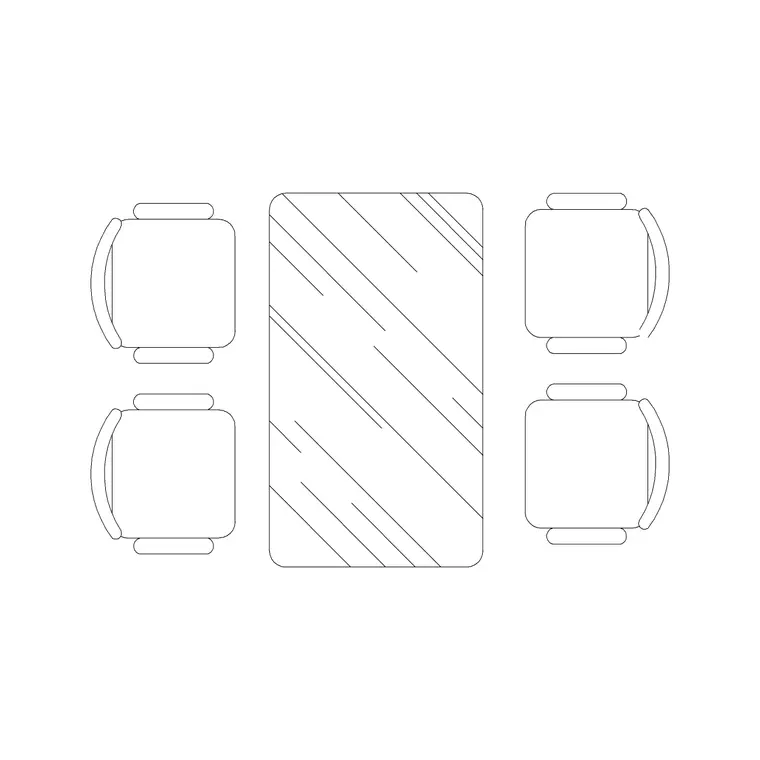
Use these blocks to lay out dining rooms, open-plan kitchen-diners, restaurant covers and hospitality spaces. Because the table and its chairs are scaled together, the block tells you the truth that matters most in a dining layout: how much floor the set really eats once people are seated and need room to pull a chair back and walk behind it.
What a dining table block should contain
A dining table block is rarely just the tabletop. The useful version includes the chairs in their working positions and, ideally, a place-setting circle that shows the clear zone each diner occupies. That occupied envelope — not the bare table edge — is what governs whether the set fits the room.
The plan view is the workhorse: tabletop outline, chair footprints, and the circulation gap behind the seats. An elevation or side view is handy for interior elevations and presentation sheets, where you want to show table and chair heights against a window sill or a sideboard. The blocks here keep the tabletop, the chairs and any setting geometry on sensible separate layers so you can freeze the chairs and show just the table when a plan gets busy.
Typical dining table sizes to design around
Reach for these ranges when you are sizing a room. A two-seater bistro table runs roughly 600–800 mm across. A four-seater is commonly 900–1200 mm long by 750–900 mm wide. A six-seater rectangular table lands around 1500–1800 mm long by 850–1000 mm wide. Round tables seat four comfortably at about 1000–1200 mm diameter and six at 1300–1500 mm. Standard table height is close to 750 mm, with chairs at roughly 450 mm seat height.
The figure people forget is the pull-out and pass-by space. Allow about 600 mm from the table edge for a seated person, and a further 300–600 mm behind that so someone can squeeze past — call it 900–1100 mm of clear floor on each active side. Dropping a scaled block into the plan turns that from a calculation into a glance.
Plan view versus elevation: which to grab
For space planning you almost always want the plan block. It shows the table and chairs from above, which is exactly what you mirror across a restaurant floor or repeat down a long banquet layout. Keep the dining set on its own furniture layer so you can toggle it off and show the bare room when you need to.
Elevation and side views come in for interior elevations, joinery drawings and client visuals — a side-on dining table is useful when you are drawing a feature wall or a built-in bench behind the seating. Some downloads ship both views in one DWG; insert the one you need and explode or freeze the rest.
How to insert and place the block
These blocks are drawn full size in millimetres. In a millimetre drawing, insert at scale 1 and the table lands at real size; in a metre template use 0.001, or simply set INSUNITS to millimetres and let AutoCAD rescale on insertion. Run INSERT (or drag the DWG from a tool palette), pick the centre of the tabletop as the insertion point, and rotate to line the table up with the room's long axis.
Because the set is a single block reference, you can copy a finalised dining arrangement around a hospitality plan and edit the block definition once to update every cover at the same time. If you only want the table without its chairs for a particular drawing, explode the block and erase the chairs, or freeze the chair layer.
Where dining table blocks get used
Dining table blocks turn up across residential and commercial sets: dining rooms, kitchen-diners, open-plan living spaces, restaurants, cafes, canteens, hotel breakfast rooms and care-home dining halls. In a home they help you prove that the chosen table leaves a usable circulation route to the kitchen and the doors. In hospitality they let you count covers and test the spacing rules a fit-out has to meet.
Pair them with the chair, sofa and sideboard blocks in the furniture category to build a complete living-and-dining layer quickly. The same scaled set carries from an early concept plan through to a coordinated furniture, fixtures and equipment drawing, so you are not redrawing the dining area at every stage.
Counting covers and checking spacing
For hospitality work the dining table block is really a covers tool. Drop a four-top or two-top in, array it across the floor on a grid, and the gaps between sets become visible immediately — too tight and you fail the comfort and access standards a restaurant fit-out is judged on; too loose and you have left revenue on the floor. The scaled chairs are the part that makes this honest, because covers are limited by where people sit and walk, not by table edges.
A practical habit is to tag each dining block with a simple cover-count attribute, then extract a schedule that tells you how many seats the layout delivers. That turns a furniture plan into a number an operator actually cares about, and it lets you compare two arrangements — a grid of two-tops versus a mix of four-tops and banquettes — on capacity rather than guesswork.
Free download
Browse the full library — DWG & DXF, no signup.
Questions
Frequently asked
Are these dining table CAD blocks free for commercial use?+
Yes. Every dining table block downloads free in DWG (and DXF where available) with no signup, no watermark and no attribution requirement, and they are cleared for commercial project use.
Do the dining table blocks come with chairs?+
Most do. The blocks are drawn as a complete set — table plus chairs in their working positions — because the seated footprint is what governs how the set fits a room. You can freeze or explode the chairs if you only need the table.
What size dining table do I need for six people?+
A rectangular six-seater is typically 1500–1800 mm long by 850–1000 mm wide; a round six-seater is about 1300–1500 mm in diameter. The blocks are drawn to those ranges, and they let you check the pull-out and pass-by space around the set.
What scale and units are the blocks drawn at?+
Full size in millimetres. Insert at scale 1 in a millimetre drawing, 0.001 in a metre drawing, or set INSUNITS to millimetres so AutoCAD rescales automatically on insertion.
Related downloads
Blocks for this guide
Related categories
Related guides
Block landing
Free Office Chair CAD Blocks — DWG Download
Download free office chair CAD blocks in DWG and DXF — task chairs, swivel chairs and executive seats drawn in plan and elevation, AutoCAD 2004+, no signup.
Block landing
Free Bar Table CAD Blocks — DWG Download
Download free bar table CAD blocks in DWG and DXF — round, square and rectangular high bar tables in plan and elevation for AutoCAD. No signup, commercial-use OK.
Block landing
Free Restaurant Table CAD Blocks — DWG Download
Download free restaurant table CAD blocks in DWG and DXF — 2, 4 and 6 cover tables with chairs drawn in plan and elevation for AutoCAD. No signup, commercial-use OK.