Room guide · craft room cad blocks
Free craft room CAD blocks for AutoCAD
By Sumana Kumar · Published 16 Feb 2023 · Updated 6 Feb 2026
A craft room is a workshop for hands-on hobbies — sewing, scrapbooking, painting, model-making, jewellery, card-making — and it is defined by two things in tension: lots of materials to store, and a clear, well-lit surface to make a mess on. Unlike an office or study, a craft room is not built around sitting still; people stand, move between a cutting table and a storage wall, and spread out. That movement is what the layout has to serve.
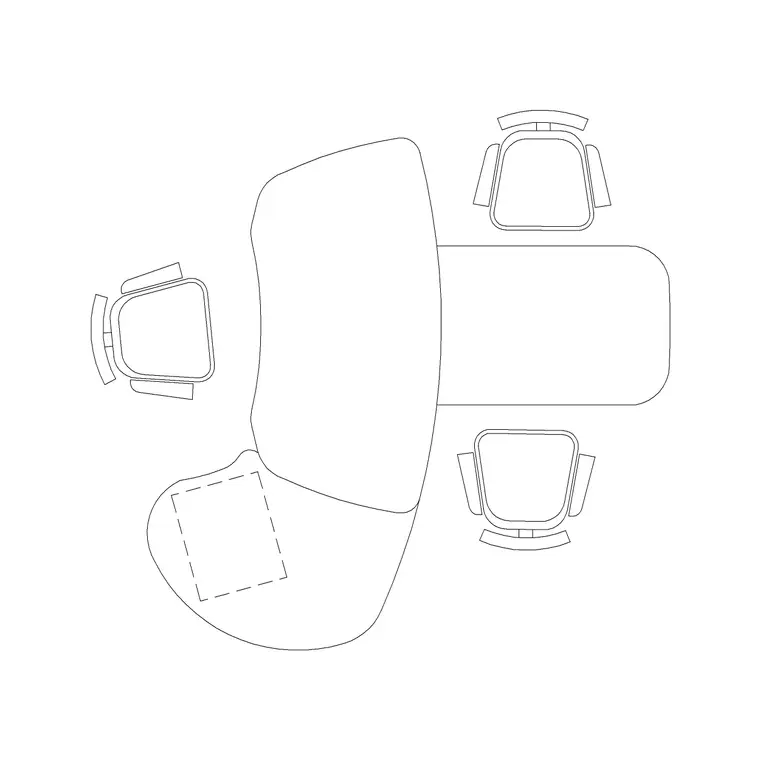
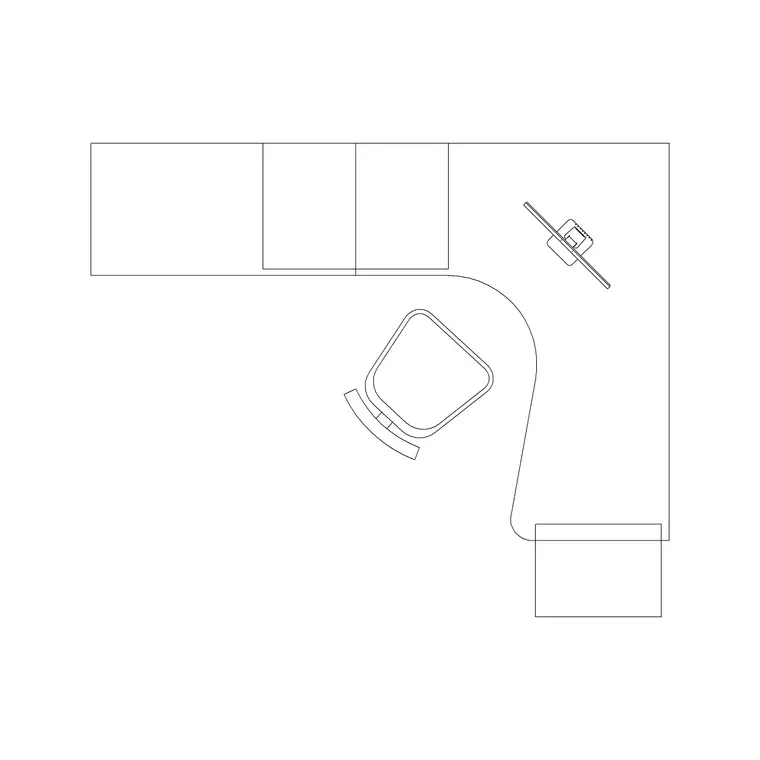
This page collects free craft room CAD blocks in DWG and DXF — work tables, stools, storage units and lighting — drawn to true millimetre scale and ready to insert into AutoCAD 2004 or later. Every block is free for personal and commercial use, with no signup, no watermark and no attribution required, whether you are planning your own hobby room or designing a dedicated maker space for a client.
Because craft work is active and material-heavy, a scaled plan saves you from the two classic failures: a work table you cannot walk all the way around, and a storage wall so far from the table that nothing ever gets put away.
What a craft room needs to do
A craft room is part studio, part store. It has to give the maker a generous, durable work surface; deep, varied storage for materials and half-finished projects; and enough clear floor to move, cut, lay out fabric or step back from a piece. The exact balance shifts with the craft — a quilter needs a long cutting table and bolt storage, a painter needs an easel zone and good north light, a jeweller needs a small bench and fine task lighting — but the underlying pattern of surface plus storage plus movement is constant.
That is why a craft room rewards planning more than its size suggests. A 3 by 3 metre room can feel cramped or generous depending entirely on whether the table is an island you can circle or a peninsula you keep squeezing past. The scaled blocks below let you test that before you build any joinery.
Work surface as the heart of the room
The work table is the single most important decision in a craft room. A central island table you can walk all the way around is the gold standard for cutting, laying out and assembling, because you can reach a piece from any side. Where the room is too narrow for an island, a deep peninsula or a run of table against a wall is the fallback.
Draw the table to its real top size and then test the circulation: an island needs a clear strip on every side, while a wall-run table only needs clearance on the working side but loses all-round access. For standing crafts the table often sits higher than a desk — many makers prefer a counter-height surface — so note the height in your section because it changes the stool you pair with it.
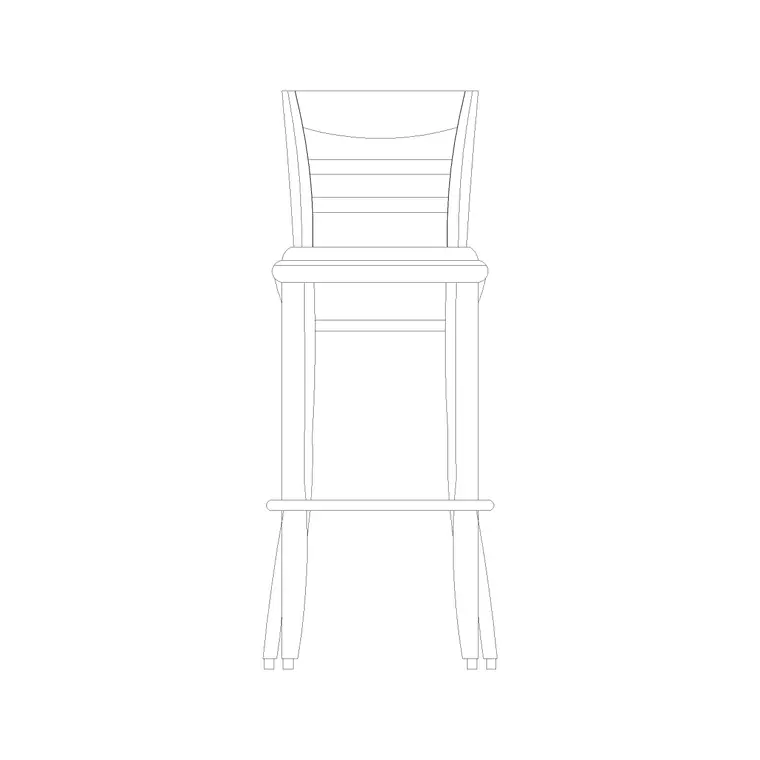
Pair the table with stools rather than fixed chairs where possible; stools tuck fully under, slide aside and let the maker switch between sitting and standing, which suits the in-and-out rhythm of craft work.
Storage, stools and lighting blocks
Once the table is placed, the room is a contest between storage and clear floor. Line the walls with storage and keep the centre open.
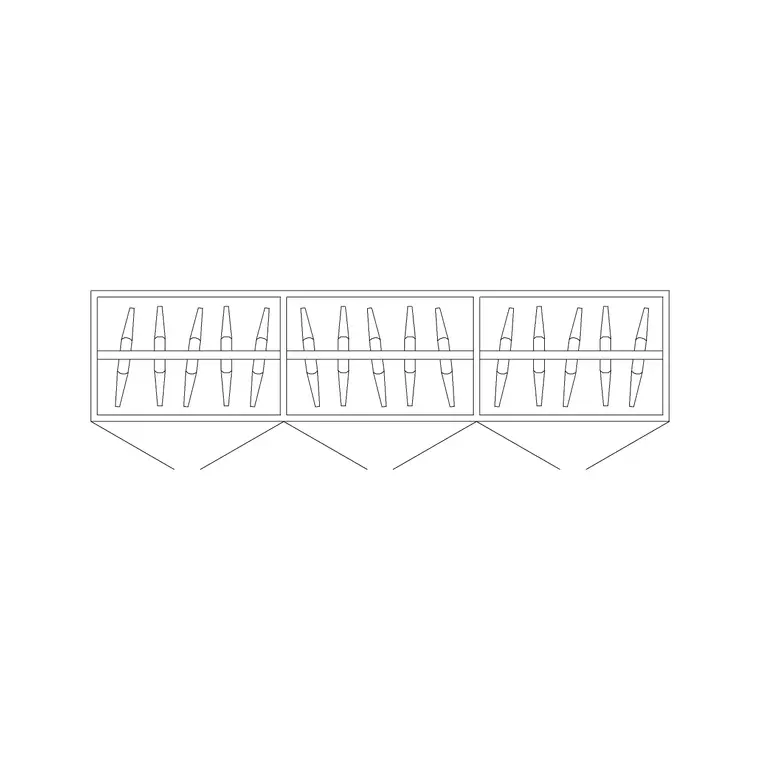
- Work table: central island or wall-run; the durable surface everything happens on. - Stools: counter-height or standard, tucked under the table so the floor stays clear when not in use. - Wall storage / cabinets: deep units along the walls for materials, tools and projects in progress. - A wardrobe-depth cabinet: useful for bulky materials, bolts of fabric or large boards. - Task and ceiling lamps: craft work is detail work, so layer a bright, even ceiling wash with a focused task light over the main surface. - A wall clock: keeps timed processes — drying, setting, glazing — on track.
These are all free blocks below, so the storage-and-surface layer assembles quickly.
Dimensions and clearances for a maker space
Work to these ranges and adjust to the craft. A craft work table is often deeper than a desk — 700 to 900 mm or more so you can lay out work — and frequently counter-height at 900 to 950 mm for standing tasks; a sit-down craft table stays nearer 720 to 750 mm. Table length depends on the craft but a generous cutting table runs 1500 to 2400 mm.
For an island, leave at least 700 to 900 mm of clear floor on every side so you can circle it, and more on the primary working side. Wall storage 300 to 600 mm deep is typical; keep the busiest materials in the 700 to 1500 mm reach band. A stool wants enough tuck-under depth at the table and a clear pull-out of around 600 to 800 mm. Crafts that use heat, blades or solvents also want a clear, uncluttered zone around that activity — mark it on the plan.
Laying out the craft-room plan
Work in millimetres, insert at scale 1, and set layers for the work surface, storage and lighting so you can show a clean shell or a fully kitted room. Decide first whether the room can take a central island — if it can, place the table in the middle and check the all-round clearance before anything else, because the island's circulation is the room's whole logic.
If an island will not fit, run the table along the longest clear wall and accept single-sided access. Then line the remaining walls with storage, keeping it clear of the door swing, and tuck stools under the table. Add a bright ceiling lamp plus a task light directly over the main work zone. Finally, mark a generous power provision near the table — craft rooms run irons, cutters, glue guns, sewing machines and chargers, often several at once, so plan more sockets at the surface than you think you need.
Mistakes that cramp a craft room
The first mistake is an island that is not really an island — a table placed centrally but with only 400 mm to one wall, so you cannot actually circle it. If you cannot keep clear space on all sides, make it a peninsula on purpose rather than a pinched island.
The second is storage that is too far from the work surface. If materials live across the room, they stay out on the table and the room is permanently cluttered; keep the most-used storage within a step or two of where the work happens.
The third is under-powering the room. A craft room quietly draws on a lot of small appliances; a single socket forces extension leads across the floor, which is both a trip hazard and, around irons and heat tools, a real risk. Finally, do not under-light it: detailed handwork under a single dim bulb leads to eye strain and mistakes, so draw the task light in from the start.
Free download
Browse the full library — DWG & DXF, no signup.
Questions
Frequently asked
What should a craft room work table size be?+
Craft tables are usually deeper than desks — 700 to 900 mm or more for laying out work — and often counter-height at 900 to 950 mm for standing tasks. A generous cutting table runs 1500 to 2400 mm long. Draw the true size and test the clearance around it.
How much clearance does a central craft island need?+
Leave at least 700 to 900 mm of clear floor on every side so you can walk around it and reach work from any angle, with more on the main working side. If you cannot keep all-round clearance, design it as a peninsula instead of a pinched island.
Should I use stools or chairs in a craft room?+
Stools usually suit craft rooms better — they tuck fully under the table, slide aside easily and let the maker switch between sitting and standing, which fits the in-and-out rhythm of most crafts. The free stool blocks here drop straight into the plan.
Are these craft room CAD blocks free to download?+
Yes. All work table, stool, storage and lighting blocks are free in DWG and DXF for personal and commercial use, with no signup, watermark or attribution required.
Related downloads
Blocks for this guide
Related categories
Related guides
Room guide
Free Reception Lobby CAD Blocks — DWG Download
Download free reception lobby CAD blocks in DWG and DXF — reception desk, waiting sofas, planters and lighting in plan. AutoCAD 2004+, no signup.
Room guide
Free Conference Room CAD Blocks — DWG Download
Download free conference room CAD blocks in DWG and DXF — large conference tables, chairs, screens and lighting for layouts. AutoCAD 2004+, no signup.
Room guide
Free Meeting Room CAD Blocks — DWG Download
Download free meeting room CAD blocks in DWG and DXF — small meeting tables, chairs, screen and planter for compact layouts. AutoCAD 2004+, no signup.