Block landing · sink with drainer cad block
Free counter and drainer sink CAD blocks
By Saumyajit Maity · Published 8 Jun 2023 · Updated 2 Jan 2026
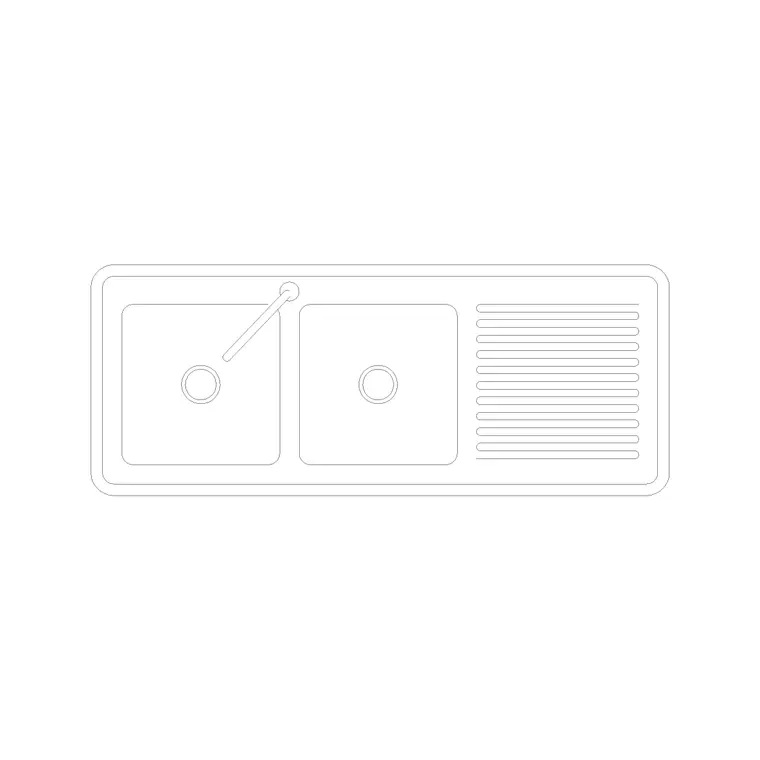
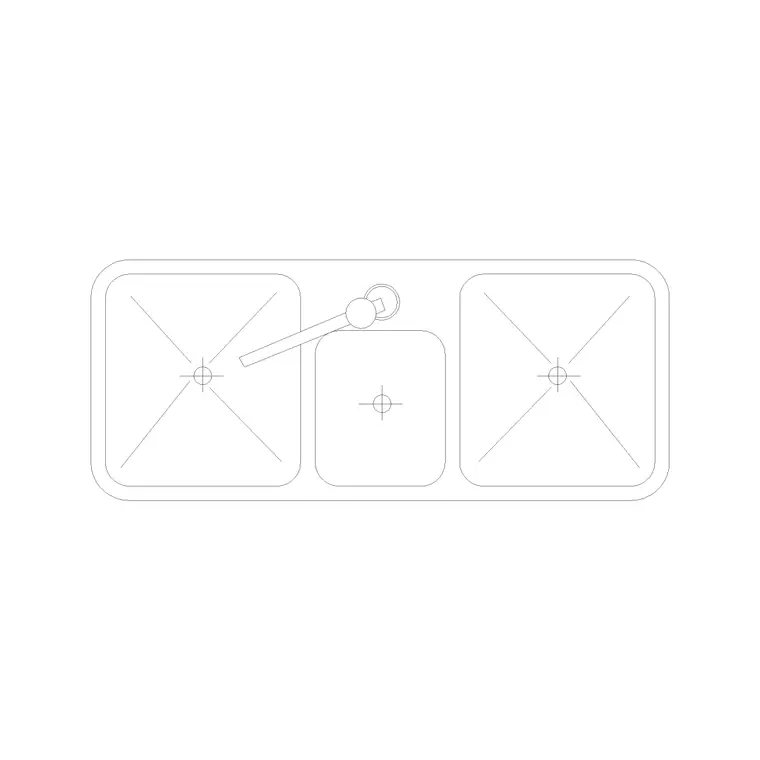
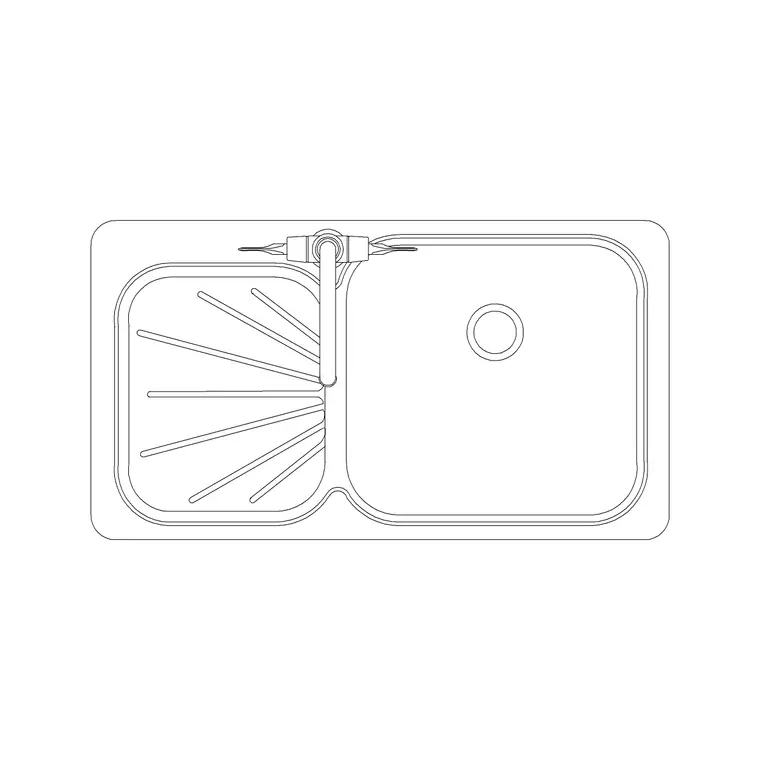
A sink with an integral draining board is what most people picture when they think of a kitchen sink, and a scaled counter / drainer sink CAD block lets you allow for both the bowl and the drainer where they really land on the worktop. This page collects free counter and drainer sink CAD blocks in DWG and DXF — inset sink-and-drainer units, including counter sinks with a tray — drawn in plan view at true size for AutoCAD 2004 or later. Free for personal and commercial use, no signup, no watermark.
The drainer is the part of a sink layout people most often under-draw. A bowl on its own looks like it fits a 600 mm cabinet, but add the ribbed draining board beside it and the unit stretches well past a metre, demanding more worktop and shifting where the next appliance can go. Because these blocks include the drainer in the footprint — and some include a removable tray — they show the real extent of the unit, so your worktop run and your appliance spacing stay honest from the first sketch.
What a counter / drainer sink block shows
A counter-and-drainer block draws the full inset unit: the bowl (single or one-and-a-half), the integral draining board beside it, and usually the tap position at the back between them. In plan you see the whole top as it cuts into the worktop, with the drainer drawn as the grooved or recessed area where crockery sits to dry. The counter-sink-with-tray block adds a removable drainer tray, which is handy for showing a reversible-drainer layout.
The footprint is the worktop cut-out including the drainer, which is the whole point — it stops you allowing for the bowl and forgetting the board. Snap it to the cabinet line and you see the real length the unit occupies along the run.
Typical sink-and-drainer dimensions
Work to these ranges. Single bowl plus single drainer: commonly 1000–1200 mm wide overall. One-and-a-half bowl plus drainer: 1200 mm and up. Front-to-back depth: around 480–600 mm to suit a 600 mm worktop. The bowl itself sits in the 340–450 mm range, and the drainer adds roughly 350–500 mm beside it.
The planning lesson is that the drainer roughly doubles the unit's footprint compared with the bowl alone. A bare single bowl on a 600 mm cabinet becomes a 1000–1200 mm sink-and-drainer needing a longer run. Reversible drainers — where the board can sit left or right of the bowl — let you flip the unit to suit the plumbing and the window, and the tray-style block makes that choice easy to show.
Which way should the drainer face
Drainer orientation is a real design decision, not a detail. The board usually sits on the side away from the main preparation zone, so wet crockery drains clear of where you work, and on the side nearest the cupboard you put crockery away into. Against a window, the bowl often goes central with the drainer to one side; in a corner run, the drainer points along the longer leg.
Because a reversible-drainer sink can be installed either way round, the block lets you try both. Insert it, mirror it, and see which orientation keeps the work triangle clean and the drainer out of the main traffic. Settling that on the drawing avoids the common site problem of a drainer that ends up draining into the cook's working space.
How to insert and place the unit
The blocks are drawn full size in millimetres: insert at scale 1 in a millimetre drawing, 0.001 in a metre drawing, or set INSUNITS to millimetres for automatic rescaling. Use INSERT or drag from a tool palette.
Pick the back edge as the insertion handle and snap the unit to the worktop line against the wall, with the bowl over its base cabinet and the drainer spanning the worktop beside it — the drainer does not need a bowl-depth cabinet beneath, so it can sit over a normal base unit or drawers. Use MIRROR to flip the drainer side, and keep the unit on a services-aware layer so you can dimension the bowl centreline and the waste for the installer.
Where counter / drainer sinks are used
Sink-and-drainer blocks are the staple of everyday residential kitchen plans, apartment fit-outs, utility rooms and small kitchenettes — anywhere people hand-wash and need somewhere to drain. They suit kitchens without a dishwasher especially well, where the drainer does real daily work.
Use the counter / drainer blocks alongside the plain single, double and triple sinks in the sinks-and-faucets category so you can compare a bare bowl against a full sink-and-drainer on the same run, and combine them with the cooker, fridge and cabinet blocks to build the complete kitchen layer. For repeated layouts, standardise on one reversible-drainer block and mirror it per unit, so a single edit updates every kitchen in the scheme.
Free download
Browse the full library — DWG & DXF, no signup.
Questions
Frequently asked
How wide is a sink with an integral drainer?+
A single bowl with a single drainer is commonly 1000–1200 mm wide overall, and a 1.5-bowl-plus-drainer unit is 1200 mm and up. The drainer roughly doubles the footprint compared with a bare bowl, so allow the extra worktop.
Can I flip the drainer to the other side of the bowl?+
Yes. Many sink-and-drainer units are reversible, and the blocks let you MIRROR the unit so the drainer sits left or right of the bowl to suit the plumbing, the window and the work triangle.
Does the drainer need a deep cabinet beneath it?+
No. Only the bowl needs the depth of a sink base cabinet; the drainer sits at worktop level, so it can span a normal base unit or a bank of drawers beside the sink cabinet.
Are the counter / drainer sink blocks free for commercial use?+
Yes. Every block downloads free in DWG and DXF with no signup, no watermark and no attribution requirement, and they are cleared for commercial project use.
Related downloads
Blocks for this guide
Related categories
Related guides
Block landing
Free Sanitary Fixtures CAD Blocks — DWG Download
Download free sanitary fixtures CAD blocks in DWG and DXF — WCs, wash basins, urinals and sinks in plan and section for AutoCAD sanitary plans.
Block landing
Free Kitchen Faucet / Mixer Tap CAD Block — DWG
Download free kitchen faucet and mixer tap CAD blocks in DWG and DXF — monobloc and pull-out mixers in plan and elevation. No signup, commercial OK.
Block landing
Free Kitchen Sink Unit CAD Block — DWG Download
Download free kitchen sink unit CAD blocks in DWG and DXF — single, double and 1.5-bowl sinks with drainers in plan and section. AutoCAD 2004+, no signup.