Room guide · community hall cad blocks
Free community hall CAD blocks for AutoCAD
By Saumyajit Maity · Published 20 Jan 2025 · Updated 27 Jan 2026
A community hall is deliberately empty. Its value is the bare floor that can become a wedding banquet on Saturday, a town meeting on Monday and an exercise class on Tuesday. So the design isn't one layout — it's a flexible shell plus a set of reconfigurable seating arrangements, all drawn from the same furniture kit. The skill is showing several credible layouts in the same hall and proving each one clears its exits. Scaled table and chair blocks make that fast: array them one way for a banquet, another for a meeting, and the capacity and egress fall out.
This page collects free community hall CAD blocks in DWG and DXF — round and rectangular tables, stackable chairs, a stage/top-table zone, human figures and emergency-exit symbols — drawn to scale for AutoCAD 2004 or later. All free for personal and commercial work, no signup, no watermark.
Use the blocks to lay out a multipurpose community centre, a banquet or function hall, a parish or village hall, or a school assembly hall. Because the tables, chairs and aisles are scaled, you can draw multiple seating modes, count each one's capacity, and check the aisles and exits hold up for the busiest configuration.
A flexible room with many lives
A community hall earns its keep by being adaptable. The same floor hosts banquets, conferences, exhibitions, classes, performances and meetings, often in the same week. That means the hall itself is a clear-span shell with services around the edge — a small stage or platform, a serving hatch or kitchen link, storage for stacked furniture — and the interior is defined entirely by how the tables and chairs are set out on the day.
Because of that, the useful drawing isn't a single furniture plan but a family of them: banquet rounds, theatre rows, classroom tables, a cabaret mix, and a cleared floor. Each uses the same blocks rearranged. Lay the shell, the stage/top-table end, the storage and the exits once, then build each seating mode on top. The exits and the stage end are the fixed reference; everything between them flexes.
Seating modes from one furniture kit
Most hall bookings are a variation on a few standard modes. Banquet: round tables of eight or ten with chairs ringed around, arrayed across the floor with service aisles between. Theatre: rows of chairs facing the stage, no tables, maximum head count. Classroom: rectangular tables in rows, all facing front, for training and exams. Cabaret: rounds with one side left open toward the stage so everyone faces forward. Boardroom/meeting: tables pushed into a hollow square or U.
Each mode is just the same round and rectangular table blocks plus chairs, arrayed differently. Draw each as a separate layer state or layout so the hall keeper can choose. The big difference between modes is capacity and aisle pattern — theatre packs the most people, banquet the fewest — and the scaled blocks let you read each capacity straight off the array.
The blocks that furnish a community hall
A hall needs a compact, reusable kit.
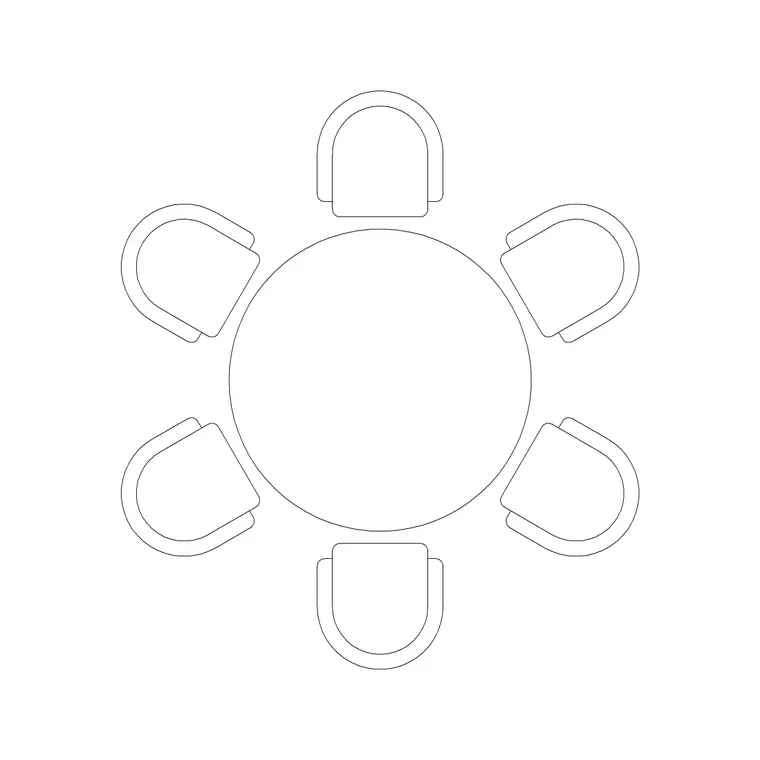
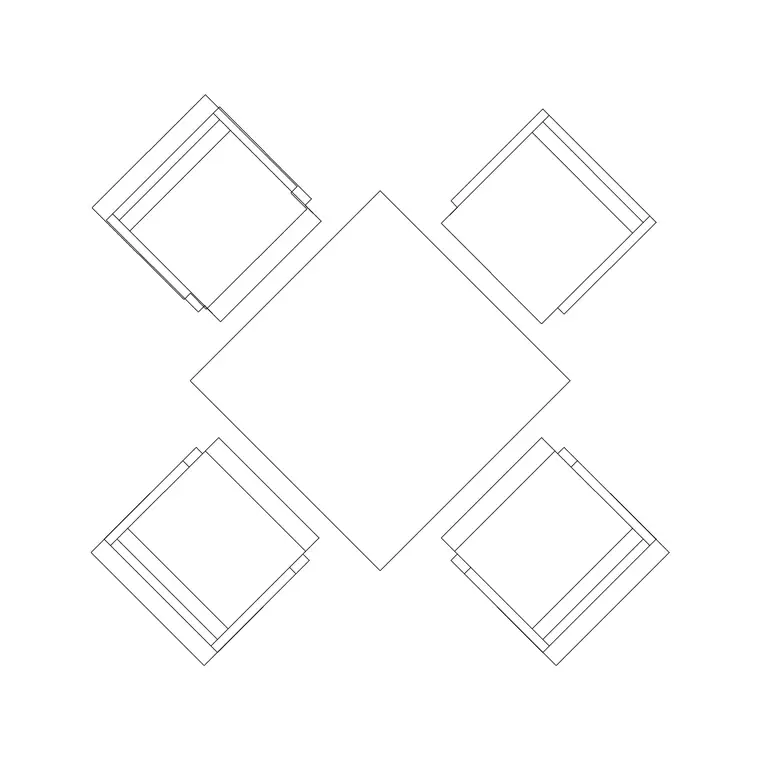
- Round tables — banquet rounds; the 1200mm diameter 6-person table block scales to 8- and 10-seat banquet rounds. - Rectangular tables — for classroom and meeting modes; 4-person table blocks lined up in rows. - Stackable chairs — the workhorse, arrayed around tables or in theatre rows, on their own layer so you can switch modes by swapping the chair pattern. - Stage/top-table zone — office or rectangular tables stand in for a top table or speaker setup at the platform end. - Human figures — seated figures to check table spacing, standing figures to walk service aisles and exits. - Building symbols — emergency-exit and accessibility symbols, essential at hall occupancies.
Keep tables, chairs, the stage zone, figures and symbols on separate layers so each seating mode is a layer combination, not a redraw.
Dimensions, capacity and egress
Use these as design ranges and defer to code for occupancy. Banquet round: a 1500–1800 mm diameter table seats 8–10 with chairs needing pull-out space behind. Allow a service aisle between rounds wide enough for staff to serve and guests to pass — often 1200 mm or more. Theatre row: chairs at roughly 500–600 mm each, with row spacing and aisle gaps to code. Classroom table run: rectangular tables with chair pull-out and cross aisles.
The critical check is that the highest-occupancy mode (usually theatre) still clears its exits in the time code requires — size and distribute exits to that worst case. Banquet mode has fewer people but needs wider service aisles. Keep accessible positions and a clear accessible route in every mode. Drop figures into each layout and the capacity and aisle adequacy become visible at a glance.
Building the multi-mode hall plan
Draw the shell, the stage/platform end, the storage and the exits — these stay fixed. For banquet mode, place one round table, ring it with chairs, and array it across the floor leaving service aisles. Save that as a layer state. For theatre mode, clear the tables and array chairs in rows facing the stage with central and side aisles. For classroom mode, line up rectangular tables in rows.
For each mode, seat figures at a sample of tables and walk a standing figure from the furthest seat to the nearest exit. Confirm the exits and aisles hold for the busiest mode. With tables, chairs, stage and symbols layered, every mode is a combination of layers you can toggle — so one drawing hands the hall keeper a banquet plan, a theatre plan and a classroom plan, each with its own counted capacity.
Common community hall mistakes
The first is drawing only one layout. A hall's whole point is flexibility, so a single banquet plan leaves the keeper guessing for every other event — provide the standard modes. The second is sizing exits for the banquet head count and then running a packed theatre night through the same doors; always check egress against the highest-occupancy mode. The third is forgetting service access in banquet mode — rounds arrayed so tightly that staff can't reach the inner tables.
Other traps: no storage drawn for the stacked furniture, so it ends up blocking an exit; a stage end that fouls the front rows; and ignoring accessible seating and routes in some modes. Seating figures across each layout and walking them to the exits, especially in the busiest mode, exposes the capacity and egress problems before an event ever runs.
Free download
Browse the full library — DWG & DXF, no signup.
Questions
Frequently asked
How do I show multiple seating layouts for one community hall?+
Draw the shell, stage end, storage and exits once as fixed layers, then build each seating mode — banquet rounds, theatre rows, classroom tables — as its own layer state using the same table and chair blocks. Toggling layers hands the hall keeper a separate, counted plan for each event type from one drawing.
Which mode determines the exit sizing?+
The highest-occupancy mode, usually theatre seating, since it packs the most people. Size and distribute the exits and aisles so that worst case clears within the time code requires; banquet mode has fewer people but needs wider service aisles, which the scaled blocks let you check separately.
How many people does a banquet round table seat?+
As a range, a 1500–1800 mm diameter round seats 8–10 guests with chairs ringed around and pull-out space behind each. The 1200mm 6-person table block scales up to these banquet rounds, and seating figures around it confirms the spacing and the service-aisle gaps work.
Do I need to draw furniture storage on a hall plan?+
Yes. A multipurpose hall constantly stacks and clears tables and chairs, so show a storage area sized to hold the kit when the floor is cleared. Forgetting it means the stacked furniture ends up parked against a wall or, worse, blocking an exit on event days.
Related downloads
Blocks for this guide
Related categories
Related guides
Room guide
Free Bank Branch CAD Blocks — DWG Download
Free bank branch CAD blocks in DWG and DXF — teller counters, advisory desks, seating and figures to plan a branch interior in AutoCAD. No signup.
Room guide
Free Cafeteria CAD Blocks — DWG Download
Free cafeteria CAD blocks in DWG and DXF — dining tables, chairs, servery, figures and canteen symbols to plan a cafeteria in AutoCAD. No signup, commercial OK.
Room guide
Free Classroom CAD Blocks — DWG Download
Free classroom CAD blocks in DWG and DXF — student desks, chairs, teacher tables and figures to lay out a teaching room in AutoCAD. No signup.