Block landing · coffee table cad block
Free coffee table CAD blocks in DWG and DXF
By Sumana Kumar · Published 5 Apr 2026 · Updated 30 Apr 2026
The coffee table is the low table that sits at the heart of a seating group, and on a plan it's the piece that ties a sofa, armchairs and rug into a single conversation zone. This page collects free coffee table CAD blocks in DWG and DXF — rectangular, round and oval low tables — drawn at true millimetre dimensions and ready for AutoCAD 2004 or later. Every file is free for personal and commercial work, with no signup, no watermark and no attribution required.
Use these blocks to complete living-room, lounge, reception and breakout layouts. The coffee table's job on a drawing is partly to look right and partly to prove the seating group works: it has to sit within easy reach of the sofa without blocking the path people take to get to their seats.
What a coffee table block adds to a layout
A coffee table is the centring element of a seating group. On a plan, dropping the table in front of the sofa instantly reveals whether the arrangement breathes: there should be an easy reach from the seat to the table, and a clear walking route around it to reach the chairs. Without the table block, a sofa-and-chairs group looks finished but hides whether anyone can actually move through it.
The block is usually a simple low rectangle, oval or circle, but its position is doing real work. It anchors the rug, fixes the focal point of the room, and sets the spacing between the facing seats. Keeping it on the furniture layer lets you show the seating group as a coordinated unit and toggle it for a clean room outline.
Coffee table sizes and spacing to design around
Use these as your reference. A rectangular coffee table commonly runs 900–1200 mm long by 500–600 mm wide; larger lounge tables reach 1400 mm. Round coffee tables sit around 700–900 mm in diameter, oval ones 900–1100 mm long. Height is low — typically 350–450 mm, roughly level with or just below the sofa seat cushion.
The spacing rules are what the block helps you check. Leave about 300–450 mm between the sofa front and the table edge so people can reach a drink without stretching but still get their legs in. Allow a walking gap of at least 450–600 mm around the rest of the table so someone can pass to an armchair. Drop the scaled block in and those two clearances become a visual check.
Centring on the rug and the seating group
A coffee table rarely stands alone — it works with a rug and a seating group, and the three are usually drawn together. The classic move is to centre the table on the rug, with the front legs of the sofa and chairs either on or just off the rug edge, framing the whole zone. Drawing the table, rug and seats as scaled blocks lets you set that composition precisely.
For a sectional or L-shaped sofa, shift the table to sit centrally within the L rather than dead-centre of the rug, so it stays within reach of the longer run. The block's simple footprint makes this nudging easy: move it until the reach distances look right to every seat, then lock the group in.
Inserting and placing the block
These blocks are drawn full size in millimetres. Insert at scale 1 in a millimetre drawing, 0.001 in a metre template, or set INSUNITS to millimetres and let AutoCAD rescale on insertion. Run INSERT or drag the DWG in, pick the centre of the tabletop as the insertion point, and rotate to align with the sofa.
Because the coffee table is a single block reference, you can copy a finished seating group — sofa, chairs, rug and table — around a hospitality or co-working plan and update them together. If you want to swap a rectangular table for a round one, erase the block and re-insert; the seating group around it stays put.
Where coffee table blocks are used
Coffee tables appear wherever there's relaxed seating: living rooms, lounges, hotel and office receptions, waiting areas, co-working breakout zones and showroom vignettes. In a home they prove the living-room layout flows; in commercial work they signal an informal, welcoming zone and help you space soft seating to code.
They're almost always specified alongside a sofa and a rug, so reach for the sofa, side table and rug blocks in the furniture category to build the full seating group. The same scaled table carries from a concept plan to a furnished presentation drawing, so the living area stays consistent across the set.
Coffee table versus side table on a plan
It's worth being clear about the difference, because the two pieces do different jobs and a layout usually wants both. The coffee table is the larger, lower, central table shared by everyone in the seating group — it carries books, a tray, the remote, and anchors the rug. A side table (or end table) is the small, taller table beside a single seat, sized to hold a lamp or a cup within arm's reach of one person.
On a drawing you read them by position and proportion: the coffee table sits in the middle of the group at sofa-cushion height; the side tables sit at the ends, taller, closer to armrest height. Specifying both, and drawing each to its own scaled block, makes the seating group read as a real, livable arrangement rather than a sofa floating in space — and it's the kind of detail that separates a considered furniture plan from a placeholder.
Free download
Browse the full library — DWG & DXF, no signup.
Questions
Frequently asked
How much space should I leave between a sofa and a coffee table?+
About 300–450 mm between the sofa front and the table edge — close enough to reach a drink, far enough to get your legs in. The scaled block lets you check this gap and the walking route around the table at a glance.
What's a typical coffee table size?+
Rectangular coffee tables are commonly 900–1200 mm long by 500–600 mm wide and 350–450 mm high; round ones run 700–900 mm across. The blocks are drawn to these ranges so the proportions read correctly in a living-room layout.
Are the coffee table blocks free for commercial use?+
Yes. Every block downloads free in DWG (and DXF where available) with no signup, no watermark and no attribution requirement, cleared for commercial project use.
What's the difference between a coffee table and a center table?+
They're essentially the same piece — the low central table of a seating group — with 'center table' more common in some markets. Both sit in front of the sofa at cushion height, anchoring the rug and the conversation zone.
Related downloads
Blocks for this guide
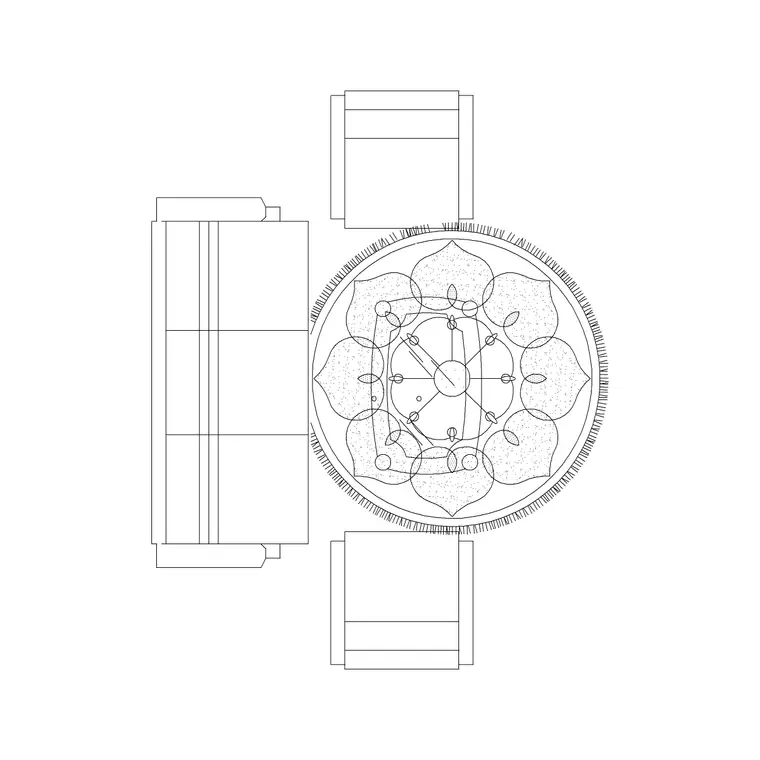
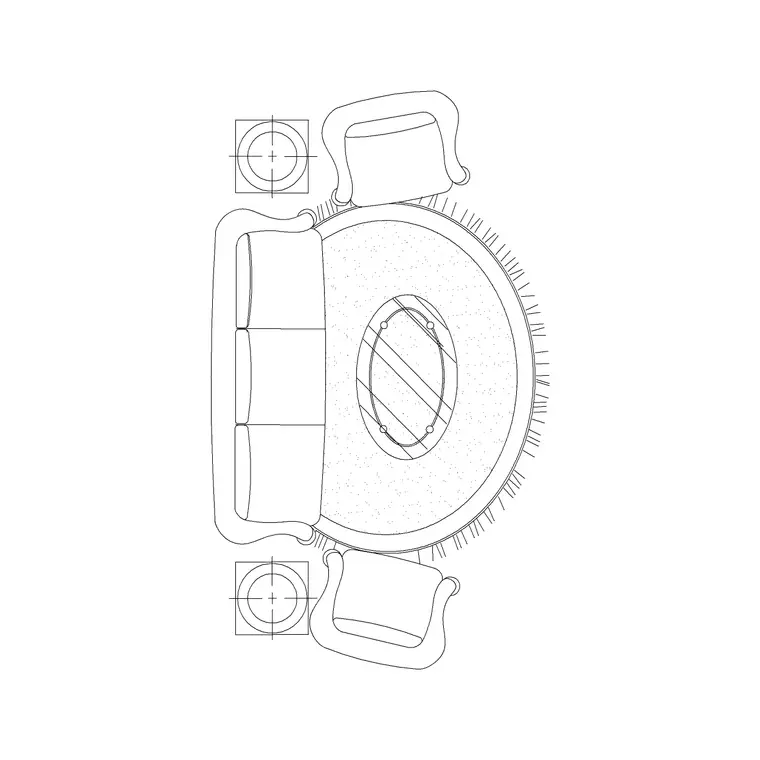
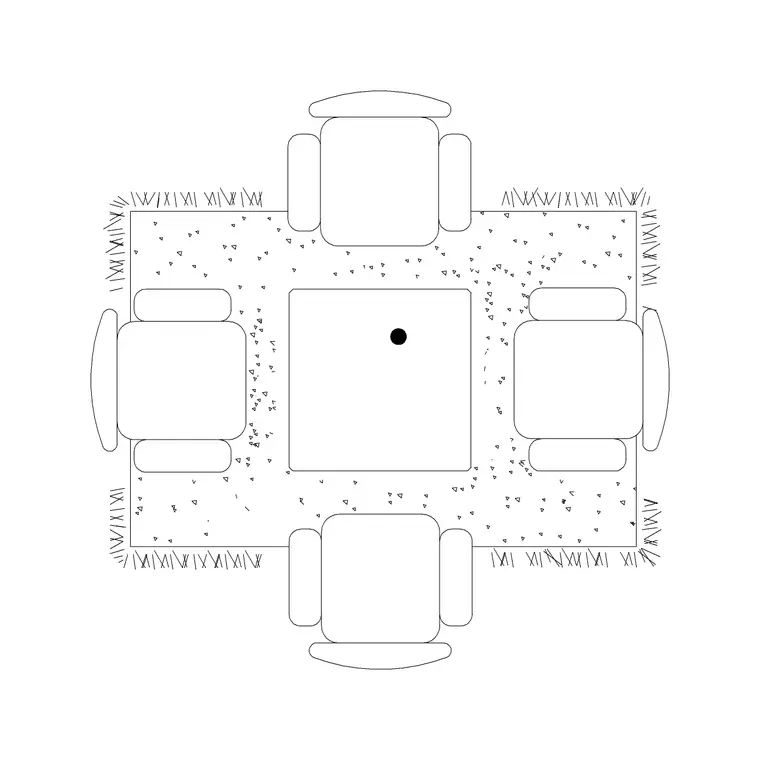
Related categories
Related guides
Block landing
Free Office Chair CAD Blocks — DWG Download
Download free office chair CAD blocks in DWG and DXF — task chairs, swivel chairs and executive seats drawn in plan and elevation, AutoCAD 2004+, no signup.
Block landing
Free Bar Table CAD Blocks — DWG Download
Download free bar table CAD blocks in DWG and DXF — round, square and rectangular high bar tables in plan and elevation for AutoCAD. No signup, commercial-use OK.
Block landing
Free Restaurant Table CAD Blocks — DWG Download
Download free restaurant table CAD blocks in DWG and DXF — 2, 4 and 6 cover tables with chairs drawn in plan and elevation for AutoCAD. No signup, commercial-use OK.