Room guide · co working space cad blocks
Free co-working space CAD blocks for AutoCAD
By Saumyajit Maity · Published 5 May 2022 · Updated 9 Feb 2026
A co-working space is an open office turned up a notch on variety: instead of one uniform desk grid for one company, it mixes hot desks, shared long tables, lounge nooks and small meeting rooms so a floor of unrelated members can each find the setting that suits their hour. The plan's job is choreography — laying out several work modes side by side without them bleeding into each other. This page collects free co-working space CAD blocks in DWG and DXF — hot-desk workstations, long shared tables, lounge sofas and chairs, planters and lighting — drawn to scale for AutoCAD 2004 or later, free for personal and commercial use with no signup or watermark.
What makes co-working distinct is that the same square metre has to read differently in different zones: heads-down desking, casual lounge, social long-table, quiet bookable room. You draw it by blocking out those zones first, then dropping the right furniture block into each. Because every desk, table and sofa is a block reference, you can re-balance the floor — more hot desks, fewer lounge seats, an extra long table — as the membership mix changes, without redrawing the shell.
What a co-working space is for
A co-working space rents flexible work settings to members who do not work for the same company — freelancers, remote workers, small teams and startups. It succeeds by offering choice: a member can take a quiet hot desk for focus, a long shared table for casual work, a lounge sofa for a call, or a bookable meeting room for a client, all on one floor and often within one membership.
Because the users are unrelated and their needs vary by the hour, the plan is about offering distinct zones and letting people self-select. The design quality is in the legibility of those zones and the buffers between them — a heads-down desk zone should not sit cheek-by-jowl with a noisy lounge, and the social long-table area should be near the coffee point, not next to the quiet desks.
Zoning a varied floor
Plan the floor as a set of named zones rather than one grid: a focused hot-desk zone of individual workstations, a social zone of long shared tables, a lounge of sofas and soft chairs, and a band of small bookable meeting rooms or phone booths against the core. Order them by noise — quiet desking furthest from the entrance and the coffee point, social and lounge nearer the buzz.
Use planting, level changes and the furniture itself to buffer between zones so sound and sightlines do not bleed. Run a clear primary circulation spine that links the entrance, the coffee point, the meeting rooms and the desks, and let secondary routes thread the zones. Keep the daylight edges for the desks members spend hours at, and pull the lounge and social areas toward the heart of the floor where they animate the space.
Mixing desks, tables and lounge blocks
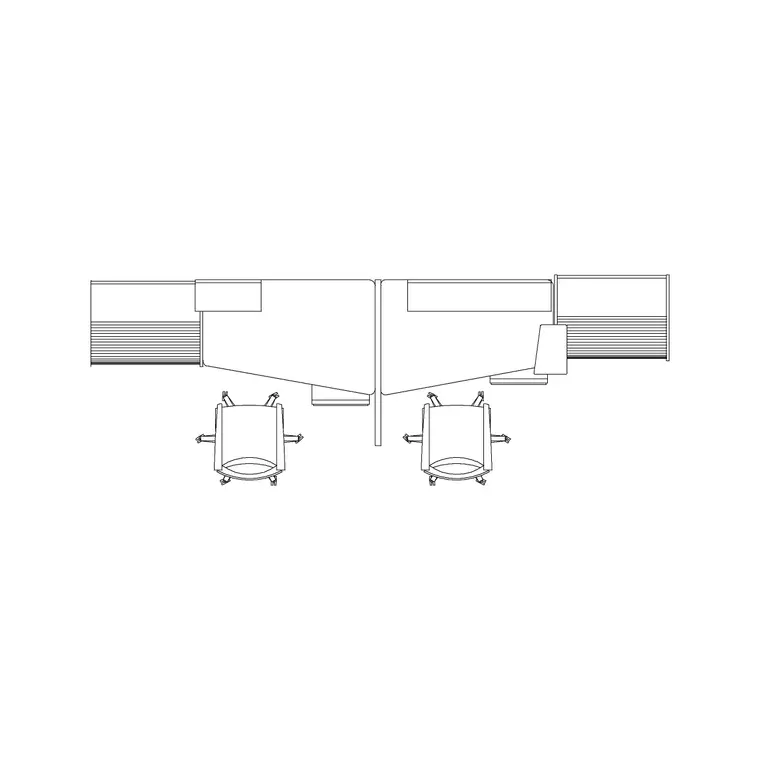
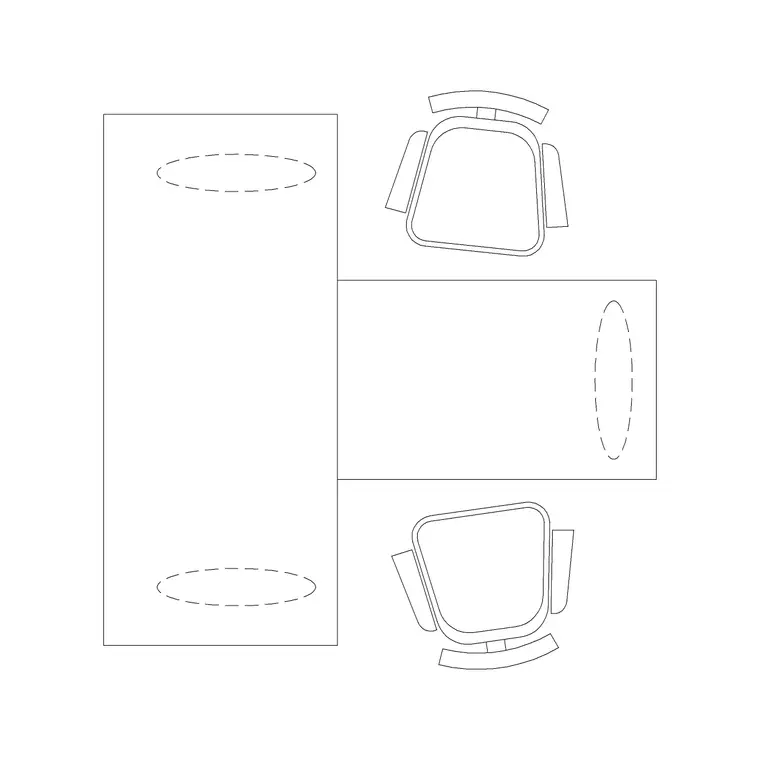
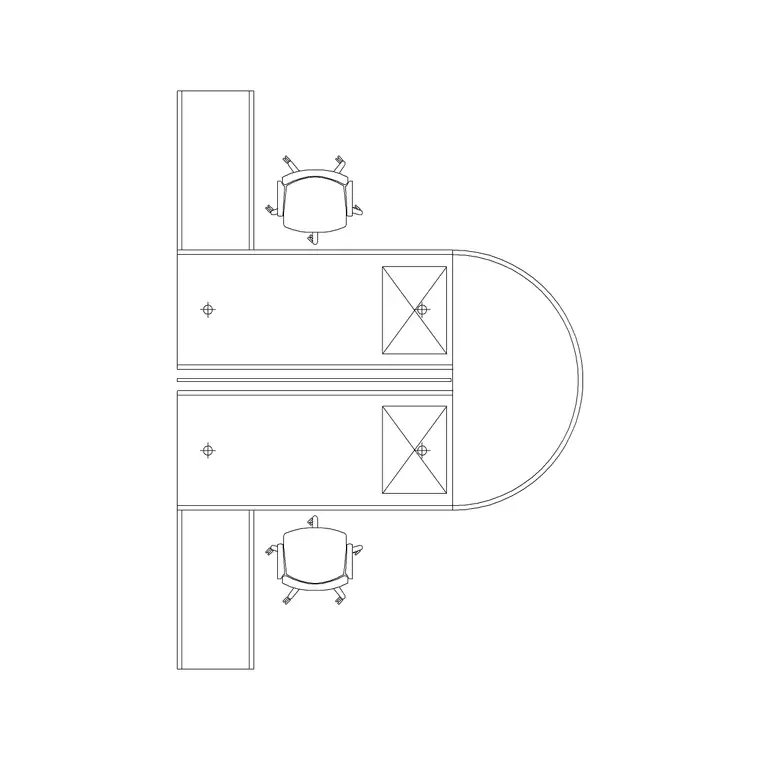
Build the hot-desk zone from individual and small-cluster workstation blocks — the Workstation, 2P Workstation and Modern Workstation for hot desks, with a 2 Workstation With Side Rack where members want storage. The social zone is the Long Workstation or a long shared table that several unrelated members share. The lounge is the Sofa Set Plan and the Audi Chair Plan around low tables.
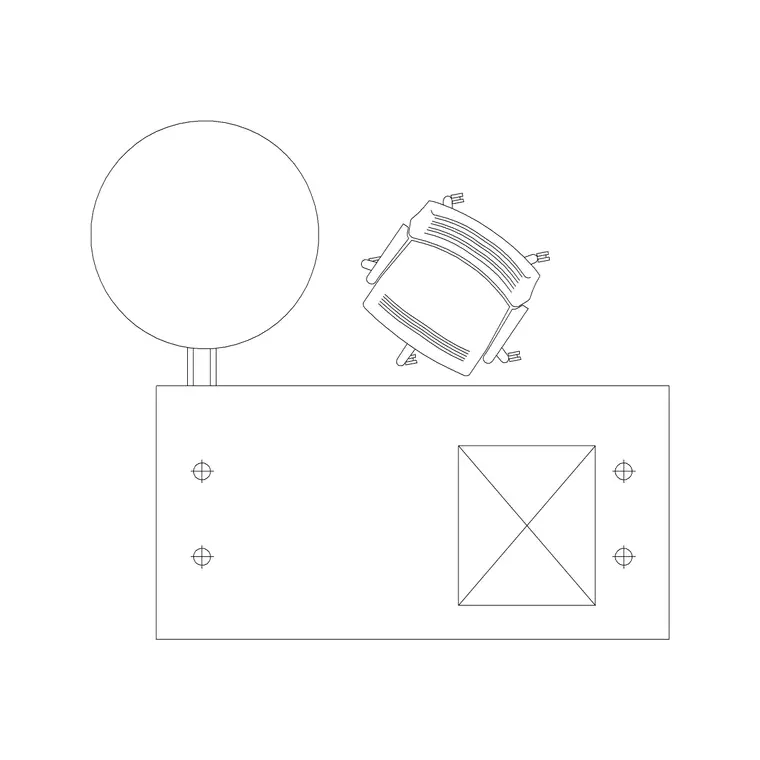
Ring the desks with the Chair block, and thread Indoor Plants generously between zones — in co-working, planting is the cheapest and most effective zone divider. Light each zone to its mood: an even Ceiling Lamp grid over the desks for task light, and Frisbi pendants over the lounge and long tables for a softer, café-like feel. Every piece is a block reference, so the floor can be re-balanced toward more desks or more lounge as the membership demand shifts.
Dimensions and clearances to design around
Hold the figures as design-stage ranges to confirm against the furniture and your workplace standard. The hot-desk zone follows the same controls as an open office: chair pull-out behind each desk and aisle width between rows, sized for two-way movement on the primary spine. The lounge needs a comfortable gap between sofa fronts and low tables so people can rise and pass.
The long shared tables need enough per-seat width that unrelated members are not crowded elbow-to-elbow, plus pull-out room behind the bench. Buffer zones between quiet desking and social areas should be wide enough that a planter band or a circulation aisle genuinely separates them. Draw the desk-zone clearances, the lounge circulation and the inter-zone buffers as the controlling dimensions, then place the furniture to suit and verify each against the real products.
Assembling the co-working layout in AutoCAD
Start by blocking the zones on the shell — desk zone, social zone, lounge, and the band of meeting rooms and booths against the core — ordered by noise. Run the primary circulation spine through them from the entrance past the coffee point.
Fill the hot-desk zone with individual and small-cluster workstation blocks arrayed to the structural grid, drop chairs, and line the daylight edge with desks. Lay the long shared tables in the social zone and the sofa clusters in the lounge. Thread planters between zones as buffers and add a Frisbi pendant rhythm over the soft areas. Keep desks, tables and lounge seating on a furniture layer, planting on an accessories layer, and lighting on a lighting layer so the FF&E schedule, the planting plan and the reflected ceiling plan each read on their own. Walk the floor and confirm a member can reach every zone along the spine without crossing a quiet desk.
Common co-working space mistakes
The defining mistake is treating co-working like a single open office — one uniform desk grid gives members no choice and kills the product. Plan distinct zones for distinct work modes. The second is letting noisy and quiet zones touch with no buffer, so the lounge ruins the focus desks; separate them by distance, planting or a meeting-room band.
Other traps: putting the social long tables far from the coffee point so the buzz never forms; crowding shared tables so unrelated members sit uncomfortably close; and lighting the whole floor with one flat grid so every zone feels the same. On the CAD side, array the hot desks to the grid, use planting blocks as real zone dividers, and keep furniture, planting and lighting on separate layers so each consultant's drawing reads cleanly.
Free download
Browse the full library — DWG & DXF, no signup.
Questions
Frequently asked
How is a co-working layout different from an open-plan office?+
An open office is one uniform desk grid for one company; a co-working space mixes several work modes — hot desks, shared long tables, lounge nooks and bookable rooms — so unrelated members can self-select the setting they need. The plan is about zoning variety, not arraying a single desk type.
How do I separate quiet and noisy areas in co-working?+
Order the zones by noise, with quiet desking furthest from the entrance and coffee point, and buffer between zones using distance, planting bands or a row of meeting rooms. Planters are the cheapest and most effective divider in a co-working floor.
Which blocks suit hot desks versus shared tables?+
Use individual Workstation, 2P Workstation and Modern Workstation blocks for hot desks, and a Long Workstation or long shared table for the social zone where several unrelated members work side by side. Add a 2 Workstation With Side Rack where members want storage.
Where should the lounge go?+
Toward the heart of the floor near the coffee point and social areas, where it animates the space, rather than next to the quiet hot desks. Build it from sofa clusters and soft chairs around low tables, lit with softer pendants for a café feel.
Are the co-working blocks free for commercial projects?+
Yes. They download in DWG and DXF for AutoCAD 2004 or later, free for personal and commercial use with no signup or watermark.
Related downloads
Blocks for this guide
Related categories
Related guides
Room guide
Free Reception Lobby CAD Blocks — DWG Download
Download free reception lobby CAD blocks in DWG and DXF — reception desk, waiting sofas, planters and lighting in plan. AutoCAD 2004+, no signup.
Room guide
Free Conference Room CAD Blocks — DWG Download
Download free conference room CAD blocks in DWG and DXF — large conference tables, chairs, screens and lighting for layouts. AutoCAD 2004+, no signup.
Room guide
Free Meeting Room CAD Blocks — DWG Download
Download free meeting room CAD blocks in DWG and DXF — small meeting tables, chairs, screen and planter for compact layouts. AutoCAD 2004+, no signup.