Curated pack · co-working space cad blocks
Free co-working space CAD block pack
By Sumana Kumar · Published 4 Jul 2024 · Updated 3 Apr 2026
A co-working floor is the most varied workspace there is: hot desks and dedicated desks, glazed private offices, meeting rooms, phone booths, a café-style breakout and a community bar table all share one plate, and the mix has to flex as the membership changes. This free co-working space CAD block pack gathers the blocks that make that variety work — hot-desk workstations, shared and breakout tables, lounge and bar-stool seating, meeting tables and scale figures — drawn to scale in DWG and DXF for AutoCAD 2004 or later. Everything is free for personal and commercial use, with no signup and no watermark.
Co-working design is about zoning a single floor into work modes that do not disturb each other. Focus desks need quiet and an aisle; the breakout and bar want energy and circulation; the meeting rooms and booths need acoustic separation. Because every block here is drawn at true dimensions, you can lay these zones onto the plate, array the desks to a member count, and read the circulation that ties the modes together.
Use the pack for co-working and flex offices, incubators and accelerators, hybrid corporate floors and café-work spaces. Start by zoning focus, collaborate and social, then populate each zone with the furniture that suits its mode.
What's in the co-working pack
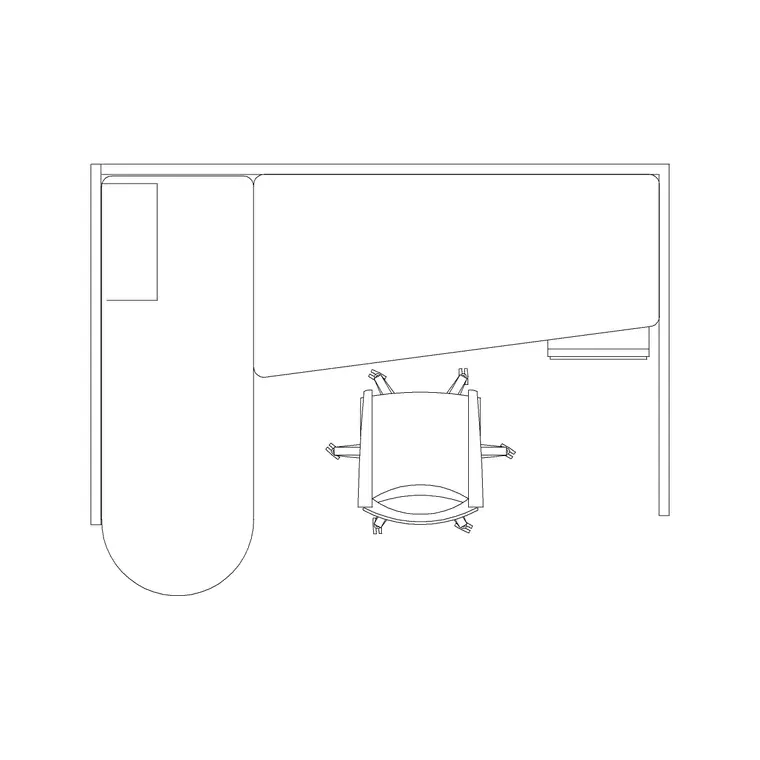
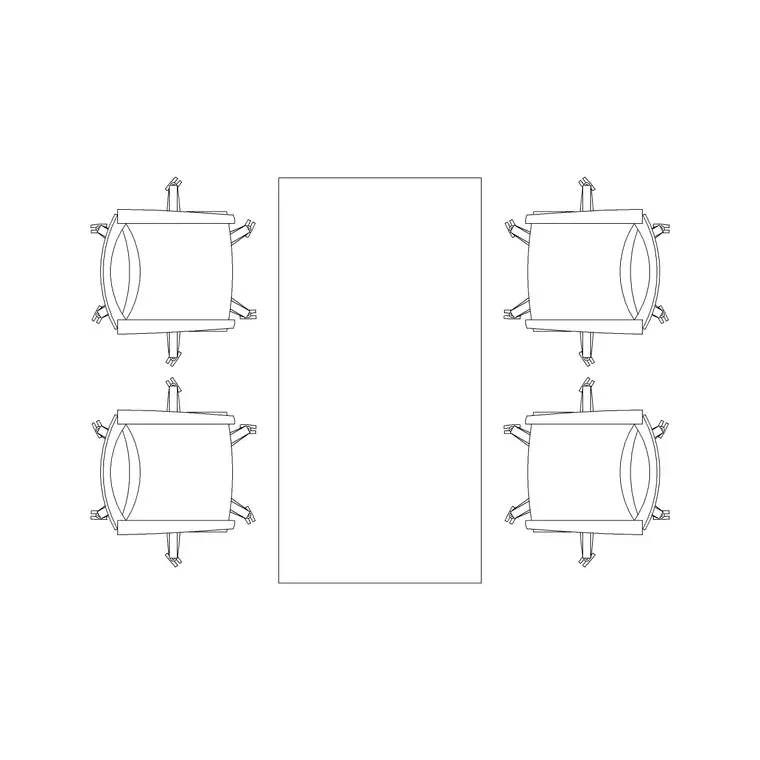
The pack spans the work modes a flex floor mixes. Focus: hot-desk and partitioned workstations to array into a quiet desk zone. Collaborate: shared and meeting tables for project work and bookable rooms. Social: a community bar/high table with stools and lounge-style breakout seating for the café zone. Scale figures to test densities and circulation across the modes.
Because a co-working floor flexes with the membership, the blocks are drawn to re-arrange easily — a hot-desk bench can become a dedicated-desk neighbourhood, a shared table can serve a workshop or a lunch, and the bar table anchors the community zone. That re-configurability is the whole point of the floor, and the modular blocks let you test several mixes from the same library before committing.
Co-working dimensions to design around
Keep these ranges close. Hot desk: 1200–1600 mm of desk width per member is common on a bench, with 700–800 mm depth; allow at least 1000 mm behind a seated desk and 1200 mm where that gap is a walkway. Shared/project tables: about 600–700 mm of edge per person, the same as a meeting table.
Community bar table: a high counter around 1050–1100 mm with stools at roughly 600 mm centres and 1050–1100 mm seat-to-counter — the social anchor of the floor. Breakout lounge: about 0.7–1.0 m² per seated member including access. Primary circulation that ties the zones together runs 1500–1800 mm. Co-working plates are often planned around a target net area per member across the whole floor, which the scaled blocks let you test by arraying the desks and reading the density.
How to use the set
Zone the plate first: put focus desks in the quieter areas away from the entrance, collaborate space and meeting rooms in the middle, and the social breakout and bar near the arrival and the kitchen where energy is welcome. Array the hot-desk and partitioned workstations into the focus zone to a member target, keeping the aisle behind each desk clear.
Lay the shared and meeting tables in the collaborate zone, then anchor the social zone with the bar/high table and stools and the lounge seating. Thread the 1500–1800 mm primary circulation so a member can move between modes without crossing a focus desk's space. Use the scale figures to check densities and routes. Keep focus, collaborate, social and circulation on separate layers so you can issue a clean floor plan and re-zone it as the membership changes.
Per-item notes
Hot-desk / partitioned workstation — array into the focus zone to a member target; the partition gives a quiet desk some screening on a busy floor. Re-arrange it into a dedicated-desk neighbourhood as the membership shifts.
Shared/project table — for the collaborate zone and bookable rooms; flex it between a workshop, a project table and a lunch table by the chair count.
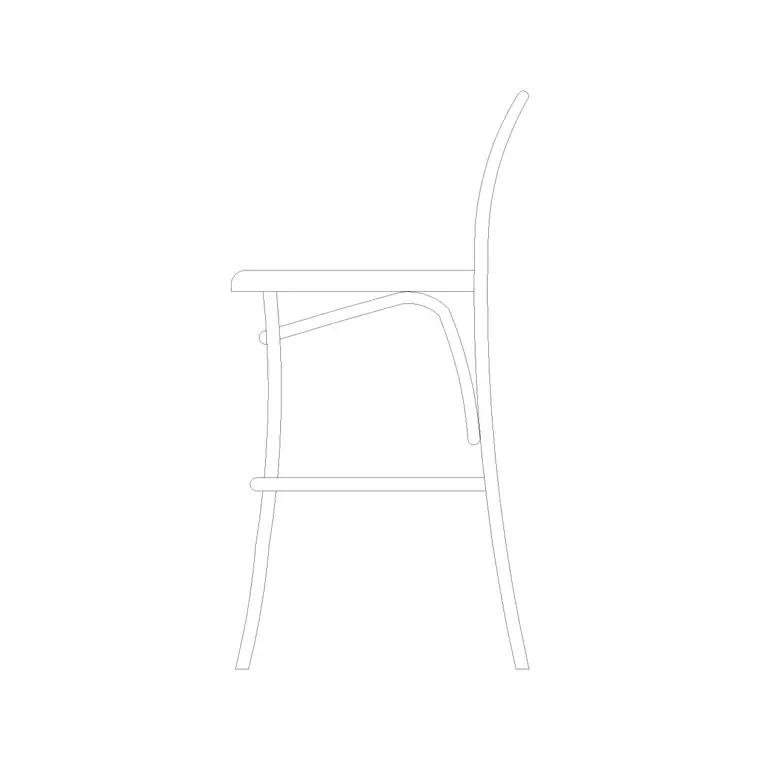
Community bar table and stools — the social anchor. Drawn in elevation and side view, space the stools at roughly 600 mm centres and check the seat-to-counter gap reads in the bar elevation.
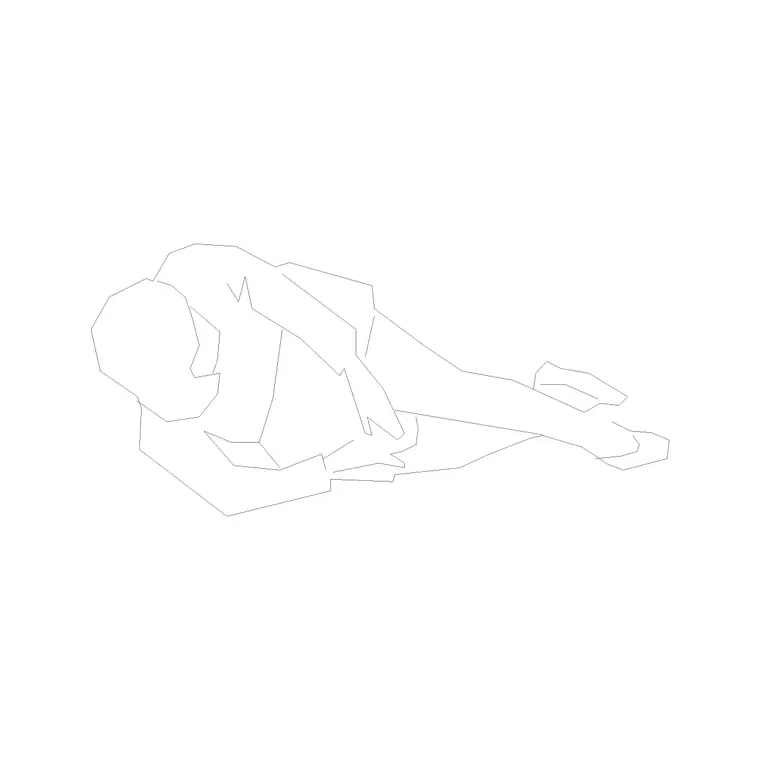
Lounge seating and human figures — cluster the lounge in the social zone and use the figures to test the desk density in focus and the circulation between modes.
Who uses the co-working pack
Co-working operators and workplace designers use it to zone a flex plate and test the focus-to-social mix against a member target. Interior architects use it to populate flexible offices, incubators and hybrid corporate floors with scaled, believable furniture for test-fits and landlord drawings. Property and flex-space teams use it to model how many members a floor carries and how the zones re-configure as demand changes.
Because the blocks are free and licence-clear, the pack suits a single co-working suite or a multi-floor operation. Pair it with the office category for the workstations and reception, the furniture category for the bar, lounge and breakout seating, and the people category for the scale figures that prove the densities, the zones and the circulation work at human size from one consistent library.
Free download
Browse the full library — DWG & DXF, no signup.
Questions
Frequently asked
How much desk width should I allow per co-working member?+
Allow 1200–1600 mm of desk width per member on a hot-desk bench with 700–800 mm depth, plus at least 1000 mm behind a seated desk and 1200 mm where that gap is also a walkway.
What's the community bar table for in a co-working layout?+
It anchors the social zone — a high counter around 1050–1100 mm with stools where members work casually, meet and eat. The bar stool ships an elevation and side view so you can build the bar section from it.
Can I re-zone the floor as the membership changes?+
Yes. The blocks are drawn to re-arrange easily, so a hot-desk bench can become a dedicated-desk neighbourhood and a shared table can flex between a workshop and a lunch. Keep zones on separate layers to re-issue quickly.
Are the co-working CAD blocks free for commercial use?+
Yes. Every block downloads free in DWG and DXF with no signup, no watermark and no attribution requirement, and they are cleared for commercial project use.
Related downloads
Blocks for this guide
Related categories
Related guides
Curated pack
Free Office CAD Block Pack — DWG & DXF
Free office CAD block pack in DWG and DXF — desks, workstations, conference tables and reception furniture in plan view. No signup, commercial-use OK.
Curated pack
Free Reception Area CAD Block Pack — DWG
Free reception area CAD block pack in DWG and DXF — reception desks, waiting seating and scale figures for lobby layouts. No signup, commercial-use OK.
Curated pack
Free Restaurant CAD Block Pack — DWG & DXF
Free restaurant CAD block pack in DWG and DXF — dining tables, chairs, bar stools and high chairs for cafe and restaurant layouts. No signup, commercial OK.