Curated pack · classroom cad blocks
Free classroom and school CAD block pack
By Saumyajit Maity · Published 26 Mar 2026 · Updated 4 May 2026
A classroom layout has to do something most rooms do not: pack a defined number of students in with safe egress, clear sightlines to the teaching wall, and enough circulation for a class to move without chaos. This free classroom and school CAD block pack gathers the blocks that drive those layouts — student desks and chairs, group and activity tables, a teaching desk, and scale figures — drawn to scale in DWG and DXF for AutoCAD 2004 or later. Everything is free for personal and commercial use, with no signup and no watermark.
Education design is governed by capacity and clearance. A room has a target headcount, every student needs a sightline to the board, and the gangways have to let a class of thirty leave quickly in an emergency. Because every block is drawn at true dimensions, you can array the desks to the capacity the brief asks for and immediately see whether the sightlines and the egress routes still hold up.
Use the pack for primary and secondary classrooms, lecture and seminar rooms, IT suites, libraries and training spaces. Start from the desk-and-chair unit, array it into rows or clusters, then add the teaching desk and the group tables the teaching style calls for.
What's in the classroom pack
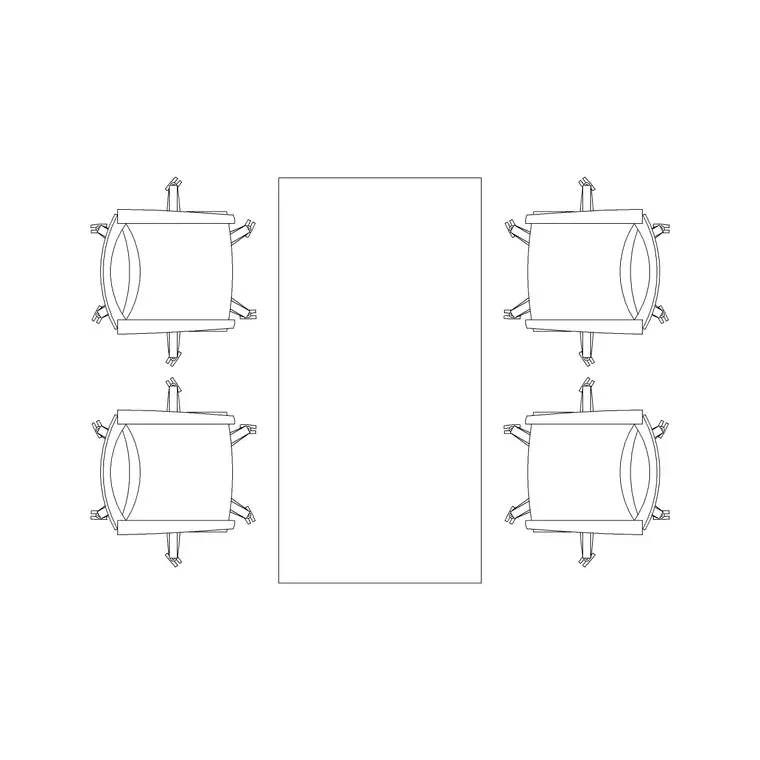
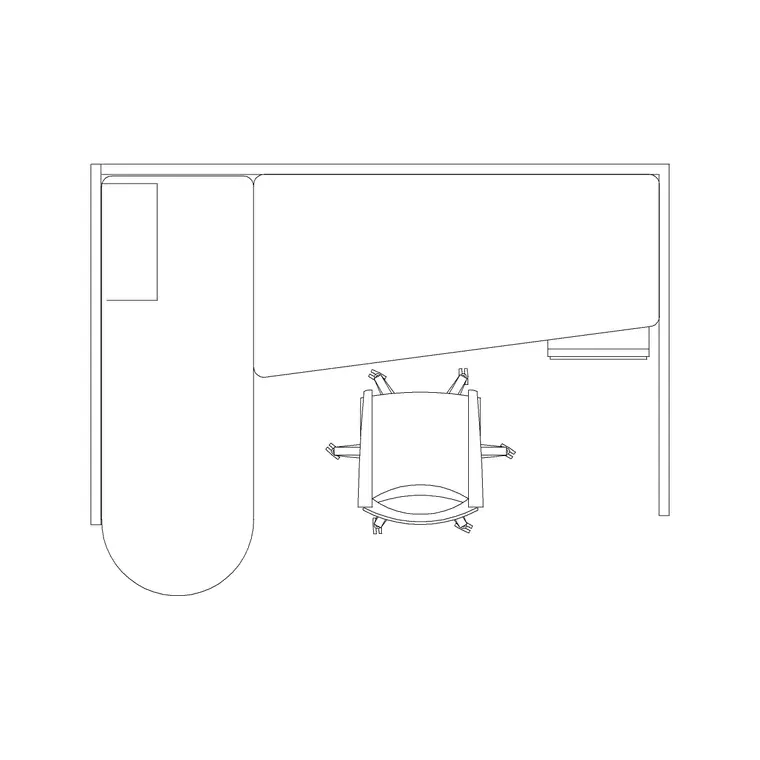
The pack covers the furniture a teaching space repeats. Student stations: a desk-and-chair unit you array into rows, paired tables, or clusters. Group work: larger activity tables for project-based and seminar layouts. Teaching: a teacher's desk and a reference table for the front of the room. Scale figures to check sightlines, gangways and the seated student footprint.
Because classrooms are arrayed from a single repeating station, the desk unit is drawn so you can copy it cleanly into rows or rotate it into clusters without redrawing. That lets you flex one room between a traditional rows layout, a horseshoe and a group-table arrangement just by re-arranging the same blocks — exactly how a multi-use teaching room is tested.
Classroom dimensions to design around
Keep these ranges close. Student desk: roughly 600–700 mm wide and 500–600 mm deep for a single, larger for a shared bench. Chair pull-out and access: allow about 500–600 mm behind a seated student. Gangways between rows: 500 mm minimum to pass, but plan a clear cross-aisle and a main egress route of 900–1100 mm so the class can leave quickly.
The teaching zone wants a clear strip in front of the board — typically 1500–2000 mm — so the teacher can work and the front row still reads the board comfortably. For capacity, classrooms are often planned around roughly 1.8–2.4 m² per student including circulation, which the scaled blocks let you verify by simply arraying the desks and reading the area.
How to use the set
Start with the teaching wall and the board, because every desk has to address it. Mark the clear teaching strip in front, then array the student desks back from there in the layout the teaching style needs — rows for didactic teaching, clusters for group work, a horseshoe for discussion. Keep a clear cross-aisle and a main egress route to the door so a full class can leave safely.
Drop the teacher's desk and any reference tables into the teaching zone without blocking the board sightline. Use the scale figures to confirm a student at the back has a clear line to the board and that the gangways pass. Keep student furniture, teaching furniture and circulation on separate layers so you can issue a clean classroom plan and pull a capacity count from the drawing.
Plan view for capacity and egress
Classroom planning is almost entirely a plan-view exercise: you array desks, count the capacity, and check the gangways and egress from above. The desk-and-chair unit is drawn for that top-down view, which is what a room data sheet, a capacity plan and a fire-egress check all need.
Elevation enters for the interiors and the teaching wall — board height, display rails, storage and the seated student against a desk — and for accessibility, where a wheelchair-accessible desk and its clearances are set out. Where a block carries an elevation it lives in the same DWG, so you can build the teaching-wall elevation from the same scaled furniture rather than redrawing it.
Per-item notes
Student desk and chair — the repeating unit. Array it into rows for a traditional layout, rotate it into clusters of four to six for group work, or wrap it into a horseshoe for seminars. Snap the spacing to keep the gangways even.
Group/activity table — drop in for project-based and seminar teaching, sized for four to six students. Check each seat still has a chair pull-out and that the cluster leaves a circulation route.
Teacher's desk and reference table — place in the teaching zone clear of the board sightline, leaving the 1500–2000 mm working strip in front of the wall.
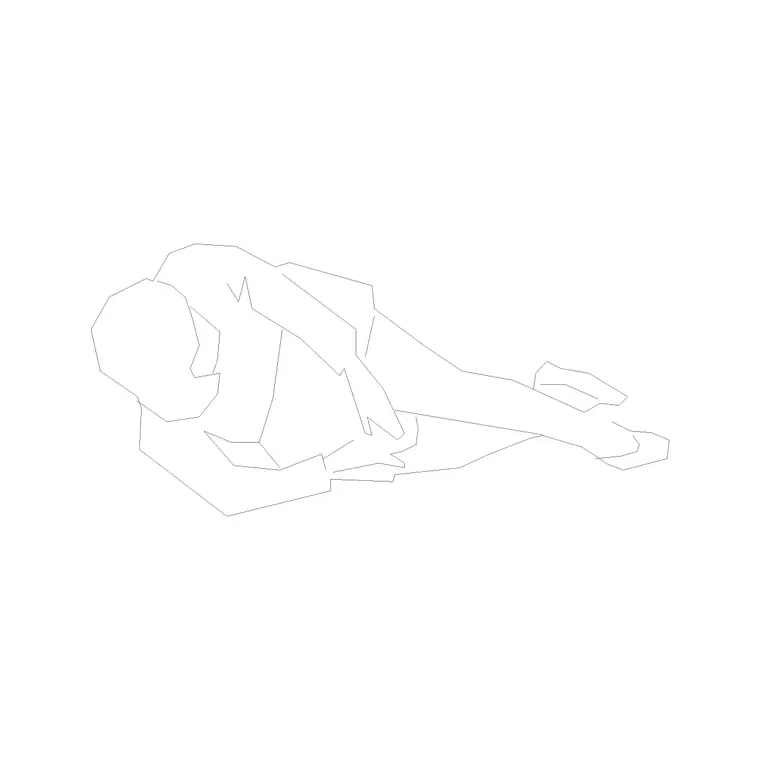
Human figure (plan) — place at the back row to confirm the board sightline and in a gangway to prove a student can pass and the class can egress.
Who uses the classroom pack
Education and interior designers use it to lay out teaching spaces to a target capacity while protecting sightlines and egress. Architects use it to populate school and university plans with scaled, believable furniture for planning and feasibility drawings. School estate and facilities teams use it to test re-layouts and capacity changes against a real room area.
Because the blocks are free and licence-clear, the pack suits a single classroom refurbishment or a whole-school masterplan. Pair it with the office and furniture categories for staff rooms, libraries and breakout spaces, and the people category for the scale figures that prove the capacity, sightlines and egress all work at human size from one consistent library.
Free download
Browse the full library — DWG & DXF, no signup.
Questions
Frequently asked
How much floor area should I allow per student?+
Classrooms are often planned around roughly 1.8–2.4 m² per student including circulation, depending on age group and layout. Array the scaled desks and read the area off the plan to verify your target capacity fits.
How wide should classroom gangways be?+
Keep at least 500 mm between rows to pass, and plan a clear cross-aisle plus a main egress route of 900–1100 mm so a full class can leave quickly and safely. The scaled blocks let you check this directly.
Can I switch the room between rows and group tables?+
Yes. The desk-and-chair unit is drawn to array cleanly, so you can flex one room between rows, clusters and a horseshoe by re-arranging the same blocks, and add the group/activity tables for project work.
Are the classroom blocks free for commercial and school projects?+
Yes. Every block downloads free in DWG and DXF with no signup, no watermark and no attribution requirement, and they are cleared for commercial and institutional project use.
Related downloads
Blocks for this guide

Related categories
Related guides
Curated pack
Free Office CAD Block Pack — DWG & DXF
Free office CAD block pack in DWG and DXF — desks, workstations, conference tables and reception furniture in plan view. No signup, commercial-use OK.
Curated pack
Free Reception Area CAD Block Pack — DWG
Free reception area CAD block pack in DWG and DXF — reception desks, waiting seating and scale figures for lobby layouts. No signup, commercial-use OK.
Curated pack
Free Restaurant CAD Block Pack — DWG & DXF
Free restaurant CAD block pack in DWG and DXF — dining tables, chairs, bar stools and high chairs for cafe and restaurant layouts. No signup, commercial OK.