Block landing · child cad block
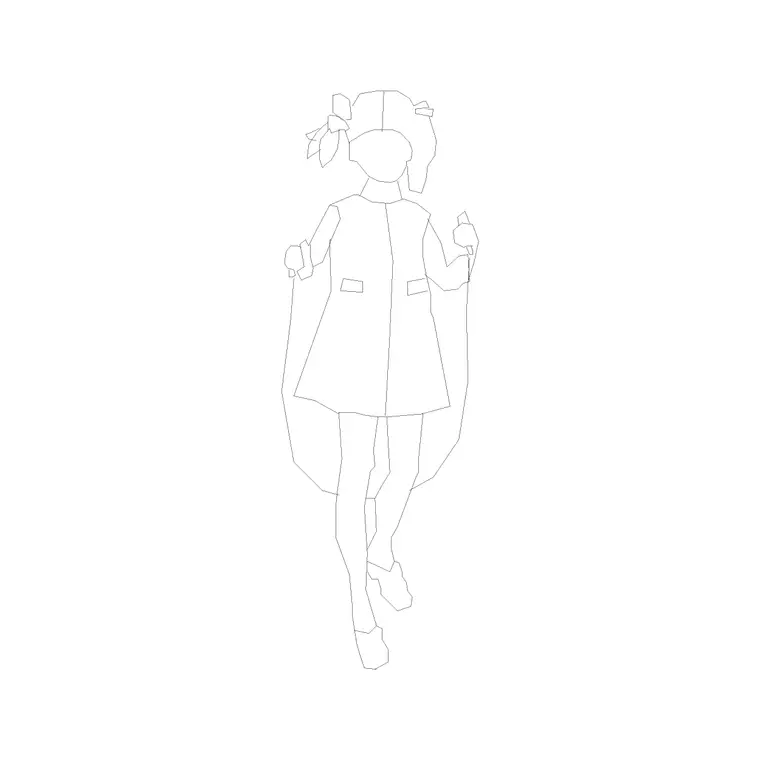
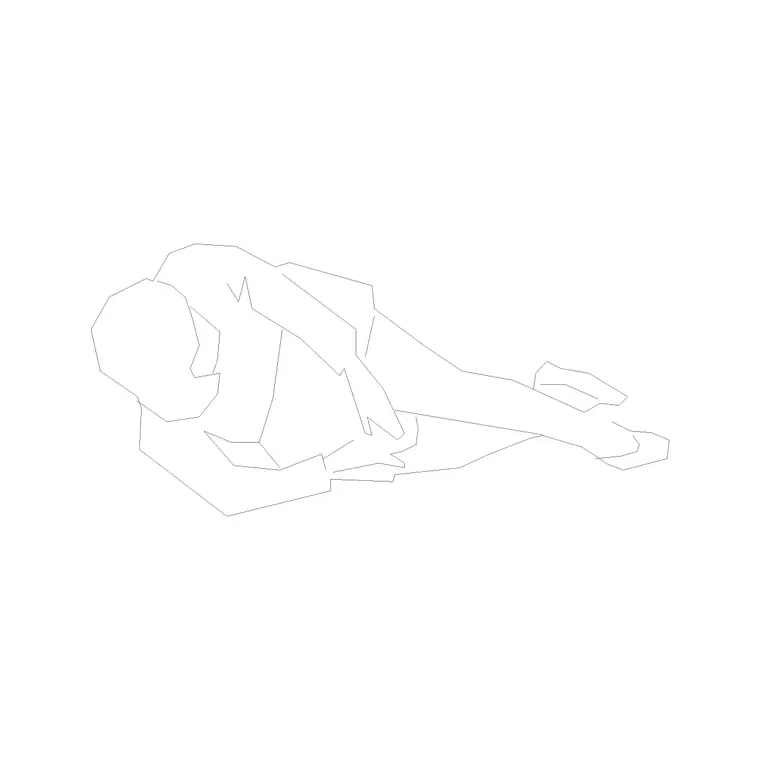
Free child and kid figure CAD blocks
By Saumyajit Maity · Published 18 Dec 2022 · Updated 20 May 2026
Some buildings are designed around children, and a drawing of a school, nursery or playground only reads correctly when there are children in it. An adult figure beside a low table or a small handrail tells you nothing useful; a child figure tells you everything. This page collects free child and kid figure CAD blocks in DWG — children drawn at true scale in plan and elevation — ready to insert into AutoCAD 2004 or later. Every file is free for personal and commercial use, with no signup and no watermark.
Child scale figures matter because so much of the design of children's spaces is governed by their smaller size: lower worktops, smaller chairs, lower handrails, gentler steps and shorter sightlines. Dropping a correctly-sized child into the drawing is the quickest way to confirm that the furniture, fixtures and clearances actually suit the people who will use them. Use these blocks in schools, nurseries, playgrounds, paediatric clinics, family homes and any space designed with children in mind.
Why a child figure changes the drawing
Children are dramatically smaller than adults, and that difference is the whole point of a child figure. A toddler stands roughly half the height of an adult; a primary-age child reaches perhaps two-thirds. Place a child beside a nursery table and you can instantly see whether the table is genuinely child-height or merely a shrunken adult one. The figure turns an assumption into a visible check.
This is why an adult scale figure is misleading in a children's space. A school classroom drawn with adult figures looks under-furnished and over-scaled; the same room with child figures reads correctly and reveals whether the chairs, the coat hooks and the windowsills are at the right height. The child figure is not decoration here - it is the design tool that keeps a children's space honest.
Child dimensions to design around
Children vary enormously by age, so think in age bands rather than a single figure. As broad guides: a toddler of around two or three stands roughly 850-1000 mm tall; a primary-age child of five to seven is in the region of 1100-1300 mm; an older child of ten to twelve reaches roughly 1400-1550 mm before approaching adult height in the teens.
These ranges drive the fixtures around them. Nursery worktops and tables often sit at 400-550 mm rather than the adult 720-900 mm; child wash basins are mounted lower, around 550-600 mm to the rim; handrails for young children are set near 600 mm rather than 900-1000 mm. Choosing a child figure that matches the age group you are designing for, and checking it against these heights, is what keeps the drawing appropriate for its real users.
Plan and elevation views
For floor plans and layouts you use plan-view child figures, seen from above, which read clearly as smaller occupants than the adults around them. They are useful for showing capacity in a classroom or the spread of children across a play area.
For interior elevations, sections and presentation drawings you switch to elevation child figures at full height, which is where the size difference does its most valuable work - confirming that low furniture, basins and rails suit the children rather than the staff. Mixing a few children with adult figures in the same drawing is often the most telling combination, because the contrast in height makes the scale of a children's space immediately legible.
How to insert and place the block
These figures are drawn full size in millimetres. Insert at scale 1 in a millimetre drawing, 0.001 in a metre drawing, or set INSUNITS to millimetres so AutoCAD rescales the block on insertion. Use INSERT or drag the DWG from a tool palette, and snap the figure's feet to the floor line so the child stands at the correct height against the architecture.
Resist the temptation to scale an adult figure down to fake a child - the proportions are wrong, since children have larger heads relative to their bodies, and the result reads as an undersized adult. Use a proper child figure instead. Keep the people on a dedicated muted layer so they sit behind the architecture and can be frozen for a clean technical issue, and mix in adult figures for context.
Where child figures are used
Child figures belong wherever the building is designed around younger users. Schools and nurseries use them to confirm classroom furniture, cloakrooms, basins and circulation suit the age group. Playgrounds and soft-play schemes use them to check equipment heights and fall zones. Paediatric clinics and children's wards use them to make sure counters, beds and waiting areas work for small patients and their families.
Family homes, children's retail and family-focused hospitality all benefit too, where showing children alongside adults communicates that the space is genuinely family-friendly. On competition boards for any children's building, a drawing populated with correctly-scaled children is far more convincing than one full of adults, because it proves the designer thought about the real occupants.
Mixing children and adults in a scene
Children's spaces are almost never used by children alone - there are teachers, carers, parents and staff present too - so the most truthful drawings show both. Place adult figures where the supervising adults stand or sit, and children where they learn, play or wait, and the scene reads as a real children's environment rather than an empty diagram.
The height contrast between the two is also what makes the drawing communicate. An adult and a child standing together at a counter instantly shows whether that counter serves both, which matters for things like reception desks and basins that have to work for a parent and a child at once. Keep a small set of child figures across a couple of age bands in your library alongside your adult figures, and you can populate any children's space believably in minutes.
Free download
Browse the full library — DWG & DXF, no signup.
Questions
Frequently asked
What height are child figures drawn at?+
It depends on age. As guides, a toddler is around 850-1000 mm, a primary-age child roughly 1100-1300 mm, and an older child about 1400-1550 mm. Pick the figure that matches the age group you are designing for.
Can I just scale down an adult figure to make a child?+
Not convincingly. Children have larger heads relative to their bodies and different proportions, so a scaled-down adult reads as an undersized adult. Use a proper child figure for an accurate result.
Are the child figure blocks free for commercial use?+
Yes. Every child figure downloads free in DWG with no signup, no watermark and no attribution requirement, and they are cleared for commercial project use.
Where are child figures most useful?+
In schools, nurseries, playgrounds, paediatric clinics and family spaces, where the furniture, basins and rails are sized for children. A correctly-scaled child confirms those heights work, which an adult figure cannot.
Related downloads
Blocks for this guide
Popular blocks to download
Related categories
Related guides
Block landing
Human Figure Plan CAD Blocks — Free DWG
Download free human figure plan-view CAD blocks in DWG — people seen from above, drawn to scale for floor plans and circulation. AutoCAD 2004+, no signup.
Block landing
Human Figure Elevation CAD Blocks — Free DWG
Free human figure elevation CAD blocks in DWG — people drawn front-on and in profile to scale your sections and streetscapes. AutoCAD 2004+, no signup.
Block landing
Standing Person Scale Figure CAD Blocks (Free)
Free standing person scale figure CAD blocks in DWG — clean, true-height figures to set the scale of plans, sections and elevations. AutoCAD 2004+, no signup.