Curated pack · cad blocks for presentation boards
Free CAD blocks for presentation boards in DWG and DXF
By Saumyajit Maity · Published 5 Apr 2026 · Updated 14 Jun 2026
A presentation board has to sell an idea in a single glance. The drawings on it — plans, elevations, sections, a hero view — need to read as living, inhabited spaces rather than technical diagrams, and that is what entourage delivers. This pack gathers the blocks that dress a board: scale people that bring movement and life, trees that establish setting, furniture that explains function, and paving that grounds the composition. Everything is drawn to real millimetre dimensions, downloads in DWG (DXF where available), and is free for commercial work with no watermark.
The difference between a board that wins approval and one that doesn't is often atmosphere. Two boards can carry identical architecture, but the one with a couple of people walking a plaza, trees softening the elevation and a furnished interior reads as a place someone would want to be. Good entourage is how a designer closes that gap without resorting to expensive renders for every drawing.
Use the pack to dress every drawing that lands on the board, keeping a consistent visual language across plan, elevation and section so the sheet reads as one coherent presentation rather than a collection of unrelated drawings.
What's in the presentation pack
The set covers the four dressing types that carry a board. Scale figures in plan and elevation bring life and prove scale across every drawing. Trees and planting set the context — a leafy site, a sunny courtyard, a green street. Furniture explains what each space is for, turning empty rooms into a home or an office. Paving lays the ground plane under external spaces and gives a plan its texture.
Because the same families of block appear across all your drawings, the board gains a consistent graphic language: the same figures, the same trees, the same furniture, drawn the same way in plan and elevation. That consistency is what makes a board feel designed rather than assembled.
Dressing drawings for a board
Approach each drawing as a small composition. On a plan, place figures at the entrances and gathering points, scatter trees with varied sizes across external areas, and furnish the key rooms so the layout tells its story. On an elevation, set figures at the base for scale and break the facade and skyline with trees. On a section, prove the heights with a figure or two and dress the visible rooms.
Don't over-dress. A board reads best when the entourage supports the architecture rather than burying it. A few well-placed, well-scaled blocks beat a drawing crowded with people and trees that competes with the design you are trying to present.
Consistency across the sheet
The fastest way to make a board look professional is to use the same entourage everywhere. If your plans use a particular figure and tree, your elevations and sections should use the matching elevation versions of the same families. This visual consistency — same line quality, same level of detail, same colour treatment — ties a multi-drawing sheet into one coherent statement.
Keep all entourage on dedicated layers so you can apply a uniform colour or lineweight across the whole board in one move. A light, consistent grey for all people and a soft green for all planting, applied through layers, gives a board instant polish.
Colour and lineweight for boards
On a printed or rendered board, lineweight hierarchy matters as much as the drawings themselves. Give the architecture the strongest weight, the entourage a lighter touch, and any ground or paving the lightest fill, so the eye reads the building first and the dressing second. Because the blocks here sit on their own layers, you can set that hierarchy globally rather than object by object.
If the board will be coloured — in CAD, in Photoshop, or by hand — the clean linework of these blocks gives you accurate boundaries to fill. A figure, a tree canopy or a paving panel drawn as crisp geometry colours up cleanly without ragged edges.
Per-item notes for boards
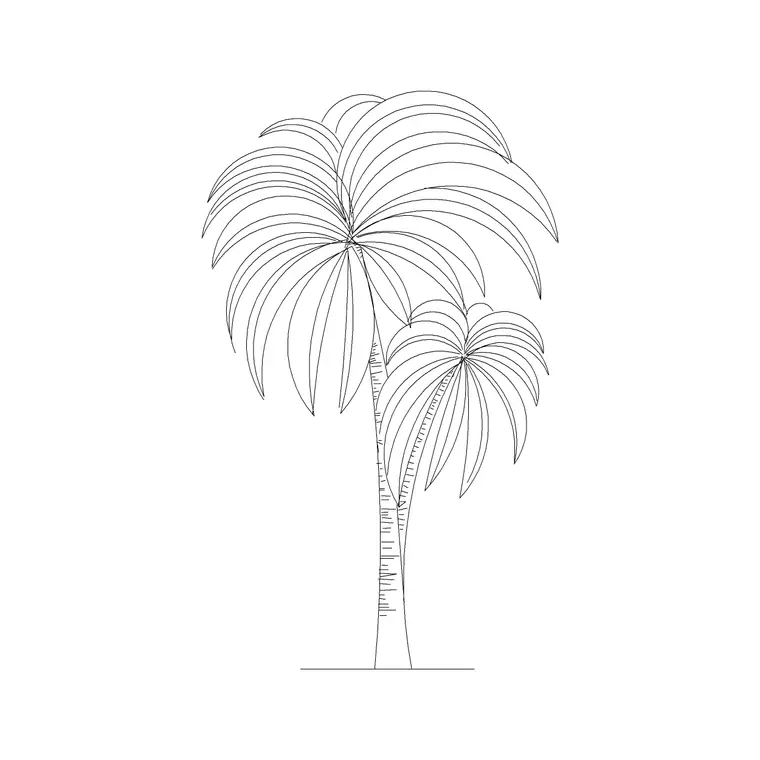
- Scale figures (plan and elevation): the single most important dressing for a board; they bring life and prove scale. Vary pose and orientation so groups don't read as cloned. - Trees and palms: set the board's atmosphere; mix sizes and use both plan and elevation versions so the setting is consistent across drawings. - Sofa and furniture (plan): furnish the key rooms so the layout tells its story at a glance; keep to a furniture layer for uniform treatment. - Paving (plan): lay the ground plane under plazas, terraces and paths to give external areas texture and to ground the composition.
Who uses presentation boards
Architects and designers use boards for client pitches, design reviews and planning presentations; students live and die by their crit and portfolio boards; competition entrants present whole schemes on a handful of sheets. A free, licence-clear entourage library suits all of them, and using the same blocks across every drawing is what makes a board cohere.
Pair the pack with the competition and portfolio packs, which share the same dressing approach. Because every block is free for commercial use, boards for paid client and competition work carry no licensing question.
Free download
Browse the full library — DWG & DXF, no signup.
Questions
Frequently asked
How do I keep a presentation board looking consistent?+
Use the same entourage families across every drawing — the same figures and trees in plan and their elevation counterparts in elevations and sections — and keep them on dedicated layers so one colour and lineweight setting applies across the whole sheet.
How much entourage should a board have?+
Enough to bring the architecture to life without burying it. A few well-scaled figures, varied trees in external areas and furniture in the key rooms beat a drawing crowded with dressing that competes with the design.
Can I colour these blocks for a board?+
Yes. The clean linework gives accurate boundaries for filling in CAD, Photoshop or by hand, so figures, tree canopies and paving panels colour up with crisp edges rather than ragged ones.
Are the blocks free for client and competition boards?+
Yes. Every block is free for commercial use with no attribution, so presentation boards for paid client pitches, planning submissions and competitions are all fine.
Related downloads
Blocks for this guide



Related categories
Related guides
Curated pack
Free CAD Blocks for Rendering Pack — DWG & DXF
Free CAD blocks for rendering — scale people, trees, furniture and paving in DWG/DXF to populate plans before you take them into a render engine. No signup.
Curated pack
Free CAD Blocks for Floor Plans Pack — DWG
Free CAD blocks for floor plans — plan-view furniture, scale figures and paving in DWG/DXF to furnish any AutoCAD layout fast. No signup, commercial use OK.
Curated pack
Free CAD Blocks for Elevation Drawings Pack — DWG
Free CAD blocks for elevation drawings — trees, scale figures and entourage in DWG/DXF to dress facades and street elevations in AutoCAD. No signup.