Room guide · breakout area cad blocks
Free breakout area CAD blocks for AutoCAD
By Sumana Kumar · Published 16 Oct 2022 · Updated 7 Mar 2026
A breakout area is the deliberately informal counterpoint to the desk floor — the soft zone where people take a call away from their seat, have an unscheduled chat, eat a snack or just change posture for half an hour. It has no fixed function and no single right layout, which is exactly the design challenge: you are arranging loose clusters of soft furniture so several small, unplanned uses can happen at once without colliding. This page collects free breakout area CAD blocks in DWG and DXF — lounge sofas, soft chairs, low tables, planting and pendant lighting — drawn to scale for AutoCAD 2004 or later, free for personal and commercial use with no signup or watermark.
The way to draw a breakout is in pockets rather than rows: a sofa-and-chairs cluster here, a pair of armchairs there, a planter screening one group from the next. Because each sofa, chair, table and planter is a block reference, you can dissolve and re-form the clusters freely as the brief changes — more seats, a quieter nook, a wider route through — without the rigidity of a desk grid.
What a breakout area is for
A breakout area is the informal, non-bookable zone that gives an office floor relief from desks. People use it to take a call standing or seated away from colleagues, to have a quick unscheduled conversation, to eat or drink, or simply to work in a softer setting for a change of scene. It is the social glue and the pressure valve of a workplace.
Because its uses are many and unplanned, the breakout has no fixed seating count or orientation — its job is to offer a variety of postures and group sizes at once. The plan succeeds when several small uses can coexist: one person on a call in a corner, a pair chatting on a sofa, three people round a low table, all without anyone feeling overheard or in the way. That coexistence comes from how the clusters are spaced and screened, not from packing in seats.
Arranging loose clusters, not rows
Plan the breakout as a set of distinct seating pockets rather than a uniform layout. A typical breakout has a few cluster types: a larger sofa group for a relaxed chat of three or four, a pair of armchairs for a quiet two-person conversation or call, and a perch or two for a quick sit. Space the clusters so each feels semi-private, and use planting and low screens to give them edges.
Keep a clear circulation route threading between the clusters so people passing through do not walk into a conversation, and locate the breakout where it animates the floor — near a coffee point, a window with a view, or the junction of two teams — rather than buried in a dead corner. The looseness is intentional: leave the layout informal and varied so it reads as a relief from the disciplined desk grid next door.
Soft seating, low tables and planting
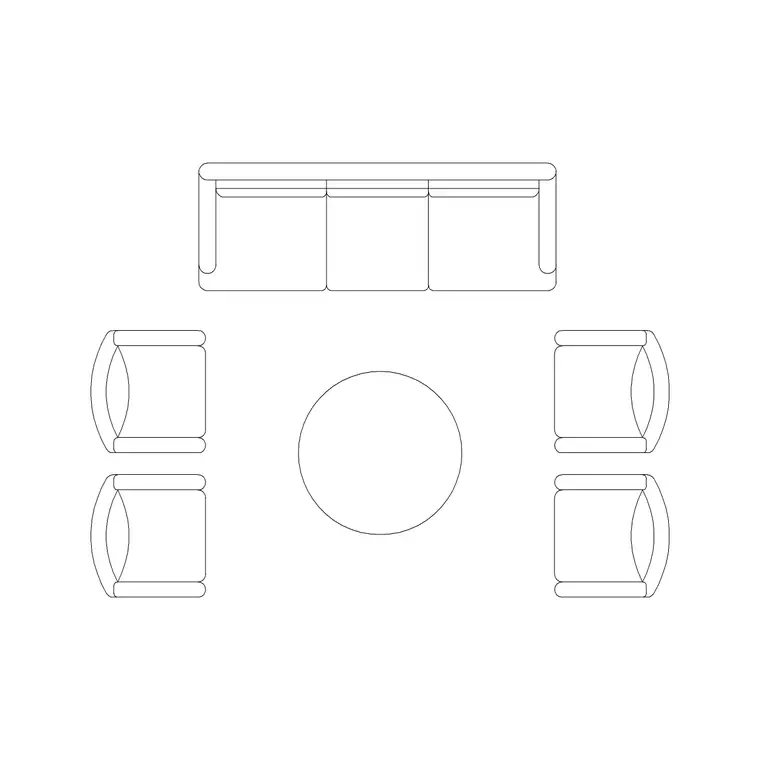
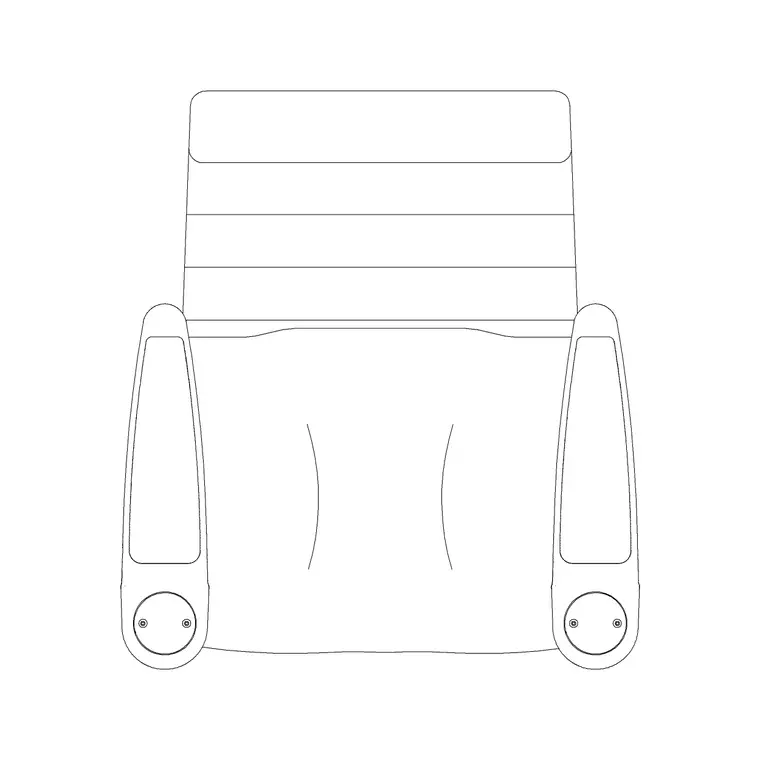
Build the clusters from soft furniture blocks. The Sofa Set Plan anchors the larger group; the Audi Chair Plan provides the loose armchairs that pair off for quieter conversations; a low table or two sits at the centre of each cluster. Vary the cluster sizes so the breakout offers genuinely different settings rather than the same arrangement repeated.
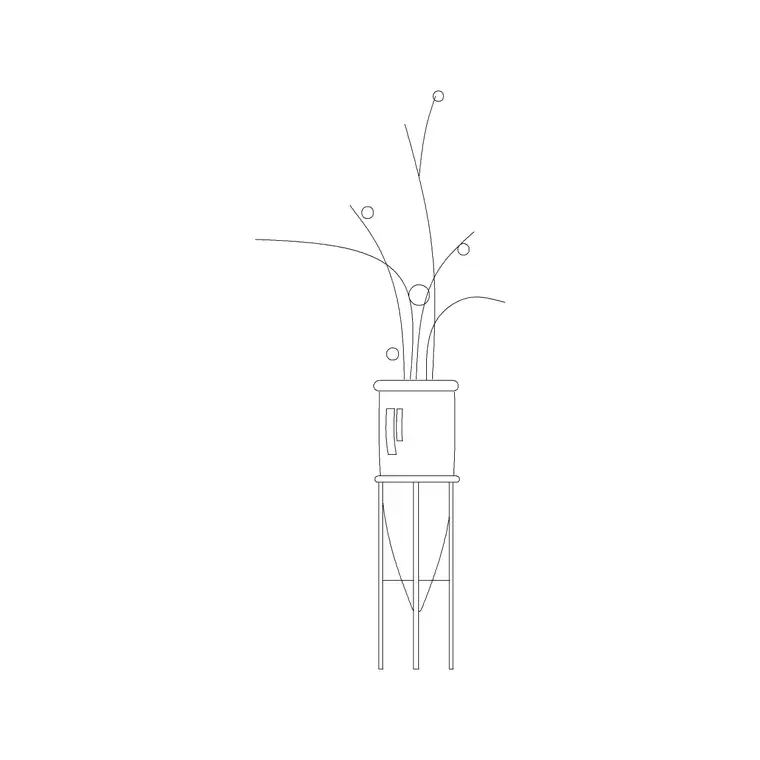
Planting does double duty here — an Indoor Plant both softens the zone and screens one cluster from the next, so use it generously between groups. Light the breakout for mood rather than task: Frisbi pendants over the clusters give a lounge-like pool of light, warmer than the desk floor's even grid, with a Ceiling Lamp layout filling in where needed. An Art Frame on an adjacent wall completes the change-of-scene feel. Every piece is a block reference, so the clusters can be re-formed at will.
Dimensions and clearances to design around
Hold the figures as design-stage ranges to confirm against the furniture. The key clearances are within and between clusters. Within a cluster, leave a comfortable gap between the front of the seats and the low table so people can sit, rise and reach without knocking it, and angle the seats so conversation works across a sociable distance rather than a boardroom span.
Between clusters, leave enough space — often reinforced by a planter band — that each group feels semi-private and a passer-by does not brush the seats. The circulation route threading the breakout should carry casual two-way movement and meet accessibility width where it forms part of a through-route. Draw the in-cluster seating gaps and the between-cluster buffers as the controlling dimensions, then place the soft furniture to suit and verify against the real pieces.
Assembling the breakout in AutoCAD
Locate the breakout zone where it animates the floor — by a window, a coffee point or a team junction — and mark the through-route across it first so the clusters arrange around circulation, not the other way round. Drop the largest sofa cluster, then the armchair pairs, spacing them so each reads as a separate pocket.
Thread planters between the clusters as soft screens, and add the low tables at each cluster's centre. Lay pendant lighting over the clusters for a lounge mood and an art frame on the adjacent wall. Keep the soft furniture on a furniture layer, planting and art on an accessories layer, and the pendants on a lighting layer so the FF&E schedule, the planting plan and the reflected ceiling plan read on their own. Walk the through-route and confirm it never cuts through the middle of a seating pocket.
Common breakout area mistakes
The biggest mistake is laying the breakout out like a waiting room — rows of identical chairs facing one way — which kills the informal, multi-use character. Use varied clusters in different sizes instead. The second is running the main circulation route straight through the middle of a seating group, so every passer-by interrupts a conversation; thread the route between the clusters.
Other traps: spacing clusters so tightly that nothing feels semi-private; forgetting the planting that gives each pocket its edge; and lighting the breakout with the same flat grid as the desks so it never reads as a change of scene. On the CAD side, keep the layout loose and varied rather than gridded, use planting blocks as real screens, and keep soft furniture, planting and lighting on separate layers so each drawing reads cleanly.
Free download
Browse the full library — DWG & DXF, no signup.
Questions
Frequently asked
What is a breakout area in an office?+
It is the informal, non-bookable zone that gives a desk floor relief — somewhere to take a call, have a quick chat, eat or work in a softer setting. It has no fixed function, so it is laid out as loose clusters of soft furniture offering different postures and group sizes at once.
How should breakout furniture be arranged?+
In varied clusters rather than rows — a larger sofa group, pairs of armchairs, the odd perch — each spaced and screened so it feels semi-private. Thread the circulation route between the clusters, never through the middle of one, and use planting to give each pocket an edge.
Which blocks suit a breakout area?+
The Sofa Set Plan for the larger group, the Audi Chair Plan for loose armchair pairs, low tables at each cluster's centre, and Indoor Plants between clusters to screen and soften. Light it with Frisbi pendants for a lounge mood rather than the desk floor's even grid.
Where should a breakout area go on the floor?+
Where it animates the space — near a coffee point, a window with a view, or the junction of two teams — rather than buried in a dead corner. It works best as the social glue between work zones, with a clear route threading through it.
Are the breakout area blocks free for commercial use?+
Yes. They download in DWG and DXF for AutoCAD 2004 or later, free for personal and commercial use with no signup or watermark.
Related downloads
Blocks for this guide

Related categories
Related guides
Room guide
Master Bedroom CAD Blocks & Layout — DWG
Free master bedroom CAD blocks in DWG — king and double beds, side tables, wardrobes, seating and lighting to lay out a master suite in AutoCAD.
Room guide
Kids Bedroom CAD Blocks & Plan — DWG
Free kids bedroom CAD blocks in DWG — single beds, wardrobes, desks and play space to plan a child's room in AutoCAD with real clearances.
Room guide
Guest Bedroom CAD Blocks & Layout — DWG
Free guest bedroom CAD blocks in DWG — double and single beds, compact wardrobes and seating to plan a flexible spare room in AutoCAD.