Room guide · boardroom cad blocks
Free boardroom CAD blocks for AutoCAD
By Saumyajit Maity · Published 14 Jan 2023 · Updated 13 Feb 2026
A boardroom is the most formal room in the building, and the plan reflects it: one statement table, an executive chair for every director, a clear head position, and a generous, even circulation ring that says nobody here has to climb over anyone. Where a conference room is a workhorse, a boardroom is a set-piece — the proportions, the symmetry and the lighting are doing reputational work. This page collects free boardroom CAD blocks in DWG and DXF — boardroom tables in rectangular and round forms, executive chairs, a screen wall, feature lighting and planting — drawn to scale for AutoCAD 2004 or later, free for personal and commercial use with no signup or watermark.
The craft of a boardroom plan is symmetry and clearance. The table is centred precisely on the room, the chair spacing is even, the head of the table reads clearly against the screen wall, and the circulation ring is wide and equal all the way round. Each item is a block reference, so you can swap a rectangular boardroom table for a round one to change the room's character, or step the seat count, and the symmetry re-centres around the new table.
What a boardroom is for
A boardroom is the dedicated room for a company's most senior formal gatherings — board meetings, major client presentations and executive sessions. It is distinguished from an ordinary conference room less by size than by intent: it is designed to impress and to confer authority, so finish, symmetry and generosity of space matter as much as headcount.
The people in it are decision-makers in fixed, often hierarchical positions: a chair at the head, directors down the sides. The plan has to make that hierarchy legible — a clear head position, an axial table, even and dignified spacing — while ensuring every director can see the screen and leave their seat without disturbing the room. A cramped or lopsided boardroom undercuts the whole purpose.
Symmetry, the head position and the circulation ring
Centre the table precisely on the room and align its long axis to the screen wall so the room reads as symmetrical from the door. The head of the table — the chair's position — sits at the end nearest the screen or, in some briefs, facing the door; either way it must be unmistakable. Space the side chairs evenly so the symmetry holds.
The circulation ring around the table is wider and more even than a working conference room's, because a boardroom should never make a director shuffle out sideways. Keep that ring continuous and equal on all sides, with the door placed so it does not break the symmetry or open across the head position. Where the room is glazed or has a feature wall, treat it as the backdrop to the head of the table and keep it uncluttered.
Boardroom tables, executive chairs and fixtures
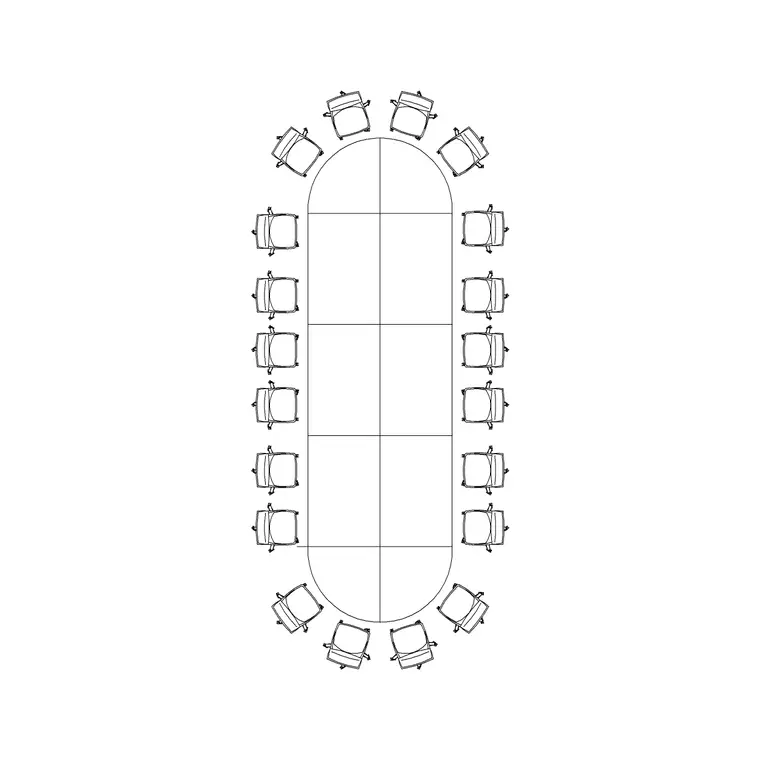
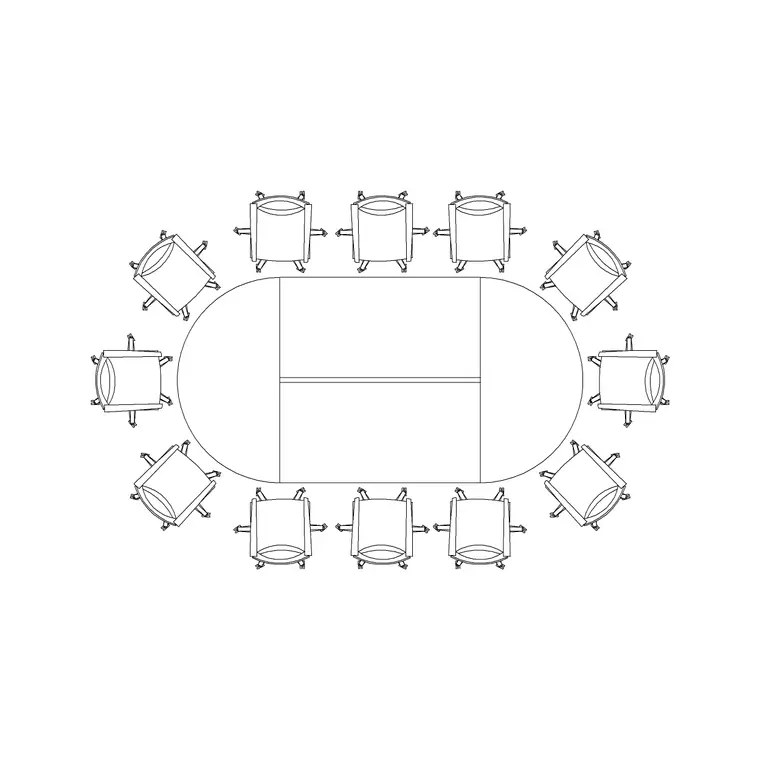
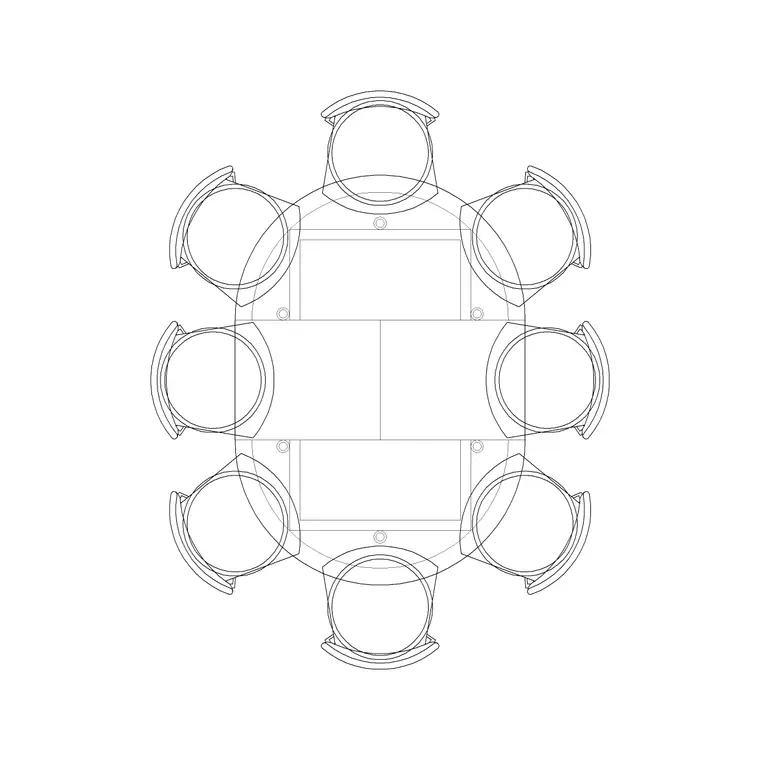
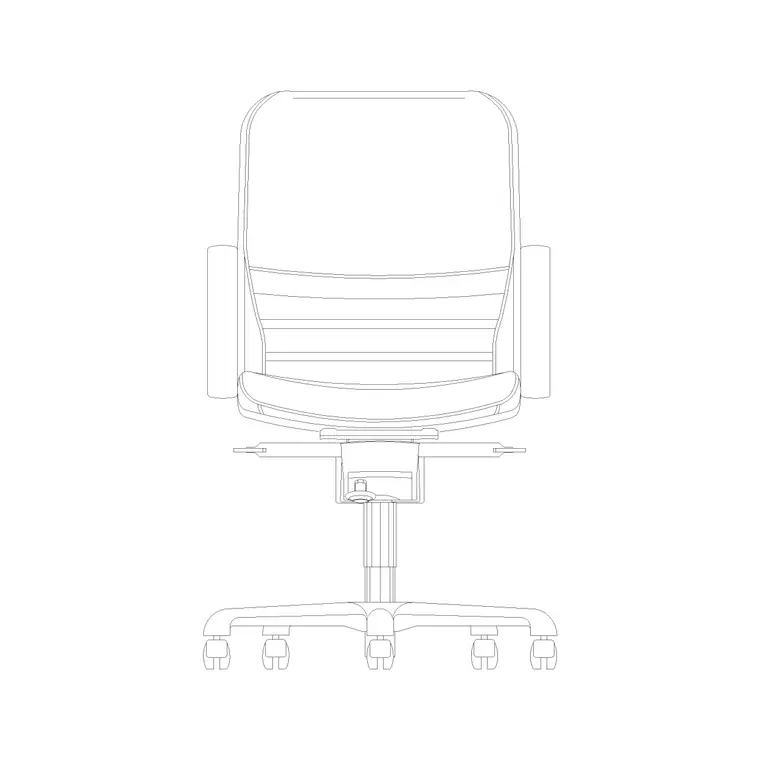
The table is the room. Use the 20P Conference Table for a large rectangular boardroom, the 12P Round Sides for a barrel-shaped board table that improves sightlines across the room, or the 8P Round Table for an intimate round boardroom where every director faces every other. Ring it with executive Chairs at even, generous spacing.
Dress the room as a set-piece: a feature Art Frame on the backdrop wall, an Indoor Plant flanking the screen or in symmetric corners, and statement lighting — a row of Frisbi pendants centred on the table's axis, or a formal Ceiling Lamp layout, to give the room its sense of occasion. Keep the screen wall clear. Every piece is a block reference, so swapping a rectangular table for a round one, or re-spacing the chairs to hold the symmetry, is a single edit.
Dimensions and clearances to design around
Treat the figures as design-stage ranges to confirm against the furniture, and be more generous than in a working conference room. The controlling dimension is the circulation ring: it should let a director rise and walk out behind seated colleagues with ease, and it should be equal on all sides to preserve symmetry — so the table is centred and the room sized around it.
Per-seat width along the table should be generous so executive chairs sit with dignified elbow room rather than packed. The head position needs clear space behind it for the chair and for the occupant to stand and address the room. The screen wall needs a viewing distance that suits the farthest director. Draw the even circulation ring and the generous per-seat width as the controlling dimensions, centre the table, and verify against the chosen table and the AV brief.
Building the boardroom in AutoCAD
Draw the room shell and find its centrelines, because the table will sit on them. Mark the screen or feature wall and the door, placing the door so it neither breaks the symmetry nor opens across the head position. Insert the boardroom table centred on both centrelines with its long axis to the screen wall.
Ring the table with executive chairs at even spacing, then check the symmetry reads from the door and the circulation ring is equal all round. Add symmetric planting and the backdrop art as locator blocks, and lay the feature lighting on the table's axis. Keep the table and chairs on a furniture layer, planting and art on an accessories layer, and the pendants and downlights on a lighting layer so the FF&E schedule, the AV plan and the reflected ceiling plan each pull on their own. Confirm the door swing clears the chairs and does not land on the head position.
Common boardroom mistakes
The cardinal mistake is breaking the symmetry — an off-centre table, uneven chair spacing or a door that opens onto the head undoes the formality the room exists for. Find the centrelines and centre everything on them. The second is a mean circulation ring borrowed from a working meeting room; a boardroom needs generosity, so widen the ring and reduce the seat count before you crowd it.
Other traps: a head position with no clear space behind it to stand; a cluttered backdrop wall that competes with the head of the table; and lighting that is a flat utilitarian grid instead of a feature that gives the room occasion. On the CAD side, scale the table to your units on insert, decide rectangular versus round early because it changes the whole room, and keep furniture, accessories and lighting on separate layers.
Free download
Browse the full library — DWG & DXF, no signup.
Questions
Frequently asked
What makes a boardroom different from a conference room?+
Intent and formality. A boardroom is designed to confer authority and impress, so it prizes symmetry, a clear head position, generous even circulation and feature finishes, where a conference room is a flexible workhorse. The boardroom table is centred precisely on the room and the spacing is dignified rather than dense.
Should a boardroom table be rectangular or round?+
A rectangular table (such as the 20P) gives a clear head and hierarchy; a round table (8P Round) or barrel-shaped table (12P Round Sides) improves cross-room sightlines and reads as more collaborative. Decide early because it changes the room's character and the whole symmetry.
How wide should the boardroom circulation ring be?+
Wider and more even than a working conference room, so a director can rise and walk out behind seated colleagues with ease, and equal on all sides to preserve symmetry. Centre the table and size the room around that ring; reduce the seat count before crowding it.
Where does the head of the table go?+
At the end nearest the screen or feature wall (or facing the door, per the brief), with clear space behind it for the occupant to stand and address the room. Place the door so it never opens across the head position.
Are the boardroom blocks free for commercial use?+
Yes. They download in DWG and DXF for AutoCAD 2004 or later, free for personal and commercial use with no signup or watermark.
Related downloads
Blocks for this guide
Related categories
Related guides
Room guide
Free Reception Lobby CAD Blocks — DWG Download
Download free reception lobby CAD blocks in DWG and DXF — reception desk, waiting sofas, planters and lighting in plan. AutoCAD 2004+, no signup.
Room guide
Free Conference Room CAD Blocks — DWG Download
Download free conference room CAD blocks in DWG and DXF — large conference tables, chairs, screens and lighting for layouts. AutoCAD 2004+, no signup.
Room guide
Free Meeting Room CAD Blocks — DWG Download
Download free meeting room CAD blocks in DWG and DXF — small meeting tables, chairs, screen and planter for compact layouts. AutoCAD 2004+, no signup.