Block landing · base kitchen cabinet cad block
Free base kitchen cabinet CAD blocks in DWG and DXF
By Sumana Kumar · Published 16 Nov 2022 · Updated 4 Mar 2026
The base cabinet is the workhorse of every kitchen drawing: it carries the worktop, hides the appliances, and sets the rhythm of the whole run. Having a correctly-drawn base kitchen cabinet CAD block on hand means you can lay out a floor of units in minutes instead of redrawing carcasses one door at a time. This page gathers free base kitchen cabinet blocks in DWG and DXF — single-door, double-door, drawer-stack and corner units — each drawn to the 600 mm module at true millimetre dimensions, ready to insert into AutoCAD 2004 or later. Every file is free for personal and commercial work, with no signup, no watermark and no attribution required.
Because base units anchor the worktop line and the plinth, getting them right early keeps the rest of the kitchen honest. Drop a scaled base cabinet against a wall and you immediately see how many modules a run will hold, where the appliance gaps fall, and whether a corner needs a dedicated carousel unit. That is the difference between a layout that a joiner can build straight off the drawing and one that falls apart on site.
What a base kitchen cabinet block represents
A base cabinet — also called a floor unit — is the box that sits on the floor, takes the worktop on top, and forms the lower half of a kitchen run. In a CAD block it is usually drawn as the carcass outline with the door or drawer faces indicated, the plinth (kickboard) recess shown at the bottom of an elevation, and the worktop overhang implied above. A good block distinguishes door swing from drawer fronts so the elevation reads correctly.
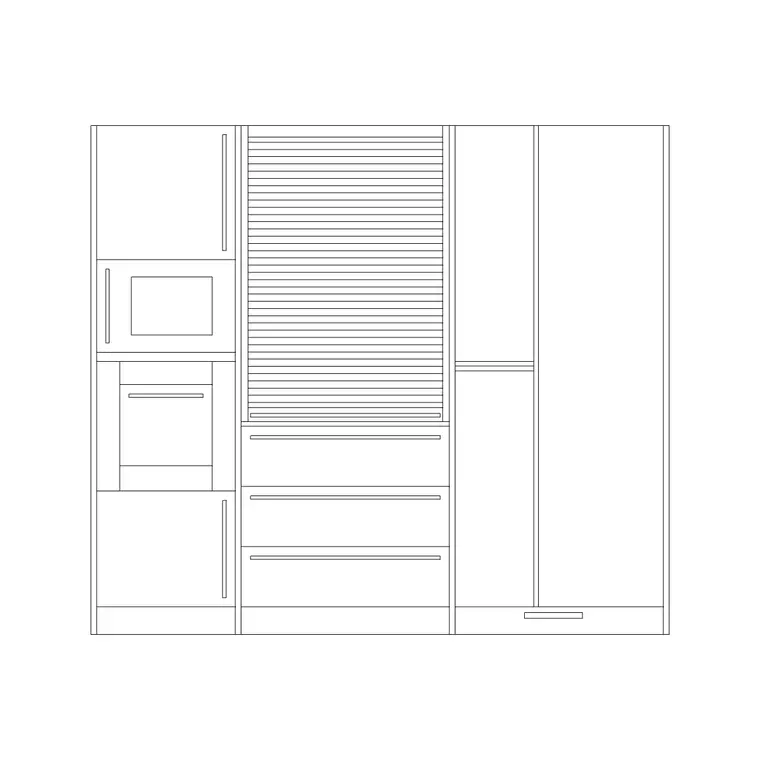
The blocks here cover the common configurations you actually specify: a 600 mm single-door unit, a 1000 mm double-door unit, a three- or four-drawer stack, a sink base (open or with a false drawer front), and an L-shaped corner unit with the dead-corner geometry already worked out. Each is a single block reference you can copy along a wall, mirror at a return, and edit once to update every instance.
Views the block ships in and what each shows
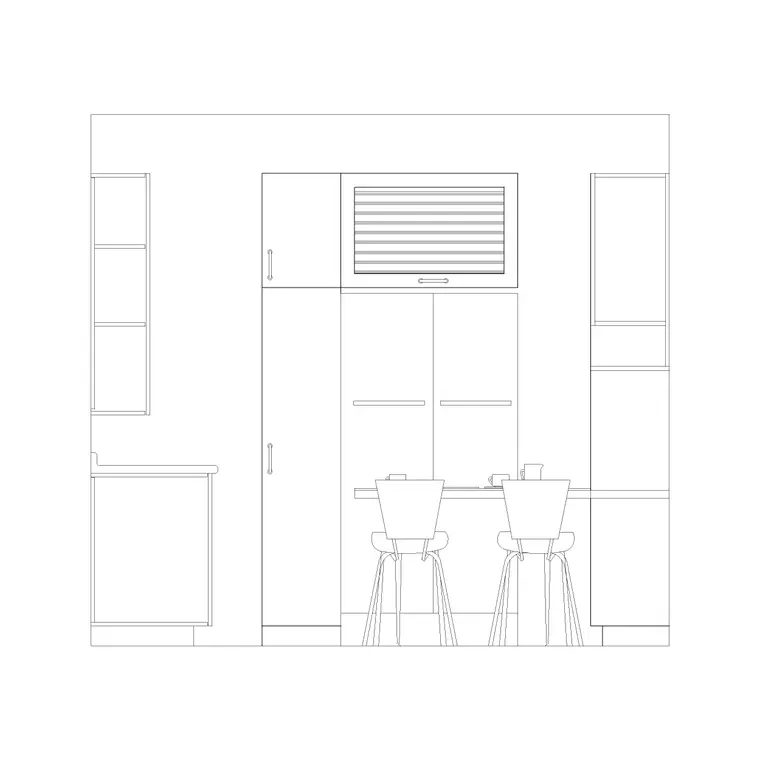
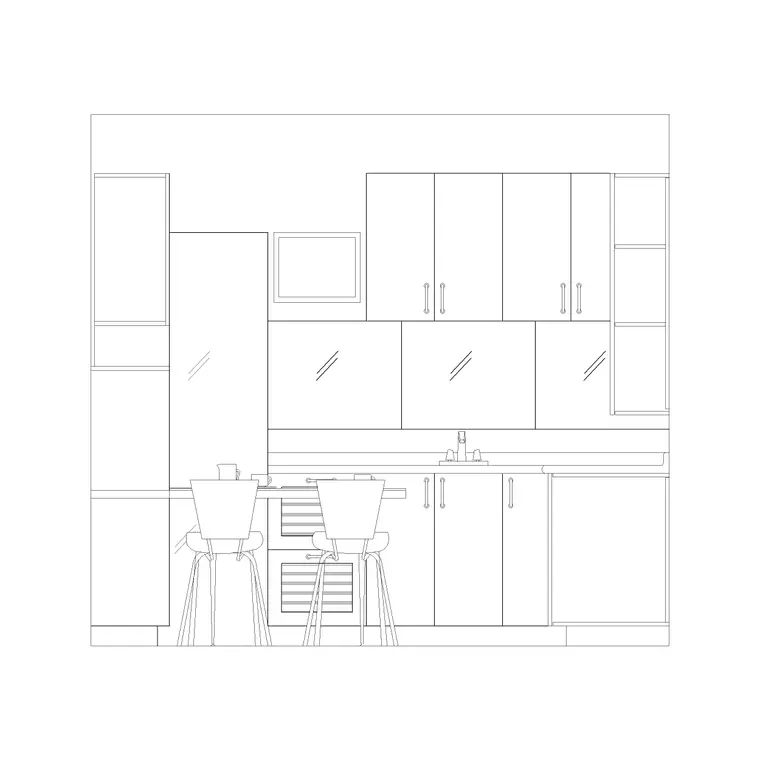
Base cabinet blocks are most useful when they carry more than one view. The plan shows the footprint seen from above — the carcass depth and the door or drawer faces — which is what you array along a wall to build the run and check the worktop edge against circulation. The elevation shows the unit face-on, with the plinth recess at the floor, the door or drawer divisions, and the worktop line above; this is the view your client and your joiner read.
Many of the downloads also include a section, which is where the cabinet earns its keep on a setting-out drawing. A section through a base unit shows the internal shelf, the worktop thickness, the plinth setback and the void where a service or an integrated appliance sits. Keep the three views on separate layers in the file so you can insert whichever the drawing needs and freeze the rest.
Typical base cabinet sizes to design around
Base units are built on a tight set of standard sizes, which is exactly why scaled blocks save so much guesswork. Reach for these ranges when you check a layout. Carcass depth: typically 560–600 mm, with the worktop adding a small front overhang. Cabinet (carcass) height: usually 720 mm, sitting on a plinth of around 100–150 mm so the worktop lands at roughly 850–920 mm. Module widths: 150, 300, 400, 500, 600, 800, 1000 and 1200 mm, with 600 mm the dominant unit.
Door and drawer divisions follow the width: a 600 mm unit is often a single door or a single drawer stack, while widths of 800 mm and up usually carry a pair of doors. A corner base unit commonly occupies about 900 × 900 mm in plan to swallow the dead corner. Never treat these as fixed for a specific manufacturer — they are design-stage ranges — but they are the figures that make a run snap together cleanly.
How to insert and array a base cabinet run
These blocks are drawn full size in millimetres. In a millimetre drawing, run INSERT (or drag the DWG from a tool palette), pick the bottom corner of the unit as your insertion point, and place it at scale 1 hard against the wall line. In a metre drawing insert at 0.001, or simply set INSUNITS to millimetres so AutoCAD rescales on insertion and you avoid the classic too-big or too-small mistake.
To build a run, place the first base unit at the corner, then use ARRAY (rectangular, one row) or repeated COPY along the wall to lay the modules end to end. Because every unit is the same block definition, the run stays consistent and a later edit to the carcass propagates everywhere. Where a run does not divide evenly into modules, drop a filler panel or use STRETCH on an end unit to close the gap — the same trick joiners use on site.
Where base cabinet blocks get used
Base units appear in every kitchen drawing a practice produces: residential fit-outs, apartment schemes, utility rooms, kitchenettes in offices and the back-of-house in small commercial kitchens. They also turn up beyond the kitchen — the same floor-unit block stands in for a vanity carcass in a bathroom, a reception counter base, or a storage run in a utility space, so the block is more versatile than its name suggests.
Interior designers use them to turn around concept layouts; architects use them to populate residential plans with believable storage; kitchen specialists use them to drive joinery and worktop drawings. Pair the base units with wall cabinets, tall units and worktop blocks to assemble a complete kitchen elevation set from one consistent library, and split the carcasses, doors and worktop onto separate layers so a single drawing yields both a clean plan and a detailed joinery elevation.
Layering and the plinth, the detail people forget
Two habits make base cabinet blocks behave well across a project. First, put the cabinets on a dedicated joinery or furniture layer rather than leaving them on layer 0, with the worktop on its own layer above — that lets you produce a clean structural plan by freezing the joinery and a fully fitted plan by thawing it. Second, do not lose the plinth: the kickboard recess at the bottom of the elevation is what makes a kitchen look fitted rather than like loose furniture, and it is also where the toe space and any integrated lighting live.
If you tag each base unit as a block with a simple attribute — a unit code or width — you can extract a cabinet schedule straight from the drawing, which is exactly the count a joiner or a quantity surveyor wants. When a particular run becomes standard for a project, WBLOCK the assembled base, worktop and wall units as a single reusable elevation so you stop rebuilding the same kitchen from scratch on the next plot.
Free download
Browse the full library — DWG & DXF, no signup.
Questions
Frequently asked
What sizes do the base kitchen cabinet blocks come in?+
They follow the standard module widths — 150, 300, 400, 500, 600, 800, 1000 and 1200 mm — at a typical 560–600 mm depth and around 720 mm carcass height on a 100–150 mm plinth. Treat these as design-stage ranges and confirm against your chosen supplier.
Do the base cabinet files include a section as well as plan and elevation?+
Many do. Where a block ships multiple views they sit in the same DWG on separate layers, so you can insert the plan for the layout, the elevation for the joinery drawing and the section for setting out, freezing the views you don't need.
How do I close a run that doesn't divide into 600 mm modules?+
Add a filler panel block or use STRETCH on an end unit to absorb the difference — exactly how a fitted kitchen handles a non-modular wall on site. Place the full modules first, then close the remaining gap at the end of the run.
Are the base cabinet blocks free for commercial use?+
Yes. Every base cabinet block downloads free in DWG and, where available, DXF, with no signup, no watermark and no attribution requirement, and they are cleared for commercial project use.
Related downloads
Blocks for this guide
Related categories
Related guides
Block landing
Free Bathroom Fixtures CAD Blocks — DWG Download
Download free bathroom fixtures CAD blocks in DWG and DXF — toilets, wash basins, bathtubs, showers and vanities drawn in plan and elevation. No signup, commercial OK.
Block landing
Free Gas Stove / Cooktop CAD Blocks — DWG
Free gas stove and cooktop CAD blocks in DWG and DXF — drawn in plan and elevation at true kitchen-module sizes for AutoCAD 2004+. No signup, commercial-use OK.
Block landing
Single Burner Hob CAD Block — Free DWG
Free single burner hob CAD blocks in DWG and DXF for compact kitchens and studios — plan and elevation, true sizing for AutoCAD 2004+. No signup, commercial OK.