Block landing · bar stool cad block
Free bar stool CAD blocks for AutoCAD
By Sumana Kumar · Published 25 Feb 2025 · Updated 22 May 2026
A bar stool is the tall seat that lines a kitchen island, a breakfast bar or a counter, and getting its height right is what makes a bar layout work — which is exactly why a scaled bar stool CAD block is worth keeping. This page collects free bar stool CAD blocks in DWG and DXF — round-seat stools, backless and straight-back stools, swivel and fixed designs at both counter and bar height — drawn at true millimetre dimensions and ready to insert into AutoCAD 2004 or later. Everything is free for personal and commercial work, with no signup and no watermark.
Use these blocks to line up stools along a kitchen island, set out a bar or café counter, or detail a breakfast bar in an apartment. Because the heights are drawn to scale, the elevation immediately shows whether the stool seat clears the worktop overhang and leaves room for a person's knees.
Counter height vs bar height — the distinction that matters
Bar stools come in two standard heights, and choosing the right one is the whole job. A counter stool suits a kitchen island or worktop at the standard 900 mm height, so its seat sits around 600–650 mm. A bar stool suits a taller bar or breakfast counter at 1050–1100 mm, so its seat sits around 750–800 mm. Drop the wrong one against a counter and the diner is either perched too high or hunched too low — the scaled elevation block makes the mismatch obvious before it reaches the joiner.
The rule of thumb the blocks let you check is roughly 250–300 mm of clearance between the seat top and the underside of the worktop, which leaves room for a person's thighs. Place the stool elevation against the counter elevation and you can read that gap directly.
What a bar stool block should show
In plan a bar stool is compact — usually a round or square seat with the leg or pedestal base footprint shown beneath. Because stools line up along a counter, the plan block is what you space evenly under an island, so the seat diameter and the base spread both matter for spacing.
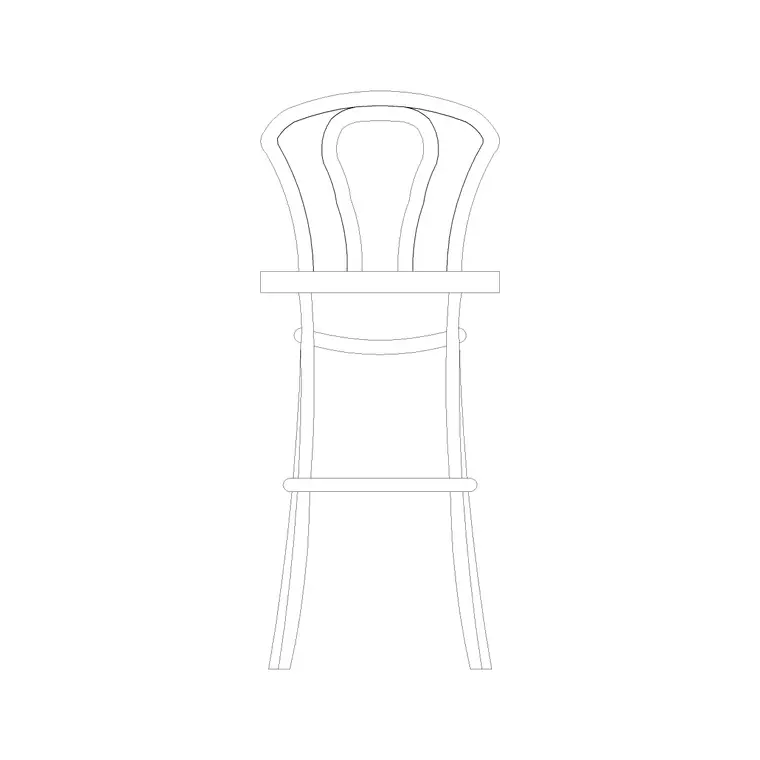
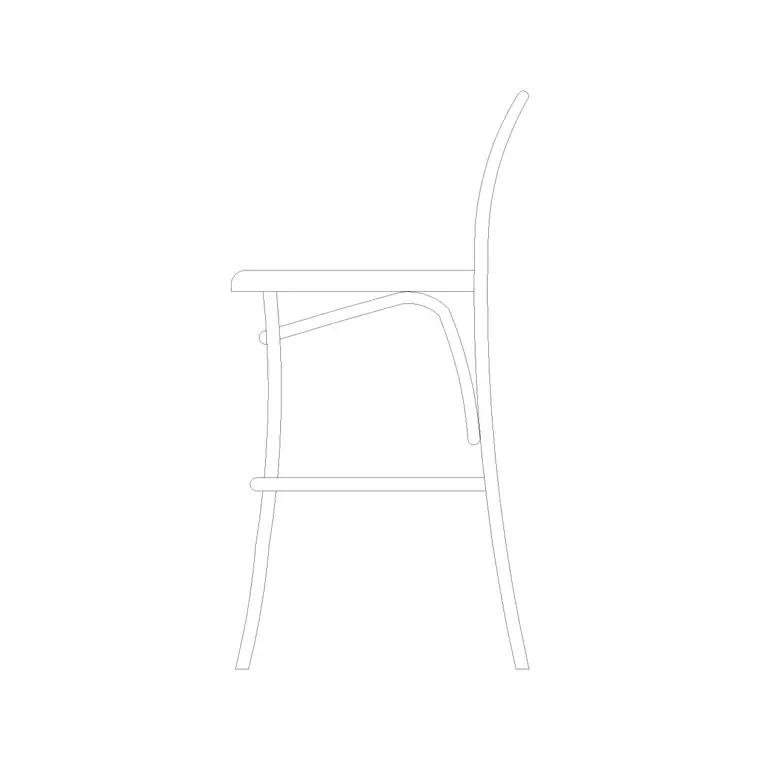
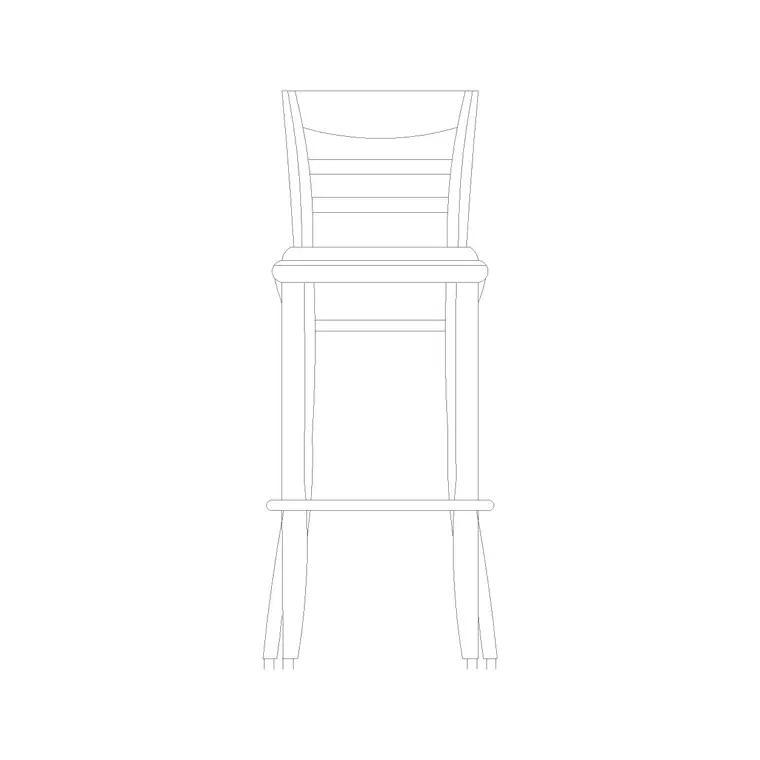
The elevation is where the bar stool block earns its keep, because height is its defining feature. The elevation carries the seat height, the footrest line (stools nearly always have a footrest, since a person's feet don't reach the floor), and the backrest if it has one. Keep the seat, the base and the footrest on tidy layers so you can simplify the stool for a small-scale plan or detail it for a bar elevation.
Typical bar stool dimensions to design around
Design around these figures. Counter-stool seat height: 600–680 mm (for a 900 mm worktop). Bar-stool seat height: 720–800 mm (for a 1050–1100 mm bar). Seat diameter or width: 350–450 mm. Base spread: 400–500 mm for a four-leg stool, similar for a pedestal. Backrest top: roughly 950–1100 mm from the floor where a back is fitted.
For spacing along a counter, allow about 600–700 mm centre-to-centre between stools so diners aren't bumping elbows, which means a 1500 mm island comfortably takes two stools and a 2400 mm one takes three. Place the scaled blocks and the count falls straight out of the drawing.
How to insert and space the stools
The bar stool blocks are drawn full size in millimetres. Insert at scale 1 in a millimetre drawing, 0.001 in a metre template, or set INSUNITS to millimetres so AutoCAD rescales on insertion.
Use INSERT or drag from a tool palette, pick the centre of the seat as the insertion point, and place the stool against the counter line. To line a run of stools evenly, the ARRAY command spaces them at a set centre-to-centre distance in one move — far quicker than copying and eyeballing. In elevation, place the stool against the counter elevation so you can confirm the seat-to-worktop clearance before the layout is signed off.
Where bar stool blocks are used
Bar stool blocks suit any layout with a raised counter: kitchen islands and breakfast bars in homes and apartments, café and coffee-shop counters, restaurant and hotel bars, pub servery counters, and reception or hot-desk perch points in offices. Pair them with the kitchen-island, counter and bar-counter blocks to build a complete servery layout.
Because they are free and licence-clear, they suit residential refurbishments, hospitality fit-outs, student schemes and quick concept plans alike. The same block carries from an early island sketch through to a coordinated kitchen or bar drawing without redrawing the seating.
Coordinating stools with the counter design
A bar stool is only as good as the counter it serves, so the real value of a scaled block shows up in coordination. The two dimensions that have to agree are the worktop overhang and the seat height: you need enough overhang on the seating side — typically 250–300 mm — for a person's knees to tuck under, and a seat height that leaves comfortable thigh clearance below that overhang. Because both the counter and the stool are drawn to scale, you can set the elevation up once and read whether the two work together.
Keeping the stools as block references also makes the layout flexible. If the island grows or the bar height changes during design, you swap a counter stool for a bar stool across the whole run by redefining or re-inserting the block, rather than redrawing each seat. When the design settles, WBLOCK the island-and-stools arrangement as a reusable unit so the next kitchen scheme starts from a counter that already seats correctly.
Free download
Browse the full library — DWG & DXF, no signup.
Questions
Frequently asked
What's the difference between a counter stool and a bar stool?+
Height. A counter stool has a seat around 600–680 mm for a standard 900 mm worktop; a bar stool has a seat around 720–800 mm for a taller 1050–1100 mm bar. Match the stool height to the counter so diners sit with comfortable knee clearance.
How far apart should bar stools be spaced?+
Around 600–700 mm centre-to-centre, so diners have elbow room. That puts two stools at a 1500 mm island and three at about 2400 mm. Use the ARRAY command on the scaled block to space a run evenly in one step.
Are these bar stool CAD blocks free for commercial projects?+
Yes. Every bar stool block downloads free in DWG and, where available, DXF, with no signup, no watermark and no attribution requirement, and they are cleared for commercial use.
What scale are the bar stool blocks drawn at?+
Full size in millimetres. Insert at scale 1 in a millimetre drawing, or set INSUNITS to millimetres so AutoCAD rescales automatically if your template uses different units.
Related downloads
Blocks for this guide
Related categories
Related guides
Block landing
Free Office Chair CAD Blocks — DWG Download
Download free office chair CAD blocks in DWG and DXF — task chairs, swivel chairs and executive seats drawn in plan and elevation, AutoCAD 2004+, no signup.
Block landing
Free Bar Table CAD Blocks — DWG Download
Download free bar table CAD blocks in DWG and DXF — round, square and rectangular high bar tables in plan and elevation for AutoCAD. No signup, commercial-use OK.
Block landing
Free Restaurant Table CAD Blocks — DWG Download
Download free restaurant table CAD blocks in DWG and DXF — 2, 4 and 6 cover tables with chairs drawn in plan and elevation for AutoCAD. No signup, commercial-use OK.