Room guide · banquet hall cad blocks
Free banquet hall CAD blocks for AutoCAD plans
By Saumyajit Maity · Published 11 Apr 2022 · Updated 13 Apr 2026
A banquet hall is a big empty box that earns its keep by being reconfigured for a different event every week. One night it is a 300-cover wedding in rounds with a dance floor; the next it is a conference in theatre rows; the week after, a gala with a head table and a stage. The architecture is mostly a clear-span shell with a service entry, a pre-function space and the back-of-house kitchen behind it. The design work is in the typical layouts the hall has to support and in proving that the biggest of them — the full banquet in rounds — fits with its aisles, its top table and its dance floor intact.
This page is for setting out those banquet layouts in AutoCAD. The free CAD blocks below give you the core kit of a seated banquet — large round tables sized for eight to ten covers, chairs to ring them, big statement planters and chandeliers to dress the volume — all DWG, drawn to scale, free for commercial use, no signup. Array the rounds, check the aisles, and read the capacity straight off the plan.
The one number that drives everything is the table-to-table spacing. Banquet rounds are packed close to maximise covers, but they still need an aisle wide enough for guests to reach their seats and for servers to plate and clear around a fully seated table. Set that spacing honestly with scaled blocks and the capacity you quote is one you can actually deliver; fudge it and the room jams on the night.
One hall, many layouts
A banquet hall is defined by the events it hosts rather than by a single plan. The standard set of layouts is worth drawing as a family: banquet rounds for dinners and weddings, theatre rows for ceremonies and conferences, a U-shape or boardroom for meetings, and a cabaret mix of half-rounds facing a stage. Each layout has a different capacity and a different aisle logic.
The banquet-rounds layout is the one that stresses the room hardest because it packs the most covers, so it is the one to design around. Get the rounds, the perimeter aisles, the top-table zone and the dance floor or stage all fitting in rounds, and the lighter layouts — theatre, cabaret, boardroom — will drop into the same shell easily. Draw the fixed elements first: service doors, the stage or top-table wall, the pre-function entry, then array the rounds into the clear span.
Banquet blocks and their use
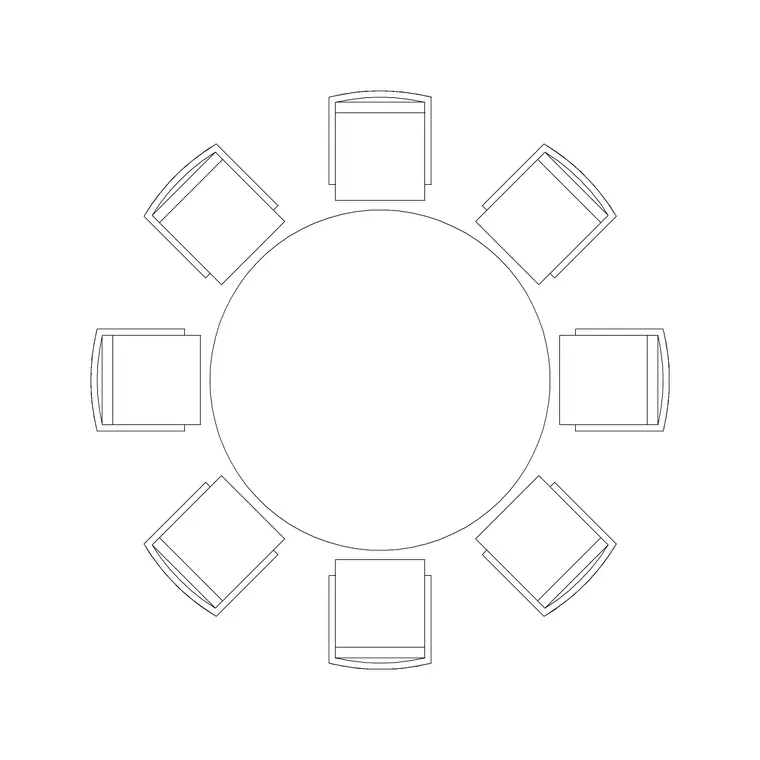
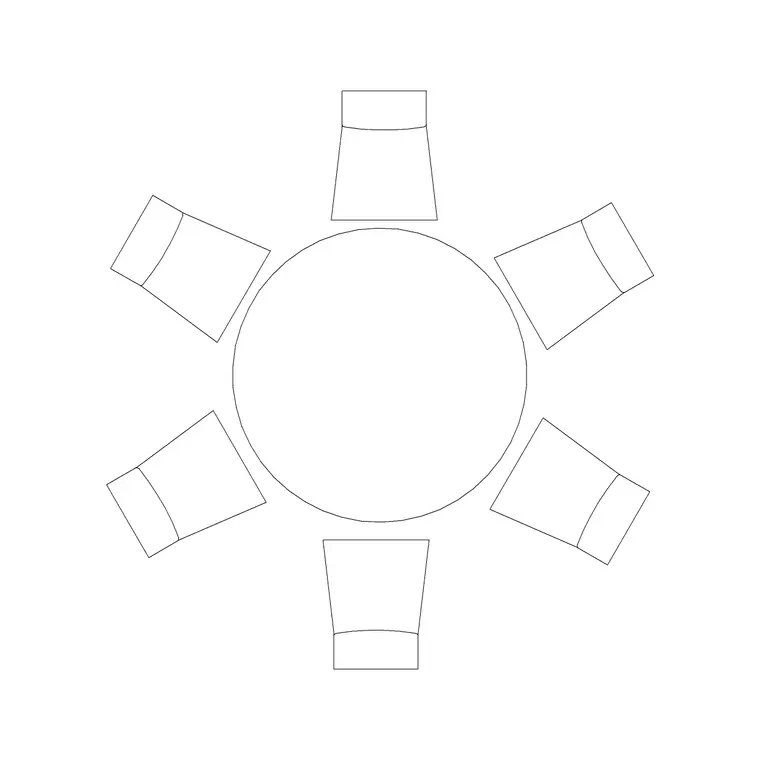
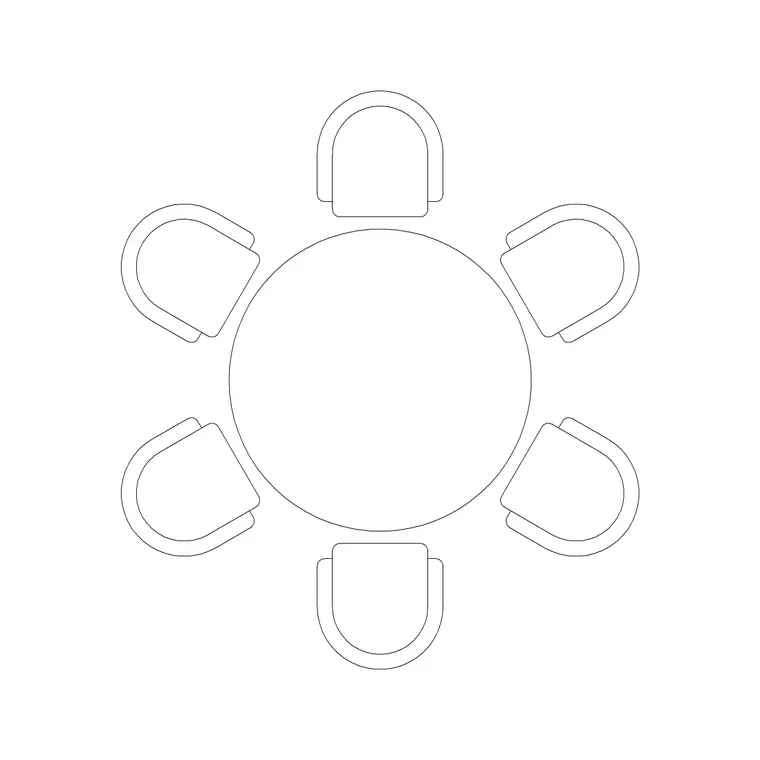
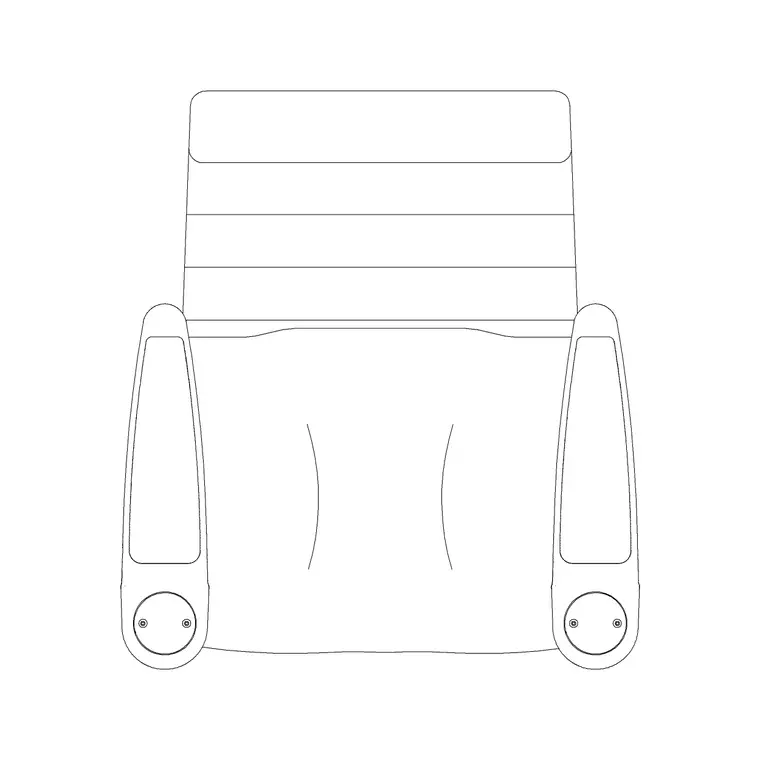
Round tables are the banquet workhorse because they seat the most covers in the least squabbling-over-corners space. The 1500mm dia six-seater and the 1800mm dia eight-seater are your banquet rounds — the 1800mm round comfortably takes eight covers and squeezes ten at a pinch for a packed wedding. Ring them with the Audi chair plan block, drawn to scale so the chair backs and the aisles between tables are honest.
Dress the volume to match the event: large planters — the indoor large plant on MS legs and big potted plants — frame the entrance, the stage and the top table, and statement chandeliers or long suspended pendants fill the ceiling above the rounds and the dance floor. Because every block is scaled, you can array a hundred covers, drop the dance floor in, and read the real capacity and the real aisles off the drawing instead of quoting a number you hope is right.
Banquet dimensions to design around
Banquet rounds sit on a spacing module: a 1500mm round seats six and a 1800mm round seats eight to ten, and you want roughly 600mm of edge per cover. The aisle between adjacent rounds — measured chair-back to chair-back with diners seated — wants about 900–1200mm so guests reach their seats and servers work around the table. A main cross-aisle or a route to the dance floor wants 1500mm or more.
Leave a perimeter aisle of 900–1200mm clear of the walls. The top table and any stage want their own clear apron in front. A dance floor is sized to the crowd — a rough rule is allowing space for a third to a half of the guests to dance at once. Service routes from the kitchen to the floor need to reach every table without crossing the dance floor. Keep accessible covers reachable on a 1200mm step-free route. Scaled blocks make every one of these a measured figure.
Setting out the rounds in AutoCAD
Build one banquet round as a block: insert the 1800mm table, ring it with eight or ten chairs, and group it. Now array that block across the clear span on a spacing grid that holds the 900–1200mm chair-back aisle, leaving the perimeter aisle and the top-table apron clear.
Drop the dance floor or stage zone in and pull the rounds back to give it its apron. Run polylines along the service routes from the kitchen door and confirm a server reaches every round without crossing the dance floor. Count the round blocks and multiply by covers to read the capacity. Then save the layout and array the alternates — theatre rows, cabaret half-rounds — as separate layered configurations in the same shell, so the hall's capacity sheet is drawn, not estimated. Hang the chandeliers over the rounds and the dance floor in plan and RCP.
Dressing the volume
A banquet hall is sold on atmosphere, and atmosphere in a big box is an overhead and perimeter job. Statement chandeliers and long suspended pendants over the rounds and the dance floor fill the ceiling and turn a warehouse volume into an event space; draw them in plan and in the reflected ceiling plan, set at a height that clears the tallest guest and any staging while still reading as a feature.
Large planters and indoor trees frame the entrance, the stage and the top table, marking the important zones and breaking up the perimeter. Set them out in plan and check in elevation that the tall greenery and the low chandeliers together give the room a full vertical composition rather than a bare void over packed tables.
Common banquet-hall mistakes
- Packing the rounds so tight that the quoted capacity cannot actually be seated and served on the night. - Forgetting the top-table apron and the dance-floor apron, so the head table is crammed against the rounds. - Service routes that cross the dance floor, so plates have to weave through dancers. - Designing only one layout, so the hall cannot show a client the theatre or cabaret capacity it also sells. - Statement lighting hung too low for staging or too high to read, killing the event atmosphere.
Array the rounds with scaled blocks, hold the aisle module honestly, and draw the alternate layouts so the capacity sheet is real.
Free download
Browse the full library — DWG & DXF, no signup.
Questions
Frequently asked
How many covers does a banquet round seat?+
A 1500mm round comfortably seats six and an 1800mm round seats eight, squeezing to ten for a packed event, allowing roughly 600mm of edge per cover. Use the 1800mm round as the banquet workhorse and the 1500mm where space is tighter.
What aisle width do I leave between banquet rounds?+
About 900–1200mm chair-back to chair-back with diners seated, so guests reach their seats and servers work around the table. A main cross-aisle or the route to the dance floor wants 1500mm or more, and the perimeter aisle 900–1200mm clear of the walls.
Are these banquet hall blocks free for commercial events work?+
Yes. All blocks are DWG, free for personal and commercial use, no signup and no watermark, ready for a paid banquet or wedding-hall capacity drawing.
How do I size a dance floor in a banquet hall?+
Size it to the crowd — a rough rule allows space for a third to a half of the guests to dance at once. Give it its own clear apron, pull the rounds back from it, and make sure service routes from the kitchen reach every table without crossing it.
Should I draw more than one banquet layout?+
Yes. A hall sells several configurations — banquet rounds, theatre rows, cabaret half-rounds, boardroom — each with its own capacity. Draw them as separate layered layouts in the same shell so the capacity sheet you give clients is measured from real arrays of scaled blocks, not estimated.
Related downloads
Blocks for this guide
Related categories
Related guides
Room guide
Free Restaurant Layout CAD Blocks — DWG Download
Free restaurant CAD blocks in DWG — dining tables, chairs, bar stools, planters and chandeliers for AutoCAD seating plans. No signup, commercial OK.
Room guide
Free Coffee Shop CAD Blocks — DWG Download
Free coffee shop CAD blocks in DWG — counter stools, small tables, planters and pendants for barista-bar floor plans. No signup, commercial OK.
Room guide
Free Bar Lounge CAD Blocks — DWG Download
Free bar lounge CAD blocks in DWG — bar stools, lounge sofas, low tables, planters and chandeliers for cocktail bar plans. No signup, commercial OK.