Block landing · female toilet sign cad block
Female toilet sign CAD block in DWG
By Saumyajit Maity · Published 21 Jan 2026 · Updated 18 May 2026
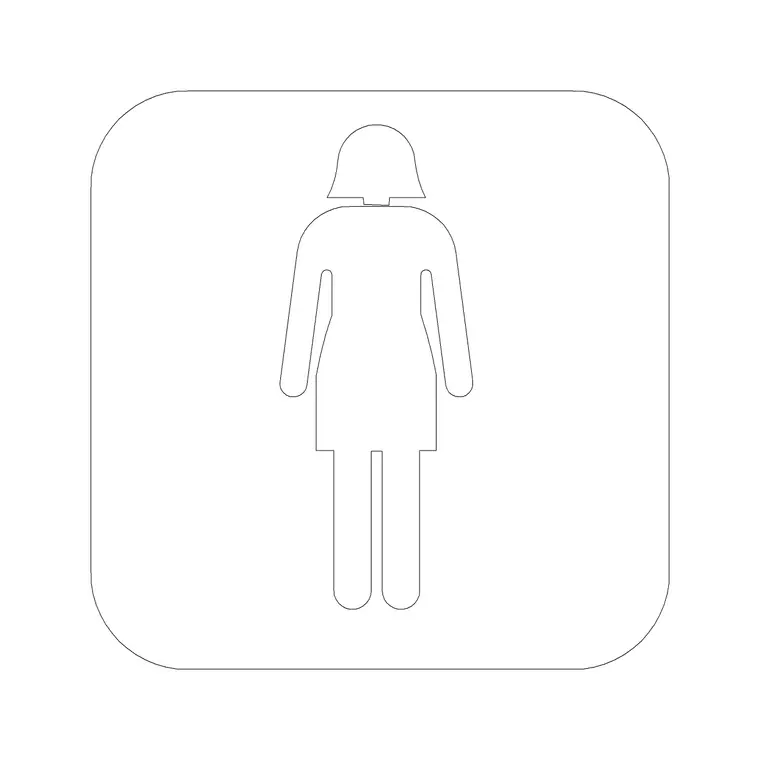
A female toilet sign is the standard women's pictogram used to label a ladies' WC on a plan and to specify washroom door signage. This page offers a free female toilet sign CAD block in DWG, drawn as a clean figure pictogram ready for sanitary layouts, signage schedules and wayfinding drawings. It is annotation line work only, free for personal and commercial use, with no signup and no watermark.
Like its male counterpart, this small symbol does two big jobs: it makes the washroom layout readable on the plan and it feeds the door-sign schedule a contractor builds from. Used consistently, the same pictogram appears as the room label and as the physical sign, so the drawing matches the finished building. The notes below explain what the block contains, how to size it for plans and for real signs, and how to keep it consistent with the rest of the toilet-sign family.
What the female toilet pictogram shows
The block is the widely recognised standing female figure, drawn as a clean silhouette with its insertion point at the base so it sits squarely in a sign panel or room label. It is intentionally simple so it reads at small plotted sizes and on physical door signs without losing clarity.
Holding the symbol as a single block keeps it identical wherever it appears — the same proportions on the plan, in the signage schedule and on the door-sign detail. That repeatability is what lets a reader and a sign-maker recognise it at a glance, which is the entire purpose of a standardised pictogram.
On the plan and on the door
The female toilet symbol serves two roles. On the floor plan it labels the ladies' WC so the layout is instantly legible. In the signage schedule and door-sign details it specifies the sign that will actually be fabricated and fixed in the building.
Scale the plan label to the drawing's plot scale, and scale the physical sign to the real panel — door-mounted toilet pictograms commonly sit in the 100 to 200 mm tall range, though you should follow the project's signage specification and any accessibility guidance rather than a fixed figure. Drawing both from one block keeps the plan and the building visually aligned.
Sizing the symbol
Treat the plan pictogram as annotation: size it to read clearly inside the WC without crowding the room. In a 1:100 drawing that may be a few hundred millimetres tall in model space to plot at a few millimetres; adjust for other scales, or place it in paper space to hold true paper size regardless of the viewport.
For a signage detail at full size, scale the figure to the sign panel you are specifying. The key habit is to set the size on purpose and to keep the same proportion as the male and accessible symbols, so the whole set reads as one coherent family on the washroom doors.
How to insert the block
Run INSERT or drag the DWG from a tool palette, set the insertion point inside the room label or sign panel, and scale to suit. Because the pictogram is graphic rather than scaled-to-reality, control its size with the insertion scale or a later SCALE command instead of INSUNITS.
Put the toilet pictograms on a signage or annotation layer with the room labels so they isolate cleanly for a signage drawing. Keeping the female sign on the same palette as the male and accessible symbols means you can label a complete washroom suite in a handful of clicks.
Where the female toilet sign is used
The female toilet pictogram appears on sanitary and washroom plans, general arrangement floor plans, signage and wayfinding schedules, and fit-out drawings across offices, schools, retail, hospitality and public buildings. It pairs with the male and accessible toilet symbols to give every WC a consistent label on both the plan and the door-sign schedule.
Architects, interior designers and signage consultants all use it. Because it is free and licence-clear, the same block carries from an early concept layout through to a coordinated signage package without any licensing fuss.
Matching the rest of the sign set
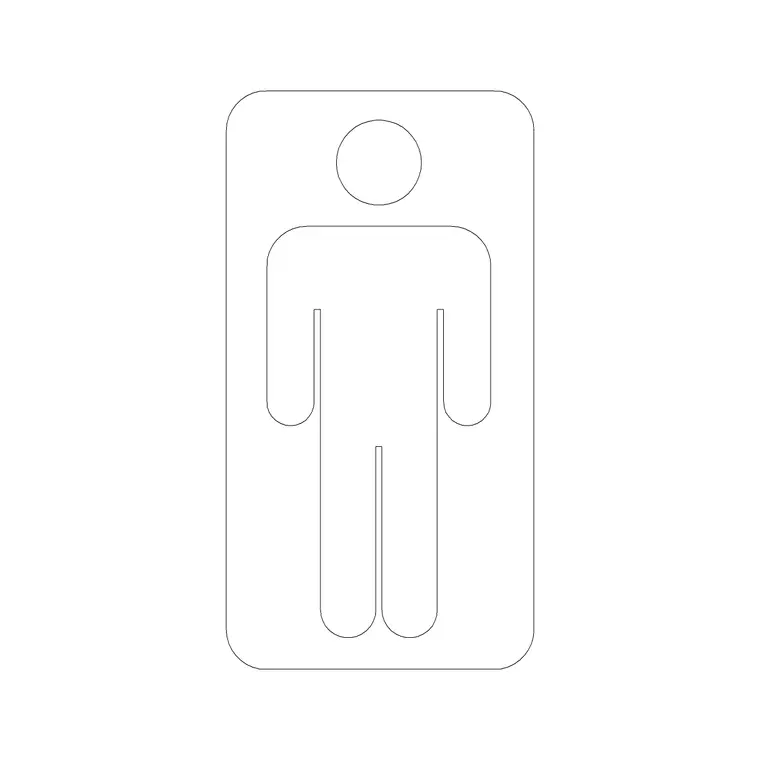
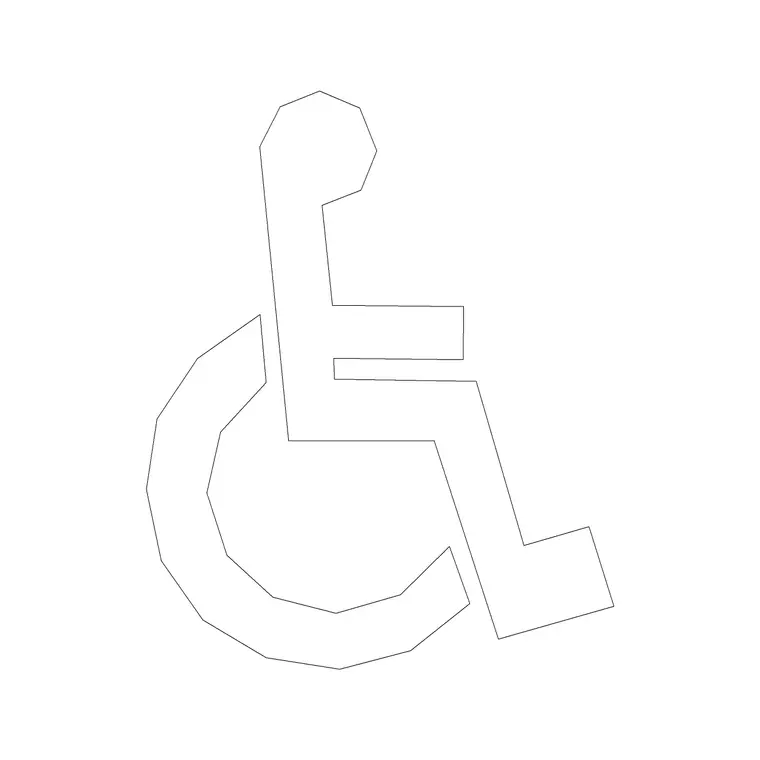
Toilet signs read best as a coordinated family. The female, male and accessible pictograms should share one drawing style, figure proportion and line weight so they look deliberate on the door of every washroom. A mismatched set — a bold figure beside a thin one — undermines an otherwise tidy signage scheme.
The reliable way to stay matched is to take the related toilet and accessibility symbols from the same building-symbols set and keep them together on a palette. Then every washroom label and door sign in the project speaks the same visual language, which is precisely what good wayfinding depends on.
Direction signs to the ladies' WC
Washrooms are rarely right next to where a visitor is standing, so the female toilet pictogram also appears on directional signs that lead people to it. On those route signs the symbol pairs with a direction arrow and sometimes a distance or floor note, guiding a visitor from a lobby or corridor to the ladies' WC.
Use the same female pictogram on the door sign and on every directional sign leading to it, so the visitor follows one consistent symbol the whole way. Group the pictogram and arrow into a single block per directional sign, which keeps the signage schedule tidy and lets you flip the arrow direction on one sign without touching the rest. That consistency from corridor to door is what makes a washroom easy to find in a building a visitor does not know.
Free download
Browse the full library — DWG & DXF, no signup.
Questions
Frequently asked
Is the female toilet sign CAD block free for commercial use?+
Yes. It downloads free in DWG with no signup, no watermark and no attribution requirement, and is cleared for commercial project work.
Should the female and male toilet symbols match in style?+
Yes. Use symbols from the same set so the female, male and accessible pictograms share figure proportion and line weight and read as one coherent family on the washroom doors.
How big should the physical door sign be?+
Door-mounted toilet pictograms commonly sit in the 100 to 200 mm tall range, but follow your project's signage specification and any applicable accessibility guidance rather than a fixed size.
Will the DWG open in free viewers and AutoCAD LT?+
Yes. The file targets AutoCAD 2004 and later, so it opens in current AutoCAD, AutoCAD LT, BricsCAD, DraftSight and free DWG viewers.
Related downloads
Blocks for this guide
Related categories
Related guides
Block landing
North Arrow Symbol CAD Block — DWG Download
Download a free north arrow symbol CAD block in DWG — a scalable compass-point marker for site plans, floor plans and title blocks. AutoCAD 2004+, no signup.
Block landing
North Mark CAD Block — Free DWG Download
Download a free north mark CAD block in DWG — a compact orientation symbol for plans and title blocks, scalable to any plot scale. AutoCAD 2004+, no signup.
Block landing
North Direction Symbol CAD Block — DWG
Download a free north direction symbol CAD block in DWG — an orientation pointer for plans, showing true north or project north. AutoCAD 2004+, no signup.