Block landing · entablature detail cad block dwg
Entablature detail CAD block for AutoCAD
By Saumyajit Maity · Published 6 Jul 2023 · Updated 9 Jun 2026
An entablature detail CAD block gives you the three-part horizontal assembly that sits on top of a classical column — the architrave, the frieze and the cornice — drawn together to scale, so you can crown a colonnade or a portico correctly rather than improvising the band above the capitals. This free DWG opens in AutoCAD 2004 or later and is drawn full-size in millimetres. It is free for personal and commercial work, with no signup, no watermark and no attribution requirement.
The entablature is what makes a row of columns read as an order: the architrave that spans the columns, the frieze with its triglyphs or ornament, and the cornice that projects above. Each part is proportioned to the columns below, so having them as a coordinated block keeps a classical facade coherent. Scale the entablature to your column module and it ties the whole composition together.
What the entablature block contains
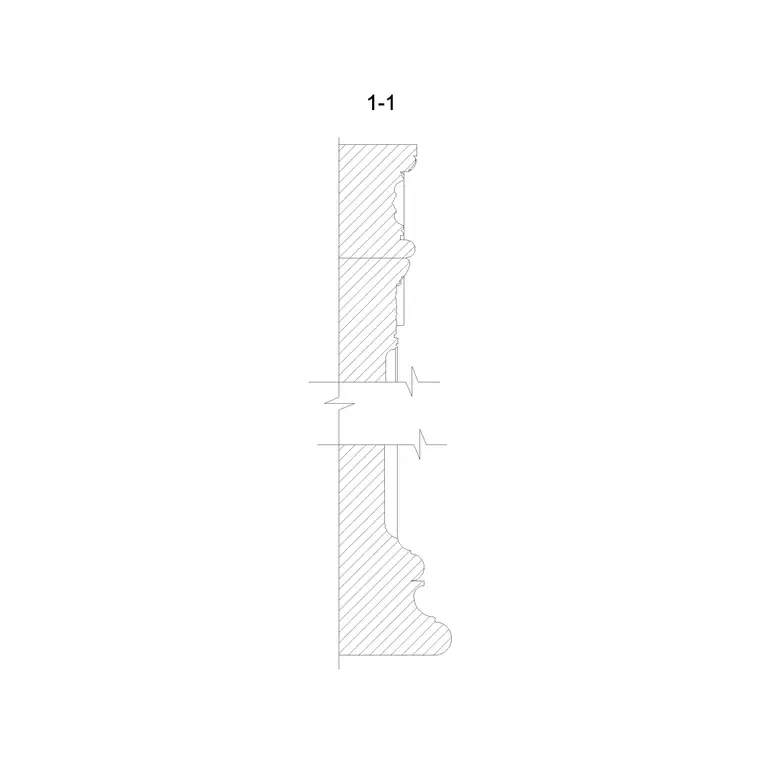
The block draws the full entablature in section and/or elevation: the architrave (the lowest band, spanning beam-like from column to column, often in two or three stepped fasciae), the frieze above it (plain, or carrying triglyphs and metopes in the Doric order, or a continuous sculpted band in the Ionic), and the cornice on top (the projecting member with its corona, bed mould and mutules or dentils). It is the assembled, three-part order that turns columns into a colonnade.
It is editable linework, so you can switch the order, simplify the frieze, or adjust the projection of the cornice. Because it is real geometry, you can hatch the members, dimension each band, and keep architrave, frieze and cornice on separate sub-layers so you can detail or recolour each independently.
Views and how the parts relate
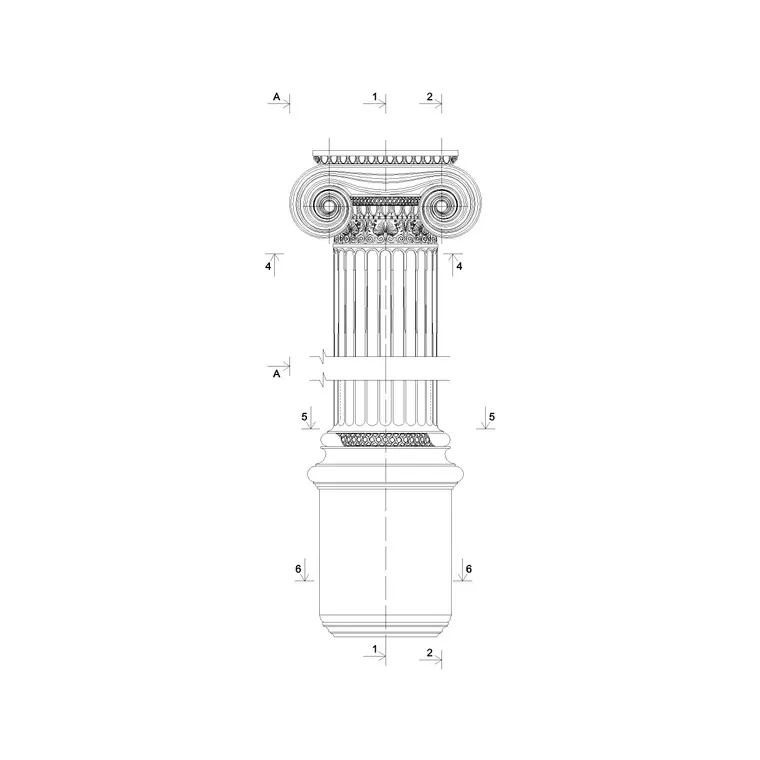
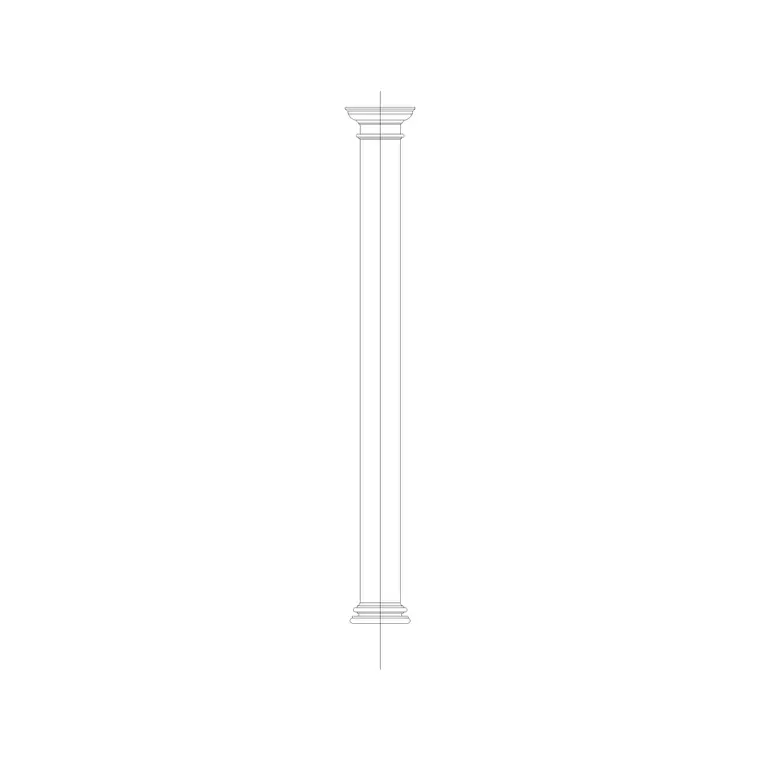
The block combines elevation (how the entablature reads across the columns, including the frieze pattern) with section (the projecting cornice profile). It sits directly on the column capitals, so it pairs with the column elevation block below and, on a temple, the pediment above. The cornice member is the same thing as the standalone cornice block — so if you only need the top, use the cornice block; if you need the whole crowning assembly, use this.
Keep the three members aligned: the triglyphs of a Doric frieze line up over the columns and over the centres of the intercolumniations, and the mutules of the cornice line up over the triglyphs. That vertical alignment is what makes a classical entablature look right, so the block is set out to carry it, and you keep it on its own layer above the columns.
Proportions and sizing
The entablature is proportioned to the columns: as a classical rule of thumb its total height is roughly a quarter of the column height, divided so that the architrave, frieze and cornice each take a share (the exact split varying by order, with the frieze often the deepest in the Doric). So a colonnade with 6 m columns might carry an entablature around 1.5 m deep overall, split between the three members.
Scale the block to your column height and module so the entablature sits in proportion. The cornice projects boldly to throw a shadow and shed water; the architrave spans between columns, so on wide intercolumniations its depth matters structurally in real masonry or timber. Treat the classical proportions as design ranges, and confirm any structural spanning of a real architrave or the support of a heavy cornice with an engineer.
Inserting and aligning in AutoCAD
The block is full-size in millimetres. Insert at scale 1 in a millimetre drawing, 0.001 in metres, or set INSUNITS to millimetres in an imperial template so AutoCAD rescales on insertion. Snap the insertion point to the top of the column capitals and run the entablature along the colonnade.
Align the frieze elements over the columns — in the Doric order, set a triglyph over each column centre and over each intercolumniation, with metopes between — and align the cornice mutules or dentils over the triglyphs. To extend the entablature along a longer colonnade, ARRAY one bay (the length matching the column spacing) rather than scaling, so the frieze pattern repeats correctly. Keep it on its own layer, and where it meets a pediment, mitre the cornice up the rake.
Where the entablature is used
An entablature crowns any classical colonnade or portico: temple fronts and porticos, civic and institutional buildings, banks, museums and memorials, and the articulated facades of Renaissance and revival architecture. Architects use it on classical and neo-classical buildings; interior designers on grand rooms, over-door treatments and the crowning of pilastered walls; restoration teams on record and repair drawings of classical facades.
The assembly scales down to joinery — the cornice-frieze-architrave of a grand bookcase or door surround is a small entablature. Because the block is licence-clear, it suits student studies of the orders and competition boards without sourcing concern. Combine it with the column elevation, pilaster, cornice and pediment-related blocks from the same family to build a complete classical order from the column base to the roofline.
Matching the entablature to the order
The entablature must agree with the columns it sits on. A Doric colonnade takes a Doric entablature with triglyphs, metopes and mutules; an Ionic colonnade takes an architrave in fasciae, a continuous or dentilled frieze, and a dentil cornice; Corinthian and composite take richer, more enriched versions. This block lets you set the order by editing the frieze and cornice members while keeping the three-part structure.
Keep architrave, frieze and cornice on sub-layers so you can enrich one member without disturbing the others, and so the vertical alignments (triglyph over column, mutule over triglyph) stay easy to control. Once the entablature matches your order, reuse it as a single bay block and array it along the colonnade so the whole crowning assembly is built from one coordinated, correctly-proportioned unit.
Free download
Browse the full library — DWG & DXF, no signup.
Questions
Frequently asked
What are the three parts of an entablature?+
From bottom to top: the architrave (the beam-like band spanning the columns), the frieze (plain or carrying triglyphs and metopes, or a sculpted band), and the cornice (the projecting top member). This block draws all three to scale as a coordinated assembly.
How deep should an entablature be?+
As a classical rule of thumb, roughly a quarter of the column height overall, split between the three members. Scale the block to your column height and module so it sits in proportion, and confirm any real structural spanning with an engineer.
How do I align the frieze and cornice over the columns?+
In the Doric order, set a triglyph over each column centre and over each intercolumniation, with metopes between, and align the cornice mutules over the triglyphs. Array one bay rather than scaling so the pattern repeats correctly along the colonnade.
Is the entablature detail block free for commercial use?+
Yes. It downloads free in DWG with no signup, no watermark and no attribution requirement, cleared for commercial, personal and student projects.
Related downloads
Blocks for this guide

Related categories
Related guides
Block landing
Free Classical Column CAD Blocks — DWG Download
Download free classical column CAD blocks in DWG — shaft, capital and base drawn in elevation and plan for AutoCAD. No signup, free for commercial use.
Block landing
Free Greek & Ionic Column CAD Blocks — DWG
Free Greek and Ionic column CAD blocks in DWG — fluted shafts and volute capitals drawn in elevation for AutoCAD. No signup, free for commercial use.
Block landing
Free Decorative Arch CAD Blocks — DWG Download
Download free decorative arch CAD blocks in DWG — round, segmental and classical archways drawn in elevation for AutoCAD. No signup, free for commercial use.