Block landing · electric socket plate cad block dwg
Electric socket plate CAD block in DWG and DXF
By Saumyajit Maity · Published 6 Apr 2026 · Updated 1 May 2026
An electric socket plate is one of the most-repeated symbols in any small-power or electrical layout, so a clean, correctly-scaled block earns its keep across a whole project. This electric socket plate CAD block is drawn at true millimetre dimensions, ready to drop into AutoCAD 2004 or later, and free for personal and commercial work with no signup and no watermark.
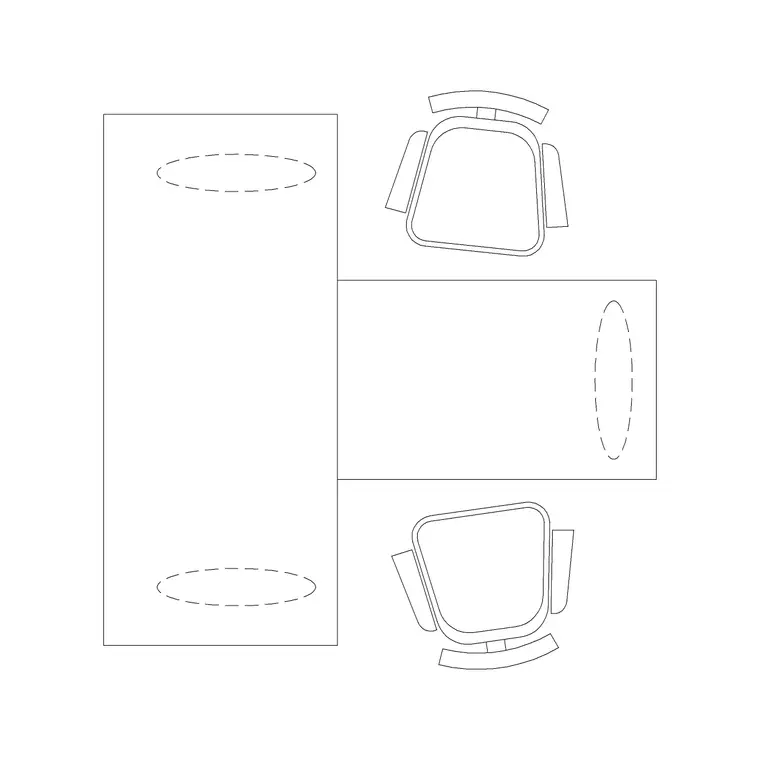
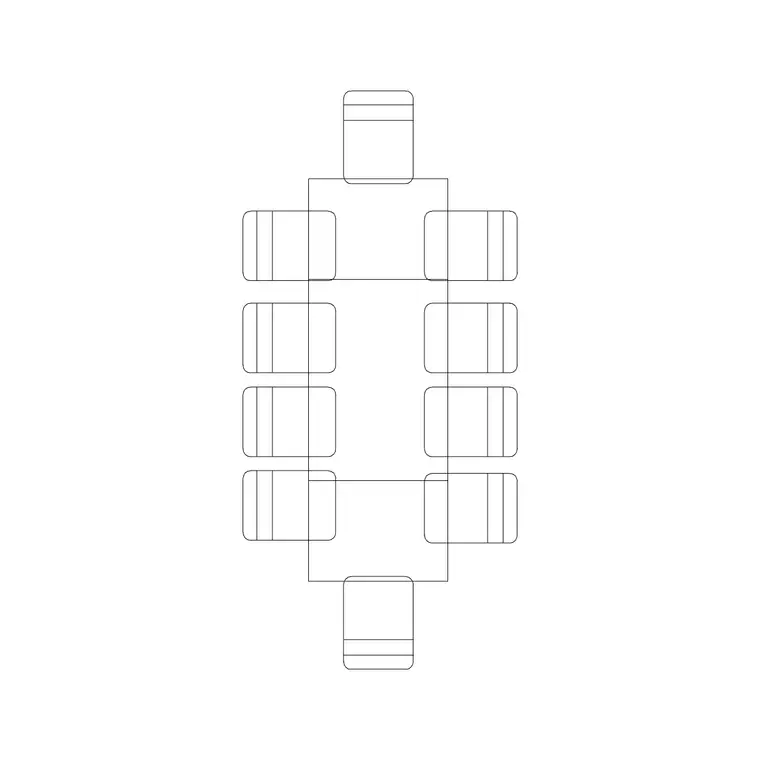
Unlike furniture, a socket plate works at two levels: as a real faceplate outline you place on an interior elevation or a setting-out drawing, and as a recognisable symbol you repeat across a small-power plan. This block gives you the faceplate drawn to its true size so it reads correctly wherever you put it, whether you are showing a single double socket on a wall elevation or arraying outlets along a desk run on a power layout. Pair it with the workstation and conference-table blocks to show power reaching every position.
What an electric socket plate block contains
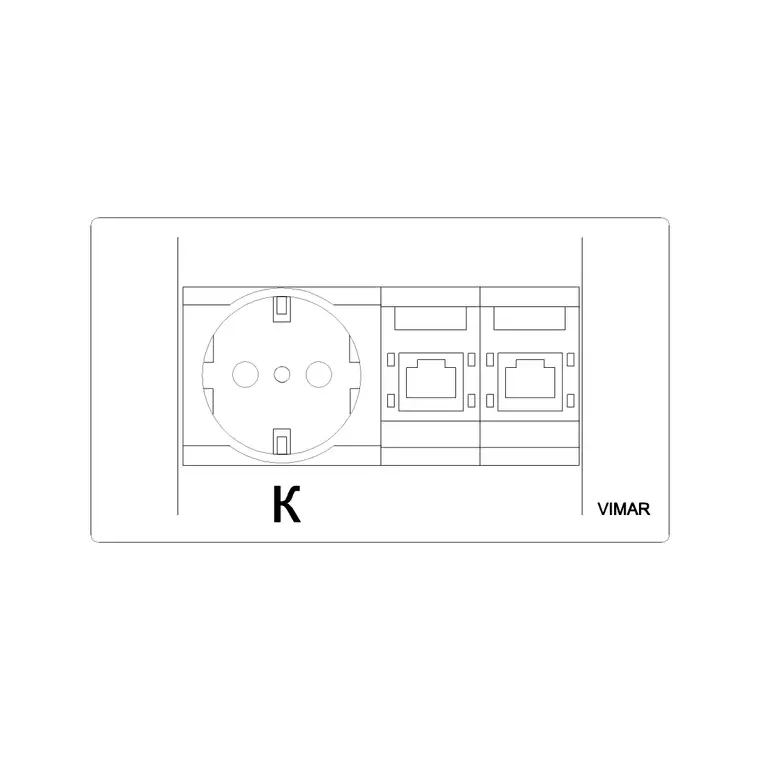
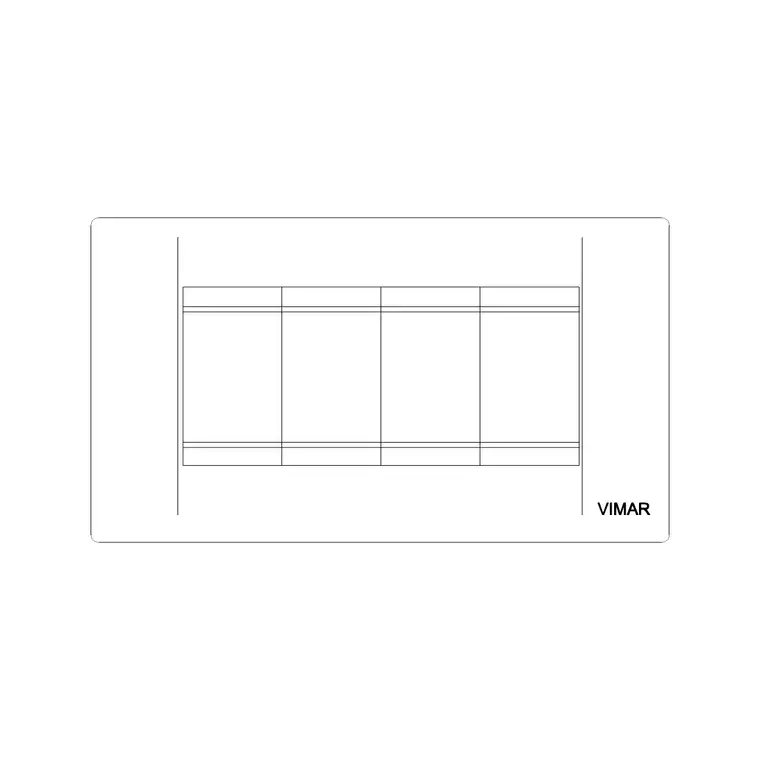
The block is the faceplate of a socket outlet drawn to scale: the rectangular or square plate outline with the socket apertures indicated. Depending on the variant it may show a single or double switched socket, and it is drawn so the plate reads as a real object on an elevation rather than just an abstract dot.
Keeping the plate on its own electrical layer means it sits cleanly over the architecture without merging into the wall lines. A good socket block is simple by design — over-detailing a symbol that appears dozens of times only bloats the drawing — but it carries enough to be unmistakably a socket and to set out at the right size when an installer works from the plan.
Typical sizing to design around
Use these ranges as a guide. A standard single faceplate is commonly drawn around an 86 mm square (the familiar single-gang plate), with a double socket plate around 86 mm high by roughly 146 mm wide (double-gang), though plate dimensions vary by region and manufacturer. Mounting heights are not shown in a plan symbol but are usually noted on the drawing — sockets above a desk or worktop sit higher than general skirting-level outlets.
When you set out sockets, the plate size matters most on interior elevations and setting-out drawings, where it must read at true size; on a small-power plan the symbol simply marks the position and circuit. These are typical planning ranges rather than fixed specifications, so confirm the exact plate dimensions and the required mounting heights against your local wiring conventions and the accessory range you specify.
How to insert and place the socket
The block is full size in millimetres. Insert at scale 1 in a millimetre drawing, 0.001 in a metre drawing, or set INSUNITS to millimetres on an imperial template so AutoCAD rescales on insertion. Run INSERT or drag the DWG from a tool palette, pick an insertion point at the plate centre, and rotate to align the plate with the wall.
On an elevation, place the plate at its real mounting height so the wall reads correctly. On a small-power plan, drop the symbol against the wall line at each outlet position and copy it along desk runs and around the room. Because each socket is a single block reference you can array outlets quickly, and an edit to the block definition with BEDIT updates every socket on the drawing at once — useful if you switch from a single to a double socket standard.
Where socket plate blocks are used
Socket blocks appear on every electrical and small-power drawing: office fit-outs, residential wiring plans, retail and hospitality layouts, and any interior elevation that shows where power emerges on a wall. In an office they mark the outlets feeding workstations, meeting tables, kitchenettes and equipment, and they pair naturally with the desking blocks to prove power reaches every seat.
Because the block is free and licence-clear it carries from concept to construction. Use it on early coordination drawings to show the intent, then keep the same symbol as you develop the small-power plan, the circuit schedule and the setting-out information the electrician works from. One consistent socket symbol keeps the whole electrical set legible.
Layers, attributes and circuit schedules
Put sockets on a dedicated electrical or small-power layer, separate from the architecture and the furniture, so you can produce a clean power plan and toggle it on or off over the base drawing. Giving the electrical layer its own colour and lineweight keeps the outlets readable where they overlap desks and walls.
Tag each socket with a block attribute — a circuit reference or an outlet type — and you can extract an outlet and circuit schedule straight from the drawing, which is exactly what the electrical designer and the installer need. Counting sockets becomes a query rather than a manual tally. When a typical room's small-power layout is settled, WBLOCK the room with its sockets as a reusable assembly for repeat spaces.
Free download
Browse the full library — DWG & DXF, no signup.
Questions
Frequently asked
What size is an electric socket plate drawn at?+
A single faceplate is commonly around an 86 mm square and a double around 86 by 146 mm, though plate sizes vary by region and manufacturer. The block is drawn full size so it reads correctly on elevations and setting-out drawings.
Is the electric socket plate block free for commercial use?+
Yes. It downloads free in DWG, with DXF where available, and is cleared for commercial projects with no signup, no watermark and no attribution requirement.
Does the block show the socket mounting height?+
A plan symbol shows the position, not the height. On elevations the plate is placed at its real mounting height, and heights are typically noted on the drawing or held in a block attribute so the spec carries to the installer.
Can I use it for both plans and elevations?+
Yes. Drawn to true plate size, it works as a setting-out faceplate on interior elevations and as a repeated outlet symbol on a small-power plan. Keep it on a dedicated electrical layer in both cases.
Related downloads
Blocks for this guide
Related categories
Related guides
Block landing
Free Office Chair CAD Blocks — DWG Download
Download free office chair CAD blocks in DWG and DXF — task chairs, swivel chairs and executive seats drawn in plan and elevation, AutoCAD 2004+, no signup.
Block landing
Free Lighting Fixtures CAD Blocks — DWG Download
Download free lighting fixtures CAD blocks in DWG and DXF — chandeliers, wall lights, downlights and pendants in plan and elevation for AutoCAD.
Block landing
Free Office Desk CAD Blocks — DWG Download
Free office desk CAD blocks in DWG and DXF — straight desks and desk-with-chair units in plan and elevation for AutoCAD. No signup, commercial OK.