Room guide · dressing room cad blocks
Dressing room CAD blocks and vanity layout
By Sumana Kumar · Published 20 May 2026 · Updated 14 Jun 2026
A dressing room is where a walk-in closet grows up. Where a closet is purely about storage and an aisle, a dressing room adds the act of getting ready — a vanity to sit at, a mirror to use, good light to see by, and somewhere comfortable to dress. It is part wardrobe, part private salon, and that seated, mirror-facing focus is what makes it a distinct room to plan rather than just a bigger closet.
The heart of a dressing room is the vanity-and-mirror station: the point where you sit, see yourself clearly, and have your most-used things within reach. The wardrobe storage arranges itself around that station and the circulation that serves it, but the vanity is what the room is for, and it deserves to be planned first.
Every block here is free DWG, drawn full size in millimetres, with no signup or watermark and cleared for commercial work. Insert the vanity, the seating, the mirror and the wardrobe runs, and you can lay out a dressing room that works for the daily ritual of getting ready before you commit to it.
How a dressing room differs from a closet
A walk-in closet stores clothes and gives you room to reach them. A dressing room does that and adds a seated dressing function: a vanity or dressing table, a chair or stool, a full-length and a vanity mirror, and lighting designed for grooming rather than just finding things. It is a room you spend time in, not just pass through.
That difference reshapes the plan. The vanity station becomes the room's focus, often centred on a wall or set under a window for daylight, and the wardrobe runs and circulation are arranged to serve it. Plan a dressing room and you are really laying out a seated activity surrounded by storage — closer to planning a small study or a salon than a simple closet.
The vanity and seating station
Start with the vanity. A dressing table needs clear knee space underneath, a surface for the things you use daily, and enough room in front for the stool to pull out and for you to sit back without hitting the storage behind. Position it on a wall that gets good light — under or beside a window is ideal — and centre it so the mirror sits squarely in front of where you sit.
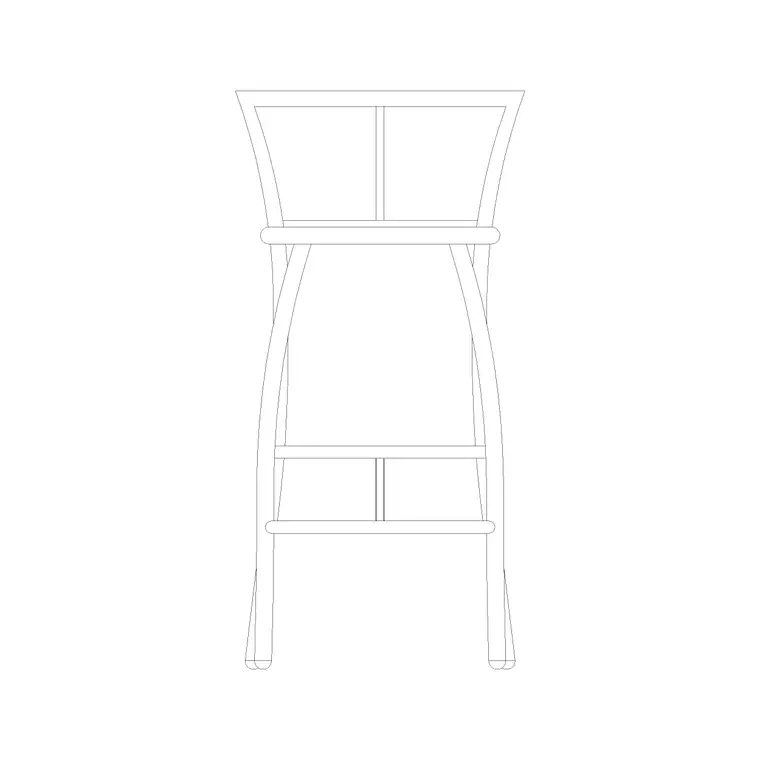
The seating is part of the station, not an extra. A stool or chair that tucks fully under the vanity when not in use keeps the floor clear; a back-elevation stool block marks where it sits. Leave enough clearance behind the pulled-out stool to stand and turn — a frequent oversight that leaves you wedged between the vanity and the wardrobe. Plan the vanity, the stool pull-out and the standing space behind as one zone.
Mirrors and getting the light right
A dressing room lives by its mirrors and its light. You want a full-length mirror to check a whole outfit and a vanity mirror at the seated station for grooming, and both need light that renders colour and skin truly — light that is even and roughly daylight in tone, falling on you rather than just on the wall.
On the plan, place the vanity mirror directly in front of the seat with light flanking it at face height (a wall lamp each side reads far better than a single overhead source that casts shadows down the face). Set the full-length mirror where you can step back from it and where the room's general light reaches it. Draw a ceiling lamp for even overall light and the flanking wall lamps at the vanity so the lighting plan, elevation and electrical layout all agree. Good light is not a luxury in a dressing room — it is the whole point of having one.
Wardrobe storage around the station
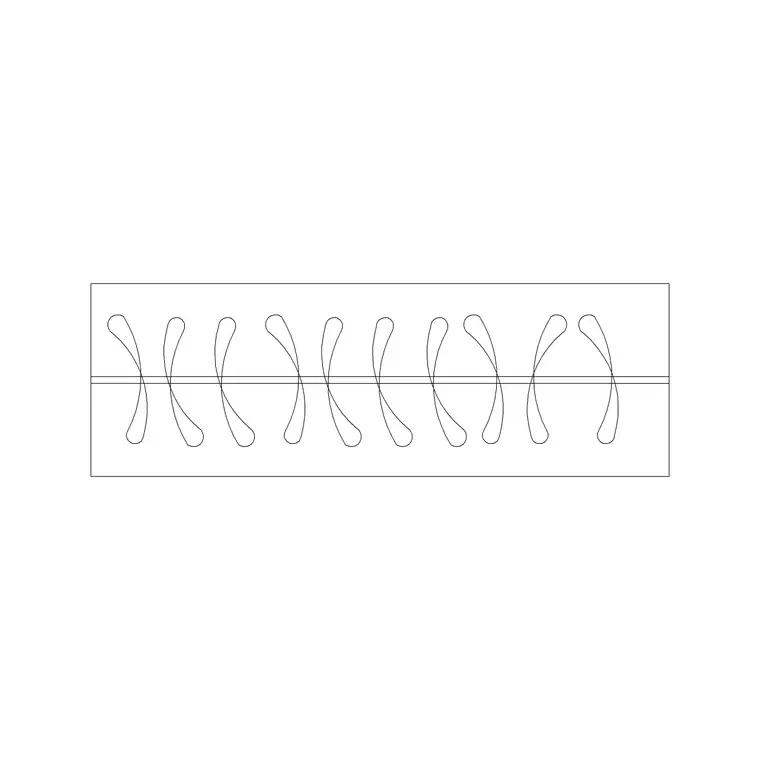
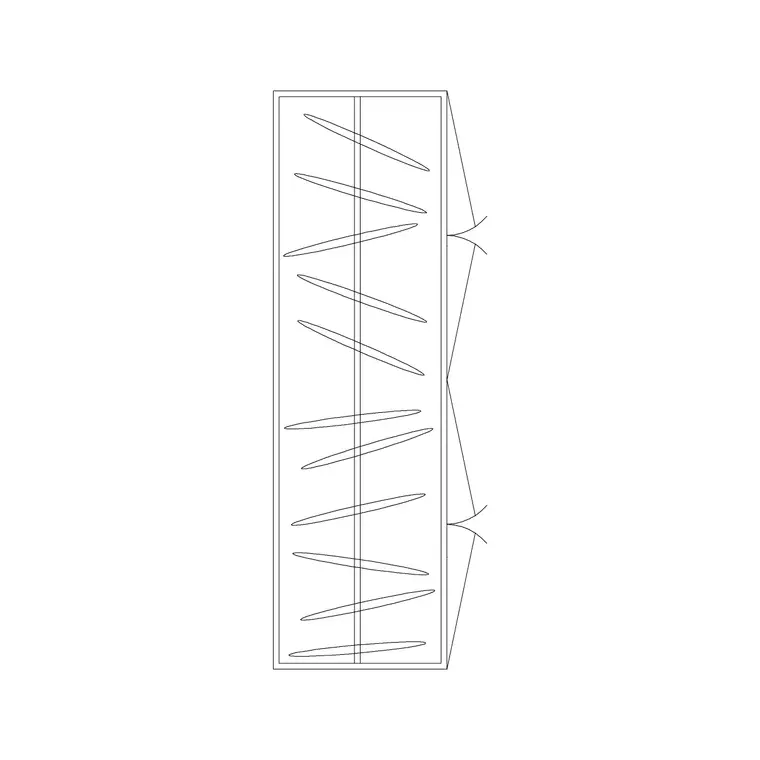
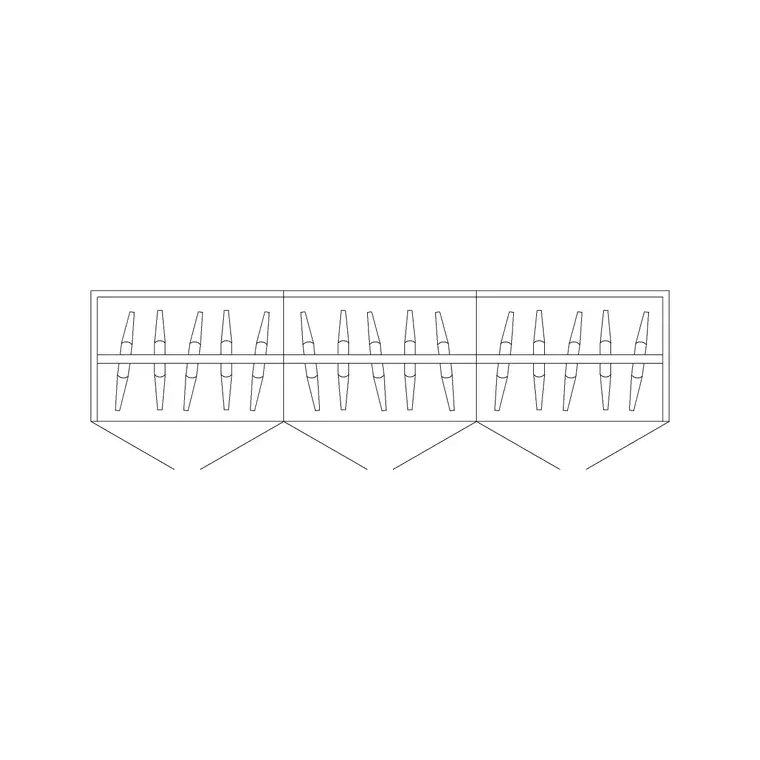
With the vanity station fixed, arrange the storage around it. A dressing room usually wants generous wardrobe — a 4-door wardrobe or a 4-door louvre-shutter wardrobe along a main wall, with a 3-door run filling a shorter wall — drawn at the standard 600 mm depth so your floor budget is honest.
Keep the runs clear of the vanity's seated zone so nothing crowds the person sitting down, and watch the door swings against the circulation just as you would in a closet. Mix the storage types behind the doors — long-hanging, double-hanging, drawers and shoe shelving — to suit a real wardrobe, and let the storage wrap the room while leaving the vanity wall and the full-length mirror their own clear space. The storage should feel like the room's walls, with the vanity as its centrepiece.
Circulation, finishing and the salon feel
A dressing room should feel calm and considered, not crowded, so the circulation matters as much as in a closet. Keep clear aisles in front of the storage runs and a clear, comfortable zone around the vanity, and make sure the route from the door to the vanity does not force you past open wardrobe doors.
The finishing layer is what gives a dressing room its salon quality: an art frame on a clear wall, a plant by the window, soft curtains drawn with a curtain elevation block, and a clock so you can keep an eye on the time as you get ready. These small accessory blocks, drawn on their own layer, turn a functional plan into a presentation that reads as a private, considered room — exactly the feel a dressing room is meant to have.
Assembling the dressing room in AutoCAD
Plan the vanity first, then wrap the storage:
- Place the vanity on a well-lit wall, ideally under or beside a window, centred on the seat. - Add the stool with full pull-out room and clear standing space behind it. - Set the vanity mirror in front of the seat with a wall lamp flanking each side at face height. - Position a full-length mirror where you can step back and the light reaches it. - Wrap the wardrobe runs around the room at 600 mm depth, clear of the vanity zone, and draw the door swings. - Add even ceiling lighting, the window curtain and finishing accessories on their own layer.
Insert each block at scale 1 in millimetres so it lands true to size, and dimension the vanity clearances and storage aisles so the room reads as comfortable, not crammed.
Common dressing-room mistakes
The first mistake is lighting the vanity from a single overhead source, which casts shadows straight down the face and makes grooming guesswork — flank the mirror with light at face height instead. The second is leaving too little room behind the pulled-out stool, so the person sitting is wedged between the vanity and the wardrobe with nowhere to stand and turn.
The third is treating the room as pure storage and forgetting the seated function entirely, ending up with a closet that happens to have a chair in it rather than a true dressing room. Plan the vanity station, its mirrors and its light first, wrap the storage around it with clear aisles, and the dressing room earns its name.
Free download
Browse the full library — DWG & DXF, no signup.
Questions
Frequently asked
What is the difference between a dressing room and a walk-in closet?+
A walk-in closet is built around storage and an aisle to reach it; a dressing room adds a seated dressing function — a vanity, a stool, mirrors and grooming light — so it is a room you spend time in rather than pass through. The vanity station is the dressing room's focus.
How do I plan the vanity station in a dressing room?+
Place the vanity on a well-lit wall, ideally under or beside a window, centred on the seat. Allow clear knee space, full pull-out room for the stool, and clear standing space behind it so you can sit back and turn without hitting the storage.
How should a dressing room be lit?+
With even, roughly daylight-toned light. Flank the vanity mirror with a wall lamp at face height on each side rather than relying on a single overhead source that casts shadows down the face, and add a ceiling lamp for general light that also reaches the full-length mirror.
Are the dressing room blocks free to download and use?+
Yes. Every block downloads free in DWG, drawn full size in millimetres, with no signup, no watermark and no attribution requirement, and is cleared for both personal and commercial projects.
Related downloads
Blocks for this guide
Related categories
Related guides
Room guide
Master Bedroom CAD Blocks & Layout — DWG
Free master bedroom CAD blocks in DWG — king and double beds, side tables, wardrobes, seating and lighting to lay out a master suite in AutoCAD.
Room guide
Kids Bedroom CAD Blocks & Plan — DWG
Free kids bedroom CAD blocks in DWG — single beds, wardrobes, desks and play space to plan a child's room in AutoCAD with real clearances.
Room guide
Guest Bedroom CAD Blocks & Layout — DWG
Free guest bedroom CAD blocks in DWG — double and single beds, compact wardrobes and seating to plan a flexible spare room in AutoCAD.