Block landing · drainer tray sink cad block
Drainer tray sink CAD block in DWG and DXF
By Sumana Kumar · Published 24 Mar 2025 · Updated 30 Jan 2026
A drainer tray sink pairs a bowl with a dedicated draining tray — a defined run-off area beside the basin where washed items air-dry and drain back towards the bowl. Unlike a bowl that relies on bare worktop, the tray is drawn as its own ribbed or recessed area, so the block tells you exactly how much counter the wet zone consumes once draining space is allowed for. This page gives you a free drainer tray sink CAD block in DWG and DXF, drawn at true millimetre dimensions for AutoCAD 2004 or later, free for personal and commercial work with no signup or watermark.
Drop the block onto a plan and the full bowl-plus-tray footprint shows at once, so you can size the run, decide which side the tray sits and confirm there is landing space at the draining end. Because the tray is part of the same unit, you are placing a complete wet station in one move rather than assembling a bowl and a separate draining detail by hand.
What a drainer tray sink block shows
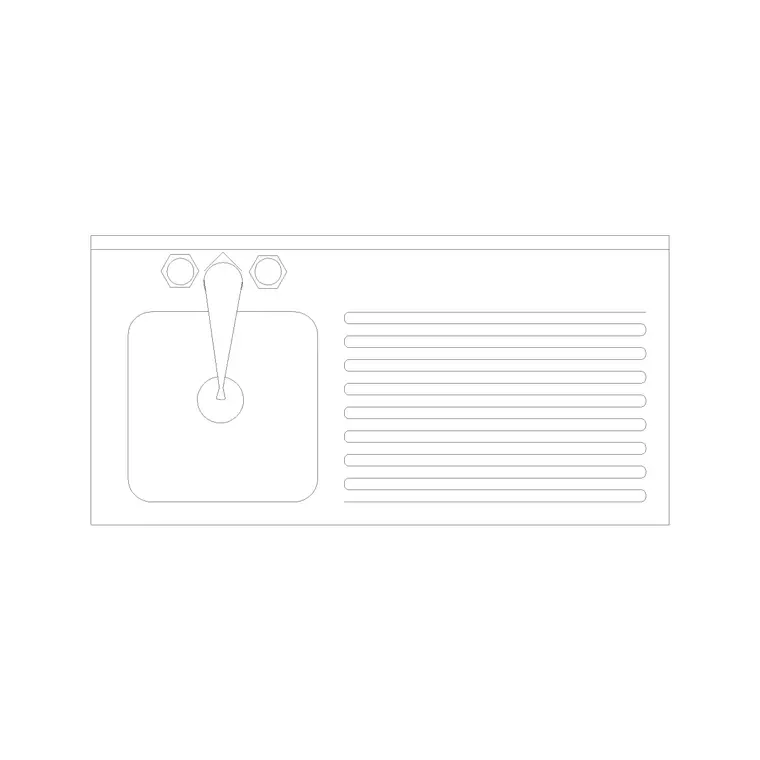
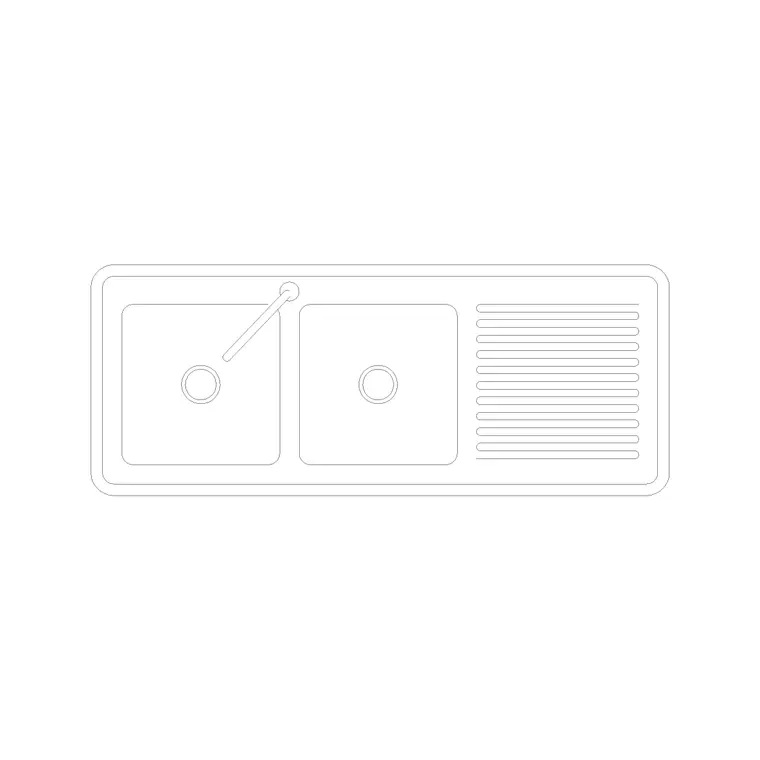
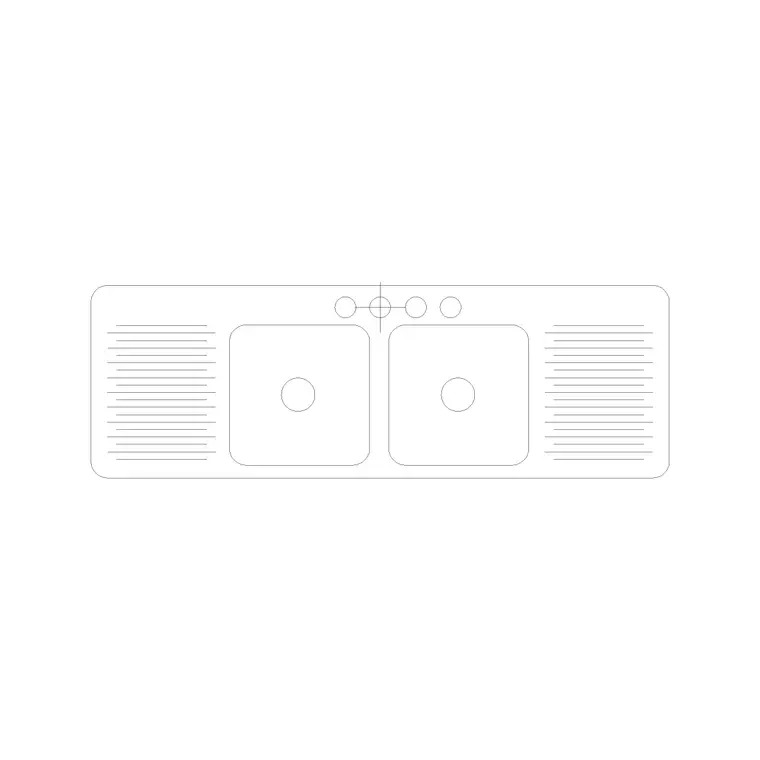
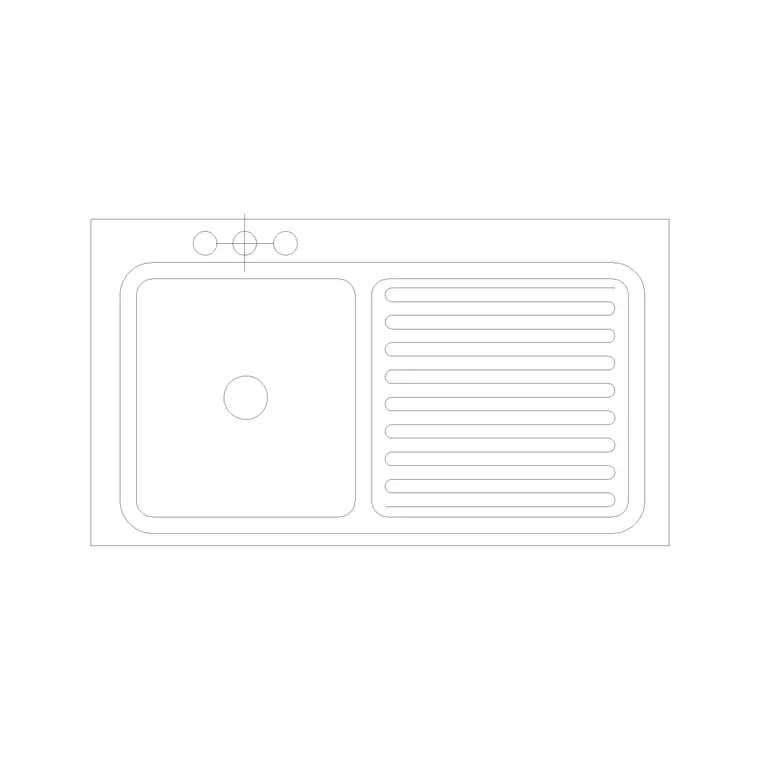
The block draws a sink bowl with a draining tray to one side, the tray usually shown as a ribbed or grooved area with run-off lines feeding back to the bowl. In plan you see the bowl opening, the tap deck and the defined tray; the dedicated draining tray is the feature that distinguishes this block from a plain sink that drains onto open worktop. Some versions pair one bowl with one tray, others a double bowl with a single or double tray.
It is built as a single block reference so the bowl, tap and tray move together. The tray hatching, bowl line and tap are drawn as sensible sub-elements so you can mirror the unit to flip the tray side, or freeze the tray grooves for a simpler general-arrangement read.
Views and what's included
The plan view is the working view, used for kitchen layouts and general arrangement drawings, showing the bowl and the draining tray from above. Where an elevation or section is supplied it shows the bowl depth and the tap; the tray reads as a flat worktop run in elevation, so the tray detail really lives in the plan.
The unit is asymmetrical because the tray sits to one side, so orientation matters. Insert the block, then MIRROR it if the tray needs to be on the other hand — for example, to drain towards the dishwasher side. Keep the tap as a separate element so you can swap a single mixer for a different faucet from the category without redrawing the bowl or tray.
Typical sink and drainer tray sizes
Use these as ranges. A bowl-plus-tray unit is long because the tray adds a defined draining run beside the basin: the combined footprint commonly reaches into the region of 800–1200 mm or more along the worktop depending on whether it is a single or double bowl. The tray itself takes a meaningful slice of that length so washed items have room to drain.
The bowl follows the usual family — depth often about 150–220 mm below the worktop — and the worktop is conventionally 600 mm deep at a 900 mm height. Because the unit is long, confirm the overall length against the available run and the cabinet beneath, and leave standing space at the tray end so the draining area is actually usable.
How to insert, scale and orient the block
The block is drawn full size in millimetres. Insert at scale 1 in a millimetre drawing, 0.001 in a metre drawing, or set INSUNITS to millimetres so AutoCAD rescales an imperial template on insertion. Use INSERT or drag the DWG from a tool palette.
Pick an insertion point you can snap reliably — a bowl centre or a rim corner — and rotate to align the unit with the worktop. Decide the tray hand early: if it is wrong, MIRROR the block about the vertical centre line rather than re-inserting. Put the assembly on a sanitary-ware layer so you can toggle it for structural versus fitted plans, and use BEDIT once if you adjust the bowl, tray or tap and have every copy follow.
Where drainer tray sinks are used
Drainer tray sinks suit kitchens and utility rooms where air-drying matters and a defined draining area is wanted rather than bare worktop, including family homes, holiday lets, house-shares and small commercial tea-points. The tray keeps drips contained and channels them back to the bowl, which is why this configuration is so common in everyday kitchens.
Place the unit under the window where plumbing usually dictates, with the tray on the side that suits the workflow, then build the cooking and storage runs around it. Pair the block with the cooker, hob, dishwasher and cabinet blocks in the kitchen set, and keep the sanitary-ware on its own layer so the bowl-and-tray detail reads cleanly on the general plan.
Free download
Browse the full library — DWG & DXF, no signup.
Questions
Frequently asked
What is a drainer tray sink?+
It is a sink with a dedicated draining tray beside the bowl — a defined ribbed or recessed area where washed items air-dry and run off back into the basin, rather than draining onto bare worktop.
How long is a sink with a drainer tray?+
The combined bowl-plus-tray footprint commonly reaches into the region of 800–1200 mm or more depending on whether it is single or double bowl. The block is true-scale, so measure it against your actual run.
Can I put the tray on the other side?+
Yes. The unit is asymmetrical, so after inserting use MIRROR about the vertical centre line to move the draining tray from one hand to the other to suit the workflow.
Is the drainer tray sink block free for commercial use?+
Yes. It downloads free in DWG and, where available, DXF, with no signup, watermark or attribution, and it is cleared for commercial project drawings.
Related downloads
Blocks for this guide
Related categories
Related guides
Block landing
Free Sanitary Fixtures CAD Blocks — DWG Download
Download free sanitary fixtures CAD blocks in DWG and DXF — WCs, wash basins, urinals and sinks in plan and section for AutoCAD sanitary plans.
Block landing
Free Kitchen Faucet / Mixer Tap CAD Block — DWG
Download free kitchen faucet and mixer tap CAD blocks in DWG and DXF — monobloc and pull-out mixers in plan and elevation. No signup, commercial OK.
Block landing
Free Kitchen Sink Unit CAD Block — DWG Download
Download free kitchen sink unit CAD blocks in DWG and DXF — single, double and 1.5-bowl sinks with drainers in plan and section. AutoCAD 2004+, no signup.