Block landing · drafting stool cad block dwg
Free drafting stool CAD block in DWG
By Saumyajit Maity · Published 14 Nov 2022 · Updated 7 Mar 2026
A drafting stool is the tall, height-adjustable task seat used at a standing-height desk, a drawing board, a lab bench or a counter workstation: a swivel seat on a gas-lift base with a foot ring, raised so the user works at a high surface with feet supported. This free drafting stool CAD block ships in DWG, drawn to true millimetre dimensions for AutoCAD 2004 or later, with no signup, no watermark and full commercial clearance. It is the block you place at any high working surface where an ordinary office chair would sit too low.
What distinguishes a drafting stool from an office chair is the height and the foot ring — it perches the user at a tall bench or board, and the ring stops legs dangling. Drawing it to scale lets you check the seat against a high desk or lab bench, confirm the swivel-base clearance, and set it out at a workstation that an ordinary chair would not suit.
What the drafting stool block is
This is a tall task stool: a swivel seat, often with a small back, on a five-star gas-lift base with castors and a foot ring partway up the column. The plan shows the base footprint and the ring that governs clearance; the elevation shows the raised seat height and the foot ring for checking the stool against a high bench. It is the seat that suits a drawing board, a standing desk or a lab counter.
It inserts as a single block reference you can copy and array down a bench. A single edit to the block definition updates every stool, keeping a studio or lab row consistent.
Views and what's included
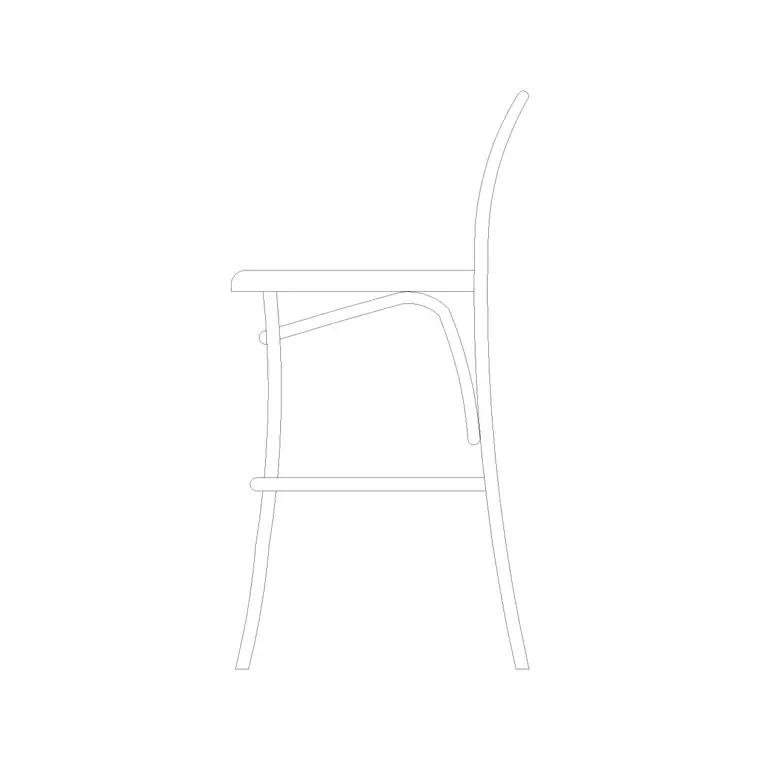
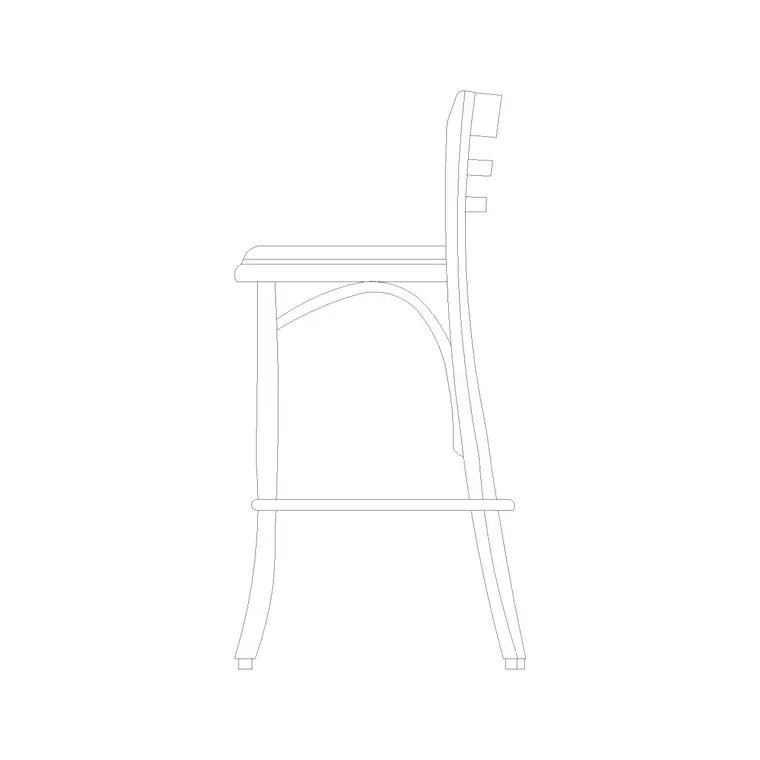
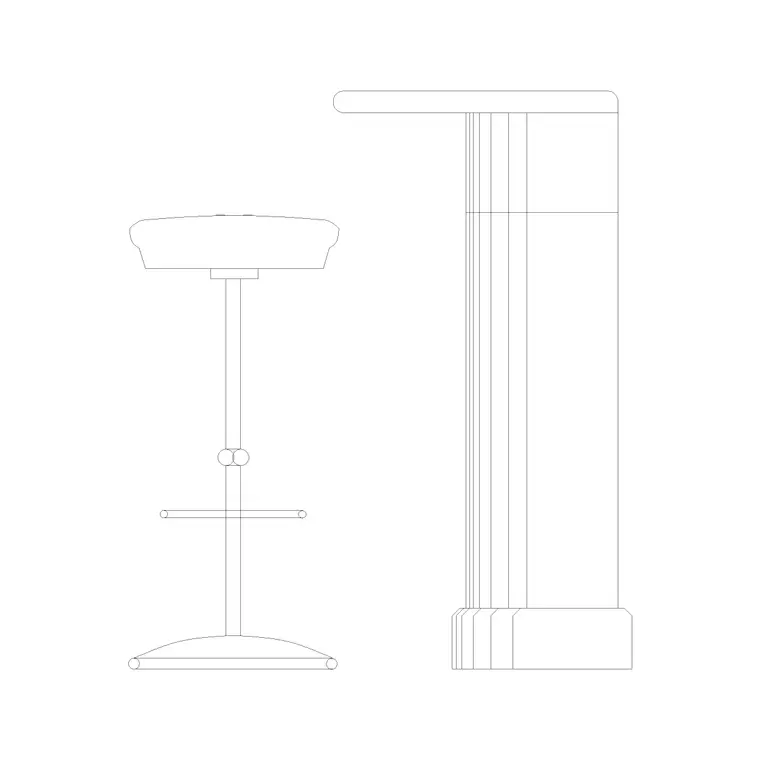
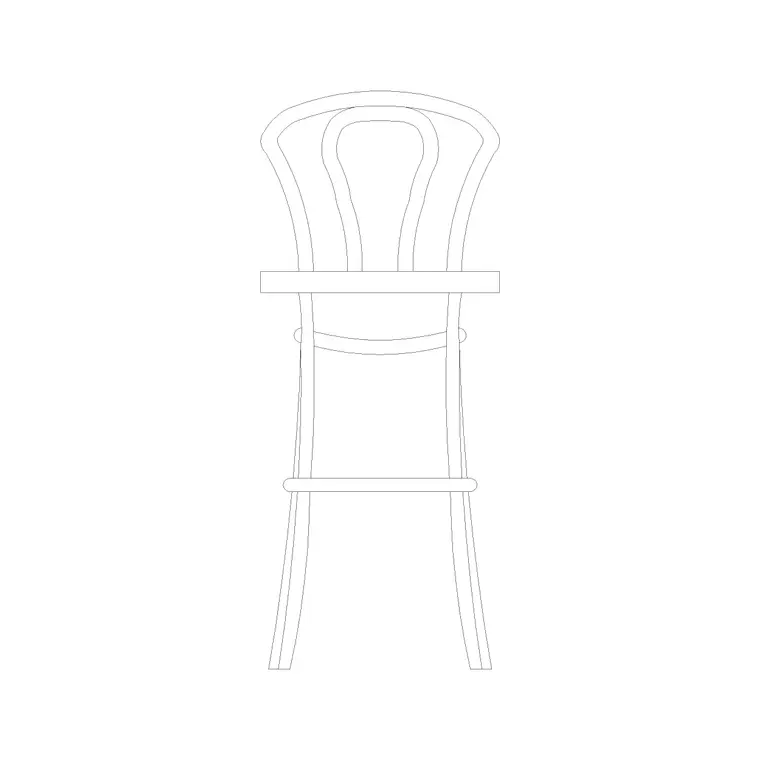
The download leads with an elevation showing the raised seat and the foot ring, the relationship that matters when you set a drafting stool against a high surface, and where a plan is supplied it shows the swivel base footprint for clearance checks under and around a bench.
The geometry is layered so the seat, the gas-lift column and the base separate cleanly, letting you freeze the base detail while you dimension the seat height on an elevation.
Typical drafting stool dimensions
Use these as working ranges. A drafting stool seat adjusts over roughly 550–750 mm — notably higher than an office chair's 420–520 mm — to suit a standing-height desk or a lab bench around 900–1050 mm. The foot ring typically sits 350–450 mm above the floor. The five-star base spans around 550–650 mm in diameter, much like a task chair.
For a high working bench, allow the usual 250–300 mm of clear space between the raised seat and the underside of the work surface so the user is not pinned, and keep at least 900 mm behind the stool so a person can push back and stand. Along a bench, space the stools to suit the workstation pitch.
How to insert and scale it
The block is drawn full size in millimetres. Insert at scale 1 in a millimetre drawing, 0.001 in a metre drawing, or set INSUNITS to millimetres on an imperial template so AutoCAD rescales on insertion. Pick the insertion point at the base centre so you can snap each stool to a workstation centreline.
To populate a studio or lab bench, place one stool and ARRAY it along the bench at the workstation pitch. Keep the stools on a furniture layer so you can freeze them for a clean plan and thaw them for the furnished view, and so a furniture schedule can count the seats.
Where drafting stools are used
Drafting stool blocks belong at high working surfaces: design and architecture studios with drawing boards or standing desks, science and school laboratories, technical and craft workshops, makerspaces, drawing and art studios, and reception or counter positions where staff perch at a raised ledge. They pair with the standing-desk, lab-bench and workstation blocks, and with the wider seating in the furniture category.
Because they are free and licence-clear, they suit student studio and lab schemes, education fit-out concept plans and workshop drawings where the correct tall seat at a high bench makes the layout read as resolved.
Why the foot ring matters
The foot ring is the feature that separates a drafting stool from a tall bar stool, and it is worth representing properly in the drawing. At a 550–750 mm seat height a user's feet cannot reach the floor, so the ring gives somewhere to rest them and to brace when leaning into work at a board or bench. Drawn at the right level — around 350–450 mm up the column — it also tells a reviewer at a glance that this is a working task stool and not a casual perch.
Keep the ring and the gas-lift column on their own sub-layers so you can tone them back when the elevation gets busy, and dimension the seat height from the floor so the relationship to the high bench is documented. When a studio or lab bench is laid out, array the stool at the workstation pitch and the foot rings will line up neatly down the run, which reads as a deliberate, resolved layout.
Free download
Browse the full library — DWG & DXF, no signup.
Questions
Frequently asked
How is a drafting stool different from an office chair?+
A drafting stool sits much higher — a seat range of roughly 550–750 mm versus an office chair's 420–520 mm — and adds a foot ring, so it suits a standing-height desk, drawing board or lab bench where an office chair would sit too low.
What desk height does a drafting stool suit?+
A raised working surface around 900–1050 mm, such as a standing desk, drawing board or lab bench. The scaled block lets you confirm the seat-to-bench gap in elevation.
Is the drafting stool CAD block free?+
Yes — free in DWG, no signup, no watermark, no attribution, and cleared for commercial studio, lab and workshop projects.
Which AutoCAD versions open the file?+
Any release from AutoCAD 2004 onward, including AutoCAD LT, plus BricsCAD, DraftSight and free DWG viewers.
Related downloads
Blocks for this guide
Related categories
Related guides
Block landing
Free Office Chair CAD Blocks — DWG Download
Download free office chair CAD blocks in DWG and DXF — task chairs, swivel chairs and executive seats drawn in plan and elevation, AutoCAD 2004+, no signup.
Block landing
Free Bar Table CAD Blocks — DWG Download
Download free bar table CAD blocks in DWG and DXF — round, square and rectangular high bar tables in plan and elevation for AutoCAD. No signup, commercial-use OK.
Block landing
Free Restaurant Table CAD Blocks — DWG Download
Download free restaurant table CAD blocks in DWG and DXF — 2, 4 and 6 cover tables with chairs drawn in plan and elevation for AutoCAD. No signup, commercial-use OK.