Block landing · dishwasher cad block
Dishwasher CAD blocks in plan, elevation and section
By Sumana Kumar · Published 17 Apr 2024 · Updated 13 Jan 2026
A dishwasher is a service appliance that lives or dies by its position relative to the sink, because it shares the same water supply and waste run. Place it well and the plumbing is short and tidy; place it badly and the drainage fights the layout. This page collects free dishwasher CAD blocks in DWG and DXF — freestanding and integrated, on the standard module and in slimline widths — drawn to true millimetre sizes for AutoCAD 2004 or later, free for personal and commercial use with no signup and no watermark.
The dishwasher block's job is partly geometric and partly about coordination: it sits on the kitchen module like a base unit, but it pulls water and waste, so it wants to be next to the sink. Drawn to scale, the block lets you set the door swing and the loading space and keep the appliance within reach of the plumbing.
What a dishwasher block shows
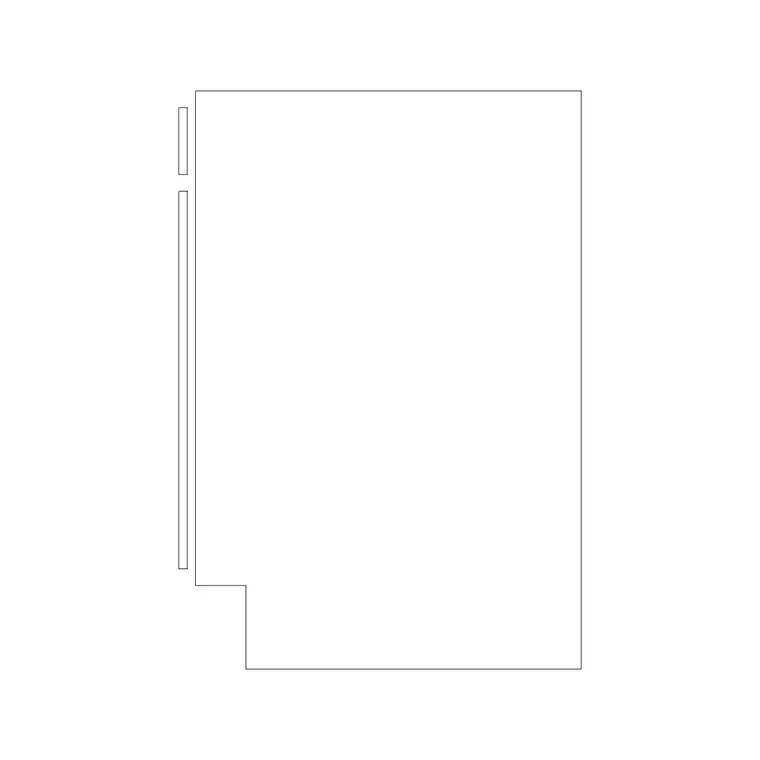
A dishwasher block represents a base-unit-sized appliance with a forward-opening door. The plan view draws the body footprint within the run and the drop-down door swing forward into the floor space, because a dishwasher needs clear floor in front for the door and the pulled-out racks. For an integrated unit, the block shows the appliance behind a matching cabinet door so it disappears into the run.
The section is genuinely useful for a dishwasher because it shows the water supply and waste connection that have to reach the appliance, which is the coordination the plumber cares about. The body, door and any cabinet front sit on separate layers so the elevation reads cleanly whether the dishwasher is freestanding or integrated.
Freestanding or integrated
A dishwasher comes in two forms, and the block covers both. A freestanding dishwasher has a finished front and stands in a gap in the run — quick to specify and easy to replace. An integrated dishwasher hides behind a matching cabinet door so the kitchen reads as continuous cabinetry, which is the tidier look but needs the door coordinated with the neighbouring units.
For the layout you work in plan to set the footprint, the door swing and the position next to the sink; for the plumbing you reach for the section. In an integrated kitchen the elevation matters too, to confirm the cabinet door aligns. Many downloads carry the plan, elevation and section in one DWG.
Typical dishwasher dimensions
Design around these and confirm against the model. A standard dishwasher sits on the 600 mm kitchen module, around 600 mm deep to match the base run, and full-height to align with the worktop at 900 mm. Slimline dishwashers run around 450 mm wide for compact kitchens. Compact countertop dishwashers are smaller again, sitting on the worktop rather than in the run.
Leave clear floor in front of the dishwasher for the door to drop fully and the racks to slide out — typically the door height plus standing space, so a person can load it. Because the door drops forward, keep the appliance clear of a perpendicular run or a doorway that the open door would block, which the plan swing makes obvious.
Inserting and placing near the sink
The blocks are full size in millimetres. Insert at scale 1 in a millimetre drawing, 0.001 in a metre template, or set INSUNITS to millimetres so AutoCAD rescales on insertion. Run INSERT, snap to a corner or the centre of the body, and place the dishwasher in the run immediately beside the sink so it shares the water and waste.
Keep the door-swing layer on and check the dropped door clears the opposite run and any doorway. For an integrated unit, align the cabinet front with the neighbouring doors in elevation. Keep the dishwasher on its own appliance layer, freeze it for a cabinet-only plan, and a change of width — standard to slimline — edits the block once.
Where dishwasher blocks are used
Dishwasher blocks appear in residential kitchen plans, apartment and studio fit-outs, and the kitchens and utility rooms of hospitality and commercial schemes. Interior designers use them to set the appliance beside the sink and choose freestanding or integrated; architects use the footprint to coordinate the run; services engineers use the section to route the water and waste.
Pair the dishwasher with the sink, base-cabinet and washing-machine blocks in the kitchen category so the plumbing groups together, the run reads cleanly, and the integrated door aligns across the elevation.
Keeping the dishwasher within reach of the plumbing
The golden rule with a dishwasher is to keep it beside the sink, and the scaled block is what lets you honour it on the plan. A dishwasher needs a cold (and sometimes hot) water feed and a waste connection, and the easiest, most reliable place to take those is from the sink's existing plumbing. Set the dishwasher in the run immediately next to the sink unit and the supply and waste runs are short, accessible and unlikely to leak; push it to the far end of the kitchen and you commit to a long, hidden pipe run that is harder to install and to fix.
The door swing is the other thing the block protects. A dishwasher door drops forward to the floor, and the pulled-out racks reach further still, so the appliance needs clear floor in front — which in a galley means the open door must not collide with the opposite run, and near a doorway means the open door must not block the route. Drawing the swing and the loading space to scale shows both clashes on the plan, so you can settle the dishwasher's position where the plumbing is short and the door has room to open before the kitchen is built.
Free download
Browse the full library — DWG & DXF, no signup.
Questions
Frequently asked
What size is a standard dishwasher block?+
A standard dishwasher sits on the 600 mm module, around 600 mm deep and full-height to align with the 900 mm worktop. Slimline models run around 450 mm wide for compact kitchens, and compact countertop units are smaller again. Confirm against the model.
Where should the dishwasher go relative to the sink?+
Right next to the sink. The dishwasher shares the sink's water supply and waste, so placing it in the adjacent run keeps the plumbing short, accessible and reliable. The scaled block lets you set it beside the sink unit on the plan.
Why does the dishwasher block show a door swing?+
Because the door drops forward to the floor and the racks slide out, so the appliance needs clear floor in front. Keeping the swing on the plan shows whether the open door clashes with the opposite run in a galley or blocks a nearby doorway.
Are these dishwasher CAD blocks free to download?+
Yes. They download free in DWG and, where available, DXF, with no signup, no watermark and no attribution requirement, and they are cleared for commercial project use.
Related downloads
Blocks for this guide
Popular blocks to download
Related categories
Related guides
Block landing
Free Bathroom Fixtures CAD Blocks — DWG Download
Download free bathroom fixtures CAD blocks in DWG and DXF — toilets, wash basins, bathtubs, showers and vanities drawn in plan and elevation. No signup, commercial OK.
Block landing
Free Gas Stove / Cooktop CAD Blocks — DWG
Free gas stove and cooktop CAD blocks in DWG and DXF — drawn in plan and elevation at true kitchen-module sizes for AutoCAD 2004+. No signup, commercial-use OK.
Block landing
Single Burner Hob CAD Block — Free DWG
Free single burner hob CAD blocks in DWG and DXF for compact kitchens and studios — plan and elevation, true sizing for AutoCAD 2004+. No signup, commercial OK.