Block landing · desk pen holder cad block
Free desk pen holder CAD block in DWG and DXF
By Sumana Kumar · Published 21 Apr 2026 · Updated 16 May 2026
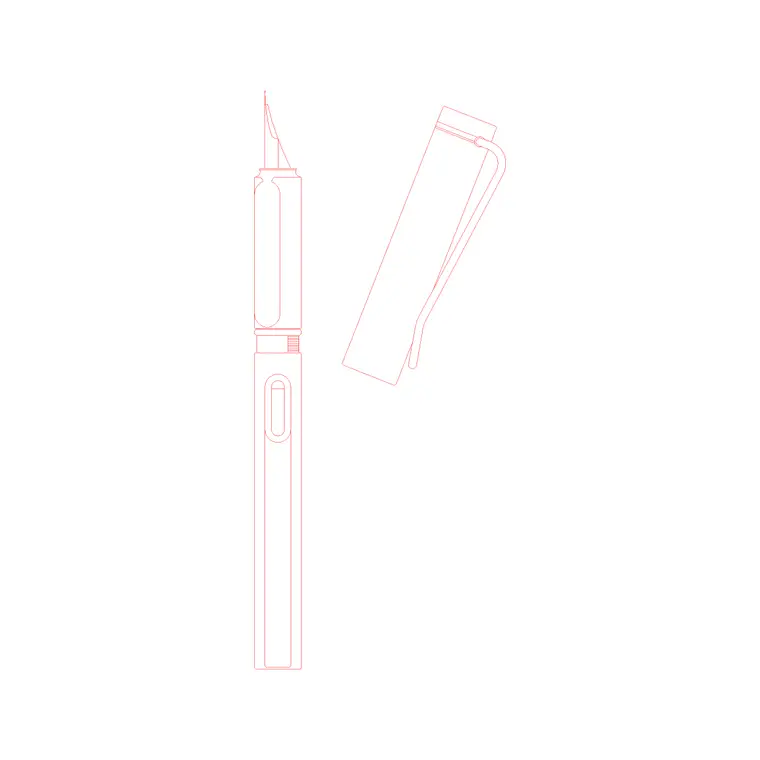
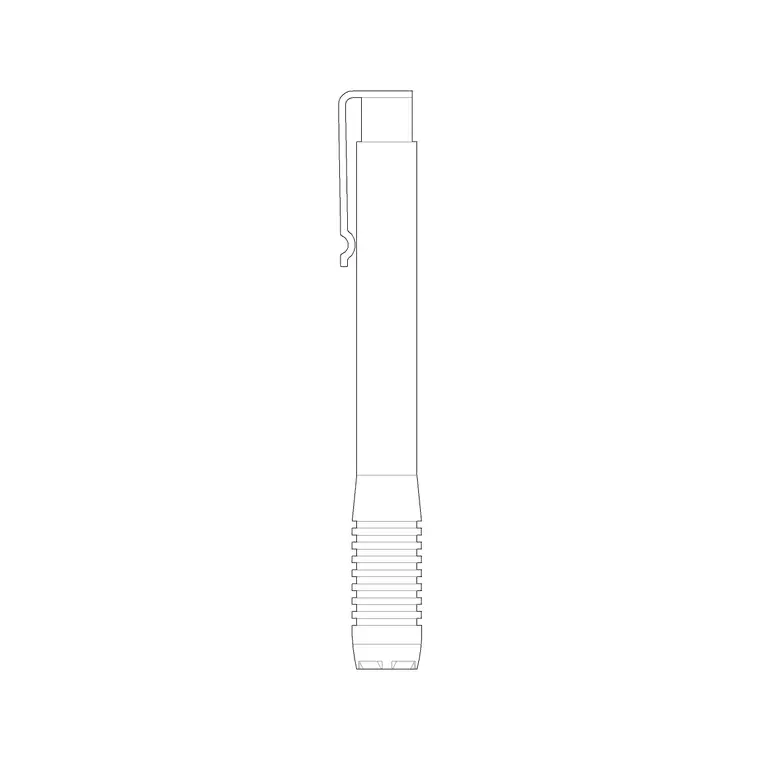
A desk pen holder is one of those small objects that makes an office desk plan or elevation feel occupied rather than empty, and a ready-made desk pen holder CAD block lets you dress a workstation without drawing the little pot and its pens by hand. This page offers a free desk pen holder CAD block in DWG and DXF, drawn as a pen pot or organiser so it reads as a desk accessory in both plan and elevation. It is free for personal and commercial use, with no signup, watermark or attribution.
Office and interior designers use desk-accessory blocks to dress workstation layouts and presentation elevations, where a few well-placed objects turn a bare desk into a believable working surface. Because the block is drawn to scale, it sits correctly among the keyboard, monitor and table-clock blocks without crowding the working area.
What a desk pen holder block contains
A desk pen holder block is a small container — a cylindrical pot, a square caddy or a multi-compartment organiser — usually drawn with a few pens or pencils standing in it so it reads as a pen holder rather than a generic cup. The plan view shows the round or square footprint on the desk; the elevation shows the pot with the pens rising out of it.
It is drawn as clean single-layer linework, so you can recolour it, copy it across desks, or explode it to adapt the form. As a small block reference it sits naturally in the cluster of desk-dressing objects, and because it is one block it copies down a row of identical workstations in seconds.
Views and where each is used
A pen holder works in both views because it is a small three-dimensional desk object. The plan footprint is what you place on a workstation or open-plan office layout to dress the desk and confirm the accessories do not eat into the working area. The elevation, with the pens standing up, is what you place on a desk or office presentation elevation to add life to the surface.
Many downloads carry both views in one DWG, so you can dress the plan and the matching elevation from a single file. On a furniture layout the footprint is usually enough; on a styled presentation the elevation earns its place.
Typical pen holder sizes
Use these as guide ranges. A simple cylindrical pen pot commonly has a diameter in the 70–110 mm band and a height in the 90–130 mm range — tall enough to hold pens upright without them toppling. A multi-compartment desk organiser is wider and lower, perhaps 150–250 mm across, combining pen wells with trays for clips and notes.
The figures that matter are the footprint for the plan — so the holder does not crowd the keyboard and writing area — and the height for the elevation, where the pens rise above the pot. Keep it in proportion with the other desk accessories so the styled surface looks coordinated rather than mismatched.
How to insert and scale the pen holder
The block is drawn full size in millimetres. In a millimetre drawing, INSERT at scale 1 for real size; in a metre template insert at 0.001; in an imperial drawing set INSUNITS to millimetres so AutoCAD rescales it on insertion and you avoid a speck or an oversized caddy.
For a plan, pick the centre of the footprint as the insertion point so the holder snaps onto the desk; for an elevation, pick the base so the pot stands on the surface line. Because the holder is a single block reference, dressing a whole bank of desks is a quick copy or array, and editing the block definition updates every desk's accessory together if the styling changes.
Where desk pen holder blocks are used
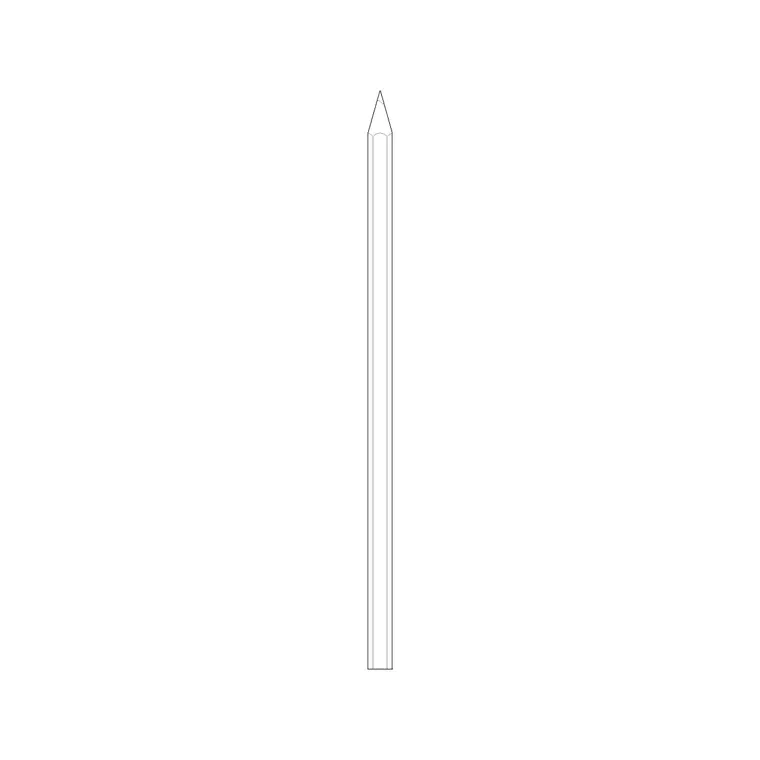
Desk pen holders dress open-plan office layouts, private offices and home studies, reception and counter desks, classroom and library desks, and co-working floors. They are part of the small kit of desk accessories — alongside the keyboard, monitor, table clock and stationery — that make a workstation read as in use. Pair the pen holder with the pencil and stationery block in the other category to complete the desk, and with desk, chair and monitor blocks to build the full workstation.
Because the file is free and licence-clear, it suits interior and office-design student projects, mood boards and concept elevations. The same small block carries from a styling sketch to a finished presentation without being redrawn each time.
Dressing a desk and keeping it tidy
A pen holder reads best as one element of a small desk grouping, so place it with the stationery, a table clock or a framed photo near a corner of the desk where it would actually sit, leaving the central working area clear. Keep the accessories in scale with each other so the desk looks coordinated.
Keep desk accessories on a dedicated dressing layer so you can freeze them for a clean technical workstation drawing and thaw them for the styled presentation. For a bank of identical desks, place one accessory cluster as a group block and array it down the row, then edit the master definition to restyle every desk at once if the brief changes.
Free download
Browse the full library — DWG & DXF, no signup.
Questions
Frequently asked
Is the desk pen holder CAD block free for commercial use?+
Yes. It downloads free in DWG and, where available, DXF, with no signup, watermark or attribution, and is cleared for paid client and office projects.
Is the pen holder a plan or elevation block?+
Both. As a small desk object it appears as a footprint in plan on a workstation layout and as a pot with pens in elevation on a desk presentation. Many files include both views in one DWG.
What size is a typical pen holder?+
A simple cylindrical pen pot sits in the 70–110 mm diameter and 90–130 mm height range, while a multi-compartment desk organiser is wider, around 150–250 mm across. Keep it in proportion with the other desk accessories.
Will the block open in older AutoCAD?+
Yes. The DWG targets AutoCAD 2004 and later, so it opens in AutoCAD, AutoCAD LT, BricsCAD, DraftSight and free DWG viewers.
Related downloads
Blocks for this guide
Related categories
Related guides
Block landing
Wine Rack CAD Block DWG — Free Download
Download a free wine rack CAD block in DWG and DXF — bottle storage drawn in plan and elevation for kitchens, bars and cellars. AutoCAD 2004+, no signup.
Block landing
Wine Glass CAD Block DWG — Free Download
Download a free wine glass CAD block in DWG and DXF — red and burgundy stemware in elevation and plan for bar and table settings. AutoCAD 2004+, no signup.
Block landing
Cement Planter Pot CAD Block DWG — Free
Download a free cement planter pot CAD block in DWG and DXF — concrete-finish planter drawn in plan and elevation for interiors and terraces. AutoCAD 2004+.