Block landing · designer wash basin cad block dwg
Designer wash basin CAD blocks in DWG
By Saumyajit Maity · Published 24 Jul 2023 · Updated 25 Mar 2026
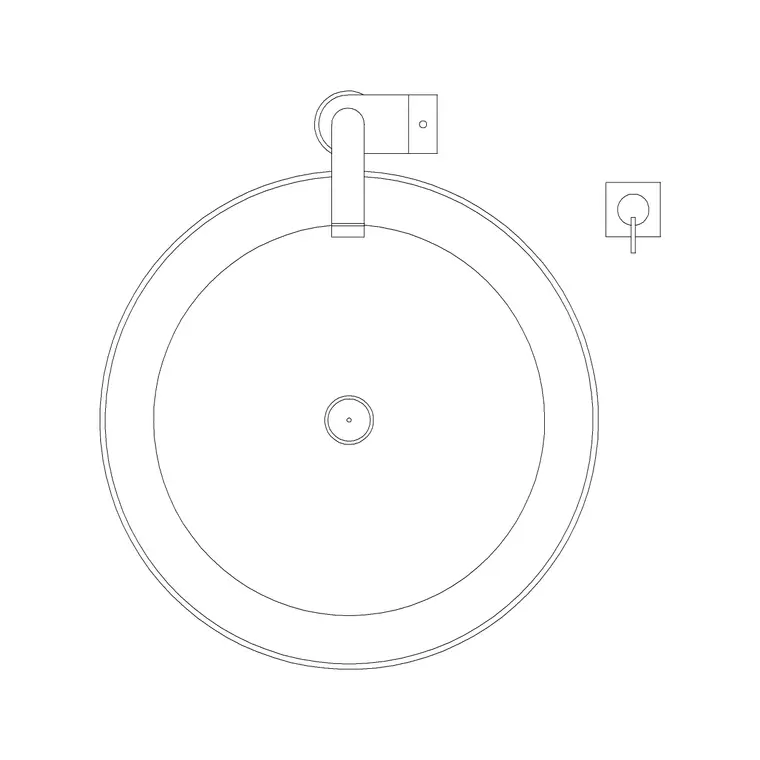
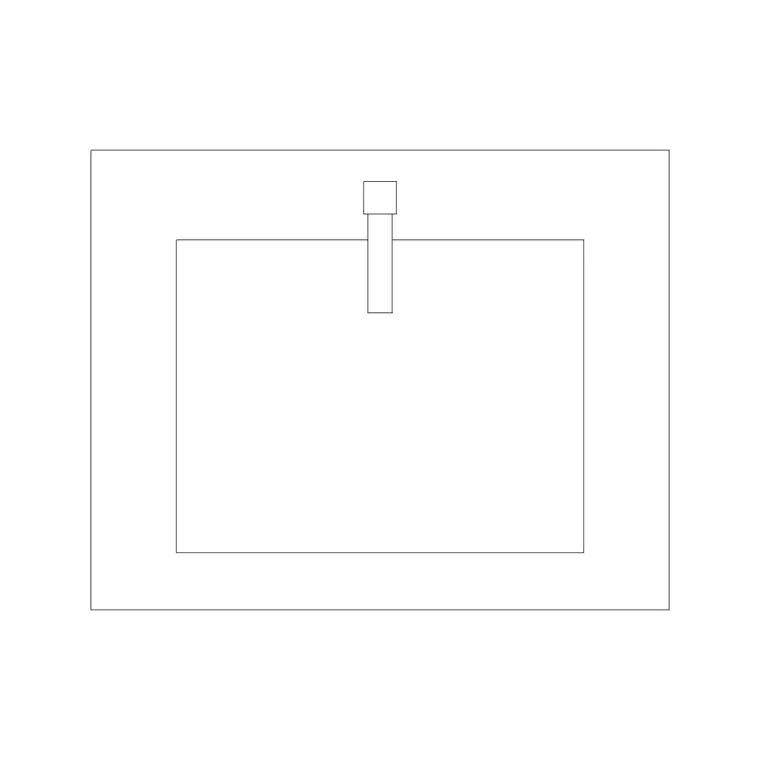
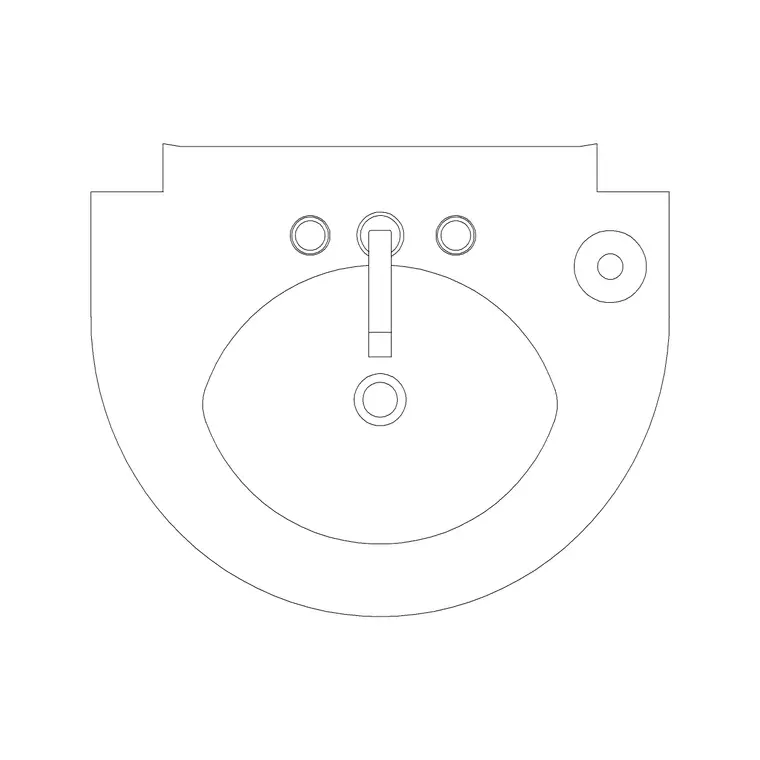
A designer wash basin is the one specified to be seen: a sculptural vessel, an asymmetric bowl, a thin-rim modern basin or a feature shape that anchors the whole bathroom rather than just serving it. Because the shape is the point, drawing it from a generic basin block undersells the design. This page collects free designer wash basin CAD blocks in DWG — modern and feature basins drawn at true millimetre dimensions in plan and elevation, ready to insert into AutoCAD 2004 or later. Every file is free for personal and commercial work, with no signup, no watermark and no attribution required.
Designer basins carry hotel suites, boutique en-suites, spa washrooms and feature powder rooms, where the basin is meant to make an impression. Drawing them from a block that captures the distinctive silhouette keeps your presentation elevations and client renders honest, and still lets you check the practical things — tap reach, splash zone, counter height — that decide whether the feature basin actually works in the room.
What makes a basin block a designer one
A designer basin block earns the label by capturing a distinctive form: a slim, knife-edge rim, an asymmetric or sculpted bowl, a tall vessel profile, or a bowl shape chosen for its look as much as its function. Where a standard basin block is a plain oval or circle, a designer block needs the outline that makes the basin recognisable on a presentation drawing.
The blocks here draw those feature silhouettes in plan and elevation on sensible layers, so the basin reads as the design statement it is meant to be. You can recolour the bowl for a render, strip it to a setting-out outline for the joiner, or carry the full profile into a section — all without losing the shape that justified specifying a designer basin in the first place.
Most designer basins are counter-top vessels
Designer basins are most often counter-top vessels, because standing proud on the vanity is what lets the bowl be seen as a feature. That means the same rule applies as for any vessel basin: the supporting counter is set lower so the bowl's standing height brings the rim to a comfortable washing level, and the tap is deck-mounted behind or wall-mounted above.
Some designer basins are inset feature bowls or wall-mounted sculptural basins instead, which sit at the counter line or hang free of any vanity. Knowing which arrangement you are drawing decides the counter height and the tap mounting in elevation. The blocks here capture the standing height where it applies, so your feature wall and section read correctly whichever route the design takes.
Typical sizing to design around
Reach for these ranges when laying out a designer basin, remembering they vary even more than standard ones. Bowl footprint: feature vessels commonly run 350–600 mm across, with tall or asymmetric pieces outside that range. Bowl height standing proud of the counter: often 100–180 mm for a tall vessel. Finished rim height: aim for a usable rim around 800–900 mm above the floor, setting the counter lower to suit a tall bowl.
These are loose planning envelopes, not fixed figures — designer basins are deliberately varied, so always confirm against the specified product before dimensioning. Placing a representative block first lets you test the counter height, the tap reach and the room around the feature, then you refine precisely to the chosen basin and its tap once it is selected.
How to insert and place the block
These blocks are drawn full size in millimetres. Insert at scale 1 in a millimetre drawing, 0.001 in a metre template, or set INSUNITS to millimetres so AutoCAD rescales on insertion. Draw the vanity or feature wall first, then run INSERT or drag the DWG from a tool palette and place the basin where it reads best, leaving room for a deck or wall tap and a clear surround so the feature is not crowded.
In elevation, stand a vessel on a lowered counter or set an inset bowl at the counter line so the rim height is right. Because the basin is a single block reference, you can mirror it for a paired feature or copy it along a long vanity, with edits to the block definition updating every placed instance at once across the drawing.
Where designer basins are used
Designer basin blocks suit boutique hotels, luxury residential bathrooms, spa and wellness washrooms, restaurant and bar powder rooms, showrooms and any scheme where the basin is meant to be a talking point. As the feature of the room, they carry presentation elevations and client renders, so getting the silhouette right matters more here than for a back-of-house basin.
Pair them with statement tap, mirror and vanity blocks in the bathroom category to compose a complete feature basin station, and use the plan blocks to confirm the feature leaves usable surround and clears circulation. Because the files are free and licence-clear, they carry a feature basin from a mood board and concept elevation through to coordinated joinery and fit-out drawings without redrawing it at any stage.
Free download
Browse the full library — DWG & DXF, no signup.
Questions
Frequently asked
What counts as a designer wash basin block?+
One that captures a distinctive, feature-led form — a slim-rim modern bowl, a sculptural or asymmetric vessel, or a basin chosen for its look as much as its function. These blocks draw those silhouettes so the basin reads as the design statement it is meant to be.
Are designer basins usually counter-top or inset?+
Most are counter-top vessels, since standing proud on the vanity lets the bowl be seen as a feature, which means a lower supporting counter and a deck or wall tap. Some are inset or wall-mounted sculptural basins instead; the arrangement decides the counter height and tap mounting.
Do the files include plan and elevation views?+
Many do. Where a block ships multiple views they are in the same DWG, so you can set out the vanity in plan and show the feature in elevation. Each download page lists its available views.
Are the designer basin blocks free for commercial use?+
Yes. Every designer basin block here downloads free in DWG with no signup, no watermark and no attribution requirement, and is cleared for commercial project use.
Related downloads
Blocks for this guide
Related categories
Related guides
Block landing
Free Bathroom Fixtures CAD Blocks — DWG Download
Download free bathroom fixtures CAD blocks in DWG and DXF — toilets, wash basins, bathtubs, showers and vanities drawn in plan and elevation. No signup, commercial OK.
Block landing
Free Sanitary Fixtures CAD Blocks — DWG Download
Download free sanitary fixtures CAD blocks in DWG and DXF — WCs, wash basins, urinals and sinks in plan and section for AutoCAD sanitary plans.
Block landing
Free Toilet / WC CAD Blocks — DWG Download
Download free toilet / WC CAD blocks in DWG and DXF — close-coupled, back-to-wall and commode pans in plan and elevation for AutoCAD. No signup, commercial OK.