Room guide · supermarket layout cad blocks
Design a supermarket layout with free CAD blocks in 2026
By Saumyajit Maity · Published 30 Mar 2025 · Updated 18 Jun 2026
A supermarket is retail at scale, and its plan is ruthlessly functional: get a maximum of merchandise in front of shoppers, route them past the high-margin categories, and clear them through the tills without congestion. It is the most grid-driven of all the retail types, governed by gondola runs, refrigerated lines and the all-important checkout bank. The plan is mostly an exercise in disciplined repetition and trolley-width clearance.
This guide covers laying out a supermarket or large grocery store in AutoCAD using free CAD blocks for the human-facing fixtures and standard drawn geometry for the aisles. Each linked block downloads free in DWG and DXF at true millimetre scale for AutoCAD 2004 or later — no signup, no watermark, fine for commercial work. Because the blocks are scaled, you can verify trolley clearances and queue space as you draw.
It suits supermarkets, large grocery stores, convenience superstores and discount food retail, where flow and throughput matter more than atmosphere.
How shoppers move through a supermarket
Supermarket layouts are engineered around a known pattern: fresh produce greets shoppers at the entrance (it sets a 'fresh' tone and is high-margin), staples like milk and bread sit deep at the back so customers walk past everything to reach them, and impulse buys cluster at the checkout. Most shoppers travel the perimeter loop where the fresh and chilled categories live, dipping into the central gondola aisles for specific items.
Your plan should make that loop obvious and unobstructed, with the central aisles arranged so a shopper can scan down each one. The checkout bank sits across the exit so no one leaves without passing a till.
The aisle grid and the perimeter loop
The body of a supermarket is a regular grid of gondola aisles, which you draw as arrayed parallel rectangles rather than as blocks — they are too project-specific to be a single download. Around them runs the perimeter: produce, bakery, deli, chilled and frozen lines against the walls. The discipline is in the spacing: every aisle the same width, every gondola the same height, so the store reads as orderly and stock can be planogrammed.
A path or 'racetrack' aisle often rings the grid just inside the perimeter, wide enough for two trolleys, guiding the main flow. Set the gondola grid out from a single corner and array it, so a change to one dimension updates the whole floor.
Checkouts, fixtures and the blocks that go in
While the aisles are drawn geometry, the human-scale fixtures benefit from real blocks:
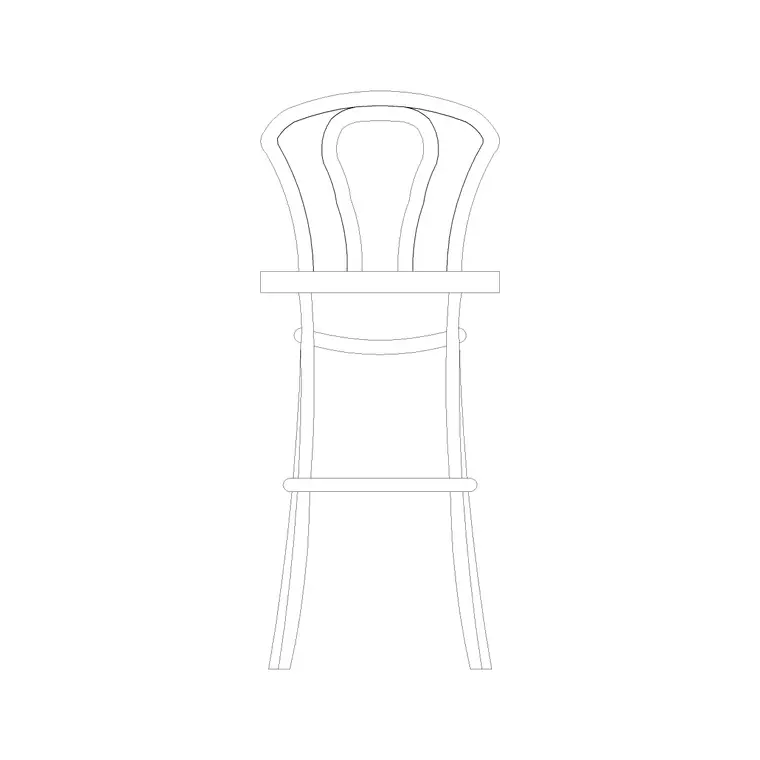
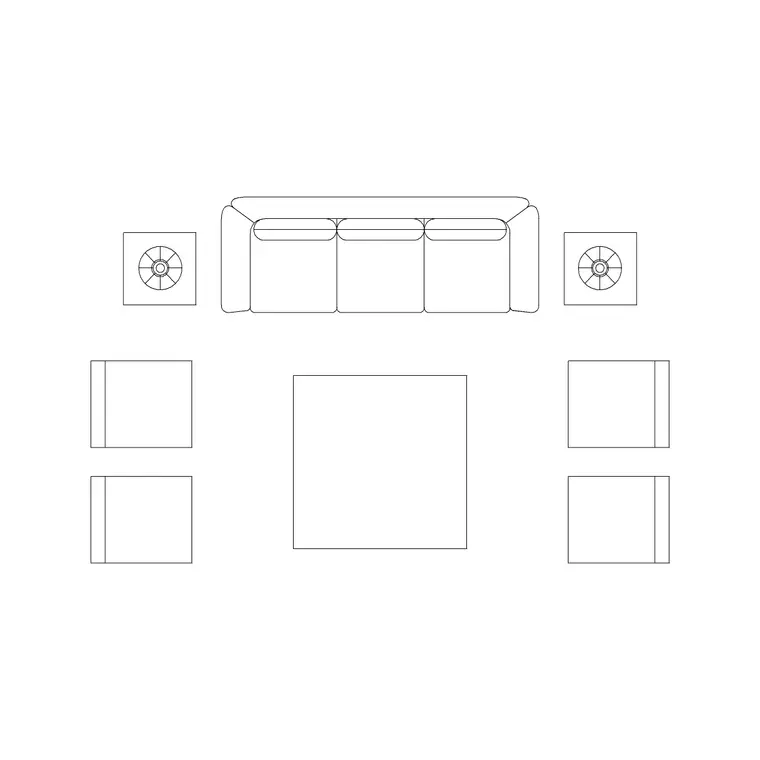
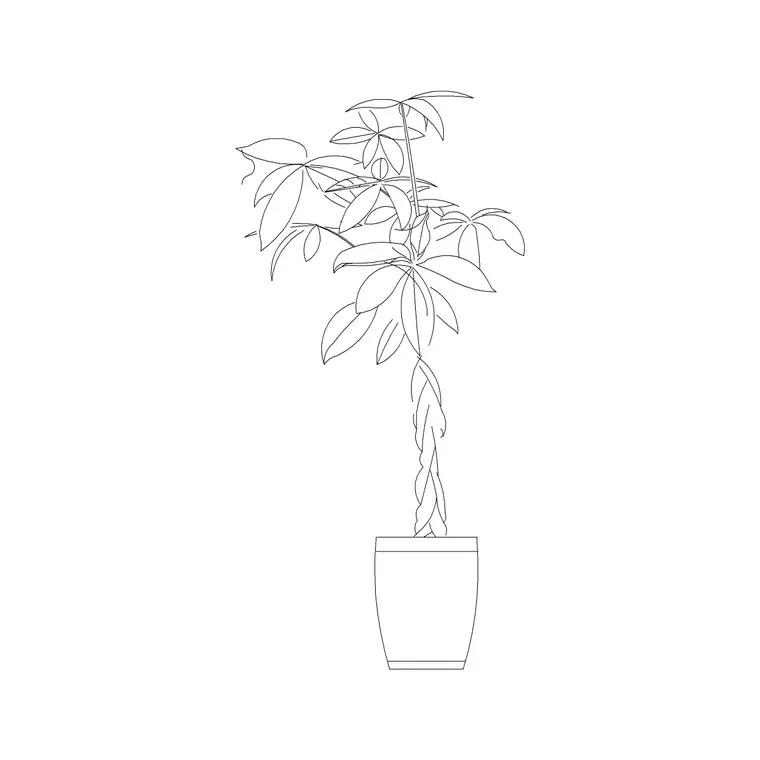
- A counter/desk block (the reception-table block) stands in for the customer-service desk, kiosk and the head of each checkout lane. - Stools and a chair furnish the service desk and any staff or customer seating. - A sofa set and plants build a small waiting or café-adjacent rest area near the entrance or exit. - Indoor plants and potted plants soften the entrance and the customer-service zone. - Ceiling lamps and wall lamps mark special lighting over fresh-food and service areas, even though most of the floor is on a high-bay grid. - A wall clock at the front helps shoppers manage their time and is a genuine supermarket fixture.
Keep checkouts, fixtures and seating on separate layers so you can produce a checkout plan independent of the merchandise grid.
Dimensions and clearances
Supermarkets live on trolley dimensions. A standard trolley is roughly 1000 mm long and 550–600 mm wide, so plan around it. Main aisles and the perimeter racetrack: 1800–2400 mm so two trolleys pass and stop. Secondary gondola aisles: 1500–1800 mm. Checkout lane gap (the channel a trolley travels through at the till): 750–900 mm clear, with the lane itself about 1800–3000 mm long.
Allow generous queuing space in front of the checkout bank — 2000 mm or more — so a queue does not back into the last aisle. Gondola height typically runs 1350–1800 mm. Because the fixtures are full-size blocks, you can confirm the till lane and queue space as you lay out the front of the store.
Building the supermarket plan
Begin with the shell, the entrance and exit (often separated for one-way flow), and the back-of-house wall to the stockroom and chillers. Set the perimeter departments against the walls. Lay one gondola aisle, get its width right against the trolley figure, then array it across the central floor — this is the heart of the plan and the array keeps it consistent.
Place the checkout bank across the exit by arraying the counter block, leaving the lane gaps clear. Add the customer-service desk near the entrance with its seating, and a rest nook with the sofa and plants if the brief calls for one. Insert all human-scale blocks at scale 1 in a millimetre drawing on their layers. Finish by tracing the shopper loop and confirming no gondola end blocks a sightline down the perimeter.
Common supermarket mistakes
The recurring planning error is aisles that are wide enough for one trolley but not for two to pass — at peak times this gridlocks the store. Another is too few checkout lanes for the floor area, so queues spill back into the merchandise. Placing staples near the entrance defeats the whole 'walk past everything' logic, and a single combined entry/exit causes collisions in busy periods.
In the drawing, the mistakes are not arraying the gondola grid (so the aisles drift out of alignment) and drawing checkouts as one-off geometry instead of an arrayed counter block, which makes adding or removing a lane a redraw. Keep the grid as an array and the front-end as blocks, and the plan stays editable.
Free download
Browse the full library — DWG & DXF, no signup.
Questions
Frequently asked
How wide should supermarket aisles be?+
Main aisles and the perimeter racetrack want 1800–2400 mm so two trolleys can pass and stop, with secondary gondola aisles 1500–1800 mm. Plan around a trolley footprint of roughly 1000 x 600 mm.
Do I draw gondola aisles as CAD blocks?+
Usually not — gondola runs are project-specific, so you draw them as arrayed parallel rectangles. The blocks you download are the human-scale fixtures: the service desk, checkout counters, seating, plants and lighting.
Where do the checkouts go on a supermarket plan?+
Across the exit so every shopper passes a till. Keep each lane gap 750–900 mm clear, the lane 1800–3000 mm long, and leave 2000 mm or more of queuing space in front of the bank so queues don't back into the aisles.
Are these supermarket CAD blocks free for commercial use?+
Yes. Every block downloads free in DWG and DXF with no signup or watermark and is cleared for commercial grocery and supermarket projects.
Related downloads
Blocks for this guide

Related categories
Related guides
Room guide
Free Living Room CAD Blocks — DWG Download
Free living room CAD blocks in DWG & DXF — sofa sets, coffee tables, lamps, plants and art drawn to scale for AutoCAD plans. No signup, commercial-use OK.
Room guide
Free Reading Nook CAD Blocks — DWG Download
Free reading nook CAD blocks in DWG & DXF — armchairs, side tables, reading lamps, plants and art for cosy reading corner plans in AutoCAD. No signup.
Room guide
Free Open-Plan Living Area CAD Blocks — DWG
Free open-plan living area CAD blocks in DWG & DXF — sofa sets, tables, plants and zoning lighting to define a great room in AutoCAD. No signup, free.