Room guide · showroom floor plan cad blocks
Design a showroom floor plan with free CAD blocks in 2026
By Sumana Kumar · Published 6 Aug 2025 · Updated 2 Mar 2026
A showroom exists to let big-ticket products be seen, touched and discussed before they are bought — furniture, kitchens, bathrooms, tiles, lighting, cars in miniature, appliances. Unlike a shop, very little stock is on the floor; instead, hero pieces are staged in lifelike vignettes and a sales consultant walks the customer through them. The floor plan is therefore about sightlines, staged settings and a comfortable place to close the deal.
This guide covers laying out a general product showroom in AutoCAD from free CAD blocks. Each linked block downloads free in DWG and DXF at true millimetre scale for AutoCAD 2004 or later — no signup, no watermark, cleared for commercial use. Because the vignette furniture and lighting are scaled, you can judge how a staged setting reads from the entrance the moment it lands on the plan.
It applies to furniture and home-furnishing showrooms, lighting and tile showrooms, appliance display floors and any space whose job is to present a small number of products beautifully.
How a showroom differs from a shop
In a shop, the customer self-serves from dense stock. In a showroom, a consultant guides them past a sequence of curated settings. That changes the plan completely: you design long, clean sightlines so a hero product is visible from the door, generous walkways so customers stroll rather than squeeze, and vignettes — staged room-sets — instead of fixture runs.
A showroom also needs a consultation zone where the salesperson sits with the customer over a catalogue or a screen, and often a samples library. So the plan reads almost like a small gallery with an office tucked into it, rather than like a retail grid.
Vignettes and the visitor journey
The core unit of a showroom plan is the vignette: a staged setting that shows a product in context. A furniture showroom might stage a living-room vignette (sofa, coffee table, lamp, art, plant), then a dining vignette (table, chairs, chandelier), then a bedroom set. Plan the journey so vignettes alternate in scale and the customer is drawn from one to the next, ending near the consultation desk.
Leave clear breathing space between vignettes — they should read as separate stories, not bleed together. A subtle change in floor finish, a plant, or a lighting boundary helps separate them. Sketch the visitor path as a polyline first, then place vignettes along it.
Staging vignettes with CAD blocks
The free blocks below let you stage convincing vignettes quickly:
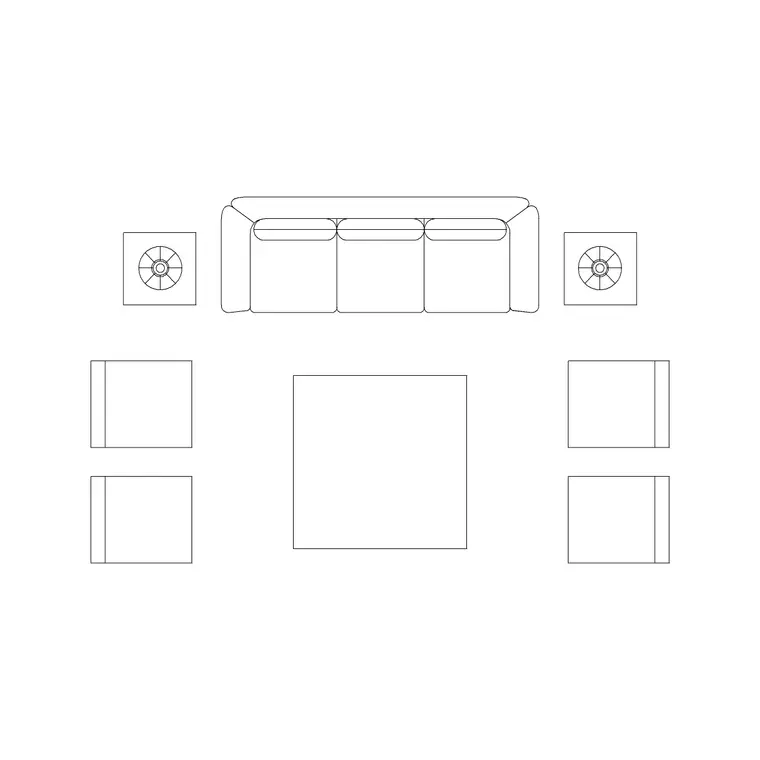
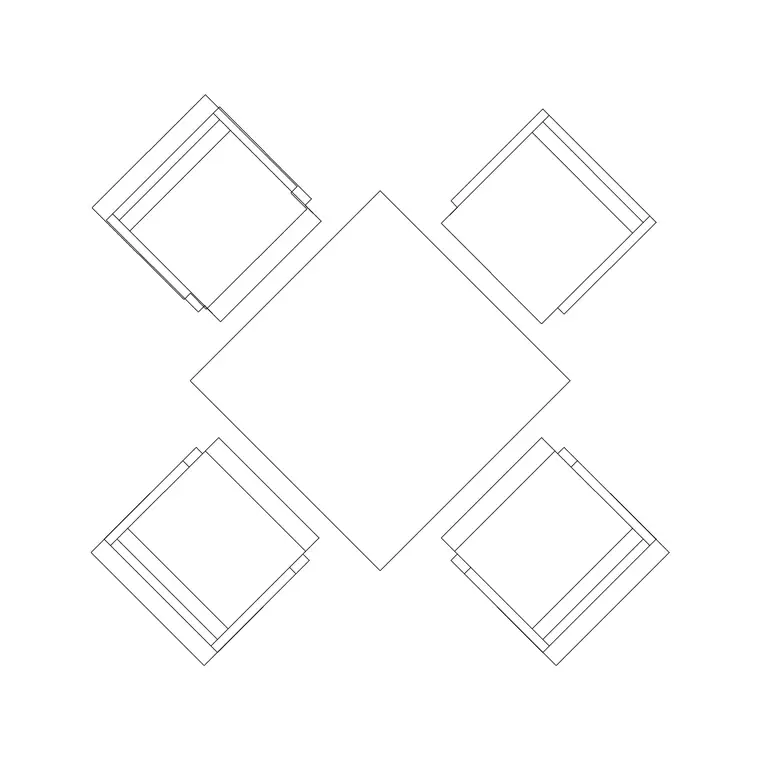
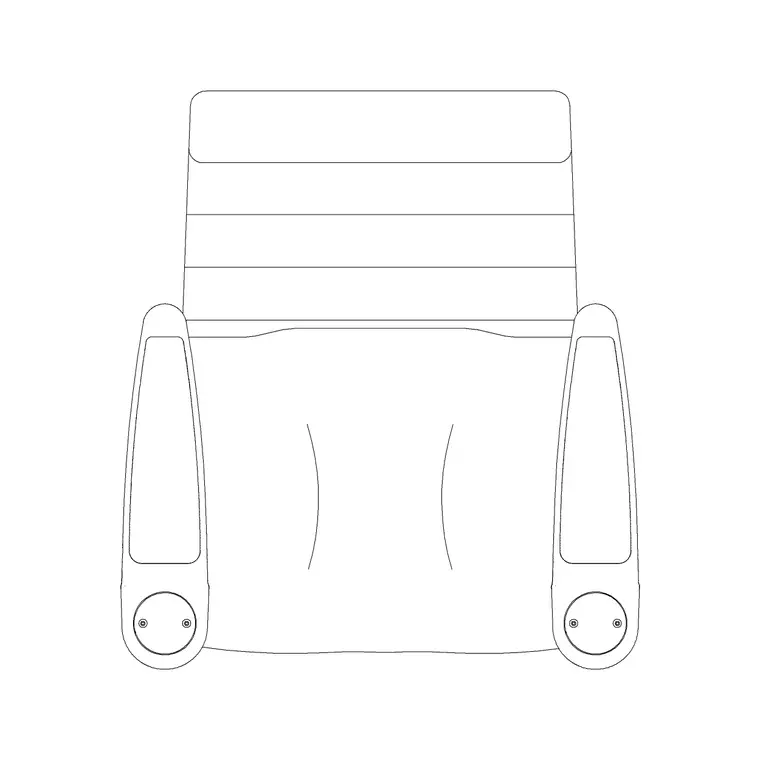
- A sofa set, a coffee/dia table and accent chairs build a living-room setting. - A dining table with stools or chairs and a suspended chandelier overhead makes a dining vignette. - Bar stools stage a kitchen-island or counter setting. - Indoor plants and a flower basket bring each setting to life — staged settings without greenery look like a catalogue, not a home. - Wall lamps, a ceiling lamp and feature chandeliers carry the all-important showroom lighting, which is what makes products look their best. - Art frames, a portrait frame and a decorative clock dress the vignette walls so each setting feels lived-in.
Group each vignette's blocks and consider making it a single named block (WBLOCK) so you can move a whole setting as one unit during layout review.
Dimensions and clearances
Plan around these ranges. Main walkways through a showroom: 1500–2000 mm, deliberately generous so customers wander. Gaps between vignettes: 1200–1800 mm so settings stay distinct. A consultation desk wants about 1200–1500 mm of clear space around it and room for two or three chairs.
Within a vignette, keep real residential clearances so the setting is believable: 350–450 mm between a sofa and a coffee table, 900–1000 mm of pull-out space behind dining chairs. Allow a 1500 mm turning circle at the entrance and at the consultation point for accessibility. Because every block is full size, these checks are visual the moment you stage a setting.
Building the showroom plan
Draw the shell and the entrance, then lay the visitor path as a polyline from door to consultation desk. Block out each vignette footprint as a polyline 'pad' along the path. Stage the first vignette by inserting its sofa, table, chairs, lamp, art and plant blocks at scale 1 in a millimetre drawing, each on the right layer, then group or WBLOCK the setting.
Repeat for each vignette, varying the product story. Place the consultation desk (use the reception-table block) and seating near the back, with the samples area beside it. Drop the feature lighting — chandeliers over dining and living settings, wall lamps to wash display walls — onto the lighting layer. Finish by walking the path in your head from the door: every hero product should be visible in turn.
Common showroom mistakes
The most common failure is letting vignettes merge into one cluttered mass so the customer cannot tell where one setting ends and the next begins — the cure is breathing space and a clear path. Another is weak lighting: a showroom lives or dies on how products look, so a flat ceiling grid with no feature or accent light flattens everything. A third is forgetting the consultation zone and trying to close sales standing in an aisle.
In the drawing, the recurring mistakes are not grouping each vignette (so you cannot reposition a whole setting cleanly) and mixing the staging furniture into the architecture layer, which prevents you from pulling a separate FF&E and lighting plan for the trades.
Free download
Browse the full library — DWG & DXF, no signup.
Questions
Frequently asked
What is a vignette in a showroom plan?+
A vignette is a staged room-set — for example a sofa, coffee table, lamp, art and plant arranged like a real living room — used to show a product in context. A showroom plan is built from a sequence of these settings along a visitor path rather than from fixture runs.
How wide should showroom walkways be?+
Generously: 1500–2000 mm for the main walkways and 1200–1800 mm between vignettes so settings stay distinct and customers can wander comfortably. Use full-size blocks so the gaps are easy to verify.
Which blocks help me stage a furniture showroom?+
A sofa set, dining and side tables, accent chairs and bar stools, feature chandeliers and wall lamps, plus art frames, a clock and plants. Group each setting's blocks so you can move a whole vignette as one unit.
Are these showroom CAD blocks free for commercial projects?+
Yes. They download free in DWG and DXF with no signup, watermark or attribution requirement and are cleared for commercial showroom fit-outs.
Related downloads
Blocks for this guide

Related categories
Related guides
Room guide
Free Living Room CAD Blocks — DWG Download
Free living room CAD blocks in DWG & DXF — sofa sets, coffee tables, lamps, plants and art drawn to scale for AutoCAD plans. No signup, commercial-use OK.
Room guide
Free Reading Nook CAD Blocks — DWG Download
Free reading nook CAD blocks in DWG & DXF — armchairs, side tables, reading lamps, plants and art for cosy reading corner plans in AutoCAD. No signup.
Room guide
Free Open-Plan Living Area CAD Blocks — DWG
Free open-plan living area CAD blocks in DWG & DXF — sofa sets, tables, plants and zoning lighting to define a great room in AutoCAD. No signup, free.