Room guide · jewellery store layout cad blocks
Design a jewellery store layout with free CAD blocks in 2026
By Saumyajit Maity · Published 19 May 2024 · Updated 16 Feb 2026
A jewellery store is a high-value, high-touch, security-conscious retail space, and its plan is unlike any other shop. The merchandise is tiny and precious, so it lives in locked glass display cases rather than on open shelves; sales are made seated, one-to-one, over a counter; and security — sightlines, a controlled entrance, a strongroom — shapes the whole layout. The floor plan is part jewellery box, part consultation lounge, part vault.
This guide covers laying out a jewellery store or jeweller's showroom in AutoCAD from free CAD blocks. Each linked block downloads free in DWG and DXF at true millimetre scale for AutoCAD 2004 or later — no signup, no watermark, cleared for commercial fit-outs. Because the seated sales positions and lighting are drawn full size, you can test the intimacy and comfort of a sales point as you place it.
It suits fine-jewellery boutiques, gold and bridal jewellers, watch retailers and luxury accessory showrooms.
Why a jeweller's plan is unique
Three forces drive a jewellery store plan and no other retail type combines them: tiny precious stock in locked cases, the seated one-to-one sale, and pervasive security. The merchandise never sits on an open shelf — it is in glass display counters and wall cases, lit to sparkle. Customers do not self-serve; a salesperson brings pieces out across a counter while the customer sits. And security runs through everything: a controlled or buzzer entrance, clear staff sightlines across the whole floor, cameras, and a back strongroom or safe.
The result is a plan that feels intimate and luxurious at the front and fortress-like at the back. Display lighting is doing as much work as the architecture — jewellery has to glitter.
Zoning: display, seated sales, secure back-of-house
Plan three zones. The display zone runs glass counters in an island or perimeter arrangement, each a vitrine of stock, with the wall cases behind. The seated sales positions are the heart of the experience: small stations where customer and salesperson sit across a counter to examine pieces in comfort and a little privacy. The secure back-of-house holds the strongroom/safe, the workshop or repairs bench, and the office.
Sightlines are a design constraint, not an afterthought: arrange the counters so staff always see the door and the whole floor, with no blind corners. A consultation lounge — a sofa, a low table, soft light — for bridal and high-value clients is a hallmark of the better jewellers. Mark each zone on its own layer and check the sightlines from every staff position.
Counters, seating and the CAD blocks
The glass display counters and wall vitrines are usually drawn as bespoke fixtures, but the seated experience and the lounge come straight from the free blocks below:
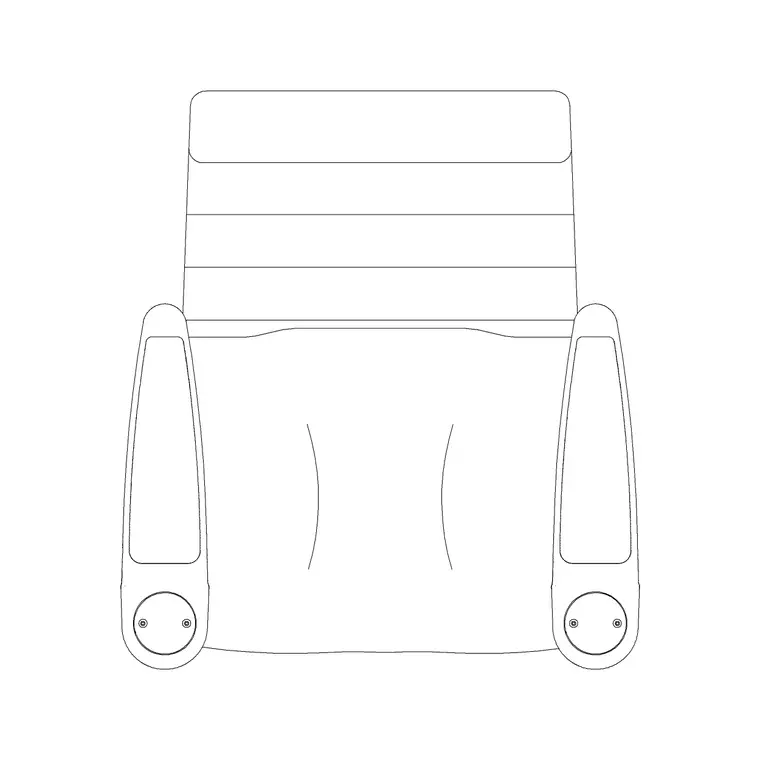
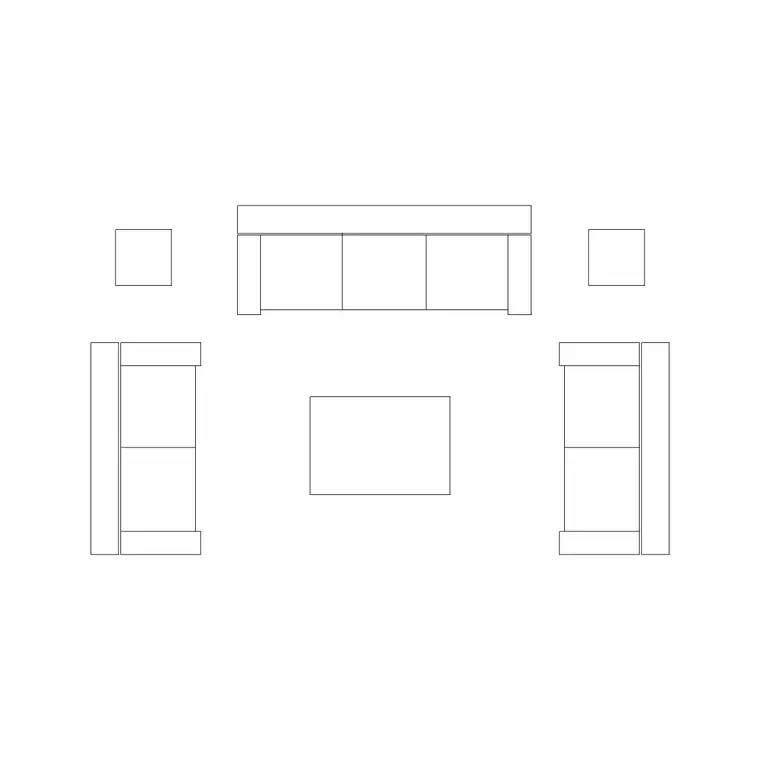
- A reception-table or counter block forms the seated sales position and the welcome desk. - Audi chairs and round-back stools furnish the seated sales points — comfort here helps close a high-value sale. - A sofa set, a side table and a chandelier create the consultation lounge for bridal and VIP clients. - Feature chandeliers, a frisbi-style pendant and wall lamps carry the layered, brilliant lighting that makes diamonds and gold come alive — lighting is half the product presentation. - An ornate or grandfather clock, framed art and a portrait frame dress the walls with the air of quality and permanence a jeweller trades on. - A discreet potted plant or two softens the glass and metal without cluttering the precious displays.
Keep display fixtures, seated sales furniture, the lounge and the lighting on separate layers so the security, fit-out and lighting plans each read cleanly.
Dimensions and clearances
Plan around these ranges. A seated sales counter: 600–750 mm deep, with the customer chair and the staff position facing across it; allow about 1000–1200 mm behind the counter for staff and 900–1200 mm in front for the seated customer and circulation. Display island counters want 1100–1400 mm of clear aisle around them so customers move comfortably without crowding the glass.
The consultation lounge needs 700–900 mm between seating pieces. Keep a controlled, generous entrance vestibule for security and a 1500 mm turning circle at the door and at any accessible sales point. The strongroom and workshop are sized to the business but must be fully enclosed and secure. Because the seated furniture is full size, the comfort and intimacy of each sales point is visible on the plan.
Building the jewellery store plan
Draw the shell, the controlled entrance and the secure back wall first; the strongroom and workshop anchor to the back. Lay the glass display counters as island or perimeter fixtures, arranging them so staff sightlines cover the door and the floor with no blind spots. Place the seated sales positions at or just behind the counters, inserting the chairs and stools at scale 1 in a millimetre drawing.
Create the consultation lounge in a quieter corner with the sofa, side table and a feature pendant. Lay the lighting carefully — chandeliers and pendants over the displays and lounge, wall lamps to wash the wall cases — on the lighting layer, because here lighting is product presentation. Dress the walls with a fine clock and framed art, add discreet planting, then trace every staff sightline to confirm the floor is fully supervised.
Common jewellery-store mistakes
The defining mistake is weak sightlines: a counter or display island that creates a blind corner is a security and theft risk in a store full of precious stock, so the plan must keep the whole floor visible from staff positions. Another is treating lighting as ambient only — flat light makes diamonds look dull, so the plan needs dedicated, brilliant display lighting and accent pendants. Forgetting the seated, intimate sales experience and trying to sell high-value pieces standing at an open counter undercuts the whole proposition.
In the drawing, the recurring errors are merging the secure back-of-house with the open sales layer (so the strongroom and security boundary are invisible) and under-specifying the lighting plan. Keep the seated furniture and lounge as block references so refining the customer experience is a quick edit, not a redraw.
Free download
Browse the full library — DWG & DXF, no signup.
Questions
Frequently asked
What makes a jewellery store plan different from other shops?+
Tiny precious stock in locked glass cases instead of open shelves, seated one-to-one selling across a counter, and security woven through everything — controlled entrance, clear staff sightlines, a strongroom. Display lighting also does as much work as the architecture, making pieces sparkle.
How should I arrange display counters for security?+
Lay the glass counters so staff always see the entrance and the whole floor with no blind corners. Allow 1100–1400 mm of clear aisle around island counters so customers move without crowding the glass, and trace every staff sightline on the plan.
Which CAD blocks suit a jewellery store?+
A seated sales counter and welcome desk, comfortable chairs and stools for the seated sale, a sofa-and-table consultation lounge for bridal and VIP clients, brilliant feature and wall lighting, plus a fine clock, framed art and discreet plants. The glass display cases are usually bespoke fixtures.
Are these jewellery store CAD blocks free for commercial use?+
Yes. Every block downloads free in DWG and DXF with no signup, watermark or attribution and is cleared for commercial jewellery-store fit-out projects.
Related downloads
Blocks for this guide


Related categories
Related guides
Room guide
Free Living Room CAD Blocks — DWG Download
Free living room CAD blocks in DWG & DXF — sofa sets, coffee tables, lamps, plants and art drawn to scale for AutoCAD plans. No signup, commercial-use OK.
Room guide
Free Reading Nook CAD Blocks — DWG Download
Free reading nook CAD blocks in DWG & DXF — armchairs, side tables, reading lamps, plants and art for cosy reading corner plans in AutoCAD. No signup.
Room guide
Free Open-Plan Living Area CAD Blocks — DWG
Free open-plan living area CAD blocks in DWG & DXF — sofa sets, tables, plants and zoning lighting to define a great room in AutoCAD. No signup, free.