Room guide · boutique interior cad blocks
Design a boutique interior with free CAD blocks in 2026
By Sumana Kumar · Published 16 May 2025 · Updated 5 Jun 2026
A boutique is the opposite of a supermarket. Where a large store sells through density, a boutique sells through edit and atmosphere: fewer pieces, more room around each, and a deliberately curated journey. The floor plan is how you create that feeling of considered space, so it pays to design the boutique around breathing room rather than maximum rail length.
This guide walks through laying out a small fashion or lifestyle boutique in AutoCAD from free CAD blocks. Every linked block downloads free in DWG and DXF at true millimetre scale for AutoCAD 2004 or later — no signup, no watermark, fine for commercial fit-outs. Because the furniture and lighting are scaled, you can feel the generosity (or the crush) of a layout the moment the blocks land.
It suits womenswear and menswear boutiques, concept stores, accessory shops and any small independent where the experience matters as much as the merchandise.
The boutique mindset: edit, not volume
A boutique typically carries a fraction of the SKUs of a chain store, so the design problem flips. Instead of cramming in fixtures, you are choosing how much empty floor to leave around each display so the eye lands on one piece at a time. A good rule of thumb: a boutique often runs at roughly half the fixture density of a general retail store, with wider gaps and more negative space.
That means the plan is led by feature points — a single styled mannequin island, a hero rail against a textured wall, a styling table — rather than by an even gondola grid. The customer should feel guided through a small gallery, pausing at three or four moments, then arriving at a calm, almost residential, checkout.
Zoning a small boutique
Even in a compact unit, plan three zones. The window and entry is a styling moment, not a sales zone — give it room and a single strong story. The body holds the curated rails, the central display table and one or two seating points for companions. The fitting and service zone sits at the back, the most private part of the shop, paired with the wrap counter.
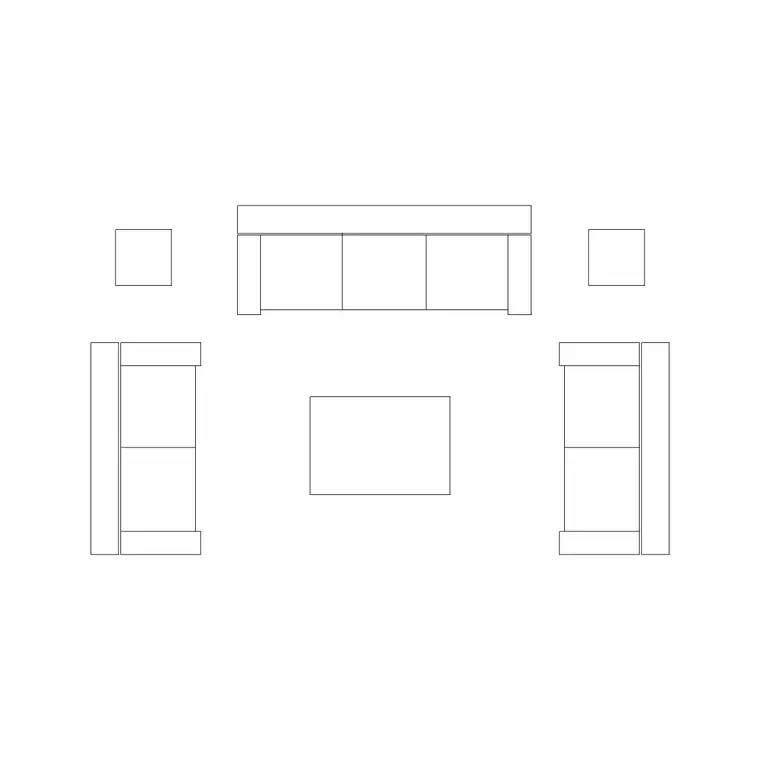
A seating nook near the fitting rooms is almost a signature of a good boutique: a small sofa, a side table, a plant. It keeps the partner or friend comfortable and in the store, which is exactly where you want them while the decision is being made. Mark each zone on its own layer so you can review the balance of selling versus breathing space.
Furniture and CAD blocks for a boutique
Boutiques lean on furniture that reads as residential, so the blocks below do real work here:
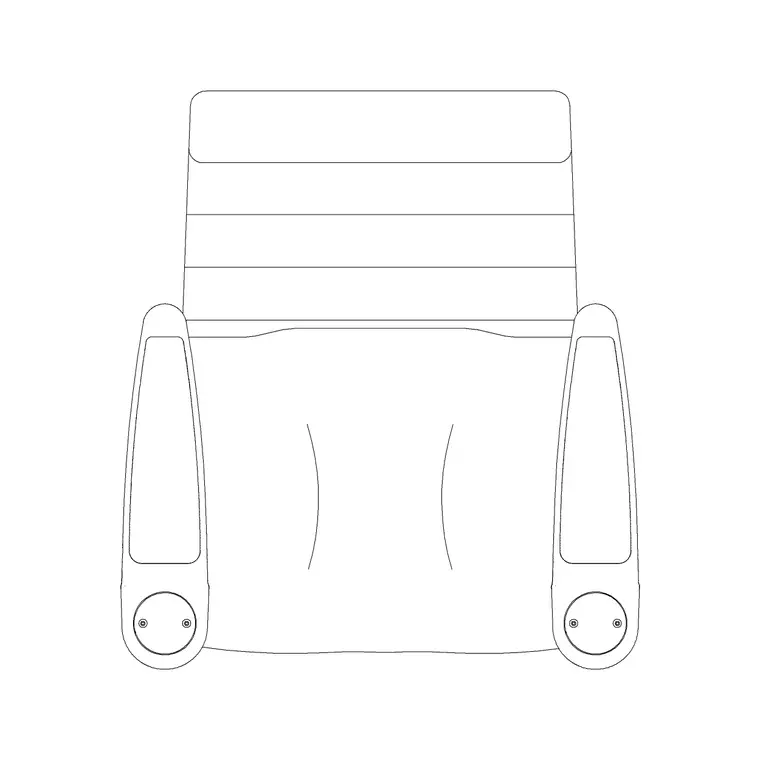
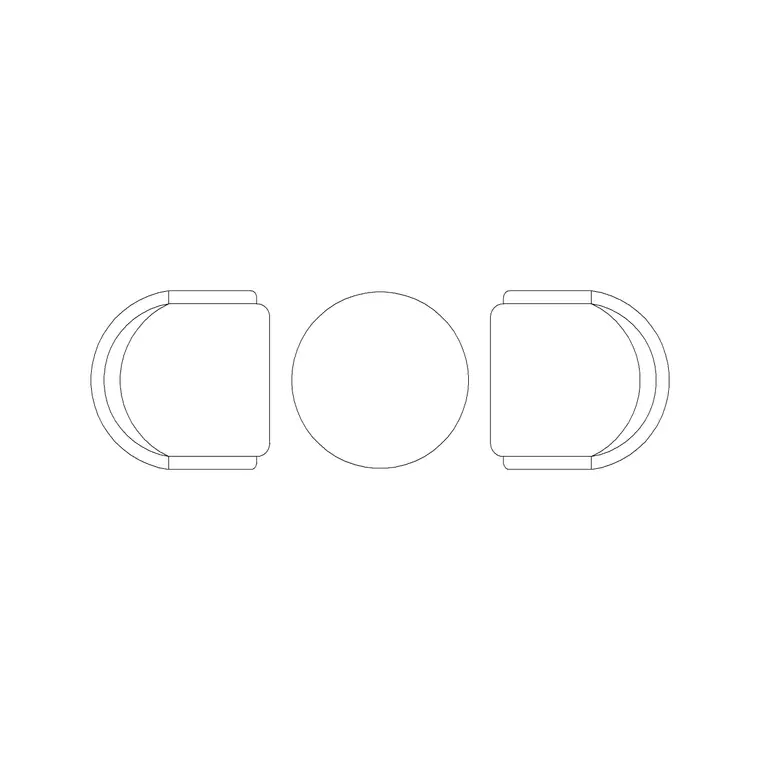
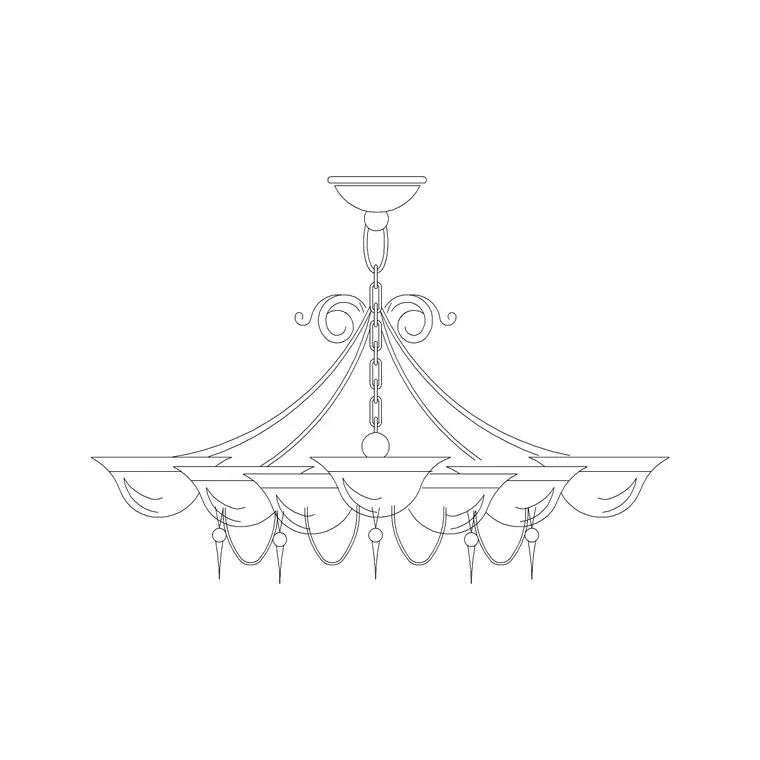
- A sofa set creates the fitting-room lounge and the companion seating that defines the boutique feel. - A central round or dia table works as the folded-goods display or the styling table, with accessories arranged on top. - Audi chairs or round-back stools give a place to sit and try on shoes or wait. - A statement chandelier over the central table and wall lamps along the rails carry the lighting design — boutique lighting is layered and warm, never flat. - Art frames, an artistic frame and a decorative clock dress the walls so they feel curated rather than commercial. - Indoor plants and a flower basket add the organic, styled touch that photographs well and softens the rails.
Keep these on separate furniture, lighting and accessory layers so the plan can be read as a fit-out and as a lighting design.
Dimensions and clearances
Use these as planning ranges. Aisles and gaps between rails: 1000–1500 mm, generous on purpose. A central display table wants about 900–1200 mm of clear floor all around so customers can circle it. Fitting rooms: 1000 × 1200 mm minimum per cubicle, with a bench or stool inside and a 1500 mm turning space in the lobby.
The wrap counter runs 600–750 mm deep with around 900 mm behind for the assistant. Mannequin platforms typically sit 150–300 mm above floor level. Seating for companions wants a clear 700–900 mm in front of the sofa so people can pass. Because the blocks are full size, drop the sofa and table in and the generosity of the gaps is immediately visible.
Building the boutique plan
Draw the shell, the shopfront glazing and the window platform first, then block out the three zones as polylines. Place the central table block and give it its turning room — this anchors the room. Lay the perimeter rails (simple lines or rectangles) and break them with the wall lamps and art frames so no run feels like a warehouse.
Insert the sofa, side table and a plant as the fitting-room lounge near the back, then the wrap counter beside it. Drop the chandelier centred over the styling table and the wall lamps along the rails on the lighting layer. Insert everything at scale 1 in a millimetre drawing. Finally, stand back (ZOOM Extents) and judge the white space — a boutique that looks slightly under-furnished on the plan usually feels just right in reality.
Common boutique mistakes
The biggest mistake is treating a boutique like a small department store and packing in rails until the negative space — the very thing that signals quality — disappears. Another is a window display crammed against the glass with no depth, so passers-by see clutter instead of a story. Flat, single-source lighting is a third: a boutique needs layered light, which is why the plan should carry a feature pendant and wall lights, not just a ceiling grid.
In the drawing, avoid merging the residential-style furniture into the architecture layer; you want to pull a clean furniture plan for the joiner and a separate lighting plan for the electrician. And keep the sofa, table and chairs as block references so a styling change is one edit, not a redraw.
Free download
Browse the full library — DWG & DXF, no signup.
Questions
Frequently asked
How is a boutique layout different from a normal retail store?+
A boutique runs at far lower fixture density — wider gaps, more negative space, and feature display points instead of an even gondola grid. The plan is led by a few styled moments and a residential-feeling seating and checkout zone rather than maximum rail length.
What furniture blocks make a space feel like a boutique?+
Residential-style pieces: a sofa for the fitting-room lounge, a central styling table, accent chairs or stools, a feature chandelier with wall lamps, plus art frames and plants. These read as curated rather than commercial.
How much space should I leave around a central display table?+
Allow roughly 900–1200 mm of clear floor on every side so customers can circle it comfortably, and keep aisles between rails 1000–1500 mm. Drop the full-size table block in and check the gaps directly.
Are the boutique CAD blocks free to use commercially?+
Yes — every block downloads free in DWG and DXF with no signup or watermark and is cleared for commercial fit-out work, so you can use them on a paying boutique project.
Related downloads
Blocks for this guide
Related categories
Related guides
Room guide
Free Living Room CAD Blocks — DWG Download
Free living room CAD blocks in DWG & DXF — sofa sets, coffee tables, lamps, plants and art drawn to scale for AutoCAD plans. No signup, commercial-use OK.
Room guide
Free Reading Nook CAD Blocks — DWG Download
Free reading nook CAD blocks in DWG & DXF — armchairs, side tables, reading lamps, plants and art for cosy reading corner plans in AutoCAD. No signup.
Room guide
Free Open-Plan Living Area CAD Blocks — DWG
Free open-plan living area CAD blocks in DWG & DXF — sofa sets, tables, plants and zoning lighting to define a great room in AutoCAD. No signup, free.