Block landing · decorative ring cad block
Free decorative ring CAD block in DWG and DXF
By Saumyajit Maity · Published 11 Feb 2026 · Updated 8 Mar 2026
A decorative ring — a jewellery ring shown as a small ornamental object — is a fine-detail block for jewellery retail showcases, gift displays and presentation drawings, and a ready-made decorative ring CAD block lets you place that delicate piece without drawing the band and setting by hand. This page offers a free decorative ring CAD block in DWG and DXF, drawn so the band and any setting read clearly at the small scale jewellery demands. It is free for personal and commercial use, with no signup, watermark or attribution.
Because a ring is tiny relative to a building drawing, it is mostly a detail and merchandising element — placed on a ring pad, a display tray or a presentation board rather than a room plan. Drawn to scale, it lets a retail or product designer judge spacing in a tray and the look of a display without the ornament collapsing into a dot.
What a decorative ring block contains
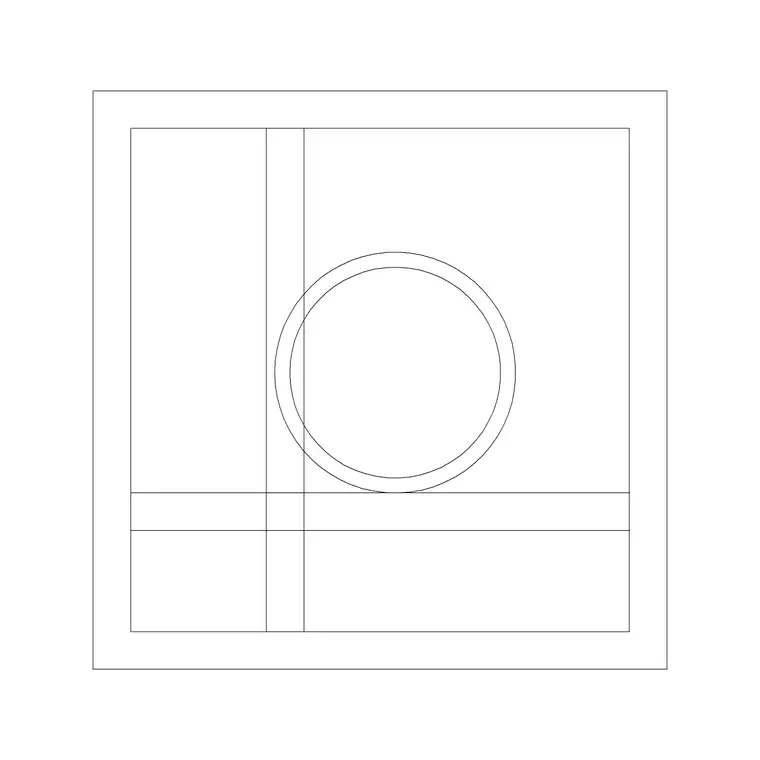
A decorative ring block shows the circular band and, where present, a setting or stone on top. The plan or top view — the band as a ring with the setting at twelve o'clock — is the view that reads most clearly, since that is how a ring sits on a display pad. An elevation or side profile shows the band height and the rise of the setting above it.
It is drawn as fine single-layer linework, kept clean enough that the small geometry survives plotting. You can recolour it, copy it across a tray, or explode it to adapt the setting. As a small block reference it slots into a row of rings on a display insert.
Views and the scale challenge
A ring is unusual among accessory blocks in that scale is the whole problem: at building plot scales the detail vanishes, so the decorative ring is really a merchandising and detail block used on display trays, showcase inserts and presentation boards drawn at or near full size. The top view marks the ring's position in a tray; the side profile shows how proud the setting sits.
For a jewellery case layout you place the top view on the tray to space the rings; for a detail or presentation sheet you may show the side profile enlarged. Keep the linework clean so the ring does not turn to a blob when the sheet is reduced for printing.
Typical decorative ring sizes
Use these as guide ranges, remembering a ring is genuinely small. A finger ring's band has an internal diameter in the rough order of 15–22 mm depending on size, with a band width of only a few millimetres and a setting that rises a small amount above the band. A statement or cocktail ring's setting can be noticeably larger.
The figures that matter are the overall top-view footprint for spacing rings in a tray and the side-profile height for showing how the setting sits. Because everything is small, these blocks belong on full-size or near-full-size detail and merchandising drawings rather than on a room layout, where they would be invisible.
How to insert and scale the ring
The block is drawn full size in millimetres. In a millimetre drawing, INSERT at scale 1 for real size; in a metre template insert at 0.001; in an imperial drawing set INSUNITS to millimetres so AutoCAD rescales it on insertion. Given how small a ring is, watch your zoom and your plot scale — at a typical floor-plan scale the ring will be a speck, which is why it belongs on detail and display sheets.
Pick the centre of the band as the insertion point so the ring sits on its position in a tray, then copy it across the insert at a consistent pitch. Because it is a single block reference, a full tray is a quick array, and editing the block definition updates every ring together.
Where decorative ring blocks are used
Decorative ring blocks appear in jewellery shop showcases and trays, gift and accessories retail displays, window and counter merchandising, and product or presentation drawings where the piece is shown in detail. Pair the decorative ring with the necklace display block in the accessories category to merchandise a complete jewellery case, and with showcase, tray and lighting blocks to build the fixture detail.
Because the file is free and licence-clear, it suits retail-design, jewellery and product student projects, mood boards and concept showcases. The small block carries from an early tray layout to a finished merchandising or detail drawing without being redrawn.
Working at small scale cleanly
The one discipline a ring block demands is respect for scale. Always work and plot these on detail or merchandising sheets at or near full size; dropping a ring onto a 1:50 room plan just hides it. Keep the linework simple so the band and setting survive any reduction, and freeze or thin the finest detail if a sheet is printed small.
Keep jewellery props on a dedicated detail or merchandising layer so you can freeze them when you want a clean tray-construction drawing and thaw them for the styled presentation. Space rings in a tray at a consistent pitch by arraying a single block, then adjust the master definition if the product mix or the setting style changes across a display.
Free download
Browse the full library — DWG & DXF, no signup.
Questions
Frequently asked
Is the decorative ring CAD block free for commercial use?+
Yes. It downloads free in DWG and, where available, DXF, with no signup, watermark or attribution, and is cleared for paid retail and product projects.
Why does the ring disappear on my floor plan?+
A ring is tiny relative to a building, so at a typical floor-plan scale it becomes a speck. Use the ring block on detail, display-tray and merchandising sheets drawn at or near full size instead.
Which view of the ring should I use?+
The top view — the band as a ring with the setting at the top — reads most clearly for spacing rings in a tray. Use the side profile to show how high the setting sits above the band on a detail sheet.
Will the block open in free DWG viewers?+
Yes. The DWG targets AutoCAD 2004 and later, so it opens in AutoCAD, AutoCAD LT, BricsCAD, DraftSight and free DWG viewers.
Related downloads
Blocks for this guide
Popular blocks to download
Related categories
Related guides
Block landing
Wine Rack CAD Block DWG — Free Download
Download a free wine rack CAD block in DWG and DXF — bottle storage drawn in plan and elevation for kitchens, bars and cellars. AutoCAD 2004+, no signup.
Block landing
Wine Glass CAD Block DWG — Free Download
Download a free wine glass CAD block in DWG and DXF — red and burgundy stemware in elevation and plan for bar and table settings. AutoCAD 2004+, no signup.
Block landing
Cement Planter Pot CAD Block DWG — Free
Download a free cement planter pot CAD block in DWG and DXF — concrete-finish planter drawn in plan and elevation for interiors and terraces. AutoCAD 2004+.