Block landing · decorative cloth folk item cad block dwg
Free decorative cloth and folk item CAD block in DWG
By Sumana Kumar · Published 11 Jun 2023 · Updated 18 Feb 2026
A decorative cloth and folk item CAD block is a styling prop that adds pattern, texture and cultural character to an interior drawing. It represents a piece of printed or patterned fabric — a runner, a throw, a wall hanging or a folk craft piece — the kind of detail that gives a residential, hospitality or cultural-space elevation warmth and a sense of place. This page offers it as a free DWG, ready for AutoCAD and any compatible viewer.
The block is free for personal and commercial drawings, with no signup, no watermark and no attribution. It belongs to the soft-styling layer of a drawing, alongside rugs, cushions and art. Decorative textile and folk-craft props are exactly the elements that lift a technically correct elevation into one that conveys atmosphere and identity.
What the cloth and folk item block shows
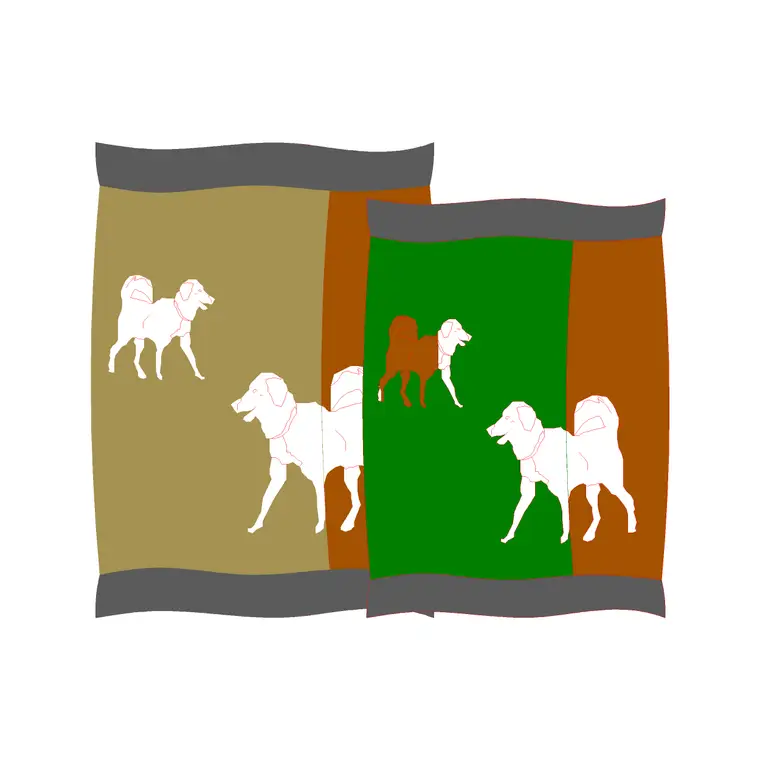
The block represents a piece of decorative cloth or folk craft drawn with the repeating pattern or motif that gives it character — a printed runner, a patterned throw, a wall hanging or a folk ornament. The pattern line work is the point of the block: it carries the decorative intent that a plain rectangle never could.
Depending on the version it can lie flat as a table runner or cloth in plan, drape over furniture in elevation, or hang on a wall as a textile feature. Because the value is in the pattern, place it where that detail reads at plot scale rather than where it disappears into a busy drawing.
Where decorative cloth and folk items are used
Use these props in residential living and dining elevations, boutique-hotel and restaurant interiors, cultural and heritage-space drawings, retail and craft-shop displays, and event and exhibition layouts. A patterned runner on a dining table, a throw over a sofa or a wall hanging on a feature wall each add identity in a single insertion.
They are especially useful where a scheme has a regional or cultural theme and a plain furniture layout would feel generic. Combine the cloth with plates, jars and other folk objects from the same library to build a styled vignette with a clear sense of place.
Typical sizing to design around
A table runner is commonly somewhere around 300–450 mm wide and as long as the table it dresses; a throw is roughly the footprint of a sofa seat; a wall hanging varies from a small panel to a large feature piece. Treat all of these as ranges and scale the block to the furniture or wall it dresses.
When you scale a patterned cloth, scale it uniformly so the pattern does not distort — a stretched motif reads as a mistake. SCALE from a corner or centre and keep the X and Y factors equal. For a long table runner, scale to width and let the length follow, trimming if needed.
How to insert and place the block
The DWG is drawn full size in millimetres. Insert at scale 1 in a millimetre drawing, 0.001 in a metre template, or set INSUNITS to millimetres so AutoCAD rescales on insertion. Run INSERT, browse to the file and pick a corner or the centre of the cloth as the insertion point.
For a table runner, align it along the centre of the table; for a wall hanging, place it on the wall face at a chosen height; for a throw, lay it over the sofa or bed outline. Because it inserts as a single block reference, you can mirror and rotate it freely to suit the layout.
Building a styled cultural vignette
Decorative cloth works best as part of a layered styling scene. Combine a patterned runner with plates, a fruit bowl and folk ornaments to dress a dining table with a regional character, or pair a wall hanging with shelves of craft objects to build a heritage-feature wall.
Keep all of these on a soft-styling layer so you can freeze them for a clean technical elevation and thaw them for the dressed presentation. When a cultural vignette works, WBLOCK the group as one reusable scene so the same identity carries across a project's drawings without rebuilding it each time.
Layering and pattern control
Put decorative textiles and folk items on a soft-styling layer, separate from the furniture and structure. Because these blocks carry fine pattern line work, giving them their own layer also lets you control their lineweight and colour so the pattern reads without overpowering the technical content of the sheet.
If a pattern plots too heavy or too busy at small scale, adjust the layer's lineweight or freeze the detail for technical issues and thaw it only for presentation sheets. That keeps the decorative intent intact where it matters and out of the way where it does not.
File format, compatibility and licensing
The decorative cloth downloads as a native DWG, so its pattern line work comes in intact with no conversion step. It opens in current AutoCAD and AutoCAD LT, in BricsCAD and DraftSight, and in free online DWG viewers for a preview. A DXF version, where provided, covers the occasional package that reads that interchange format more reliably.
Licensing places no limits on your use: the block is free for personal and commercial drawings, with no signup, no watermark and no attribution required. A boutique-hotel scheme, a cultural-space drawing or a residential interior can all carry the textile freely. You can edit or recolour the pattern, scale it uniformly to fit a table or wall, and use the result in any project, commercial work included.
Free download
Browse the full library — DWG & DXF, no signup.
Questions
Frequently asked
Is the decorative cloth and folk item CAD block free for commercial use?+
Yes. It is a free DWG download with no signup, no watermark and no attribution, cleared for commercial project drawings.
How should I scale a patterned cloth?+
Scale it uniformly with equal X and Y factors so the pattern does not distort. A stretched motif reads as a mistake; SCALE from a corner or centre to keep proportions correct.
Where does this block fit in a drawing?+
It is a soft-styling prop — a table runner, throw, wall hanging or folk craft piece — used to add pattern and cultural character to residential, hospitality and heritage interior elevations.
Will it open in AutoCAD LT and free viewers?+
Yes. The DWG targets AutoCAD 2004 and later, opening in AutoCAD, AutoCAD LT, BricsCAD, DraftSight and free online DWG viewers.
Related downloads
Blocks for this guide
Related categories
Related guides
Block landing
Free Classical Column CAD Blocks — DWG Download
Download free classical column CAD blocks in DWG — shaft, capital and base drawn in elevation and plan for AutoCAD. No signup, free for commercial use.
Block landing
Free Greek & Ionic Column CAD Blocks — DWG
Free Greek and Ionic column CAD blocks in DWG — fluted shafts and volute capitals drawn in elevation for AutoCAD. No signup, free for commercial use.
Block landing
Free Decorative Arch CAD Blocks — DWG Download
Download free decorative arch CAD blocks in DWG — round, segmental and classical archways drawn in elevation for AutoCAD. No signup, free for commercial use.