Block landing · curved sink cad block
Curved sink CAD block in DWG and DXF
By Sumana Kumar · Published 6 Jan 2022 · Updated 21 Jan 2026
A curved sink has a rounded or D-shaped bowl, often with a curved front edge that bows out from the worktop line, softening an otherwise straight run and giving a little more reach into the basin. The curve makes it a popular choice where the sink is a visual feature, on an island or in a design-led kitchen. Because the geometry is built from arcs rather than straight lines, getting the radius and the projection right matters, and a scaled block saves you setting out the curve by hand. This page gives you a free curved sink CAD block in DWG and DXF, drawn at true millimetre dimensions for AutoCAD 2004 or later, free for personal and commercial work with no signup or watermark.
Drop the curved sink onto a plan and you can see how the curved front projects relative to the worktop edge, how much the bow eats into the standing space, and where the tap sits behind the arc. The curve is the detail that makes this block distinct, so it is drawn cleanly as arcs you can snap and dimension.
What a curved sink block shows
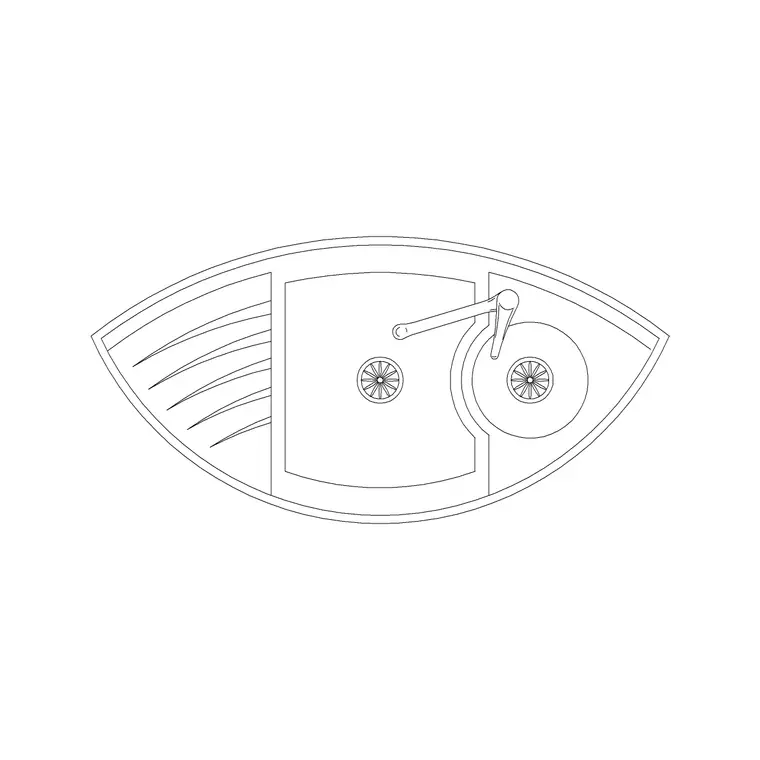
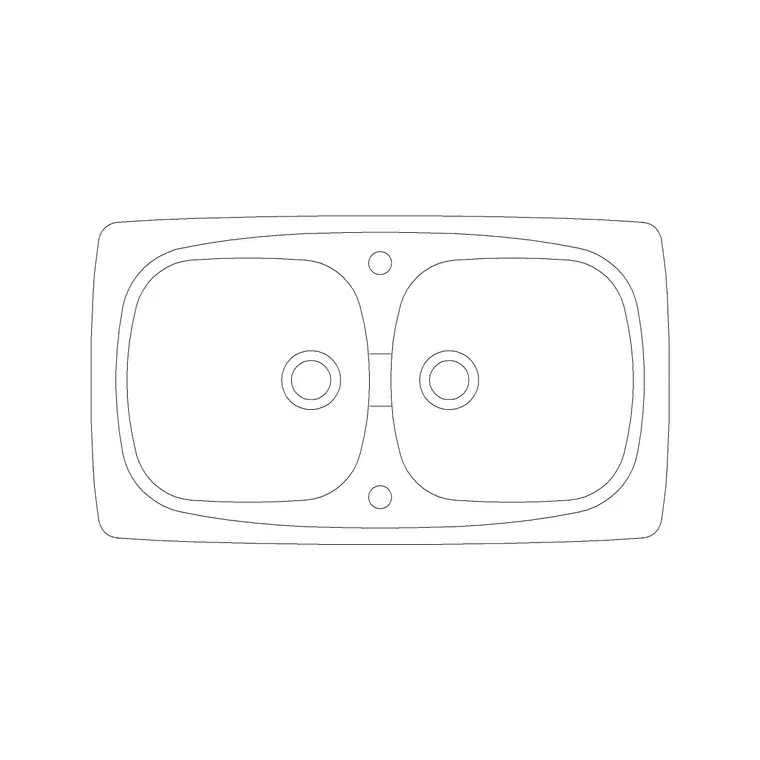
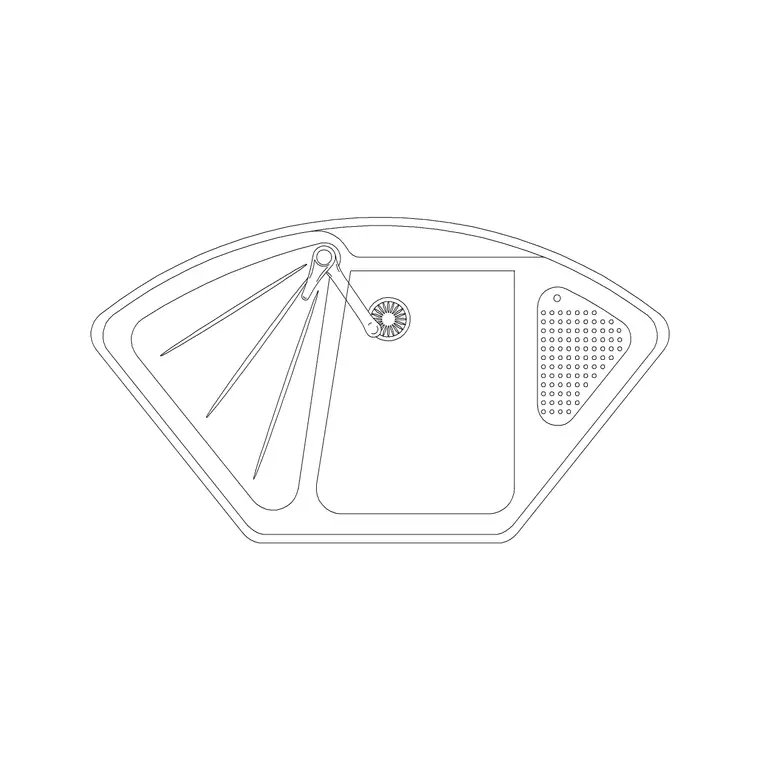
A curved sink block draws a bowl whose front edge, and sometimes the whole basin, follows an arc rather than a straight line. In plan you see the curved rim, the bowl line that echoes it and the tap deck behind; the arc geometry is the defining feature and is what separates this block from a rectangular sink. Some versions are single-bowl with a bowed front, others are doubles with a curved leading edge.
The block is a single block reference so the curved bowl and tap move together. Because the curve is drawn as true arcs, you can dimension it from a centre and radius, which a worktop fabricator needs to template the curved cut-out. Keep the rim, bowl line and tap as sensible sub-elements so the curve reads clearly on a setting-out drawing.
Views and what's included
The plan view is the working view, because the whole character of a curved sink is in how the arc sits on the worktop and projects into the room. Where an elevation is supplied it shows the bowl depth and tap; the curve itself reads in plan, so the plan is where you set it out.
The curved front means orientation matters — the bow should face the user, into the room or towards the working side of an island. Insert the block, rotate to point the curve correctly, and snap the tap to the back of the arc. Keep the tap separate so you can choose a mixer whose spout reaches the centre of a deeper, bowed bowl from the faucet category.
Typical curved sink sizes to design around
Use these as ranges. A curved sink occupies a similar overall envelope to a comparable rectangular sink — a single curved bowl might span the region of 800–950 mm along the worktop — but the curved front adds projection that a straight sink does not have. That projection is the dimension to watch, because it reduces the clear standing space in front of the basin.
Bowl depth is similar to other kitchen sinks, often about 150–220 mm. Draw the worktop at its conventional 600 mm depth and 900 mm height, and check that the curved front does not bow so far into the room that it clashes with a seated bar position or a walkway. The arc radius is worth dimensioning explicitly so the worktop cut-out can be templated accurately.
How to insert, scale and orient the block
The block is drawn full size in millimetres. Insert at scale 1 in a millimetre drawing, 0.001 in a metre drawing, or set INSUNITS to millimetres so AutoCAD rescales an imperial template on insertion. Use INSERT or drag the DWG from a tool palette.
Snap the insertion to a registration point on the back edge so the sink lines up with the straight worktop behind, then rotate so the curved front faces the room or the working side of an island. Because the geometry is arcs, take care to keep them as true arcs when you copy or scale — do not explode and re-trace them as polylines unless you have to. Put the sink on a sanitary-ware layer and edit once with BEDIT if you tune the radius.
Where curved sinks are used
Curved sinks suit design-led residential kitchens, kitchen islands where the sink is on show, boutique hospitality and any scheme where a softened, sculptural worktop edge is wanted. The bowed front is as much an aesthetic choice as a functional one, giving a softer line than a hard rectangular cut-out and a little extra reach into the basin.
Plan the curved sink with the island or feature run it sits on, and make sure the projection is coordinated with the circulation around it. Pair the block with the island, hob and cabinet blocks in the kitchen set, and keep the sanitary-ware on its own layer so the curved cut-out stands out on the setting-out drawing without cluttering the general plan.
Free download
Browse the full library — DWG & DXF, no signup.
Questions
Frequently asked
What is a curved sink?+
It is a sink with a rounded or D-shaped bowl, often with a curved front edge that bows out from the worktop line, used to soften a run and give a little extra reach into the basin.
How is the curve drawn in the block?+
As true arcs, so you can dimension the front from a centre and radius. Keep the arcs as arcs when you copy or scale rather than exploding them into polylines, so the worktop fabricator can template the curve accurately.
Which way should the curve face?+
The bowed front should face the user — into the room or towards the working side of an island. Insert the block and rotate so the curve points the right way before placing the tap.
Is the curved sink CAD block free for commercial use?+
Yes. It downloads free in DWG and, where available, DXF, with no signup, watermark or attribution, and it is cleared for commercial project drawings.
Related downloads
Blocks for this guide
Related categories
Related guides
Block landing
Free Sanitary Fixtures CAD Blocks — DWG Download
Download free sanitary fixtures CAD blocks in DWG and DXF — WCs, wash basins, urinals and sinks in plan and section for AutoCAD sanitary plans.
Block landing
Free Kitchen Faucet / Mixer Tap CAD Block — DWG
Download free kitchen faucet and mixer tap CAD blocks in DWG and DXF — monobloc and pull-out mixers in plan and elevation. No signup, commercial OK.
Block landing
Free Kitchen Sink Unit CAD Block — DWG Download
Download free kitchen sink unit CAD blocks in DWG and DXF — single, double and 1.5-bowl sinks with drainers in plan and section. AutoCAD 2004+, no signup.