Block landing · counter top basin cad block dwg
Counter top basin CAD blocks in DWG in 2026
By Saumyajit Maity · Published 21 Jul 2025 · Updated 24 Jun 2026
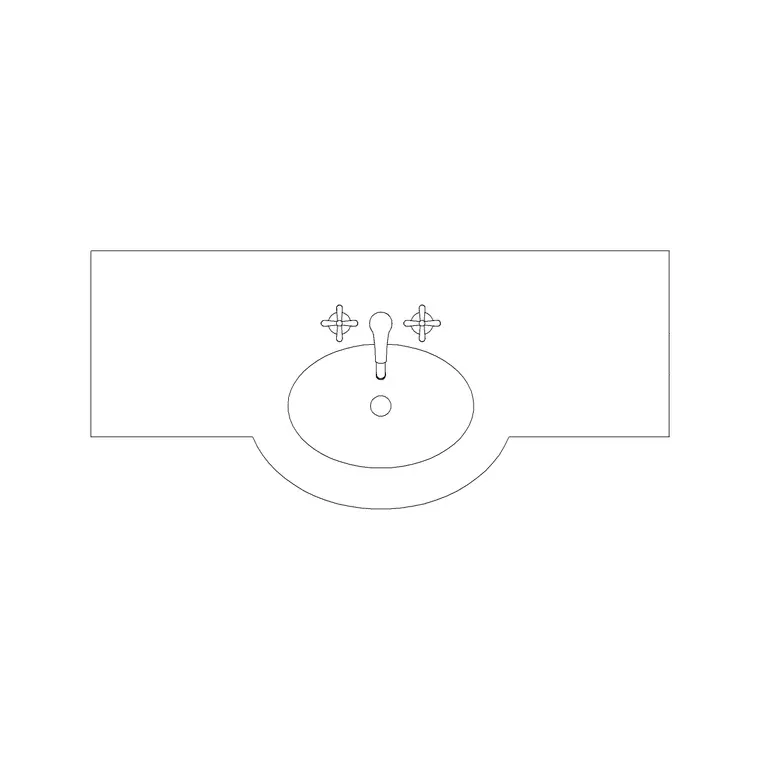
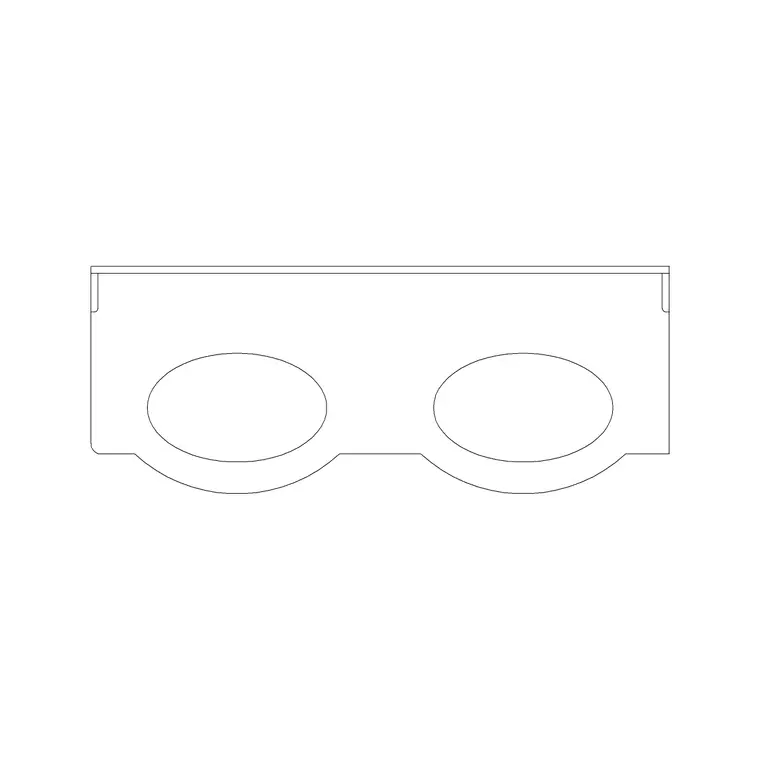
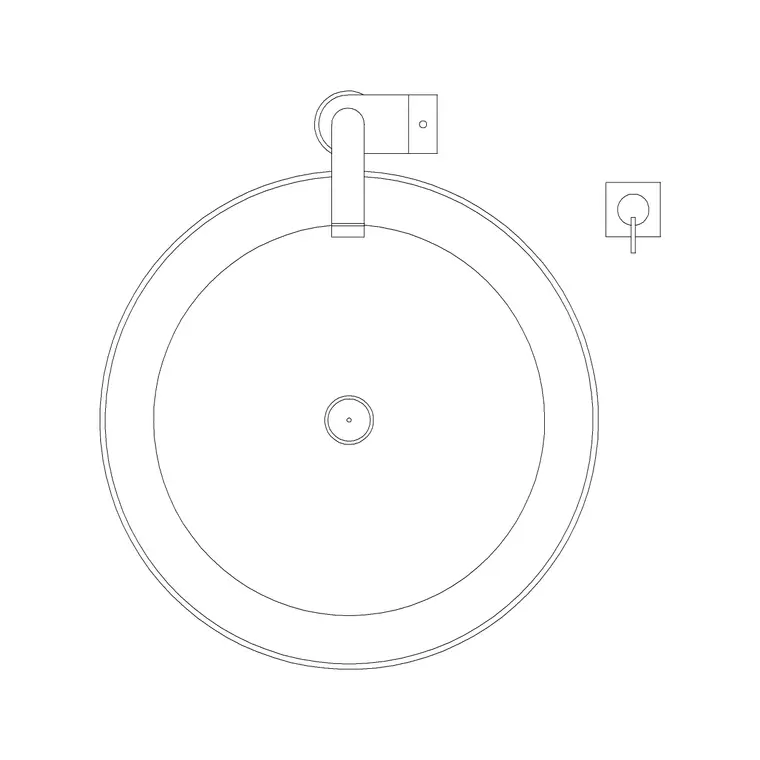
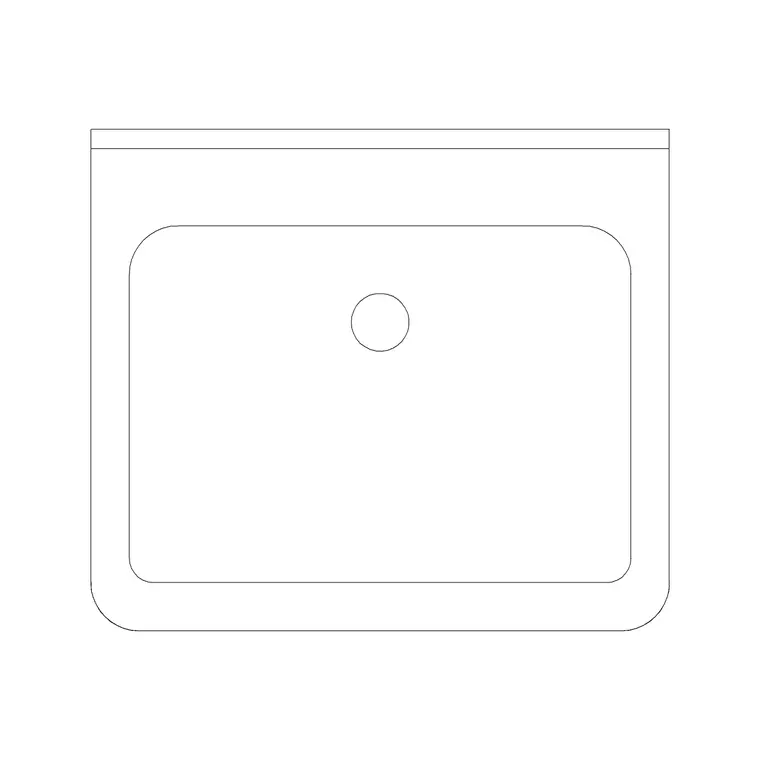
A counter-top basin — sometimes called a vessel or sit-on basin — rests entirely above the worktop rather than dropping into it, so the bowl reads as an object standing on the vanity rather than a hole cut in it. That changes how you draw both the plan and, crucially, the elevation, where the basin adds its full height on top of a counter set deliberately low. This page collects free counter top basin CAD blocks in DWG, drawn at true millimetre dimensions and ready to insert into AutoCAD 2004 or later — free for personal and commercial work, with no signup, no watermark and no credit required.
Vessel basins are a designer's favourite for hotel rooms, boutique en-suites and feature cloakrooms because the bowl becomes a sculptural element on the vanity. Drawing them from a correctly scaled block keeps your elevations honest about the finished basin height — the part most often got wrong — and lets you place the deck-mounted or wall tap where it actually reaches the bowl.
What a counter-top basin block must capture
The defining feature of a counter-top basin is that it sits on the worktop, so the block has to carry the bowl's standing height, not just its plan shape. In plan it reads as a full bowl — round, oval, square or rectangular — resting on the counter, with the tap behind it on the deck or wall rather than on the basin itself. In elevation the bowl stacks on top of the worktop line, raising the rim well above the counter surface.
The blocks here draw the bowl, the deck tap position and the worktop relationship on sensible layers, so you can show the basin standing proud on a presentation elevation or strip it back to a setting-out outline for the joiner. Getting the standing height right is what stops a vessel basin being drawn as if it were inset.
Why the counter sits lower than usual
The single most important thing to draw correctly with a vessel basin is the counter height. Because the bowl stands on top of the worktop and adds its own height, the counter itself must be set lower than a normal vanity so the finished rim ends up at a comfortable washing height. Draw the counter at standard vanity height and a vessel basin perched on top will be uncomfortably high.
In elevation, then, you draw the worktop low, stand the bowl on it, and check that the combined rim lands in the usable band. This is the detail that separates a correct vessel-basin elevation from a copied inset-basin one, and it is exactly the relationship these blocks are built to preserve when you place the bowl on the counter line.
Typical sizing to design around
Reach for these ranges when laying out a counter-top basin. Bowl footprint: round vessels commonly 300–420 mm in diameter; rectangular and oval vessels often 400–600 mm long by 300–400 mm wide. Bowl height standing proud of the counter: roughly 100–150 mm. Finished rim height: aim for a usable rim around 800–900 mm above the floor, which means setting the supporting counter lower — often nearer 750–800 mm — to compensate.
These are design envelopes, not fixed figures — vessel basins vary widely by maker, so confirm against the specified product before dimensioning. Placing a correctly proportioned block first lets you test the counter height and the tap reach, then you refine to the chosen bowl and its tap.
How to insert and set out the block
These blocks are drawn full size in millimetres. Insert at scale 1 in a millimetre drawing, 0.001 in a metre template, or set INSUNITS to millimetres so AutoCAD rescales on insertion. Draw the vanity worktop outline first, then run INSERT or drag the DWG from a tool palette and place the bowl on the counter where the design intends, leaving room behind it for a deck-mounted tap.
In elevation, snap the basin's base to the worktop line so its standing height carries correctly above the lowered counter. Because the basin is a single block reference, you can copy it for a twin-bowl vanity and array the pair evenly, and an edit to the block definition updates every placed instance at once — handy when a basin is swapped late in design.
Where counter-top basins are used
Counter-top basin blocks suit boutique and hotel bathrooms, feature cloakrooms, restaurant and bar washrooms, spa changing areas and any residential scheme where the basin is meant to be a visual feature. Sitting proud on the vanity, the bowl reads strongly on presentation drawings and client renders, which is much of why designers specify it.
Pair them with the vanity, deck-tap and mirror blocks in the bathroom category to assemble a complete basin station, and use the plan blocks to confirm the bowl leaves room for soap and clears the splashback. Because the files are free and licence-clear, they carry from a concept board through to coordinated joinery and fit-out drawings without redrawing the basin at any stage.
Free download
Browse the full library — DWG & DXF, no signup.
Questions
Frequently asked
Why does the vanity counter need to be lower for a counter-top basin?+
Because the bowl stands on top of the worktop and adds its own height, the counter must be set lower so the finished rim ends up at a comfortable washing height. Drawing the counter at standard vanity height would leave a vessel basin uncomfortably high.
Where does the tap go on a counter-top basin?+
The tap is mounted on the deck behind the bowl or on the wall, not on the basin itself, because a vessel basin sits proud of the counter. The blocks place the deck-tap position so you can check it reaches the bowl.
Do the files include plan and elevation views?+
Many do. Where a block ships multiple views they are in the same DWG, so you can use the plan for the vanity layout and the elevation for the all-important standing height. Each download page lists its views.
Are the counter-top basin blocks free for commercial use?+
Yes. Every counter-top basin block here downloads free in DWG with no signup, no watermark and no attribution requirement, and is cleared for commercial project use.
Related downloads
Blocks for this guide
Related categories
Related guides
Block landing
Free Bathroom Fixtures CAD Blocks — DWG Download
Download free bathroom fixtures CAD blocks in DWG and DXF — toilets, wash basins, bathtubs, showers and vanities drawn in plan and elevation. No signup, commercial OK.
Block landing
Free Sanitary Fixtures CAD Blocks — DWG Download
Download free sanitary fixtures CAD blocks in DWG and DXF — WCs, wash basins, urinals and sinks in plan and section for AutoCAD sanitary plans.
Block landing
Free Toilet / WC CAD Blocks — DWG Download
Download free toilet / WC CAD blocks in DWG and DXF — close-coupled, back-to-wall and commode pans in plan and elevation for AutoCAD. No signup, commercial OK.