Block landing · counter height stool cad block dwg
Free counter height stool CAD block in DWG
By Sumana Kumar · Published 4 Dec 2024 · Updated 26 Feb 2026
A counter height stool sits lower than a bar stool, sized for the roughly 900 mm worktop you find on a kitchen island, a reception desk or a deli counter rather than a full 1100 mm bar. This free counter height stool CAD block ships in DWG, drawn to true millimetre dimensions and ready for AutoCAD 2004 or later, with no signup, no watermark and full commercial clearance. Getting the height right is the whole point of this block — a bar stool at a counter leaves knees jammed under the worktop, so the correct counter-height seat keeps the layout honest.
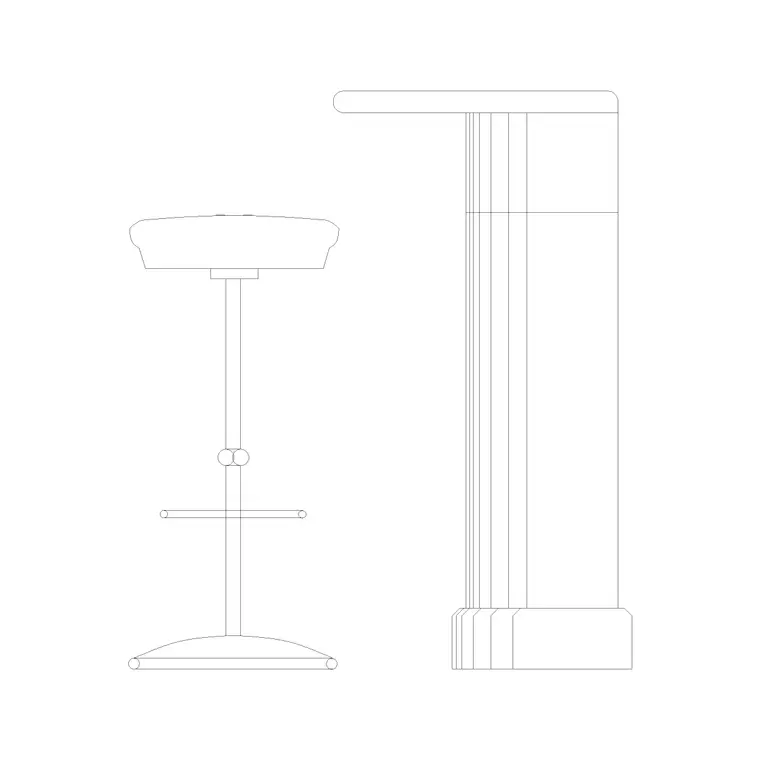
In drawings the height difference is what matters, so this block is at its most useful in elevations and sections where you are checking the seat against the underside of a counter. It pairs naturally with kitchen-island, reception and deli-counter blocks, and because it is drawn to scale you can verify the seat-to-worktop gap the instant it lands.
What the counter height stool block is
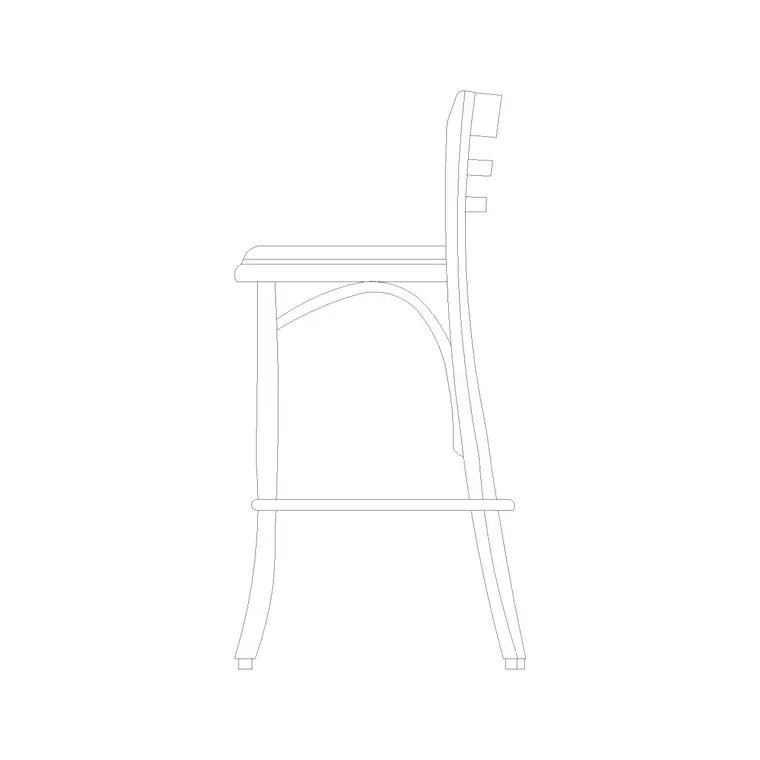
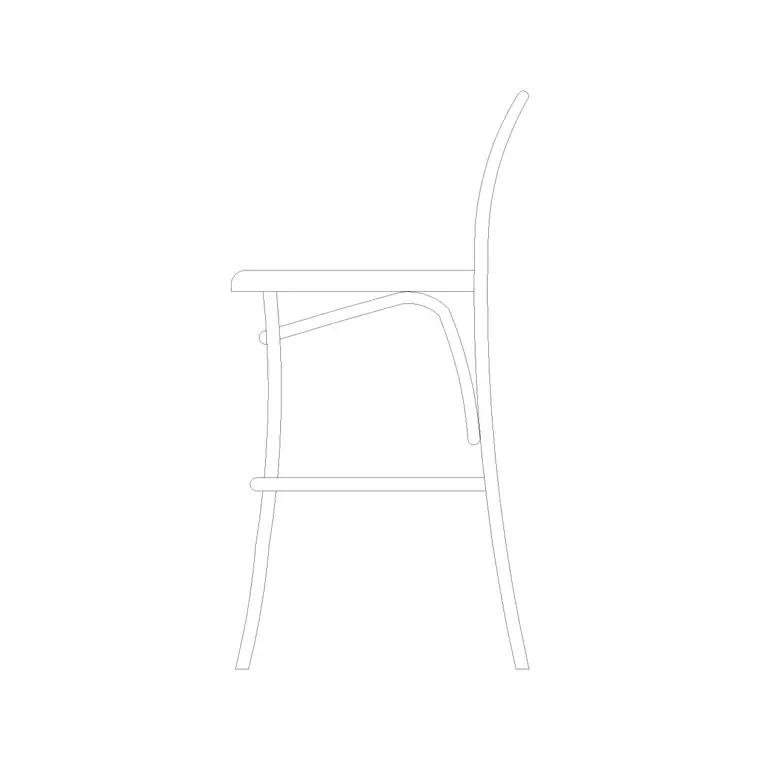
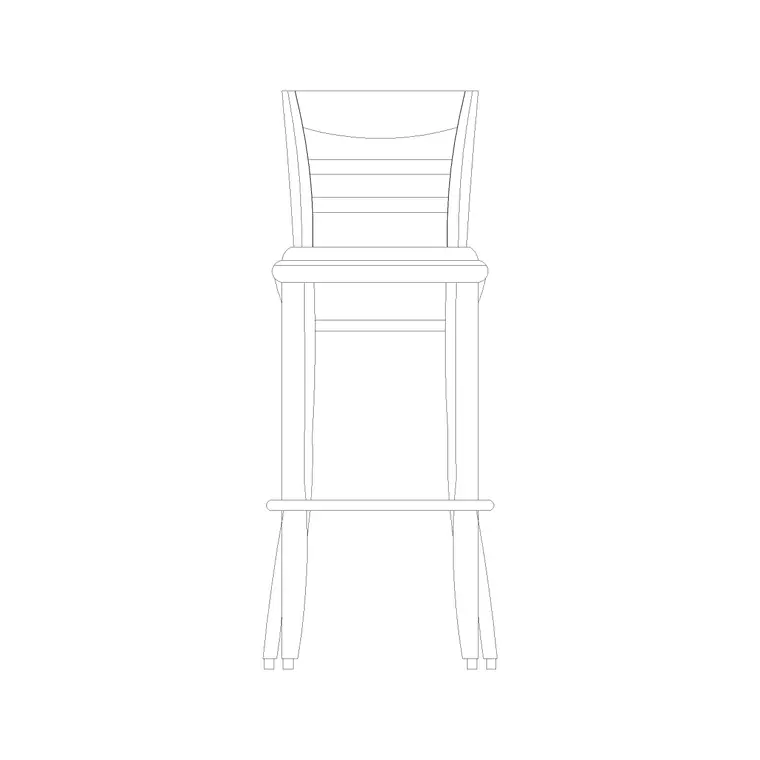
This is a stool tuned to counter height: a seat on splayed legs with a footrest, sized to sit comfortably at a 900 mm worktop. It may come with or without a back; the defining feature is the lower seat height that distinguishes it from a bar stool. In elevation it reads as a clearly shorter perch, which is exactly what stops the classic mistake of putting bar stools at a kitchen island.
It inserts as a single block reference, so you copy, mirror and array it along an island without exploding. Edit the definition once and every counter stool in the scheme updates together.
Views and what's included
The download leads with a front elevation, the view that proves the seat-to-counter relationship, and may include a side view for sections through an island or a reception desk. The side view is the one to use when you are drawing a counter in section and want the stool to sit at the right height beneath it.
Layers are split so seat, legs and footrest can be toned or frozen independently, which helps you dimension the seat height cleanly on an elevation without the rest of the geometry getting in the way.
Typical counter height stool dimensions
Use these as working ranges. A counter-height stool seat typically sits around 600–680 mm — roughly 200–250 mm below a 900 mm worktop, so knees clear. That is some 60–100 mm lower than a true bar stool. Seat diameter or width is commonly 320–400 mm, and the footrest rail sits around 200–230 mm off the floor.
Along an island counter, allow about 600 mm of counter length per stool so diners are not crowded. Keep at least 250 mm of clear gap between the seat top and the underside of the worktop. Behind the stools, leave a metre of clear floor where people pass behind seated diners.
How to insert and scale it
The block is drawn full size in millimetres. Insert at scale 1 in a millimetre drawing, 0.001 in a metre drawing, or set INSUNITS to millimetres on an imperial template so AutoCAD rescales on insertion. Pick the insertion point at the seat centre and snap it to the counter centreline, then rotate to face the worktop.
To seat a whole island, place one stool and ARRAY it at roughly 600 mm centres along the overhang. Keep the stools on a furniture layer so you can freeze them for a clean plan and thaw them for the furnished view.
Where counter height stools are used
Counter height stools belong at the everyday surfaces of a building: kitchen-island breakfast bars, deli and bakery counters, reception and welcome desks, hotel check-in perches, clinic and pharmacy counters, and casual co-working ledges. They pair with island, reception and high-table blocks in the furniture category.
Because they are free and licence-clear, they suit student kitchen and reception schemes and quick concept elevations where the correct seat height makes the drawing read as resolved rather than approximate.
Getting the counter-to-stool match right
The single most common seating error in a kitchen or reception drawing is mixing stool heights and counter heights that do not belong together. As a rule of thumb the seat should sit roughly 250–300 mm below the worktop, so a 900 mm counter wants a counter-height stool near 600–680 mm, while a 1050–1100 mm bar wants a bar stool near 650–760 mm. Reach for the wrong one and the seated user either has knees jammed under the worktop or perches awkwardly high.
Because this block is drawn to the counter-height range, you can drop it under a 900 mm worktop in elevation and confirm the gap immediately rather than calculating it. If your scheme has both a lower island and a raised breakfast bar, place a counter stool at one and a bar stool at the other, and the elevation will make the deliberate height change read correctly to a reviewer.
Free download
Browse the full library — DWG & DXF, no signup.
Questions
Frequently asked
What is the difference between a counter stool and a bar stool?+
A counter stool has a lower seat — roughly 600–680 mm — to suit a 900 mm worktop such as a kitchen island. A bar stool sits higher, around 650–760 mm, for a 1050–1100 mm bar counter. Matching the two prevents jammed knees.
How many counter stools fit along an island?+
Allow about 600 mm of counter length per stool so diners have elbow room. A 1800 mm island overhang comfortably seats three. The scaled block lets you confirm the spacing on the plan.
Is this counter height stool block free?+
Yes — free in DWG, no signup, no watermark, no attribution required, cleared for commercial use.
Will it open in AutoCAD LT and free viewers?+
Yes. The DWG targets AutoCAD 2004 and later, so it opens in AutoCAD, AutoCAD LT, BricsCAD, DraftSight and free online DWG viewers.
Related downloads
Blocks for this guide
Related categories
Related guides
Block landing
Free Office Chair CAD Blocks — DWG Download
Download free office chair CAD blocks in DWG and DXF — task chairs, swivel chairs and executive seats drawn in plan and elevation, AutoCAD 2004+, no signup.
Block landing
Free Bar Table CAD Blocks — DWG Download
Download free bar table CAD blocks in DWG and DXF — round, square and rectangular high bar tables in plan and elevation for AutoCAD. No signup, commercial-use OK.
Block landing
Free Restaurant Table CAD Blocks — DWG Download
Download free restaurant table CAD blocks in DWG and DXF — 2, 4 and 6 cover tables with chairs drawn in plan and elevation for AutoCAD. No signup, commercial-use OK.