Block landing · complete kitchen layout cad block
Free complete kitchen layout CAD block in 2026
By Sumana Kumar · Published 3 Nov 2025 · Updated 17 Mar 2026
Sometimes you don't want to assemble a kitchen unit by unit — you want a whole worked-out kitchen to drop in, adapt and move on. This page gives you a free complete kitchen layout CAD block in DWG: a fully-fitted kitchen with the cabinet runs, appliances, worktops and often the matching elevation already drawn and coordinated. It opens in AutoCAD 2004 and later and is free for personal and commercial use, no signup, no watermark.
A complete-layout block is a head start, not a straitjacket. It gives you a kitchen that already works — the work triangle resolved, the appliances on module, the cabinets closing the runs — which you then stretch, mirror and edit to fit your room. For concept plans, feasibility studies and quick options, dropping in a finished kitchen and adjusting it is far faster than building one from scratch every time.
Use it to populate a dwelling plan, to test a room's kitchen potential, or as the starting point you refine into a bespoke layout. It pairs with the individual appliance and cabinet blocks when you need to swap a part out.
What a complete kitchen layout block includes
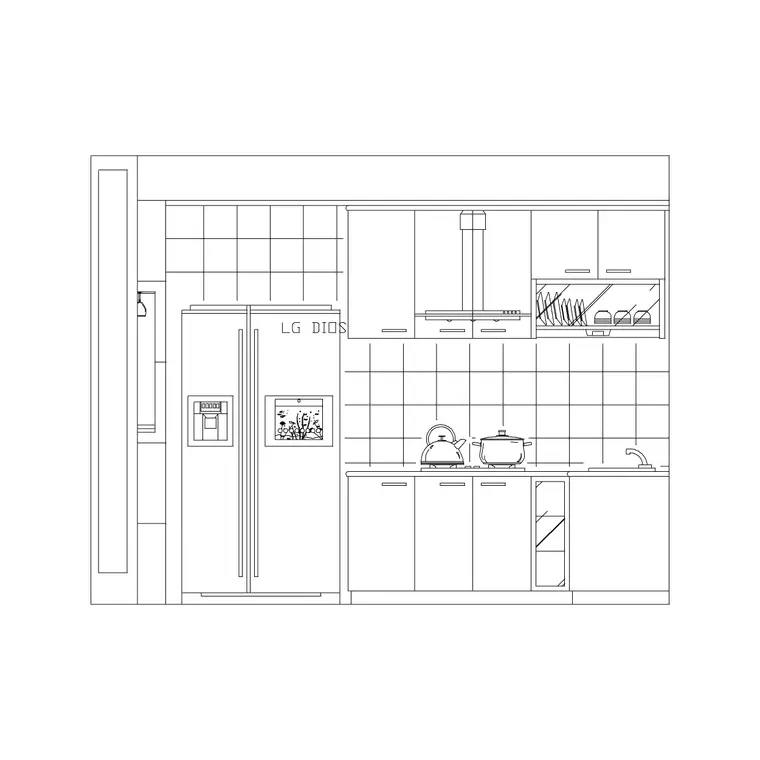
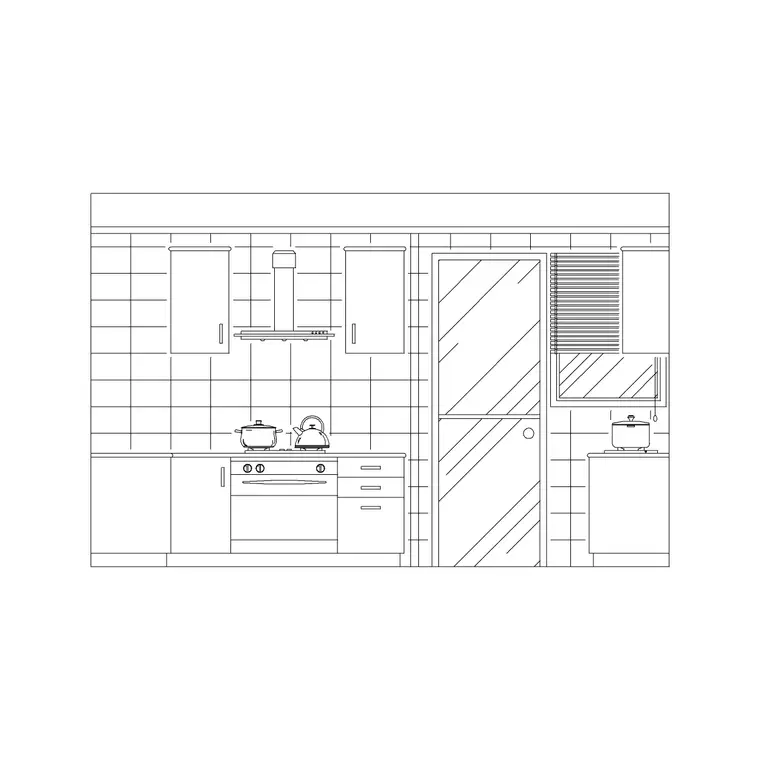
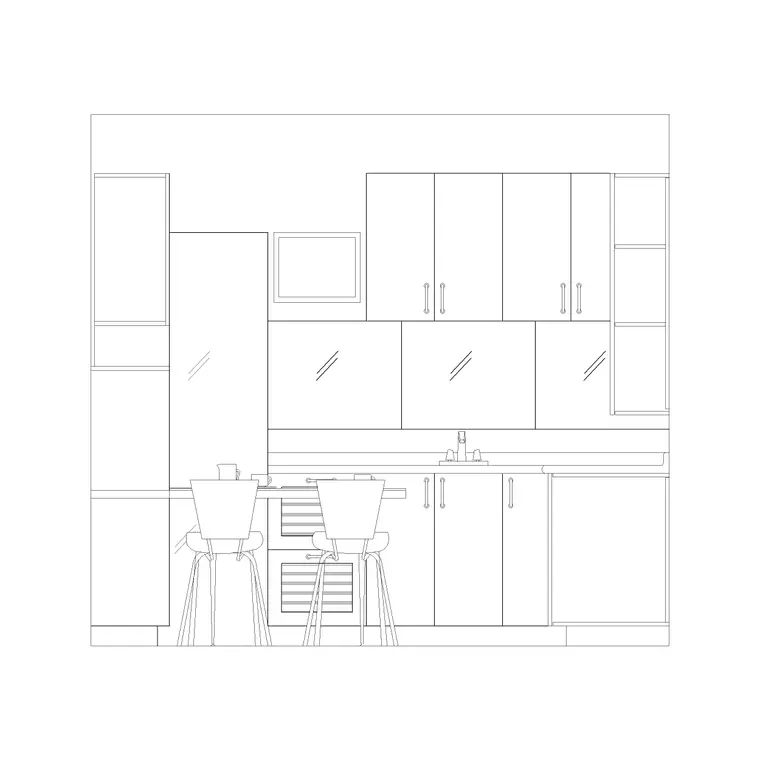
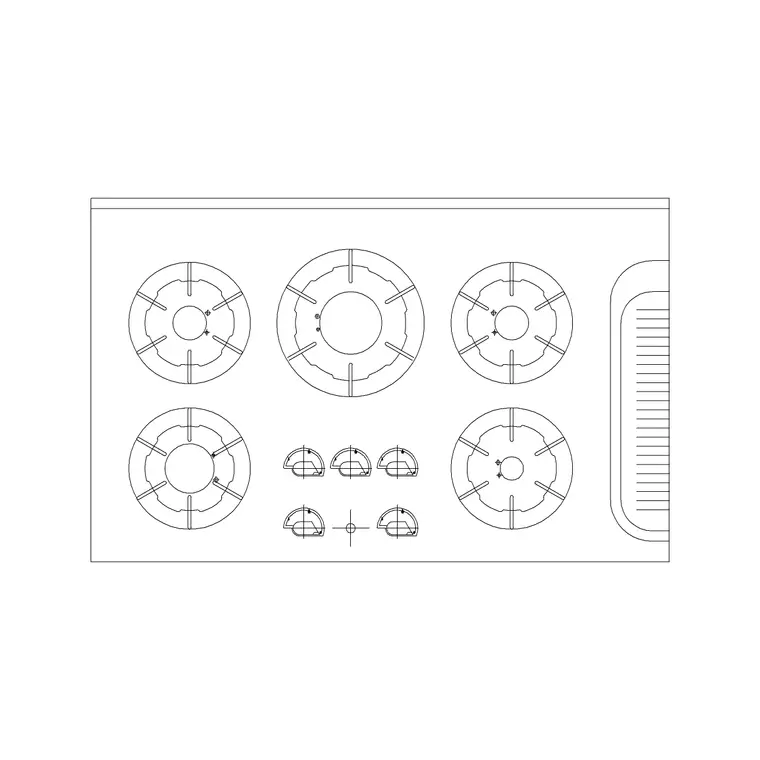
A complete-layout block bundles the whole fitted kitchen into one coordinated drawing: base and wall cabinet runs along the walls, the sink on the wet run, the hob and oven on the cooking line, the fridge position, the worktops over the base units, and frequently a matching elevation of one or more walls. Everything is already on the 600 mm module and arranged into a working layout.
Because the parts are coordinated, the appliances line up with their cabinets, the hood sits over the hob, and the worktop runs are continuous. You can insert the lot as a single reference to test it in a room, then explode it when you need to edit individual units — at which point the appliances and cabinets become the same kind of blocks you would have placed by hand.
Adapting the layout to your room
The skill with a ready-made layout is fitting it to real walls. Start by overlaying the block on your room outline and aligning one corner, then use STRETCH to lengthen or shorten the cabinet runs to meet your actual wall lengths — the modular cabinets absorb the change. MIRROR the whole layout if your room is handed the other way, so the sink and cooker land on the correct sides.
Where the room differs more substantially, explode the block and edit the parts: swap a four-burner hob for a wide range, move the fridge, add an island if the floor allows the 1000 mm clearance each side. Because every element is a scaled block, the layout stays dimensionally honest as you adjust it, and the clearances you need to protect stay easy to check.
Plan and elevation in one drawing
The strength of a complete-layout block is that the plan and the elevation are already consistent with each other. The cooker that sits between two cabinets in plan appears between the same cabinets in elevation; the hood centred over the hob in plan is centred in elevation. That coordination is laborious to achieve from scratch and is exactly what you get for free here.
Insert the block full size in millimetres — scale 1 in a millimetre drawing, or set INSUNITS to millimetres so AutoCAD rescales on insertion. Keep the plan and the elevation on their own layers or in their own areas of the sheet so you can work on one without disturbing the other, and when you edit the plan, carry the change through to the elevation so the two views stay in step.
When to use a whole layout vs individual blocks
Reach for a complete-layout block when speed matters and the kitchen is fairly standard: concept plans, feasibility sketches, marketing layouts for a development, or any situation where 'a believable fitted kitchen' is enough and you don't yet need a bespoke design. It gets a working kitchen onto the plan in seconds.
Reach for the individual appliance and cabinet blocks when the kitchen is bespoke, the room is awkward, or you are detailing for construction. In practice many drafters do both — drop in the complete layout to establish the arrangement, then explode it and swap individual blocks to tailor it. The two approaches are complementary, and this site offers the parts as well as the whole.
Who uses the complete kitchen layout
Architects use it to populate residential plans and apartment schemes with coordinated, scaled kitchens quickly. Developers and their consultants use it for marketing and planning drawings where every unit needs a fitted kitchen shown. Interior and kitchen designers use it as a fast starting point they refine into a bespoke scheme. Students use it for studio plans where a credible kitchen is needed without hours of layout work.
It pairs with the individual cooker, oven, hood, sink and cabinet blocks in the kitchen category for when you explode it and edit, and with the bathroom and furniture categories to fit out a whole dwelling from one consistent library.
Layering and reusing the layout
Once inserted, keep the layout's appliances, base units, wall units and worktops on separate layers — a well-made complete-layout block already does this — so you can produce a clean structural plan, a cabinetry plan and an elevation set from the same drawing. Freezing and thawing layers gives you several drawings from one block.
When you have adapted a layout you like, WBLOCK it back out as your own complete-layout block, tuned to a room type you draw often — a one-bed apartment kitchen, say. Build a small library of these and you can drop the right whole kitchen for the unit type in one move, then fine-tune, which is the fastest way to populate a multi-unit scheme.
Free download
Browse the full library — DWG & DXF, no signup.
Questions
Frequently asked
What's in a complete kitchen layout block?+
A whole fitted kitchen, coordinated in one drawing: base and wall cabinet runs, the sink, hob, oven and fridge positions, the worktops, and usually a matching elevation — all on the 600 mm module and arranged into a working layout you can adapt.
Can I edit individual units in the layout?+
Yes. Insert it as a single block to test it in your room, then explode it to edit individual cabinets and appliances. The parts become standard blocks you can swap, move or replace from the individual kitchen blocks on this site.
How do I fit the layout to my actual room?+
Overlay it on your room outline, align a corner, then use STRETCH to lengthen or shorten the modular cabinet runs to your wall lengths, and MIRROR it if the room is handed the other way. Explode and swap parts where the room differs more.
Is the complete kitchen layout block free for commercial use?+
Yes. It downloads free in DWG with no signup, no watermark and no attribution requirement, and it is cleared for commercial project use.
Related downloads
Blocks for this guide
Related categories
Related guides
Block landing
Free Bathroom Fixtures CAD Blocks — DWG Download
Download free bathroom fixtures CAD blocks in DWG and DXF — toilets, wash basins, bathtubs, showers and vanities drawn in plan and elevation. No signup, commercial OK.
Block landing
Free Gas Stove / Cooktop CAD Blocks — DWG
Free gas stove and cooktop CAD blocks in DWG and DXF — drawn in plan and elevation at true kitchen-module sizes for AutoCAD 2004+. No signup, commercial-use OK.
Block landing
Single Burner Hob CAD Block — Free DWG
Free single burner hob CAD blocks in DWG and DXF for compact kitchens and studios — plan and elevation, true sizing for AutoCAD 2004+. No signup, commercial OK.