Block landing · circular wash basin cad block dwg
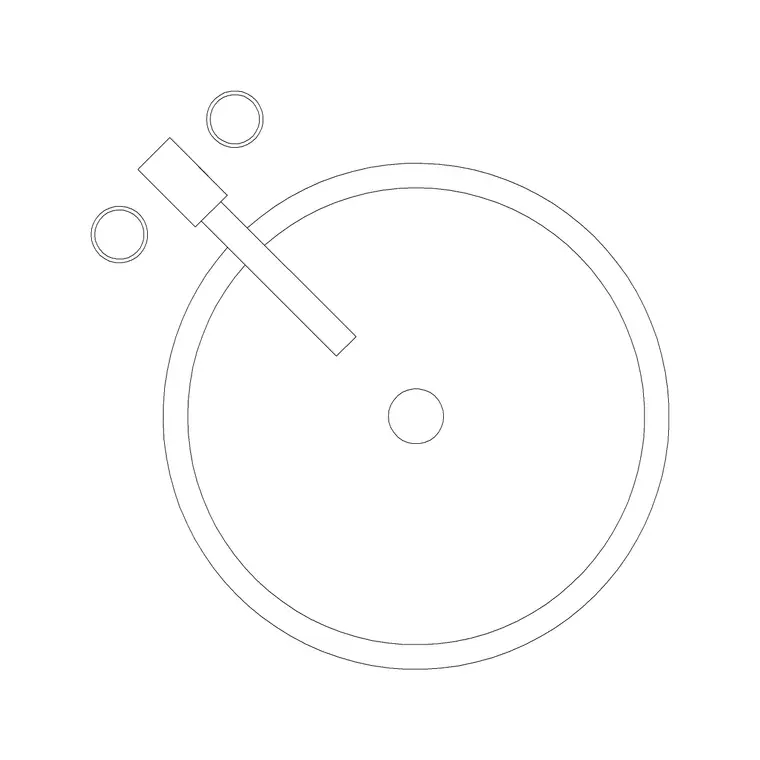
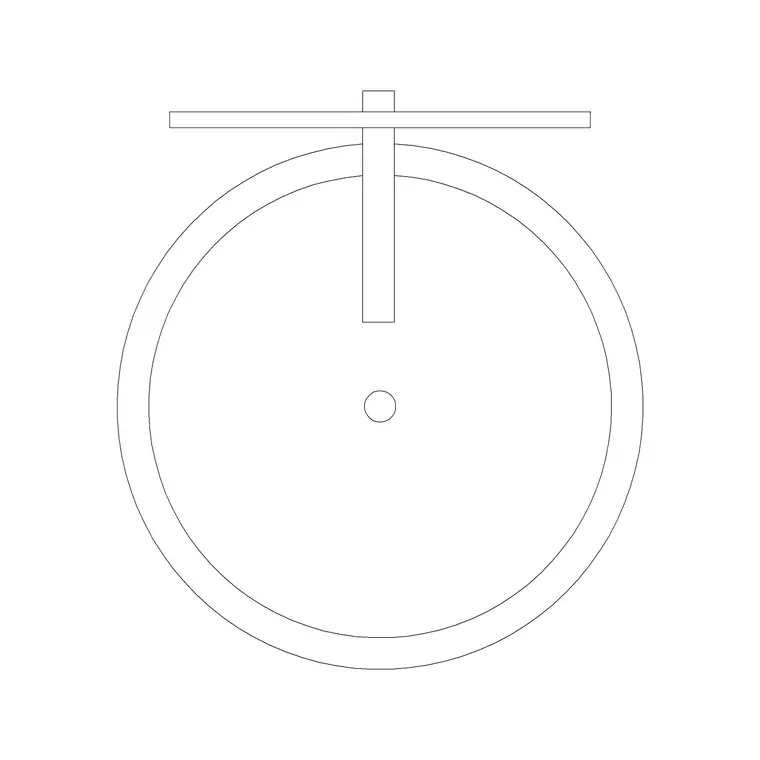
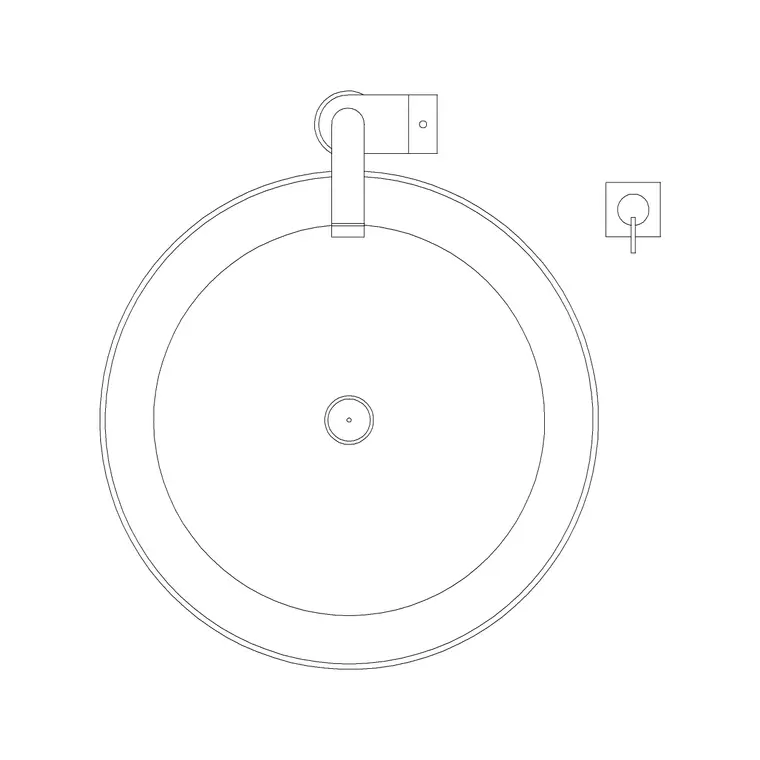
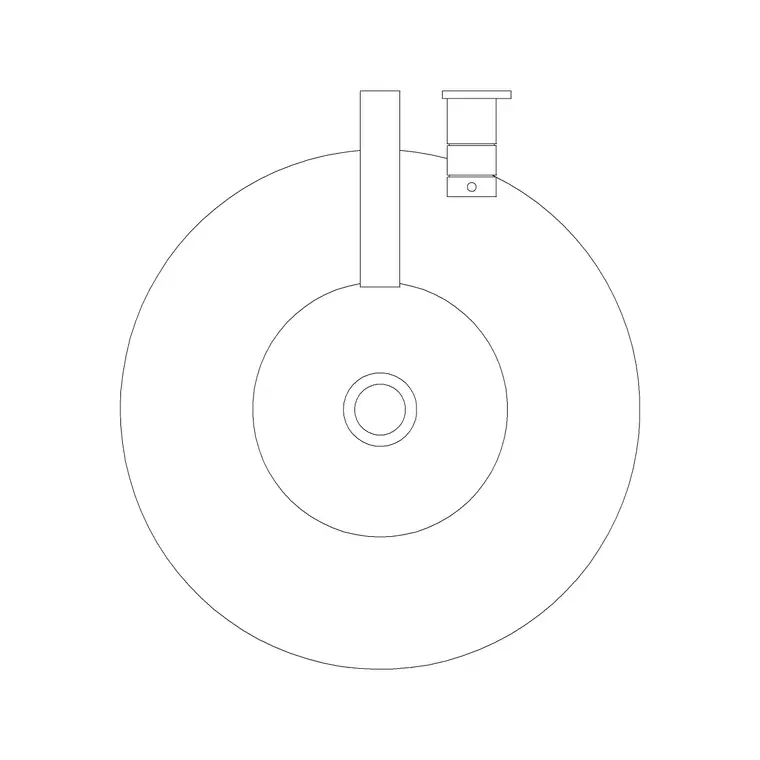
Circular wash basin CAD blocks in DWG
By Saumyajit Maity · Published 16 Jun 2025 · Updated 21 Apr 2026
A circular wash basin reads as a clean disc on the plan and a simple bowl in elevation, but getting the diameter and the tap position right is what makes a basin layout work. This page collects free circular wash basin CAD blocks in DWG — the round sink drawn at true millimetre dimensions, in plan and elevation, ready to insert into AutoCAD 2004 or later. Every file is free for personal and commercial work, with no signup, no watermark and no attribution required.
Circular basins appear everywhere from cloakroom corners to hotel vanities, and they come in two broad families: the counter-top vessel that sits proud on a worktop, and the inset bowl dropped into a vanity. Drawing them from a correctly scaled block lets you check the tap reach, the splash zone and the gap to the adjacent wall the moment the disc lands on the plan, rather than discovering the basin is too big once tiling is set out.
What's in a good circular basin block
A usable circular basin block is more than a circle. The plan should show the bowl rim, the tap hole or the tap symbol behind it, and the waste at the centre, because the tap and waste positions decide how the basin sits against the wall and the splashback. A circular basin's overall footprint is governed by its diameter plus the tap projection, so the block needs both to be honest about clearance.
The elevation should carry the bowl depth and, for a vessel basin, the height it stands proud of the counter — a detail that changes the working height of the whole assembly. The blocks here draw the rim, tap and waste on sensible layers, so you can recolour the bowl for a presentation or strip it to a setting-out circle for the plumber's drawing without redrawing it.
Counter-top vessel vs inset bowl
The two circular-basin families behave differently in a drawing. A counter-top vessel sits entirely above the worktop, so in elevation it adds its full height to the counter; you draw the worktop at a lower level and stand the bowl on top, which raises the effective basin rim. The plan shows the full disc resting on the counter surface.
An inset or under-counter circular bowl drops into the worktop, so in plan you cut a hole for it and in elevation the rim sits flush with or just below the counter. Knowing which you are drawing matters for the rim height a user reaches over and for how the tap is mounted — on the counter behind a vessel, or on the basin or wall for an inset. Many downloads include the views you need for either.
Typical diameters to design around
Reach for these ranges when sizing a circular basin. Bowl diameter: commonly 300–420 mm for a counter-top vessel, with compact cloakroom bowls nearer 280–320 mm. Bowl depth: roughly 120–160 mm. For a vessel basin, the height standing proud of the counter is often 100–150 mm, which is why the supporting worktop is set lower. Rim height of the finished assembly: aim for a usable basin rim around 800–900 mm above the floor.
These are planning envelopes, not fixed figures — basins vary widely by manufacturer, so confirm against the specified product before dimensioning. Placing a correctly sized disc first lets you test the splash zone and the gap to side walls, then you refine to the chosen model and its tap.
How to insert and place the block
These basin blocks are drawn full size in millimetres. Insert at scale 1 in a millimetre drawing, 0.001 in a metre template, or set INSUNITS to millimetres so AutoCAD rescales on insertion. Run INSERT or drag the DWG from a tool palette, pick the insertion point at the bowl centre or the waste, and rotate so the tap sits toward the wall.
For a vanity, draw the worktop outline first, then drop the circular basin so it is centred or set to one side as the design intends, leaving room for taps and a soap surface. Because the basin is a single block reference, you can copy it for a his-and-hers pair on a long vanity and array them evenly, with edits to the block definition updating every instance at once.
Where circular basins are used
Circular basin blocks suit cloakrooms, en-suites, family bathrooms, hotel rooms, restaurant and bar washrooms, and any scheme where a soft, rounded fixture complements the design. The vessel variant in particular reads as a feature on presentation drawings, sitting proud as a sculptural bowl on a vanity top.
Pair them with the vanity, tap and mirror blocks in the bathroom category to build a complete basin assembly, and use the plan blocks to confirm the basin clears the door and leaves elbow room. Because the files are free and licence-clear, they work for student schemes, concept boards and coordinated fit-out drawings alike, carrying the same basin from sketch to construction set.
Free download
Browse the full library — DWG & DXF, no signup.
Questions
Frequently asked
What's the difference between a counter-top and an inset circular basin block?+
A counter-top vessel sits entirely above the worktop and adds its full height to the counter in elevation, while an inset bowl drops into the worktop with the rim flush or just below it. The drawing differs mainly in elevation and in where the tap is mounted.
What diameter should I draw a circular basin at?+
Counter-top vessels are commonly 300–420 mm in diameter, with compact cloakroom bowls nearer 280–320 mm. Treat these as ranges and confirm against the specified product before dimensioning a construction drawing.
Do the files include plan and elevation views?+
Many do. Where a block ships multiple views they are in the same DWG, so you can use the plan for the layout and the elevation for the tiling and rim height. Each download page lists its available views.
Are the circular wash basin blocks free for commercial use?+
Yes. Every circular basin block here downloads free in DWG with no signup, no watermark and no attribution requirement, and is cleared for commercial project use.
Related downloads
Blocks for this guide
Related categories
Related guides
Block landing
Free Bathroom Fixtures CAD Blocks — DWG Download
Download free bathroom fixtures CAD blocks in DWG and DXF — toilets, wash basins, bathtubs, showers and vanities drawn in plan and elevation. No signup, commercial OK.
Block landing
Free Sanitary Fixtures CAD Blocks — DWG Download
Download free sanitary fixtures CAD blocks in DWG and DXF — WCs, wash basins, urinals and sinks in plan and section for AutoCAD sanitary plans.
Block landing
Free Toilet / WC CAD Blocks — DWG Download
Download free toilet / WC CAD blocks in DWG and DXF — close-coupled, back-to-wall and commode pans in plan and elevation for AutoCAD. No signup, commercial OK.