Block landing · built in single oven cad block
Free built-in single oven CAD block for AutoCAD
By Saumyajit Maity · Published 7 Feb 2025 · Updated 1 May 2026
A built-in single oven is the workhorse of the modern kitchen — a self-contained oven that slots into a tall housing or under the worktop, separate from the hob above it. This page gives you a free built-in single oven CAD block drawn in elevation, so you can set it into a cabinet run, line up the door and controls, and draw the cooking wall the joiner will build to. It downloads in DWG for AutoCAD 2004 and later, free for personal and commercial use, with no signup and no watermark.
Because a built-in oven is housed inside cabinetry rather than standing free, the elevation is the view that matters: it shows the appliance face sitting within its housing aperture, with the door, handle and control panel in the right place. Getting that elevation right is how you confirm the oven fits the housing, the handle clears the worktop, and the controls land at a sensible height.
Use it on kitchen joinery drawings, appliance elevations and client presentations, paired with the hob, the tall housing and the cabinet runs around it.
What a single oven elevation block includes
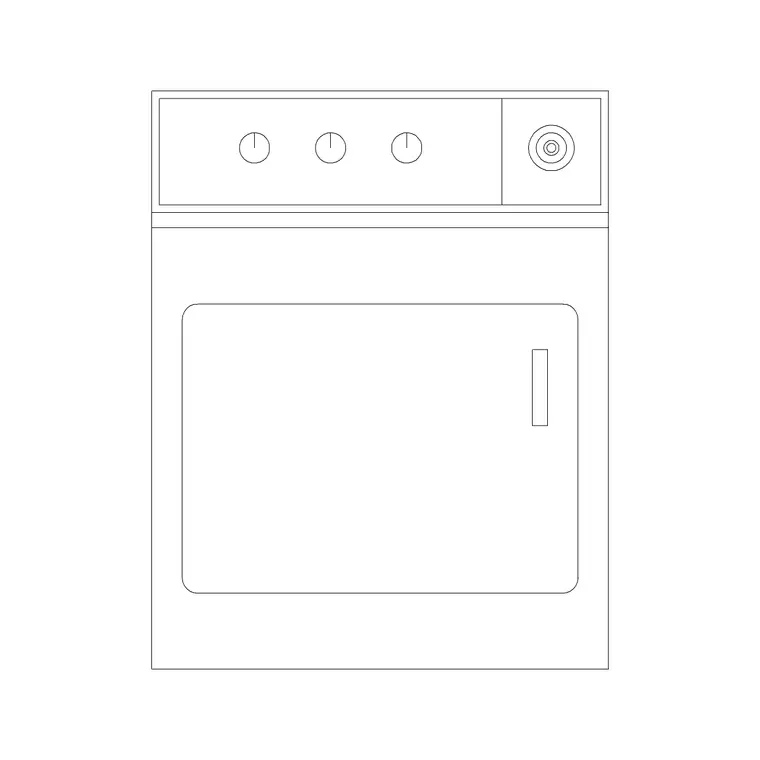
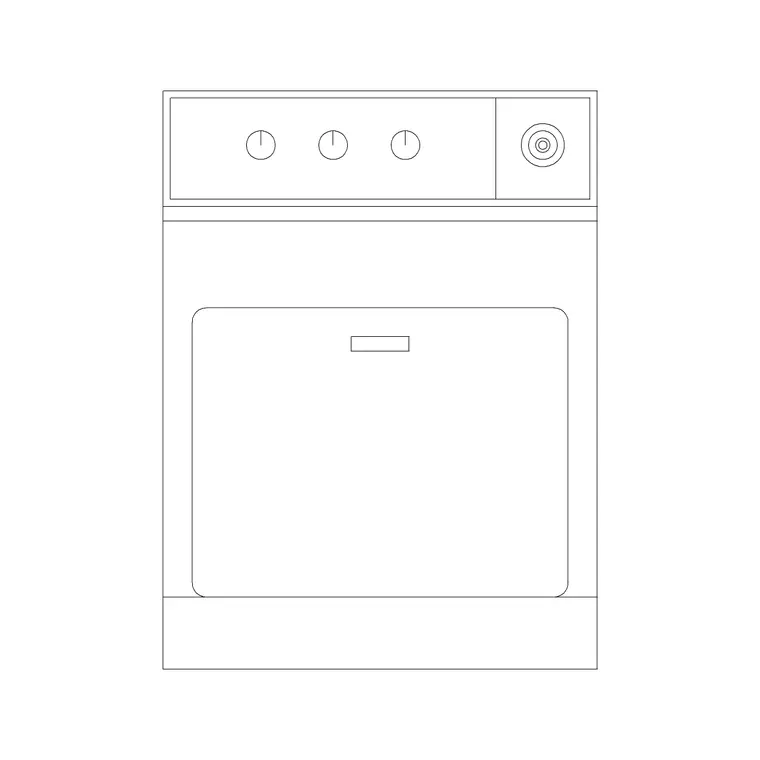
Drawn face-on, the block shows the oven front: the glass door, the handle bar, and the control fascia or knobs along the top. The outline matches the standard built-in oven aperture so it drops cleanly into a housing drawn at the same module. That face is what reads on a kitchen elevation, and it is what tells the joiner where the appliance sits within the run.
The block is a single reference you can move and copy as one object. Drawn on its own appliance layer, separate from the cabinet outlines, it lets you produce a clean cabinetry elevation by freezing appliances or a fully-fitted elevation by thawing them. The aperture lines align with the standard housing so the oven and its surround read as one coordinated unit.
Single oven module and housing heights
Built-in ovens are built around a tight, near-universal module: the appliance is close to 600 mm wide and around 595 mm tall, sized to fit a standard housing aperture. That consistency is the whole point of a built-in — almost any brand's single oven drops into a standard 600 mm housing.
Where design judgement comes in is the mounting height. A built-under single oven sits beneath the worktop within the 900 mm run; an eye-level oven sits in a tall housing with the oven floor typically somewhere around mid-height so you are not stooping to load it. Rather than fix an exact figure, set the eye-level oven so its base is at a comfortable working height for the user and confirm against the housing you are detailing. The scaled block lets you test both options against the rest of the run.
Setting the oven into the cabinet run
Insert the block full size in millimetres — scale 1 in a millimetre drawing, or set INSUNITS to millimetres so AutoCAD rescales automatically on insertion. Snap the oven into the housing aperture so the appliance face aligns with the cabinet fronts on either side; a built-in should sit flush with the door line, not proud of it.
For a built-under oven, drop it beneath the worktop and leave the hob block above on the cooktop line. For an eye-level oven, place it in the tall housing at your chosen height and keep the housing's other openings — a drawer below, a microbox above — coordinated around it. Because the oven is a block reference, you can copy it to test a built-under versus eye-level arrangement side by side.
Single oven vs double oven on the drawing
The difference is height, and it changes the housing. A single oven occupies roughly one oven-height aperture and suits a compact kitchen or a built-under position beneath the worktop. A double oven — a main oven plus a second cavity or grill — is taller and needs a deeper tall-housing aperture, so it almost always sits in an eye-level tower rather than under the counter.
Choosing between them on the plan is partly about cooking needs and partly about how much tall-housing height the run can spare. If you are weighing the two, draw both into the elevation from their respective blocks and see which sits more comfortably in the available run — the scaled blocks make the trade-off visible.
Who uses the single oven block
Kitchen designers and interior designers use it to lay out the cooking wall and confirm the oven sits correctly in its housing. Architects use it to populate residential kitchen elevations with a believable, scaled appliance. Joiners and kitchen fitters read the elevation it sits in to set out the housing. Students use it for studio kitchen drawings where licence-clear appliances matter.
It pairs with the hob or cooktop block above a built-under position, the tall-housing and cabinet blocks around it, and the cooker, hood and fridge blocks that complete the cooking wall in the kitchen category.
Layering and scheduling the appliance
Keep the oven on a dedicated appliances layer so you can freeze it for a cabinetry-only elevation or thaw it for the fully-fitted view, from one drawing. Give the layer its own colour so the appliance reads distinctly from the joinery around it.
Tag the oven with an attribute — a model reference or a built-under-versus-eye-level note — and you can extract an appliance schedule directly from the drawing, which is exactly what an FF&E or kitchen specification list wants. When a kitchen layout repeats across a scheme, WBLOCK the oven-in-housing as a single unit so the cooking position drops in coordinated every time.
Free download
Browse the full library — DWG & DXF, no signup.
Questions
Frequently asked
What size is a built-in single oven block?+
Built-in single ovens are built around a near-universal module — close to 600 mm wide and around 595 mm tall — to fit a standard 600 mm housing aperture. Confirm the exact appliance dimensions against the oven you are specifying.
Should I draw the oven built-under or at eye level?+
Either works. A built-under oven sits beneath the worktop within the 900 mm run; an eye-level oven sits in a tall housing at a comfortable loading height. Use the scaled block to test both against your run and pick the one that suits the user.
Is this a plan or elevation block?+
It is an elevation block — the oven seen face-on with its door, handle and controls — because a built-in oven reads on the cooking-wall elevation rather than the floor plan. Use it for joinery drawings and appliance elevations.
Is the built-in oven CAD block free for commercial use?+
Yes. It downloads free in DWG with no signup, no watermark and no attribution requirement, and it is cleared for commercial project use.
Related downloads
Blocks for this guide
Related categories
Related guides
Block landing
Free Bathroom Fixtures CAD Blocks — DWG Download
Download free bathroom fixtures CAD blocks in DWG and DXF — toilets, wash basins, bathtubs, showers and vanities drawn in plan and elevation. No signup, commercial OK.
Block landing
Free Gas Stove / Cooktop CAD Blocks — DWG
Free gas stove and cooktop CAD blocks in DWG and DXF — drawn in plan and elevation at true kitchen-module sizes for AutoCAD 2004+. No signup, commercial-use OK.
Block landing
Single Burner Hob CAD Block — Free DWG
Free single burner hob CAD blocks in DWG and DXF for compact kitchens and studios — plan and elevation, true sizing for AutoCAD 2004+. No signup, commercial OK.