Block landing · bathroom mixer tap cad block dwg
Bathroom mixer tap CAD blocks in DWG
By Sumana Kumar · Published 27 Nov 2022 · Updated 14 May 2026
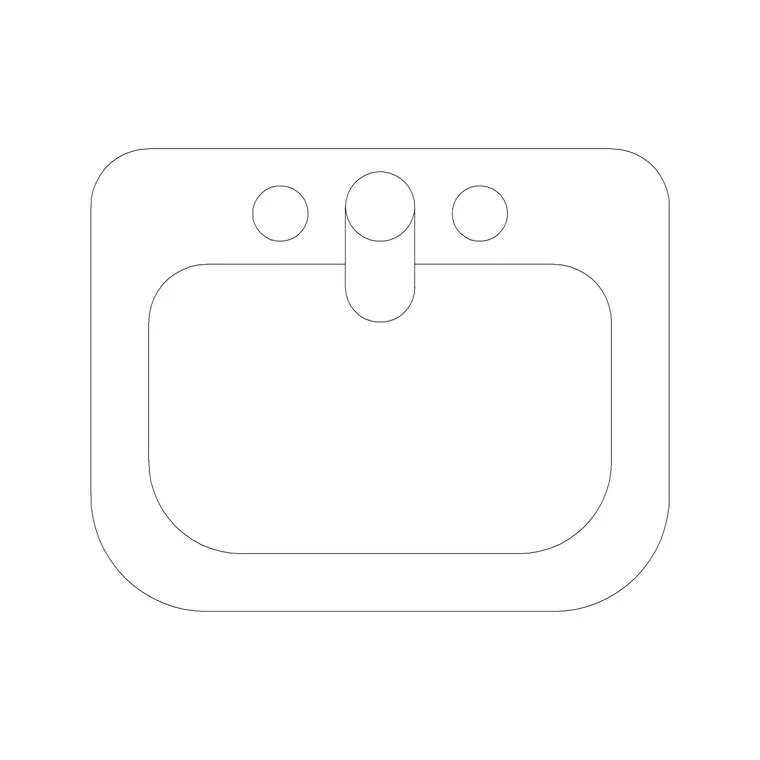
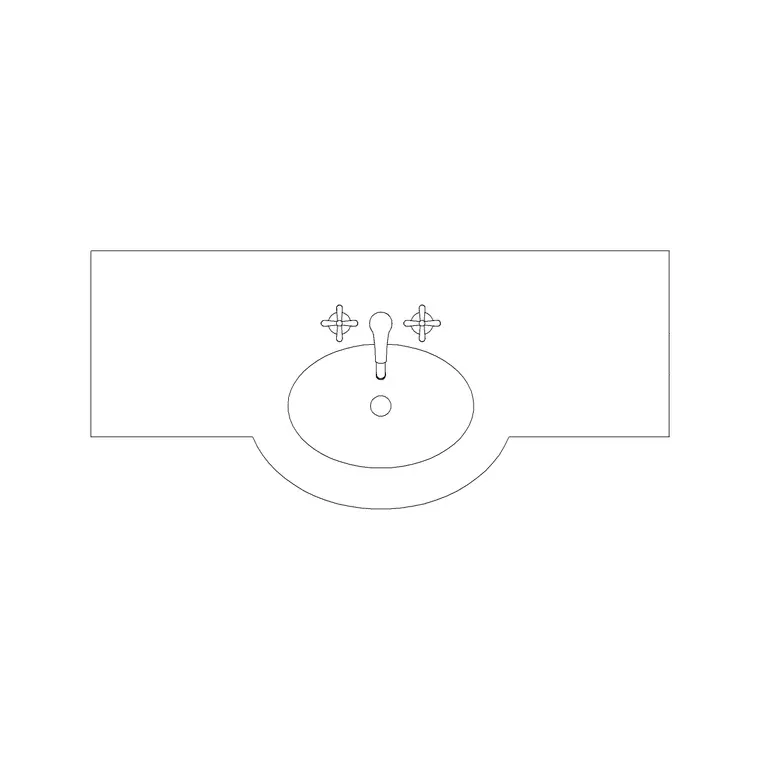
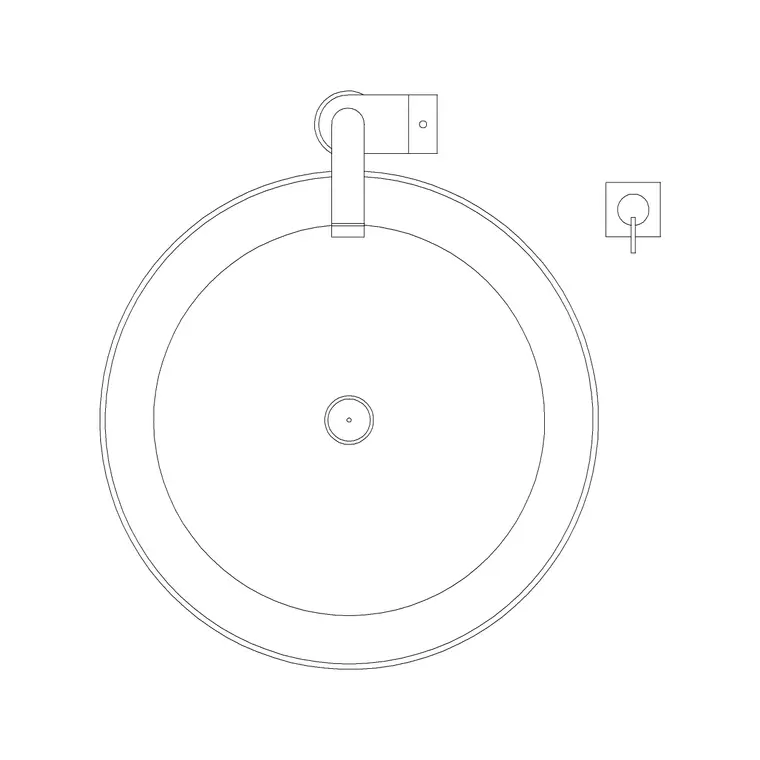
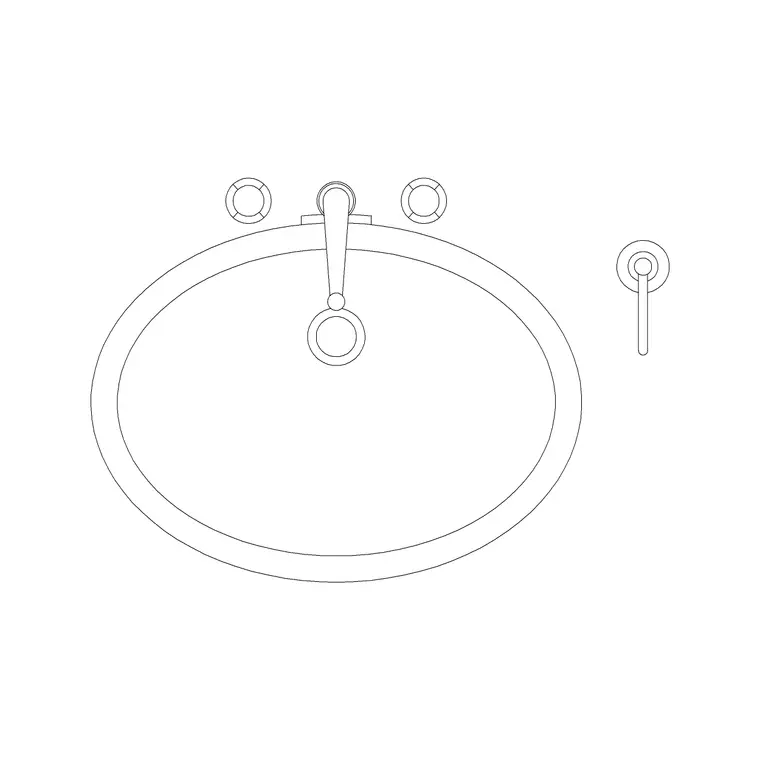
A mixer tap is small, but it is the detail that makes a basin drawing look finished and proves the basin actually works: it shows where the water lands, how far the spout reaches over the bowl, and where the controls sit. This page collects free bathroom mixer tap CAD blocks in DWG — basin mixers and faucets drawn at true millimetre dimensions in plan and elevation, ready to insert into AutoCAD 2004 or later. Every file is free for personal and commercial work, with no signup, no watermark and no attribution required.
Mixer taps come deck-mounted on the basin or counter and wall-mounted above it, and a complete basin assembly needs the right one. Drawing the mixer from a correctly scaled block lets you confirm the spout reaches over the bowl, the lever has room to swing, and the tap lines up with the basin and tiling — the finishing touches that separate a coordinated bathroom elevation from a basin floating tapless on the wall.
What a mixer tap block adds to a basin drawing
A basin without a tap is an unfinished drawing. The mixer block adds the spout, the body and the lever, and shows where they sit relative to the bowl — which is what proves the water reaches the basin and the controls are usable. In plan, the mixer reads as the spout and lever behind or beside the bowl; in elevation, it shows the spout height and the reach out over the basin.
The blocks here draw the spout, body and control on sensible layers so the tap can be coloured or detailed independently of the basin. Small as it is, the mixer is the element that ties the basin to the wall and the tiling, and dropping a correctly scaled one in makes the whole basin station read as a designed assembly rather than a bare bowl.
Deck-mounted vs wall-mounted mixers
Bathroom mixers split into two mountings, and they draw differently. A deck-mounted mixer sits on the basin or the counter behind the bowl, with the spout arching over the rim; its base shows in plan on the basin or worktop, and its height in elevation rises from the deck. A wall-mounted mixer instead projects from the wall above the basin, with the spout reaching out and down over the bowl and no base on the basin itself.
Which you draw depends on the basin and the design: counter-top vessels often pair with tall deck mixers or wall spouts, while inset basins usually take a deck mixer on the rim. The blocks here cover both mountings, so you can match the tap to the basin arrangement and show the water reaching the bowl correctly in elevation.
Typical sizing to design around
Reach for these ranges when placing a mixer tap. Spout reach (how far it projects over the bowl): commonly 100–150 mm for a basin mixer, enough to land water near the centre of the bowl. Spout height above the deck for a standard basin mixer: roughly 100–180 mm; tall vessel mixers rise higher to clear a raised bowl. Wall-mounted spout projection: typically set so water falls over the bowl centre, with the spout positioned above the basin rim.
These are planning envelopes, not fixed figures — taps vary widely by maker and style, so confirm against the specified product before dimensioning. Placing a correctly scaled mixer lets you check the spout clears the rim and reaches the bowl, and that a lever has room to lift, then you refine to the chosen tap.
How to insert and align the block
These blocks are drawn full size in millimetres. Insert at scale 1 in a millimetre drawing, 0.001 in a metre template, or set INSUNITS to millimetres so AutoCAD rescales on insertion. Place the basin first, then run INSERT or drag the mixer DWG from a tool palette and snap it to the deck behind the bowl, or to the wall above for a wall-mounted spout.
In elevation, set the spout so it reaches over the bowl centre and clears the rim, and on a tiling drawing line the wall-mounted body up with a sensible tile joint. Keep taps on the sanitaryware or fittings layer so you can isolate them. Because the mixer is a single block reference, you can copy it to every basin on a run and edit the definition once to swap the tap throughout.
Where bathroom mixer taps are used
Mixer tap blocks belong on every basin in the drawing set: cloakrooms, en-suites, family bathrooms, hotel rooms, restaurant and bar washrooms and feature powder rooms. They also pair with bidets and, in matching ranges, with the bath and shower fittings, so a coordinated bathroom uses the tap blocks across several fixtures.
Pair them with the basin, vanity and mirror blocks in the bathroom category to complete each basin station, and use the elevation views to coordinate the tap with the tiling and the mirror above. Because the files are free and licence-clear, they finish off student schemes and concept boards as readily as coordinated construction and tiling drawings, making every basin in the set read as a resolved assembly.
Free download
Browse the full library — DWG & DXF, no signup.
Questions
Frequently asked
What's the difference between a deck-mounted and wall-mounted mixer block?+
A deck-mounted mixer sits on the basin or counter with the spout arching over the rim, while a wall-mounted mixer projects from the wall above the basin. They draw differently in both plan and elevation, and the blocks here cover both mountings.
How far should a basin mixer spout reach over the bowl?+
A basin mixer spout commonly projects 100–150 mm so the water lands near the centre of the bowl. Treat this as a range and confirm against the specified tap, since spout reach varies by model and basin size.
Do the files include plan and elevation views?+
Many do. Where a block ships multiple views they are in the same DWG, so you can place the tap in plan on the basin and show its spout reach in elevation. Each download page lists its available views.
Are the bathroom mixer tap blocks free for commercial use?+
Yes. Every mixer tap block here downloads free in DWG with no signup, no watermark and no attribution requirement, and is cleared for commercial project use.
Related downloads
Blocks for this guide
Related categories
Related guides
Block landing
Free Bathroom Fixtures CAD Blocks — DWG Download
Download free bathroom fixtures CAD blocks in DWG and DXF — toilets, wash basins, bathtubs, showers and vanities drawn in plan and elevation. No signup, commercial OK.
Block landing
Free Sanitary Fixtures CAD Blocks — DWG Download
Download free sanitary fixtures CAD blocks in DWG and DXF — WCs, wash basins, urinals and sinks in plan and section for AutoCAD sanitary plans.
Block landing
Free Toilet / WC CAD Blocks — DWG Download
Download free toilet / WC CAD blocks in DWG and DXF — close-coupled, back-to-wall and commode pans in plan and elevation for AutoCAD. No signup, commercial OK.