Block landing · backless stool cad block dwg
Free backless stool CAD block in DWG
By Saumyajit Maity · Published 12 Jan 2023 · Updated 21 Jun 2026
A backless stool is the most compact piece of seating in the furniture library: a seat on legs with no backrest, so it tucks fully under a counter or table and stacks visually without clutter. This free backless stool CAD block ships in DWG, drawn to true millimetre dimensions and ready for AutoCAD 2004 or later, with no signup, no watermark and full commercial clearance. It is the stool to reach for when you want height seating that disappears when not in use.
Without a backrest, the block has a clean, symmetrical footprint that arrays beautifully along a bar or around a high table. Because there is no front-to-back orientation to worry about, it is fast to place and forgiving to rotate, which makes it the workhorse stool in busy cafe, canteen and workshop layouts where seat count matters more than a distinctive silhouette.
What the backless stool block is
This is a plain stool: a round or square seat carried on three or four legs, with a footrest rail and no back. The simplicity is the point — it reads as an honest, no-fuss perch in both plan and elevation, and it slides fully under a counter so the elevation stays uncluttered.
It arrives as a single block reference you can copy, array and rotate freely. Because the seat is symmetrical, you rarely need to worry about which way it faces, which speeds up populating a long counter or a cluster of high tables.
Views and what's included
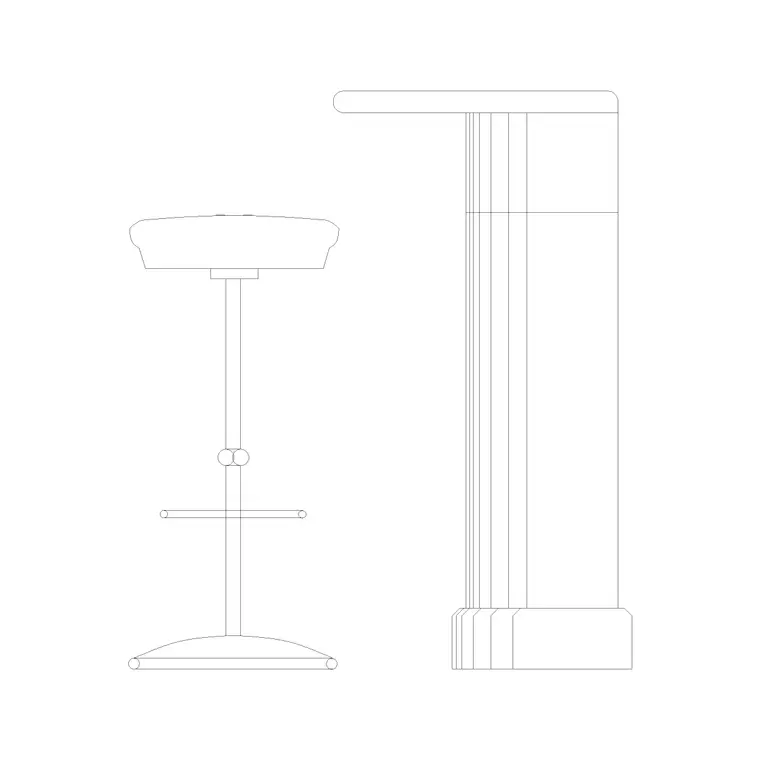
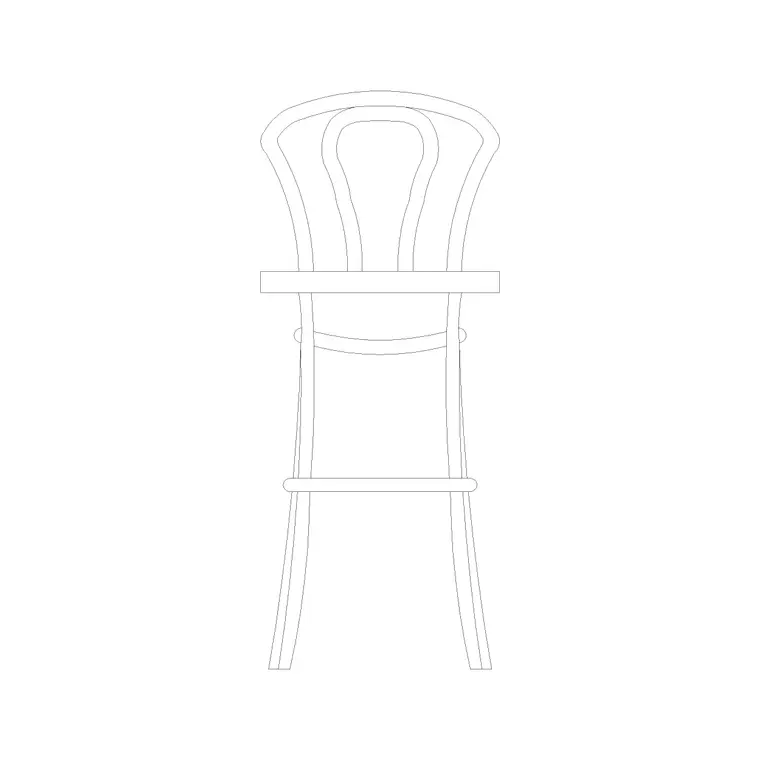
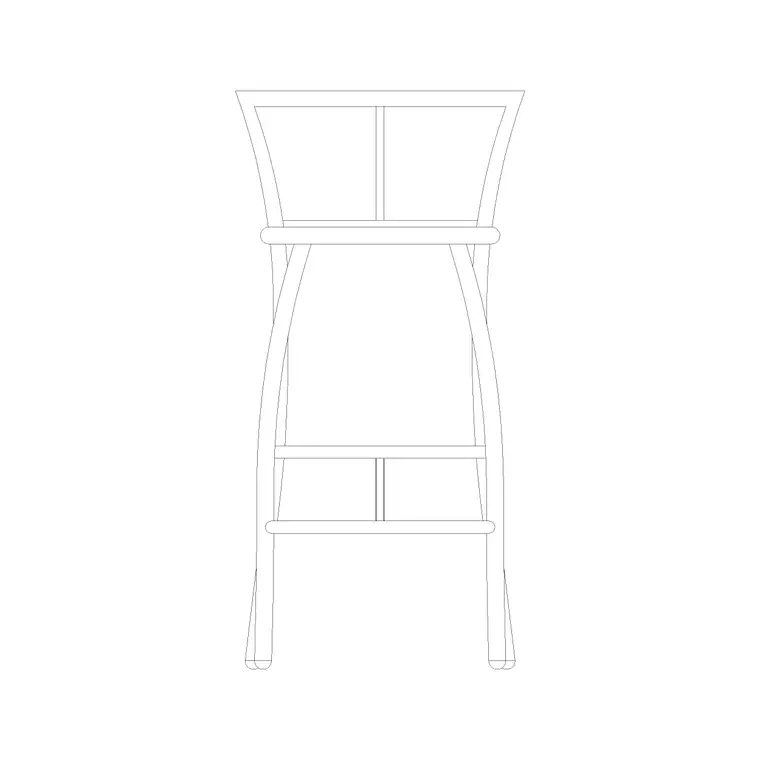
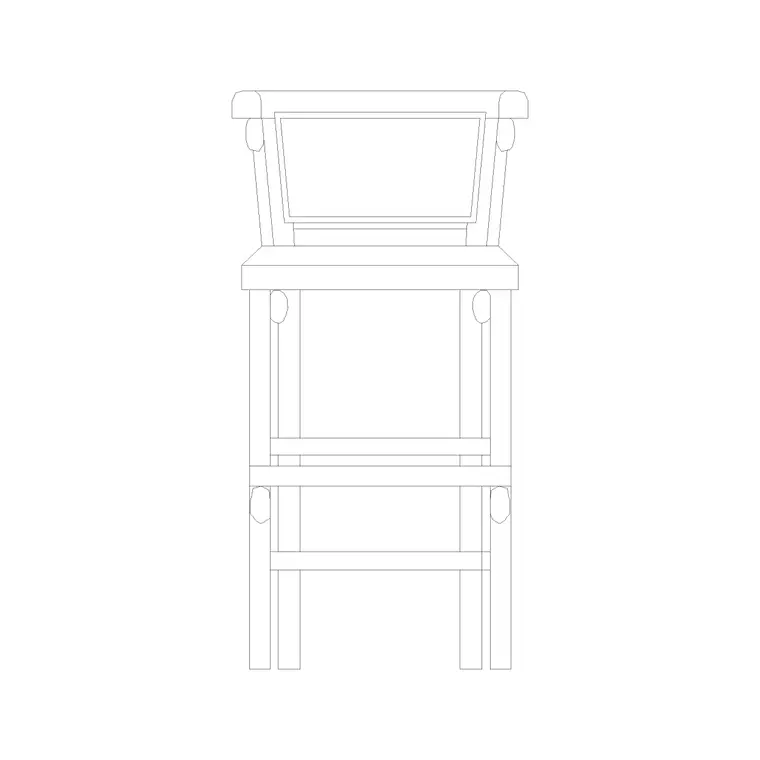
Because a backless stool has no orientation to communicate, the block is genuinely useful in both plan and elevation. The plan view is a simple seat-and-leg footprint you can array around a high table; the elevation shows the seat height and footrest line for checking the stool against a counter.
The geometry sits on its own layers so the seat, legs and footrest can be toned or frozen separately. That keeps the stool readable on a dense plan where many of them repeat across a canteen or bar floor.
Typical backless stool dimensions
Use these as working ranges. A bar-height backless stool sits around 650–760 mm at the seat; a counter-height version is lower, roughly 600–650 mm. Seat diameter for a round backless stool is commonly 300–350 mm, which is part of why it tucks away so neatly. Overall height equals the seat height, since there is no back to add.
The footrest rail typically sits 200–250 mm off the floor. Along a counter, allow 500–650 mm centre to centre — you can pack backless stools a little tighter than back-fitted ones because there is no back to collide. Under a high table, leave enough seat-to-underside gap (around 250–300 mm) so knees clear.
How to insert and scale it
The block is drawn full size in millimetres. Insert at scale 1 in a millimetre drawing, 0.001 in a metre drawing, or set INSUNITS to millimetres on an imperial template so AutoCAD rescales on insertion. Snap the insertion point — the seat centre — to a counter centreline or a table edge.
To fill a bar, place one stool and ARRAY it at your spacing; the symmetry means you can skip rotation entirely. Keep the stools on a furniture layer so you can freeze them for a clean structural plan and thaw them for the furnished view, and so a furniture schedule can count them cleanly.
Where backless stools are used
Backless stools suit high-traffic, high-turnover settings: canteen and food-court counters, fast-casual cafes, bar rails, workshop and lab benches, makerspaces, retail point-of-sale perches and kitchen-island overflow seating. They pair with the bench, high-table and counter blocks in the furniture category.
Their compact, tuck-away footprint also makes them ideal for tight plans where every millimetre of circulation counts, and for student and concept schemes that need a lot of seats without a lot of visual weight.
File format and compatibility
The backless stool downloads in DWG, the native AutoCAD format, drawn for AutoCAD 2004 and later so it opens in every current release of AutoCAD and AutoCAD LT. It also opens cleanly in the common AutoCAD-compatible packages — BricsCAD, DraftSight, ZWCAD and GstarCAD — and in free DWG viewers such as Autodesk's online viewer, so a colleague without a full CAD seat can still review the layout.
If your workflow runs on DXF for exchange with another tool, you can open the DWG and SAVEAS a DXF in a couple of clicks, and the simple geometry of a backless stool survives the round-trip without fuss. Because the block is lightweight, dropping dozens of them into a canteen plan adds almost nothing to the file size, which keeps a dense seating drawing responsive.
The same DWG also imports cleanly into the wider design pipeline: place it as an underlay or external reference in a Revit or SketchUp scheme, or pull it into a layout program that reads DWG, and the stool arrives at its true millimetre size every time. That portability is part of why a single, correctly-drawn backless stool block is worth keeping in your project library rather than redrawing the seat on each new job.
Free download
Browse the full library — DWG & DXF, no signup.
Questions
Frequently asked
When should I use a backless stool over one with a back?+
Choose backless for high-turnover, space-tight settings — canteens, bar rails, workshop benches — where the stool needs to tuck fully under and seat count matters. Choose a back-fitted stool where people sit and linger.
Does the file include a plan view?+
Yes. Because a backless stool has no orientation, the block is useful in plan (a seat-and-leg footprint to array around high tables) as well as elevation. The supplied views are listed on the download page.
Is the backless stool CAD block free for commercial use?+
Yes — free in DWG, no signup, no watermark, no attribution, and cleared for commercial projects.
What scale is it drawn at?+
Full size in millimetres. Insert at scale 1 in a millimetre drawing, 0.001 in a metre drawing, or set INSUNITS to millimetres so AutoCAD rescales automatically.
Related downloads
Blocks for this guide
Related categories
Related guides
Block landing
Free Office Chair CAD Blocks — DWG Download
Download free office chair CAD blocks in DWG and DXF — task chairs, swivel chairs and executive seats drawn in plan and elevation, AutoCAD 2004+, no signup.
Block landing
Free Bar Table CAD Blocks — DWG Download
Download free bar table CAD blocks in DWG and DXF — round, square and rectangular high bar tables in plan and elevation for AutoCAD. No signup, commercial-use OK.
Block landing
Free Restaurant Table CAD Blocks — DWG Download
Download free restaurant table CAD blocks in DWG and DXF — 2, 4 and 6 cover tables with chairs drawn in plan and elevation for AutoCAD. No signup, commercial-use OK.