Curated pack · fence cad blocks
20 free fence CAD blocks in DWG and DXF in 2026
By Saumyajit Maity · Published 12 Jul 2024 · Updated 18 Feb 2026
A boundary fence is one of the first lines drawn on a site plan and one of the most-detailed elements on a presentation elevation, so a ready set of fence blocks saves drawing the same pickets and posts over and over. This collection gathers 20 free fence CAD blocks in DWG and DXF — ornamental iron railings, metal panel fences, and garden fences with planting — drawn to scale and free for personal and commercial use, with no signup or watermark.
Fences are repeated geometry: a panel or bay that tiles along a boundary line. Drawing one good bay as a block and arraying it is far quicker and cleaner than copying loose lines, and it keeps the rail heights and post spacing consistent down the whole run. These blocks give you that ready-made bay in several styles.
The pack suits architects, landscape designers and anyone drawing boundary treatments, garden layouts or street elevations. Use the elevation blocks where the fence is seen face-on, and pair them with the gate blocks in the outdoor category to complete a boundary line with an opening.
What's in the fence pack
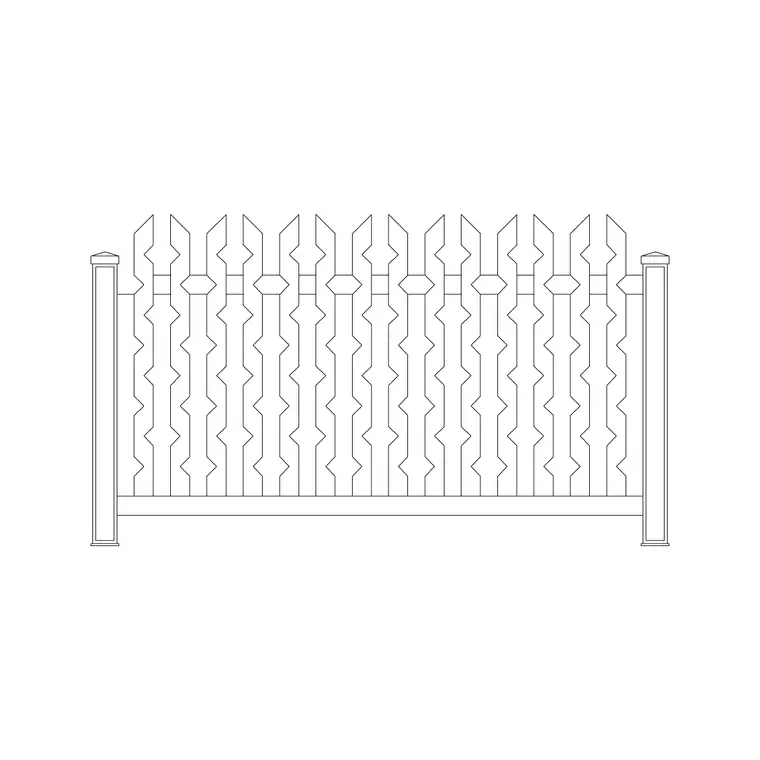
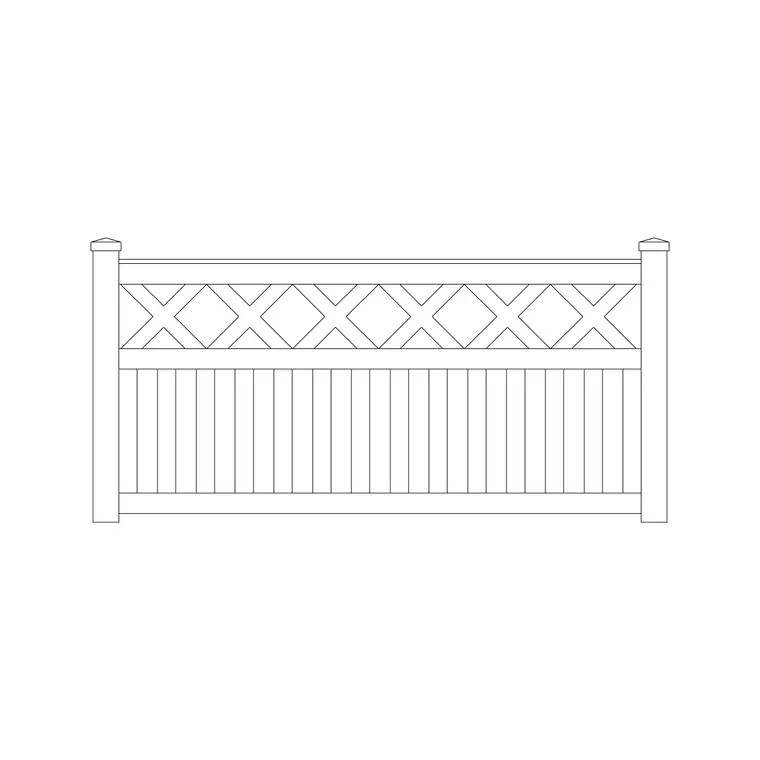
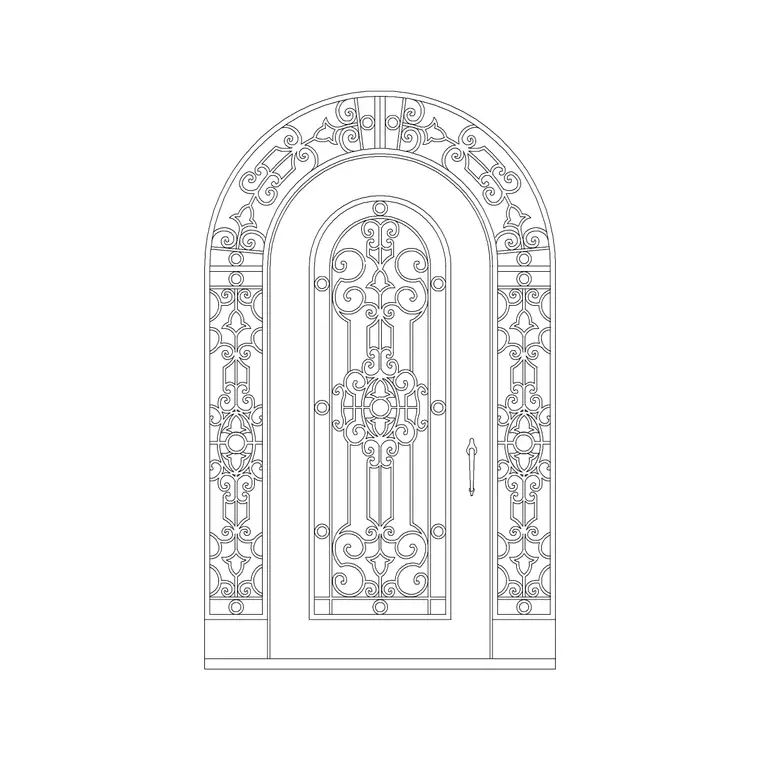
The 20 blocks cover the common boundary styles: ornamental wrought-iron railings with decorative heads, plain and patterned metal panel fences, fences combined with a low masonry wall, and garden fences shown with planting or a flower bed. Most are elevation bays drawn face-on, which is how a fence reads on a site elevation or boundary detail.
Because a fence is repeated geometry, each block is a single bay or panel you tile along the boundary. Mixing a railing style with a wall base, or a metal panel with planting, lets you match the boundary treatment to the character of the scheme rather than defaulting to one fence everywhere.
Typical fence heights and spacing
Treat these as planning ranges. Low garden and front-boundary fences commonly sit around 0.9-1.2 m high; privacy and security fences run higher, often 1.8 m or more. Ornamental railings vary with the design but share that boundary-height band. Post and bay spacing depends on the panel — many metal and timber panels tile at roughly 1.8-3.0 m centres.
The practical point is consistency: once you fix a rail height and bay width for the run, the array keeps every post and picket in line. A fence drawn at honest heights also lets you check sightlines and overlooking on the elevation, which matters for front boundaries near a road.
How to use the fence set on a run
Draw the boundary line first, then insert one fence bay with INSERT or by dragging the DWG, setting INSUNITS to millimetres so it lands at true size. Place the bay at one end of the run, snapping the post to the boundary line.
Then array it: a rectangular or path array along the boundary tiles the bay cleanly to the corner, keeping post spacing exact. At a corner or a change in level, end the run on a post and start a fresh array. Put the fence on its own layer (such as L-FENCE) so you can freeze it for an uncluttered site plan and thaw it for the boundary elevation. Where the run meets an opening, swap in a gate block from the outdoor category.
Per-style notes: iron, metal panel and garden fences
Ornamental iron railings suit period and formal frontages, where the decorative heads and slender bars read as quality on a street elevation. They work well over a low wall or plinth, which the wall-and-fence blocks in the pack provide directly.
Metal panel and mesh fences suit security boundaries, commercial sites and rear gardens where robustness matters more than ornament; they tile cleanly and read simply on a plan. Garden fences shown with planting soften a boundary and suit residential rear gardens and landscape schemes — pair them with the tree and shrub blocks for a fully dressed garden edge.
Elevation, plan and detail uses
Most fence blocks are elevation bays, used on boundary elevations, street scenes and presentation drawings where the fence is seen face-on. On the site plan itself, a fence is usually just a line on the boundary with the style noted, so the elevation blocks do the descriptive work.
For a construction detail you can explode a bay to dimension the post, rail and infill, or keep it as a block and reference it from a detail callout. Drawing the boundary in both the plan line and the elevation bay from this pack keeps the fence specification consistent between the layout and the detail set.
Where fence blocks are used
Fence blocks appear across residential and commercial work: front and rear garden boundaries, estate and plot perimeters, school and playground enclosures, car-park and yard security lines, and street elevations. They pair naturally with the gate blocks in the outdoor category to complete a boundary with an entrance, and with trees, shrubs and paving to dress the setting.
Free and licence-clear, the blocks suit student site-plan exercises and competition boards as well as production drawings. One fence bay arrays to any length and carries from concept site plan to coordinated boundary detail without redrawing the pickets.
Free download
Browse the full library — DWG & DXF, no signup.
Questions
Frequently asked
Are these fence CAD blocks free to use commercially?+
Yes. All 20 fence blocks download free in DWG and, where available, DXF, with no signup, watermark or attribution, and are cleared for commercial project use.
How do I tile a fence block along a boundary?+
Place one bay at the end of the boundary line, then use a rectangular or path array along the line to repeat it. Arraying keeps post spacing and rail heights exact down the whole run.
What height are the fence blocks drawn at?+
They are drawn to believable boundary heights — roughly 0.9-1.2 m for low garden fences and 1.8 m or more for privacy and security fences — and you scale to suit your design.
Do you have matching gate blocks?+
Yes. The outdoor category includes single and double metal and ornamental gate blocks that match the fence styles, so you can complete a boundary with an entrance.
Related downloads
Blocks for this guide
Related categories
Related guides
Curated pack
15 Free Gate CAD Blocks — DWG Download in 2026
Download 15 free gate CAD blocks in DWG and DXF — single and double metal, ornamental and main-entrance gates in elevation for site plans. No signup.
Curated pack
Free Landscape & Tree DWG Pack — Plan & Elevation
A free landscape and tree DWG pack — trees, palms, shrubs and potted plants in plan and elevation for AutoCAD site plans. DWG and DXF, no signup, commercial-use OK.
Curated pack
Free Landscape CAD Block Pack — DWG & DXF
A free landscape CAD block pack in DWG and DXF — trees, shrubs, fences, paving, lighting and figures for AutoCAD landscape plans. No signup, commercial-use OK.