Curated pack · gate cad blocks
15 free gate CAD blocks in DWG and DXF in 2026
By Sumana Kumar · Published 30 Jan 2025 · Updated 13 May 2026
A gate is the one moving element in a boundary line, and it is usually the feature a client looks at first on a frontage drawing. This collection gathers 15 free gate CAD blocks in DWG and DXF — single and double swing gates, ornamental wrought-iron entrances, and main-entrance gates with piers — drawn to scale and free for personal and commercial use, with no signup or watermark.
Gates carry both a design job and a technical one. On the presentation elevation they set the character of the entrance; on the site plan they govern the opening width, the swing arc and the clear approach a vehicle or pedestrian needs. A correctly-scaled gate block lets you resolve the look and the geometry from the same drawing.
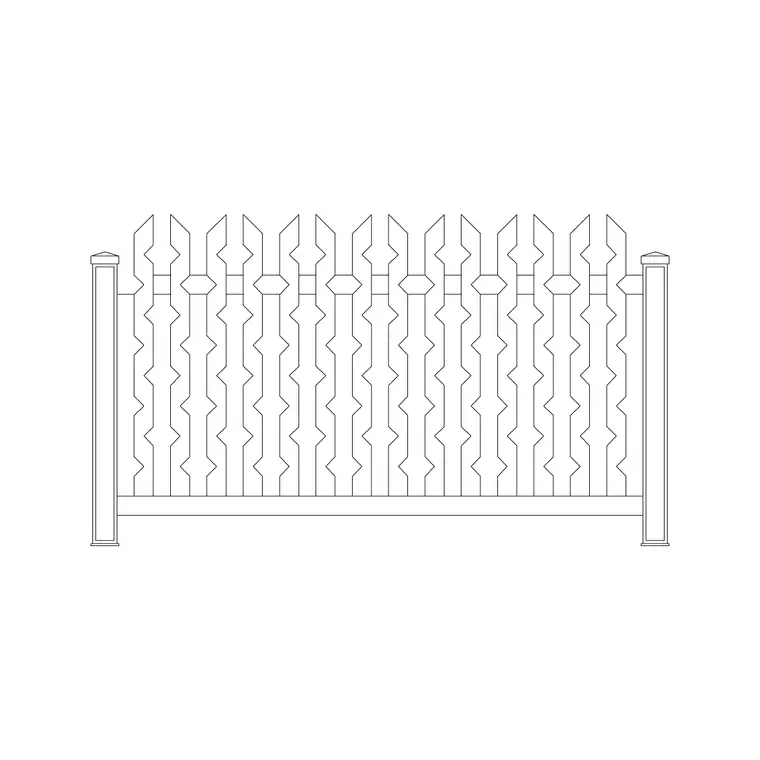
The pack suits architects and landscape designers drawing residential frontages, estate entrances and commercial site access. Pair the gates with the fence blocks in the outdoor category so the opening sits correctly within the matching boundary run.
What the gate pack includes
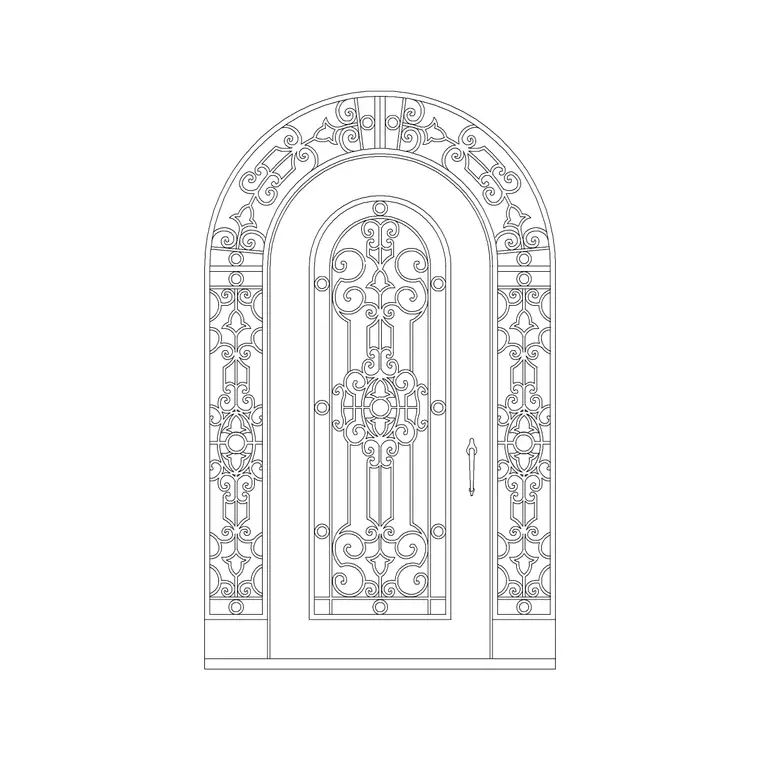
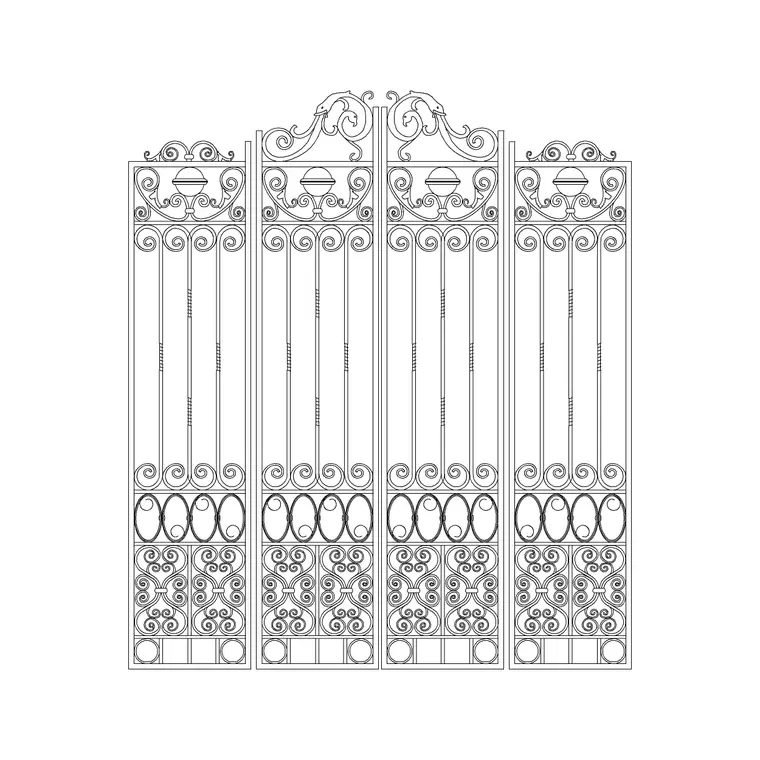
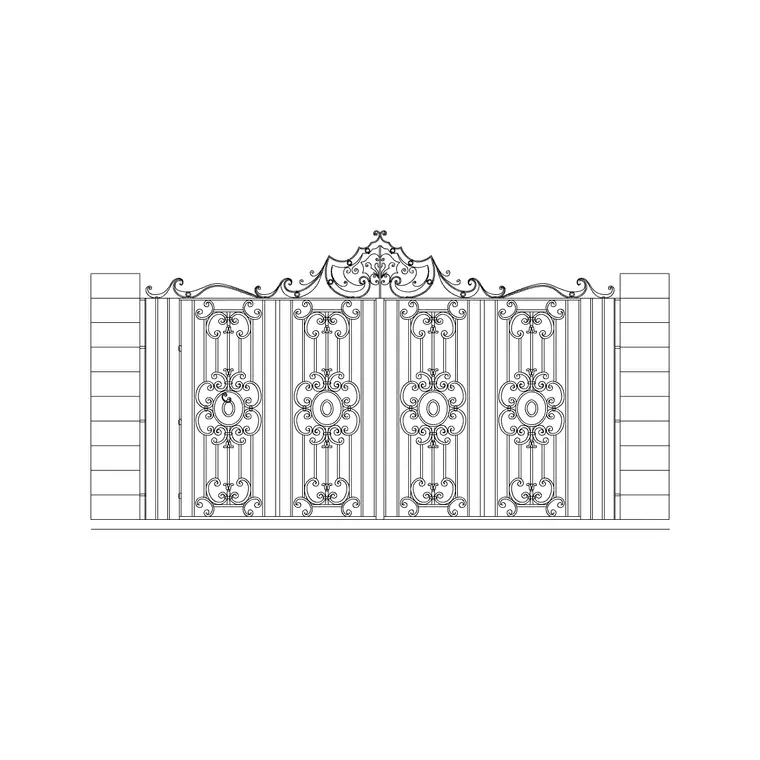
The 15 blocks cover the entrance types you draw most: single swing gates for pedestrian and narrow openings, double swing gates for driveways, ornamental wrought-iron gates for formal frontages, and main-entrance gates flanked by piers or a wall. Most are elevation symbols drawn face-on, which is how a gate is presented and detailed.
The set lets you match the gate to the scheme — a slender railing gate for a period frontage, a solid panel gate for privacy, or a grand double gate for an estate approach. Pairing the right gate with a matching fence style keeps the whole boundary reading as one designed element rather than parts bolted together.
Gate widths and swing to design around
Plan with these ranges. A pedestrian gate opening is commonly around 0.9-1.2 m wide; a single driveway gate runs wider; a double driveway gate typically spans roughly 3.0-4.0 m or more so two cars can pass. Gate height usually matches the adjacent fence or boundary wall so the line reads continuously.
The geometry that matters on a plan is the swing. A swing gate needs a clear arc equal to its leaf length, and you must check that arc does not foul a car, a step or a planter. For tight sites, that is where a sliding or folding gate is chosen instead — so drawing the swing on the plan early flags the problem before it reaches site.
How to place a gate in the boundary
Draw the boundary and fence run first, then break the run where the opening goes. Insert the gate block with INSERT or by dragging the DWG, set INSUNITS to millimetres so it lands at true size, and seat the gate posts against the opening edges so the leaf widths match the gap.
For a swing gate, draw the swing arc (a simple arc from the hinge) to confirm clearance, and note whether it opens in or out. Keep the gate on the boundary layer with the fence so the whole line freezes and thaws together, or on its own layer if you want to schedule gates separately. Where the gate meets piers or a wall, the main-entrance blocks include those so the junction resolves cleanly.
Single, double and ornamental gates
A single gate suits pedestrian access and narrow driveways; its short leaf needs only a small swing arc, which makes it the easy choice on tight frontages. A double gate splits the opening into two leaves so each swings half the distance, which is why driveways usually use them — the arc per leaf is manageable even on a wide opening.
Ornamental wrought-iron gates carry the design weight on formal and period entrances, where the pattern and the flanking piers make the approach. Choosing the configuration in CAD early — single versus double, swing versus the constraints of the site — means the opening width, the swing and the boundary all resolve together rather than being patched later.
Plan and elevation roles
On the site plan the gate is shown as the opening in the boundary with its swing arc, fixing the access geometry and confirming the approach. That plan reading is what coordinates the gate with the driveway, the steps and any turning space.
On the frontage elevation the gate is drawn face-on, where its style, height and relationship to the piers and fence set the character of the entrance. The elevation is also where you dimension the leaf and rail heights for fabrication. Drawing the gate in both views from this pack keeps the entrance consistent between the access plan and the presentation elevation.
Where gate blocks are used
Gate blocks appear in residential frontage and driveway drawings, estate and gated-community entrances, commercial and industrial site access, school and yard gates, and any boundary elevation with an opening. They pair directly with the fence blocks in the outdoor category, and sit alongside paving, driveway and planting blocks to complete an entrance scene.
Free and licence-clear, the blocks suit student site exercises and competition entrances as well as production access drawings. One gate block carries from the concept frontage through to the coordinated boundary and access detail without redrawing the entrance.
Free download
Browse the full library — DWG & DXF, no signup.
Questions
Frequently asked
Are the gate CAD blocks free for commercial projects?+
Yes. All 15 gate blocks download free in DWG and, where available, DXF, with no signup, watermark or attribution, cleared for commercial use.
How wide should a double driveway gate be in CAD?+
A double driveway gate commonly spans roughly 3.0-4.0 m or more so two cars can pass. Draw the swing arc per leaf on the plan to confirm clearance before fixing the width.
Do the gate blocks match the fence blocks?+
Yes. The outdoor category includes fence styles that pair with these gates, so you can set the opening within a matching boundary run that reads as one element.
Can I open the gate DWG files in free viewers?+
Yes. The files target AutoCAD 2004 and later, opening in current AutoCAD, AutoCAD LT, BricsCAD, DraftSight and free online DWG viewers.
Related downloads
Blocks for this guide
Related categories
Related guides
Curated pack
20 Free Fence CAD Blocks — DWG Download in 2026
Download 20 free fence CAD blocks in DWG and DXF — iron, metal and garden boundary fences in elevation for site plans and details. No signup, commercial OK.
Curated pack
Free Landscape & Tree DWG Pack — Plan & Elevation
A free landscape and tree DWG pack — trees, palms, shrubs and potted plants in plan and elevation for AutoCAD site plans. DWG and DXF, no signup, commercial-use OK.
Curated pack
Free Landscape CAD Block Pack — DWG & DXF
A free landscape CAD block pack in DWG and DXF — trees, shrubs, fences, paving, lighting and figures for AutoCAD landscape plans. No signup, commercial-use OK.