Curated pack · oak tree cad blocks
15 free oak tree CAD blocks in DWG and DXF in 2026
By Sumana Kumar · Published 1 Jan 2025 · Updated 18 Jan 2026
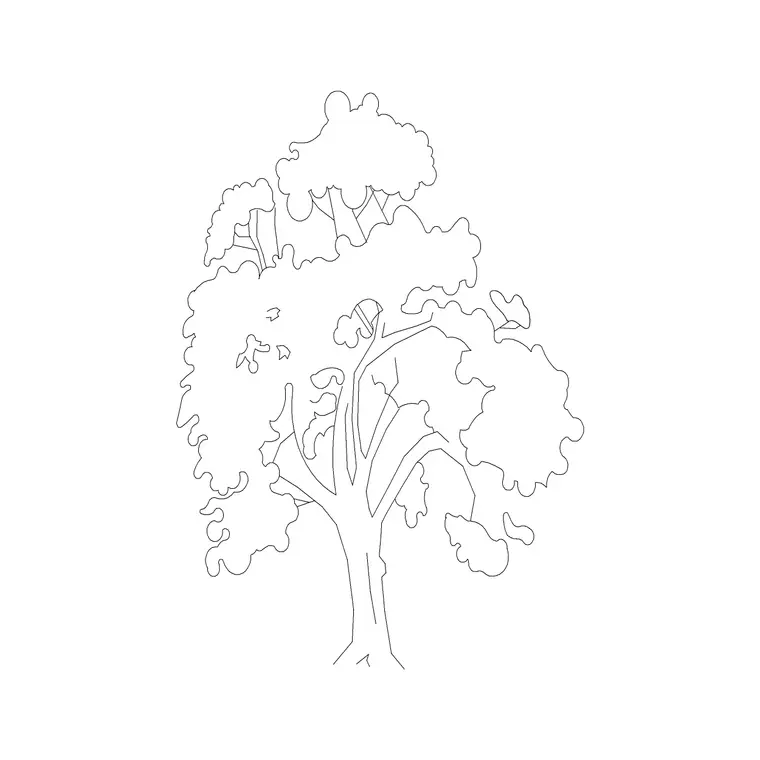
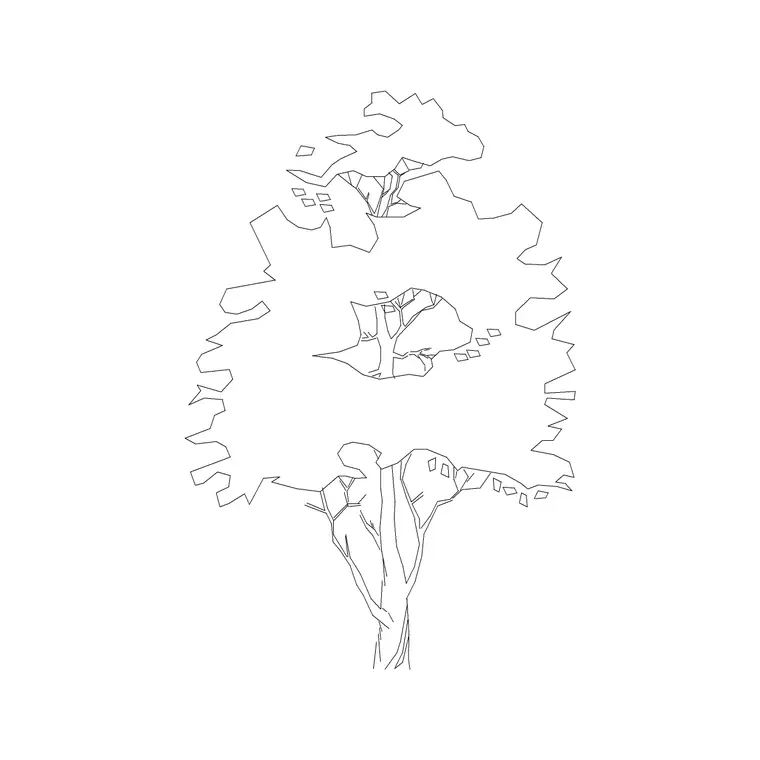
An oak is the archetypal shade tree: a broad, rounded crown on a sturdy trunk, the kind of canopy a landscape plan leans on for structure and shade. This collection gathers 15 free oak tree CAD blocks in DWG and DXF — mature broadleaf elevations with full spreading crowns, alongside simplified plan-view canopies for site layouts — all drawn to scale and free for personal and commercial use, with no signup or watermark.
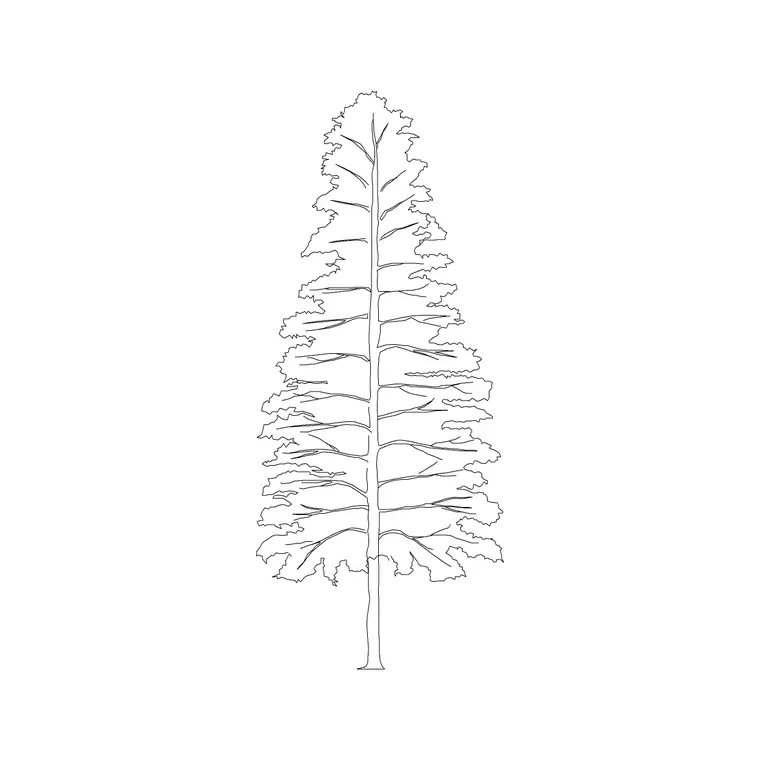
Where a pine reads as a narrow vertical, an oak reads as a wide dome, so the two are not interchangeable on a drawing. Designers reach for oak and other broadleaf blocks when they want a generous canopy: street trees that throw real shade, specimen trees on a lawn, or a mature woodland edge. Getting the spread right is what makes those design moves believable.
Use the elevation blocks for building elevations, street sections and presentation views, and the plan blocks where you stamp a canopy onto a site plan from above. Varying a few of the 15 across a planting line avoids the tell-tale repeated symbol.
What the oak pack includes
The 15 blocks centre on the broadleaf shade-tree form — a rounded, sometimes slightly irregular crown carried on a clear trunk. Several elevation symbols give you mature specimens with a full spread for presentation drawings and sections, while others read as younger or more upright trees for tighter settings.
Where a plan-view block is included it is a textured circular canopy that marks the trunk and approximate spread, ready to array on a site plan. Treat the set as a family you mix rather than a single stamp: alternating two or three of the crown shapes down an avenue reads far more naturally than repeating one.
Oak dimensions to design around
Oaks are long-lived and grow large, so plan with generous ranges. A young oak might sit around 4-7 m tall with a 3-5 m spread; a mature specimen commonly reaches 12-20 m with a spread of 10-18 m, and an old field oak can spread as wide as it is tall. The key trait is that the crown is broad — often as wide as the tree is high — which is the opposite of a conifer.
When you scale a block, set the canopy spread to the mature size you are designing for, because spread, not height, drives spacing and shade on a plan. Allow for that width when you space street oaks so the mature crowns do not crowd buildings or each other.
How to use the oak set
Insert each block with INSERT or by dragging the DWG in, picking the trunk base as the insertion point. The files are drawn in millimetres, so set INSUNITS to millimetres (or insert at 0.001 in a metre template) to land them at true size.
Keep the trees on a planting layer so you can freeze them for a clean technical plan and thaw them for a landscaped view. For a row of street oaks use a path array along the road centreline; for a parkland scatter, copy the blocks and vary scale and rotation so neighbouring crowns differ. Because the mature spread is wide, check that scaled crowns do not visually collide where you do not want overlap.
Oak vs pine vs ornamental: choosing the right tree
Reach for an oak or broadleaf block when the design wants shade and mass — a canopy that softens a facade, shades a car park, or anchors a lawn. Reach for a conifer when you want a narrow vertical or year-round screen. Smaller ornamental trees suit courtyards and tight planters where an oak would overwhelm the space.
A good planting plan usually mixes all three: broadleaf structure trees for shade and scale, evergreens for screening and winter form, and ornamentals for seasonal interest and tighter spots. This pack supplies the broadleaf structure layer; pair it with the conifer and shrub blocks in the same category to build the full palette.
Plan and elevation in one scheme
On a site plan you work from above, so the plan-view canopy marks the trunk position and spread and is what you array and count for a schedule. On elevations and sections you switch to the side-on symbol, where the broad dome of the oak gives the drawing its scale and shade reading.
Drawing the same scheme in both views from this pack keeps the species consistent between the technical plan a contractor reads and the presentation elevation a client sees. Keep the planting layer light in lineweight in plan so the trees support, rather than dominate, the hardscape and building lines.
Where oak blocks are used
Oak and broadleaf blocks appear throughout landscape and architectural work: residential garden and estate plans, street-tree schemes, park and campus masterplans, car-park shade planting, and any elevation or section where a mature canopy sets the scale. They pair with the conifer, shrub and potted-plant blocks in the trees-and-plants category, and sit naturally over the paving and hardscape blocks beneath them.
Free and licence-clear, they work for student portfolios, competition boards and quick concept plans as well as production drawings. One block can carry from concept sketch to coordinated planting drawing without redrawing the canopy each time.
Free download
Browse the full library — DWG & DXF, no signup.
Questions
Frequently asked
Are the oak tree CAD blocks free to use commercially?+
Yes. All 15 oak and broadleaf blocks download free in DWG and, where available, DXF, with no signup, watermark or attribution, and are cleared for commercial project use.
How wide should I make an oak canopy in CAD?+
Set the spread to your design intent — roughly 3-5 m for a young oak and 10-18 m for a mature specimen, sometimes as wide as the tree is tall. Spread, not height, governs spacing and shade on the plan.
Do the blocks ship in plan and elevation?+
The pack is mainly elevation symbols with simplified plan-view canopies included where available. Each block's download page lists the views it includes.
Can I open the DWG files in older AutoCAD versions?+
Yes. The files target AutoCAD 2004 and later, opening in current AutoCAD, AutoCAD LT, BricsCAD, DraftSight and free DWG viewers.
Related downloads
Blocks for this guide

Related categories
Related guides
Curated pack
Free Landscape & Tree DWG Pack — Plan & Elevation
A free landscape and tree DWG pack — trees, palms, shrubs and potted plants in plan and elevation for AutoCAD site plans. DWG and DXF, no signup, commercial-use OK.
Curated pack
Free Landscape CAD Block Pack — DWG & DXF
A free landscape CAD block pack in DWG and DXF — trees, shrubs, fences, paving, lighting and figures for AutoCAD landscape plans. No signup, commercial-use OK.
Curated pack
Free Garden CAD Block Pack — DWG Download
A free garden CAD block pack in DWG and DXF — trees, shrubs, fences, a swing, a BBQ and paving for residential garden plans. No signup, commercial OK.