Block landing · 10 seater conference table cad block dwg
10 seater conference table CAD block in DWG and DXF in 2026
By Sumana Kumar · Published 22 Feb 2024 · Updated 6 Feb 2026
A ten-seater conference table is the standard fixture of a mid-sized meeting room, and getting its footprint right is what makes the whole room work. Too small and the chairs crowd; too large and people can't pass behind them. This 10 seater conference table CAD block is drawn at true millimetre dimensions in plan view, ready for AutoCAD 2004 or later, and free for personal and commercial work with no signup and no watermark.
The value of a scaled meeting-table block is that it lets you size the room around it. Once the table and its ten chairs are on the page, you can check the pull-out space at each seat, the circulation behind the chairs, and the clearance to walls, a credenza or a screen wall. The block carries the table outline and the seat positions so the room reads as a usable meeting space the moment it lands, not just a rectangle with a label.
What the ten-seater block contains
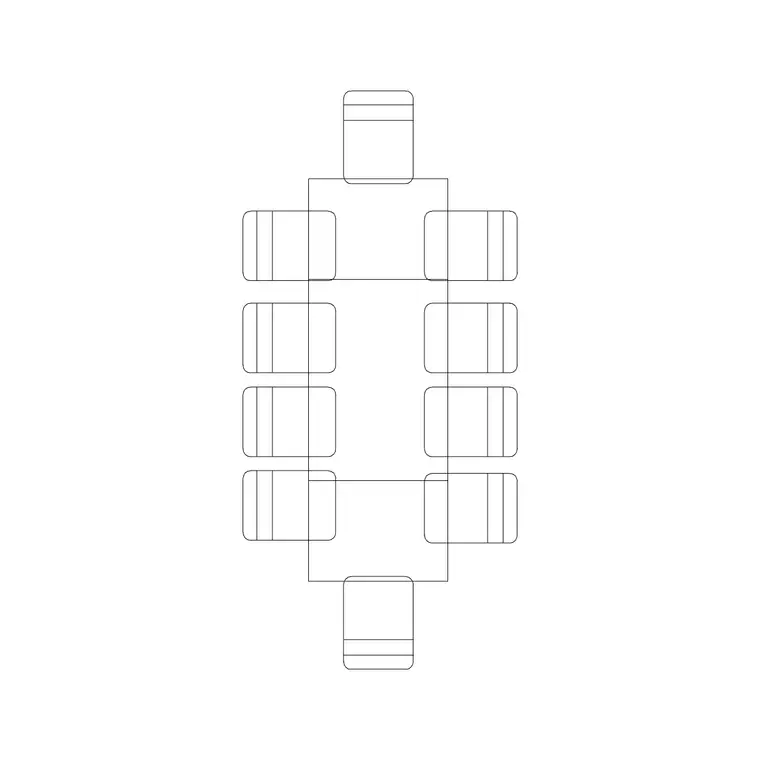
The plan view shows the table top and ten seat positions arranged around it — typically four to a long side and one at each end, though boardroom variants seat five a side. The block keeps the table outline and the chair positions on sensible layers so you can recolour or freeze the seating independently of the table.
A realistic conference-table block is drawn to the table's true outline, whether that is a rectangle, a boat shape with curved long sides, or a rounded-corner oblong, because the shape changes both the seating capacity and how the chairs tuck in. Inserting this block places the table and a believable ten-seat arrangement together, so you are checking a real meeting layout rather than guessing how many chairs will fit.
Typical sizing to design around
Use these ranges as a guide. A ten-seater conference table is commonly drawn somewhere around 3000 to 4200 mm long and roughly 1100 to 1400 mm wide, depending on whether it seats four or five along each side and how much elbow room the design allows per person. As a rule of thumb, plan for roughly 600 to 750 mm of table edge per seated person so chairs don't crowd.
For the room, leave clearance for chairs to pull out and for people to pass: allow around 900 to 1200 mm of clear floor between the table edge and the nearest wall or furniture on each side, more on a primary circulation side. These are typical planning ranges rather than fixed specifications; the exact table size depends on the model you specify, so confirm dimensions against the manufacturer data before sizing the room.
How to insert and place the table
The block is full size in millimetres. Insert at scale 1 in a millimetre drawing, 0.001 in a metre drawing, or set INSUNITS to millimetres on an imperial template so AutoCAD rescales on insertion. Run INSERT or drag the DWG from a tool palette, pick an insertion point at the table centre, and rotate to align with the room.
Centre the table in the room first, then check the clearances on all four sides before fixing the wall positions or the screen wall. Because the table and chairs come in as a single block reference, you can copy the whole arrangement into other meeting rooms and rotate it to suit each room's orientation. If you need a different capacity, edit the block definition with BEDIT to add or remove seats, and every instance updates together.
Where the ten-seater is used
A ten-seat table is the workhorse of corporate meeting rooms, mid-sized boardrooms, project rooms and training spaces. It is large enough for a full project team or a client meeting, yet compact enough to fit a standard meeting-room footprint, which is why it appears in so many commercial fit-outs and tenant test-fits.
Because the block is free and licence-clear it carries from the test-fit through to the construction set. Use it to prove a meeting room is the right size for the brief, then keep the same geometry as you coordinate the AV screen, the power and data at the table, and the furniture schedule. The table that proved the room is the table that gets specified and installed.
Power, AV and layout coordination
A modern meeting table is rarely just furniture; it carries power and data for laptops and an AV connection to the room screen. When you place the table, drop the floor-box or socket blocks beneath it to show where the under-table power and data reach, and align the table with the screen wall so sightlines work for everyone seated.
Keep the table, chairs and services on separate layers so you can produce a clean furniture plan, a small-power plan and an AV plan from one drawing. Tag the table with a block attribute capturing the seat count and the AV provision, and the meeting room's requirements drop straight into your schedules — useful for both the fit-out contractor and the AV integrator.
Free download
Browse the full library — DWG & DXF, no signup.
Questions
Frequently asked
How big is a ten-seater conference table?+
Commonly around 3000 to 4200 mm long and 1100 to 1400 mm wide, depending on whether it seats four or five a side. Plan roughly 600 to 750 mm of table edge per person, and confirm exact dimensions against the model you specify.
Is the 10 seater conference table block free for commercial use?+
Yes. It downloads free in DWG, with DXF where available, and is cleared for commercial projects with no signup, no watermark and no attribution requirement.
How much clearance do I leave around the table?+
Allow roughly 900 to 1200 mm of clear floor between the table edge and the nearest wall or furniture so chairs can pull out and people can pass, with more on a main circulation side. Treat these as planning ranges to confirm on the job.
Can I change the seat count?+
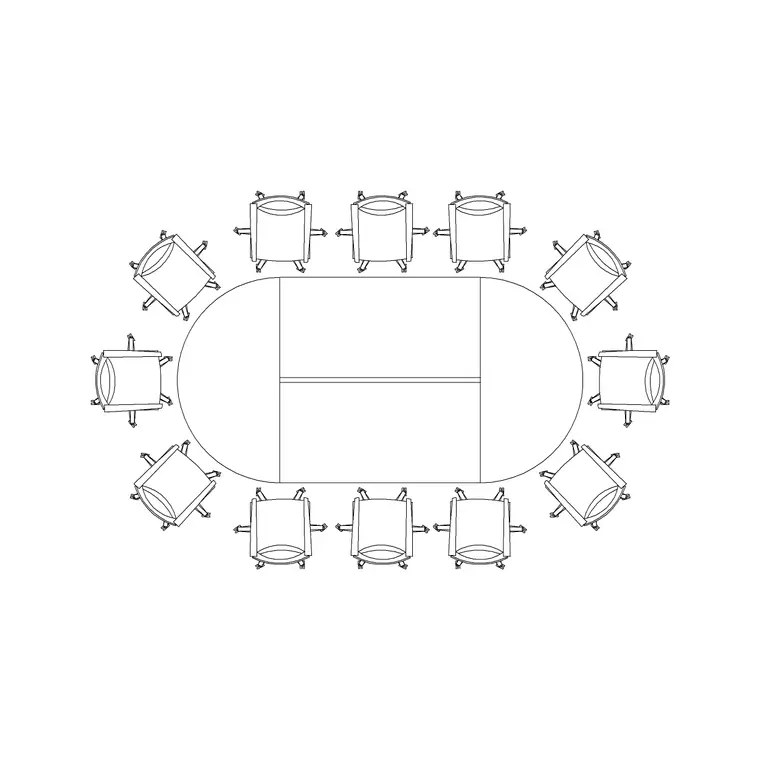
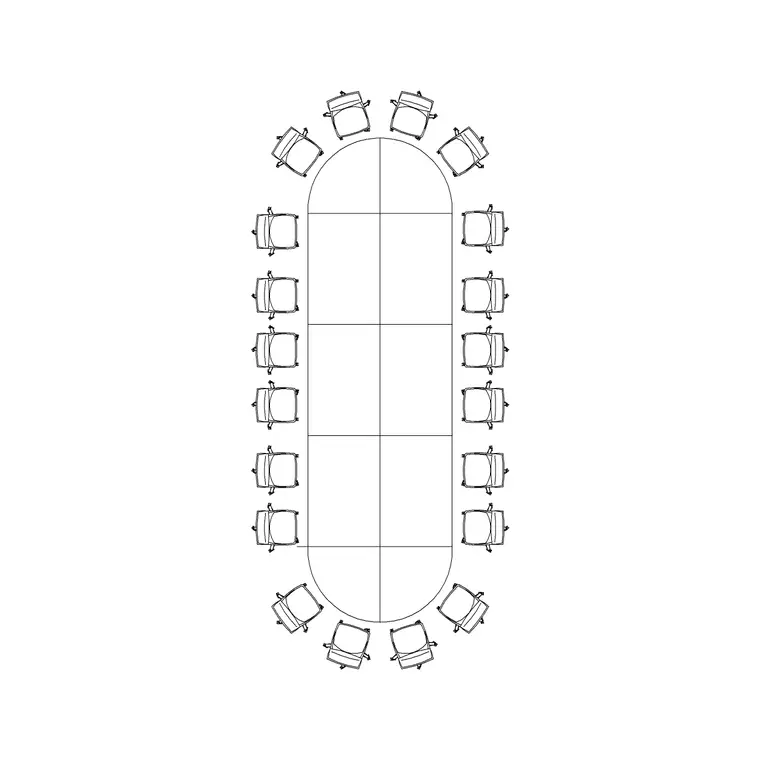
Yes. Edit the block definition with BEDIT to add or remove seats, or copy the twelve- or twenty-seater blocks for larger rooms. Because chairs sit on their own layer, adjusting the arrangement is straightforward.
Related downloads
Blocks for this guide
Related categories
Related guides
Block landing
Free Office Chair CAD Blocks — DWG Download
Download free office chair CAD blocks in DWG and DXF — task chairs, swivel chairs and executive seats drawn in plan and elevation, AutoCAD 2004+, no signup.
Block landing
Free Lighting Fixtures CAD Blocks — DWG Download
Download free lighting fixtures CAD blocks in DWG and DXF — chandeliers, wall lights, downlights and pendants in plan and elevation for AutoCAD.
Block landing
Free Office Desk CAD Blocks — DWG Download
Free office desk CAD blocks in DWG and DXF — straight desks and desk-with-chair units in plan and elevation for AutoCAD. No signup, commercial OK.