Curated pack · free stool cad blocks
10 free stool CAD blocks for AutoCAD in 2026
By Sumana Kumar · Published 26 Jun 2026 · Updated 28 Jun 2026
Stools are the small, repeated seating that finishes a kitchen island, a bar, a breakfast counter or a workshop — and because they come in a tight cluster of heights, getting the right one matters more than its size suggests. This round-up gathers 10 free stool CAD blocks in DWG and DXF: bar and counter stools, round and backless kitchen stools, and stools with a low back, drawn at true millimetre dimensions and ready to insert into AutoCAD 2004 or later. Everything is free for personal and commercial work, with no signup and no watermark.
Stools work in both views. In plan you array them along a counter or island and check the spacing and the overhang they tuck under. In elevation you place them against a bar or counter to confirm the seat height suits the worktop. Because the blocks are scaled, the relationship that defines a stool — seat height versus counter height — is something you read off the drawing rather than guess.
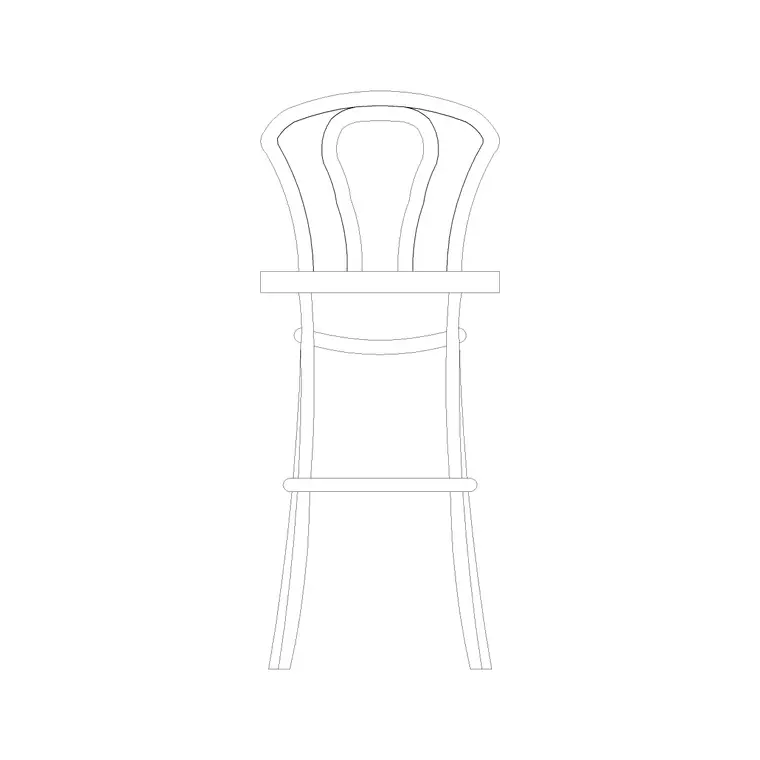
The round-up includes a round-back stool and a plain stool, so you have both a comfortable backed option and a compact backless one for tight counters.
What the stool round-up covers
The selection covers the stool types a kitchen, bar or workspace needs. Backless round stools are the most compact and tuck fully under a counter overhang, ideal for tight islands. Counter stools suit standard kitchen-island heights. Bar stools are taller, for full-height bars and high tables. Stools with a low or round back — like the round-back stool in this round-up — add comfort where people sit for longer, at the cost of a slightly larger footprint.
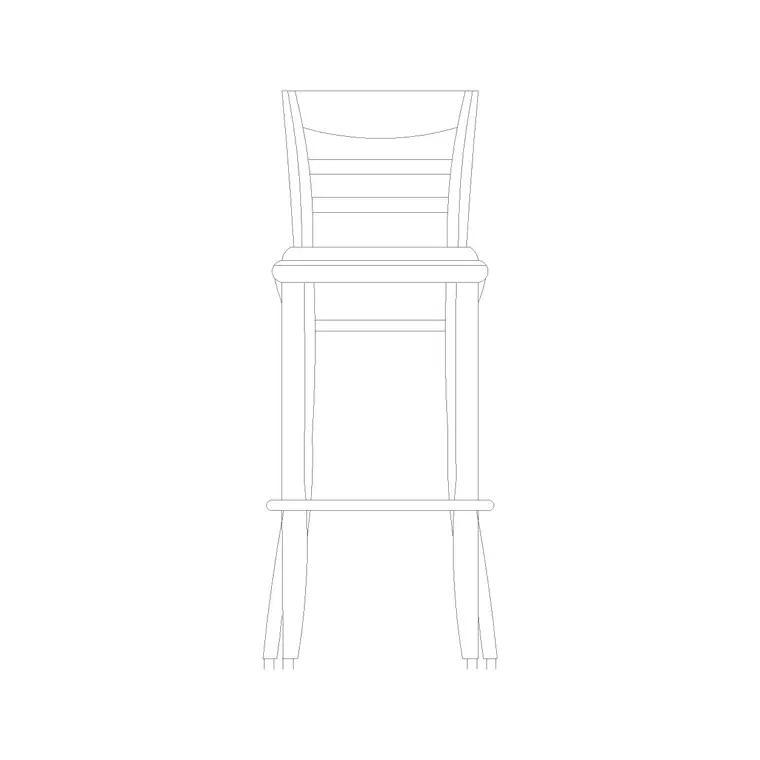
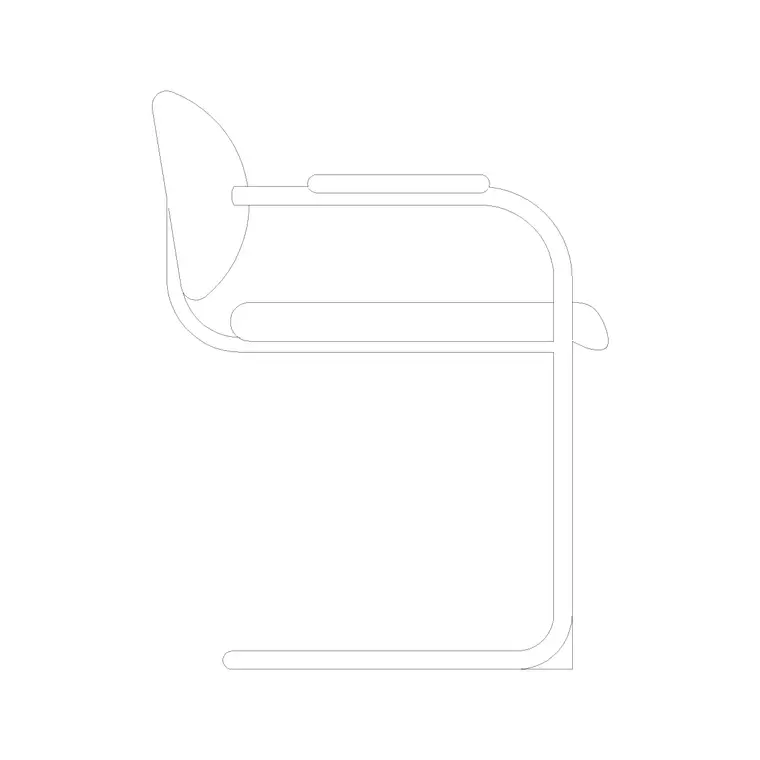
Most blocks carry both a plan footprint for arraying along a counter and a side elevation for checking seat height against the worktop. The backless stools read as a simple circle or square in plan; the backed stools show the back outline.
Counter height vs bar height: pick the right stool
The defining number for a stool is its seat height relative to the surface it serves. As a guide, a standard counter stool has a seat around 600-650 mm high to suit a 900 mm kitchen worktop or island, leaving comfortable thigh-to-counter clearance. A bar stool has a seat around 750-800 mm high to suit a 1050-1100 mm bar. A low kitchen stool at around 450-500 mm suits a dining-height surface.
Get this wrong and the elevation looks immediately off — knees jammed under the counter or a stool that leaves a big gap. Place the stool elevation block against the counter elevation and the seat-to-worktop relationship is obvious, so you can confirm you have specified the right height before it reaches a supplier.
Typical stool dimensions and spacing
Design around these figures. A round stool seat is commonly 300-400 mm in diameter; a square or backed stool occupies roughly 400-500 mm in plan. The footprint of the legs or base is usually a little wider than the seat. Backless stools tuck almost entirely under a counter overhang; backed stools project further and need more clearance.
For spacing along a counter, allow about 600-700 mm centre-to-centre between stools so people are not elbow to elbow, which means a 1800 mm island comfortably seats three. Drawn to scale and arrayed, the blocks show you exactly how many stools a counter holds without crowding.
Arraying stools along a counter or island
Insert one stool, position it under the counter overhang at one end, then array the rest down the run at your chosen centre-to-centre spacing. A rectangular or path array along the counter edge keeps the spacing even; adjust the count to fit the length. For an L-shaped or wrap-around bar, place stools on each leg and check the corner spacing so two stools do not collide.
Keep the stools on the furniture layer so they freeze with the rest of the seating. Because backless stools tuck under the overhang, show them in their tucked position in plan so the walkway behind the counter reads correctly and you do not overstate how much floor the seating takes.
Where stool blocks are used
Stools populate kitchen islands and breakfast bars, cafes and restaurants, bars and pubs, reception and informal meeting counters, workshops and labs, and retail till points. The plan blocks set out how many stools a counter holds; the elevation blocks confirm the seat height suits the surface.
Use the stool round-up alongside the dining-table, chair and office-desk blocks in this furniture series, and with the kitchen blocks elsewhere on the site, to fit out a complete kitchen or hospitality space from one consistent, free library. Scaled and licence-clear, the same stool carries from a concept layout to a coordinated FF&E drawing.
Backless or backed: choosing for the setting
The back is the main choice, and it is a use-case decision. Backless stools are compact, tuck completely out of the way under a counter, and keep sightlines and circulation open — ideal for a busy kitchen island or a tight cafe where stools are pushed in when not in use. The trade-off is comfort: people will not linger on a backless stool.
A backed stool, like the round-back stool here, is the better call where people sit for a meal or a long coffee — a breakfast bar used for dining, a hotel bar, a co-working counter. It costs a little more floor because the back projects when the stool is pushed in, so allow slightly more clearance behind it in the plan. The round-up carries both so you can match the stool to how long people will actually sit.
Free download
Browse the full library — DWG & DXF, no signup.
Questions
Frequently asked
What's the difference between a counter stool and a bar stool?+
Seat height. A counter stool sits around 600-650 mm high to suit a 900 mm kitchen worktop, while a bar stool sits around 750-800 mm to suit a 1050-1100 mm bar. The elevation blocks let you check this against the counter.
How far apart should I space stools along a counter?+
Allow about 600-700 mm centre-to-centre so people are not elbow to elbow. That means a 1800 mm island comfortably seats three. Array the scaled blocks to see exactly how many a counter holds.
Do the stools come in plan and elevation?+
Most carry both — a plan footprint for arraying along a counter and a side elevation for checking seat height against the worktop. The views are listed on each block's download page.
Are the stool CAD blocks free for commercial use?+
Yes. Every block downloads free in DWG and DXF with no signup, no watermark and no attribution requirement, and they are cleared for commercial project use.
Related downloads
Blocks for this guide
Related categories
Related guides
Curated pack
Free Office CAD Block Pack — DWG & DXF
Free office CAD block pack in DWG and DXF — desks, workstations, conference tables and reception furniture in plan view. No signup, commercial-use OK.
Curated pack
Free Reception Area CAD Block Pack — DWG
Free reception area CAD block pack in DWG and DXF — reception desks, waiting seating and scale figures for lobby layouts. No signup, commercial-use OK.
Curated pack
Free Restaurant CAD Block Pack — DWG & DXF
Free restaurant CAD block pack in DWG and DXF — dining tables, chairs, bar stools and high chairs for cafe and restaurant layouts. No signup, commercial OK.