Block landing · wagon car cad block dwg
Free wagon car CAD block in DWG and DXF
By Saumyajit Maity · Published 2 Dec 2022 · Updated 19 Apr 2026
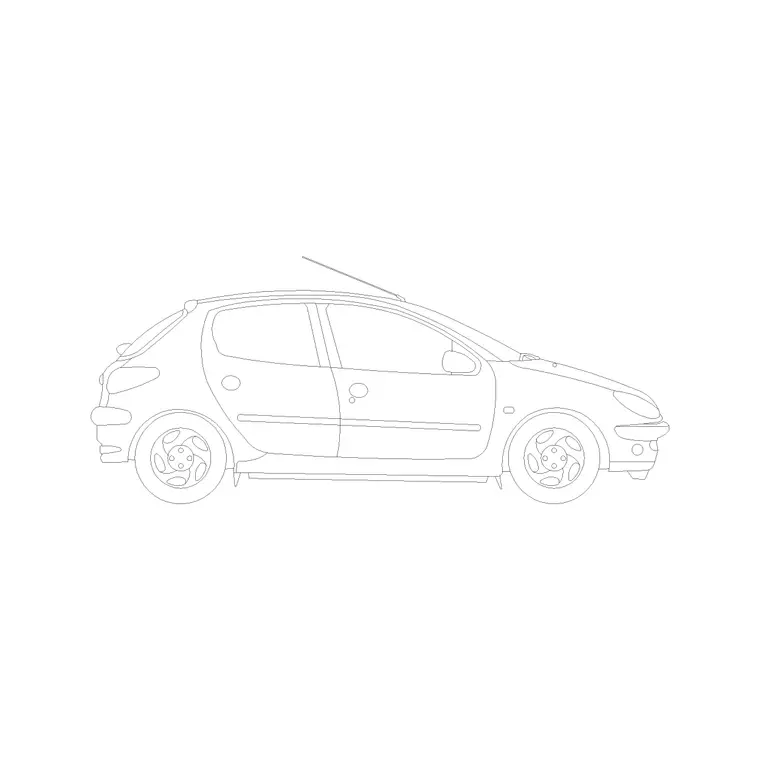
A wagon car CAD block is the estate or station-wagon body — a car-based shape with the roofline carried back over an extended load area and a near-vertical tailgate. It also covers the tall, upright city-wagon style that maximises cabin space on a small footprint. It is the block to choose when a scene wants a practical, family-oriented car that is longer or taller in the rear than a saloon. This page offers a free wagon car block in DWG and DXF, drawn in side elevation at true scale for AutoCAD 2004 or later, free for personal and commercial use with no signup or watermark.
Use the wagon in residential frontages, driveway studies, dealership elevations and street scenes where you want a roomy, everyday car. Drawn to scale, it sits correctly beside doors, kerbs and people, and its long or tall rear gives an elevation extra variety against ordinary saloons and hatchbacks.
What the wagon car block is
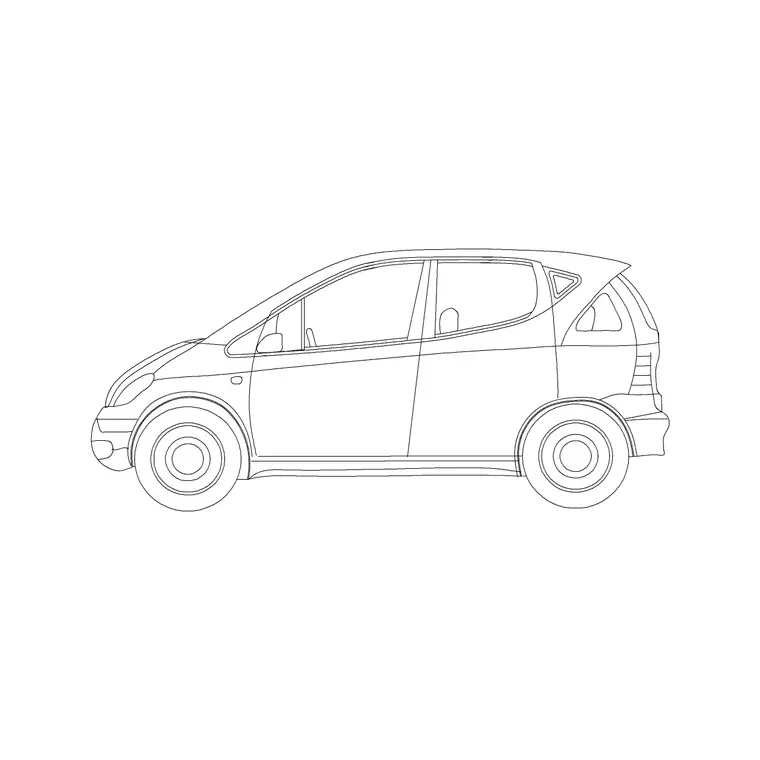
This block is a side-elevation profile of a wagon-bodied car — either a classic estate, where the saloon roofline extends straight back to a tall tailgate over a long load bay, or a tall city wagon with an upright cabin on a short footprint. It is clean line geometry, so it prints sharply and stays light however many you place.
The defining cue is the squared-off, carried-back rear: instead of stepping down to a boot or a short hatch, the roof runs level to a near-vertical tailgate. That practical, boxy tail distinguishes a wagon from a saloon or a hatchback at a glance, which matters when the drawing needs a family-oriented, load-carrying car.
View and what's included
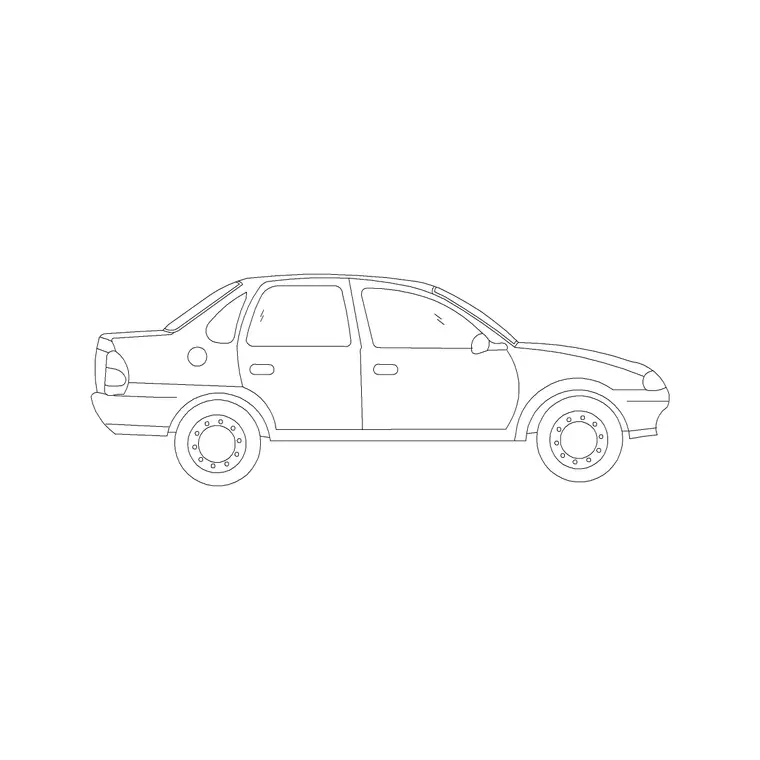
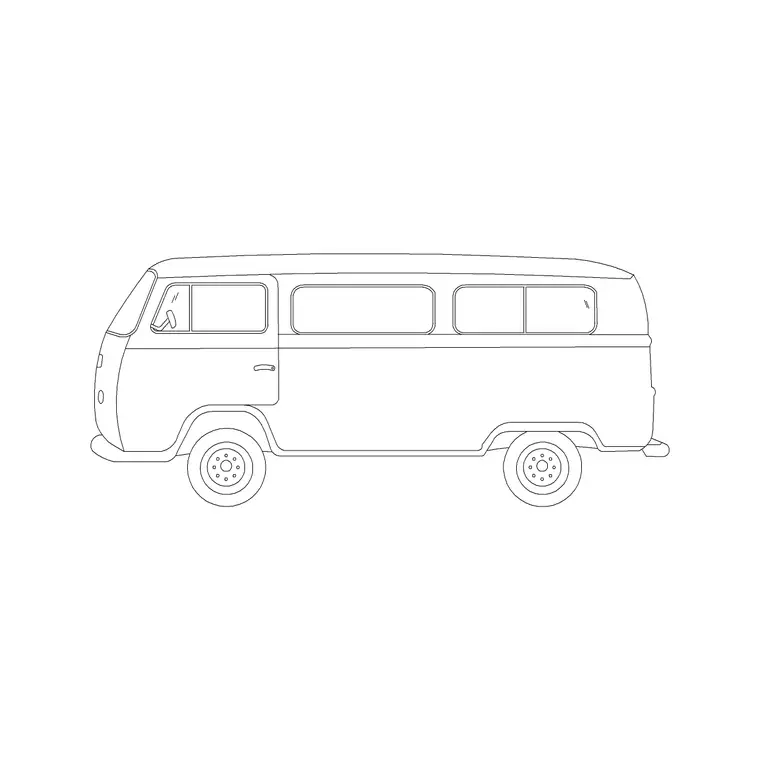
The download is a side elevation — the wagon seen square-on from the kerb. It suits residential and suburban frontages, driveway studies, dealership elevations and street sections where the car sits beside walls, openings and figures drawn at a shared scale.
The geometry is layered so you can recolour the body, mute the glazing or thin the wheel detail independently. Keep it as a single block reference so it copies, mirrors and rotates as one object — handy when you line up family cars along a residential street or a school-run drop-off.
Typical sizing to design around
Use the block as a scale check, not a datasheet. A traditional estate wagon generally sits around 4.6–4.9 m long, about 1.8 m wide and roughly 1.45–1.5 m tall, while a tall city-wagon style is shorter — around 3.5–3.9 m long — but noticeably taller, near 1.6–1.7 m, because the cabin is stretched upward rather than back.
Those ranges help confirm the car reads right against a 2 m garage opening or beside a person. If the proportions look off, check insertion units before rescaling. Wagons vary widely between the long estate and the tall compact, so scale to the envelope your scene needs rather than to one fixed dimension.
How to insert the block
The DWG is full size in millimetres. In a millimetre drawing, insert at scale 1 for real size; in a metre drawing, insert at 0.001. On an imperial template, set INSUNITS to millimetres so AutoCAD rescales on insertion, or insert at 0.03937 to convert to inches.
Snap the insertion point to the car centreline, mirror to flip the facing, and copy along the frontage. As a block reference, a BEDIT change to the definition updates every instance, so a row of family wagons stays consistent across a residential elevation.
Where wagon car blocks are used
The wagon car belongs in suburban and residential street elevations, family-home driveway studies, school and community-facility drop-off scenes, dealership elevations and everyday street sections. Its practical, roomy shape reads as a family or working car, which adds realism to domestic scenes.
Architects and urban designers use it to populate suburban frontages; landscape designers place it on driveways and forecourts; students use it because it is licence-clear. Mix it with saloons, hatchbacks and mini vans from the vehicles category so a residential scene shows the believable variety of cars a real street carries.
Estate or tall wagon — picking the right read
Because the wagon block spans two quite different shapes, it is worth choosing deliberately which one a scene needs. The long, low estate suits a suburban driveway or a country-house forecourt, where its extended load bay reads as a family or working car. The tall, short city wagon suits dense urban schemes, where its upright cabin packs interior space onto a small footprint and reads as a compact, practical runabout.
Getting that read right matters because the two shapes occupy space differently: the estate is long and needs driveway length, while the tall wagon is short but needs head height. Match the body to the constraint your drawing is testing, and the wagon becomes a precise tool rather than a generic stand-in for an ordinary car.
Free download
Browse the full library — DWG & DXF, no signup.
Questions
Frequently asked
Is the wagon car CAD block free for commercial use?+
Yes. It downloads free in DWG and, where available, DXF, with no signup, no watermark and no attribution requirement, and it is cleared for commercial projects.
What is a wagon car compared with a saloon or hatchback?+
A wagon carries the roofline back to a tall tailgate over an extended load area — an estate — or stretches the cabin upward as a tall city wagon. A saloon has a separate boot and a hatchback a short rear door.
What scale is the wagon car block drawn at?+
Full size in millimetres. Insert at scale 1 in a millimetre drawing, 0.001 in a metre drawing, or set INSUNITS to millimetres so AutoCAD rescales it automatically on insertion.
Will the file open in older AutoCAD or a free viewer?+
Yes. The DWG targets AutoCAD 2004 and later and opens in AutoCAD, AutoCAD LT, BricsCAD, DraftSight and free DWG viewers.
Related downloads
Blocks for this guide
Related categories
Related guides
Block landing
Free Car Plan View CAD Block — DWG Download
Download a free car plan-view CAD block in DWG and DXF — the top-down footprint for parking layouts and site plans. AutoCAD 2004+, no signup.
Block landing
Free Car Elevation CAD Block — DWG Download
Download a free car elevation CAD block in DWG and DXF — side and front views for streetscapes, showrooms and presentations. AutoCAD 2004+, no signup.
Block landing
Free Sedan Car CAD Blocks — DWG Download
Download free sedan car CAD blocks in DWG and DXF — saloon and luxury sedans in plan and elevation for parking and showrooms. AutoCAD 2004+, no signup.