Block landing · car elevation cad block
Free car elevation CAD blocks for AutoCAD
By Saumyajit Maity · Published 22 Jun 2022 · Updated 21 May 2026
When a drawing has to look like a real street rather than a parking diagram, you reach for the car elevation. This is the side or front view of a vehicle, drawn face-on with the body profile, glasshouse, wheels and ride height all in proportion — the block that gives a building elevation, a streetscape or a showroom drawing a sense of scale and life. This page gathers free car elevation CAD blocks in DWG and DXF, drawn at true millimetre dimensions and ready to insert into AutoCAD 2004 or later. All of them are free for personal and commercial use, with no signup, no watermark and no credit required.
Where a plan block is about fit and geometry, an elevation block is about reading correctly against architecture. The roof line, bonnet height and wheel diameter need to sit believably beside a front door, a shopfront or a kerb. Use these blocks to populate building elevations, render-ready line drawings, transport-interchange visuals and any presentation sheet where a parked or passing car adds context.
Side elevation vs front elevation
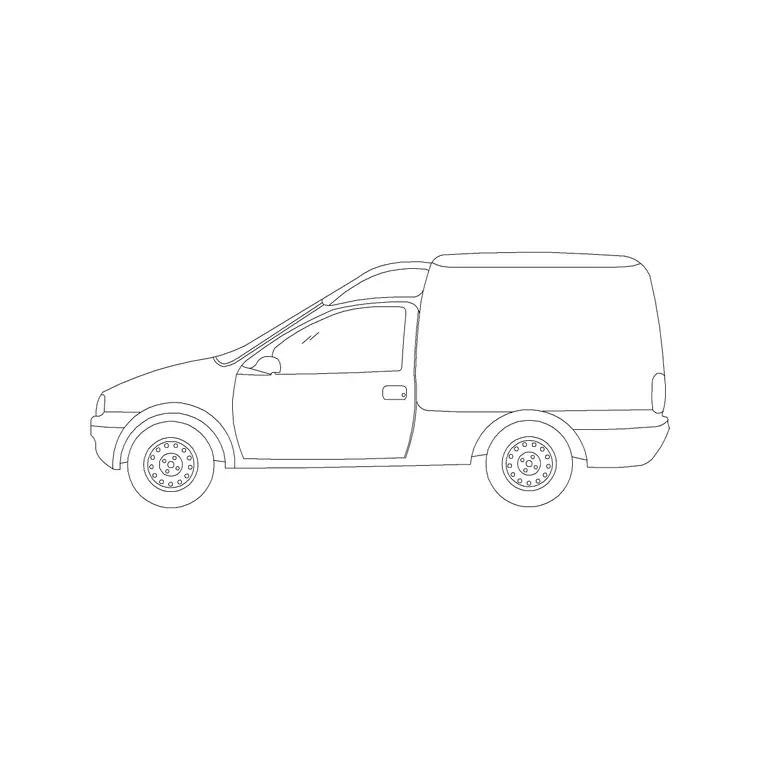
Two elevation views do most of the work. The side elevation is the long profile — bonnet, windscreen, roof, boot and both wheels — and it is what you line up along a kerb in a street section or against a shopfront. It is the most useful single view for streetscapes because it reads as a recognisable car at a glance.
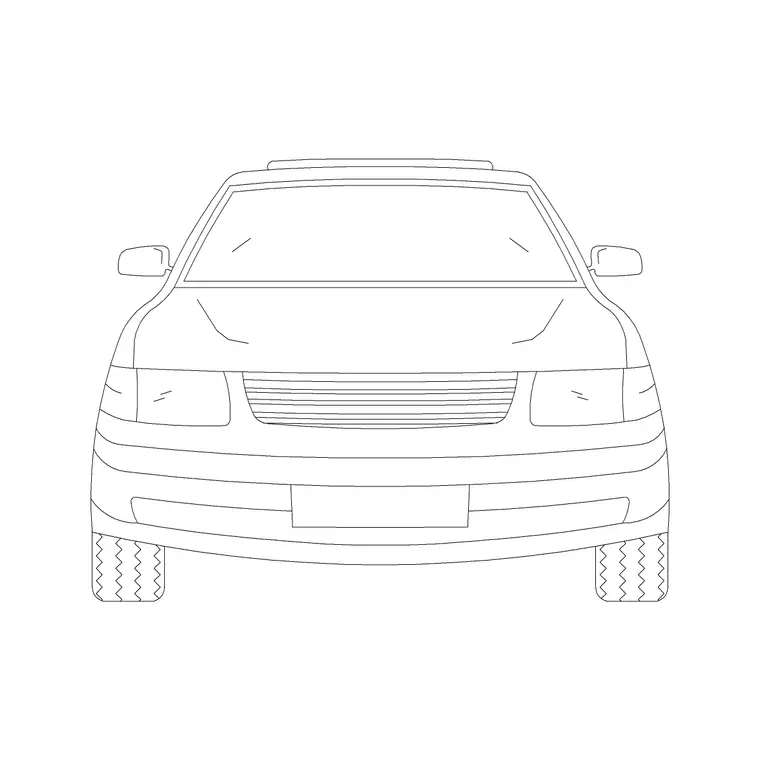
The front (or rear) elevation is the narrow, face-on view: the width of the body, the windscreen, the headlamps and the two near wheels. You use it head-on in a drive-through or a showroom drawing, or where a car faces the viewer in a forecourt scene. Several downloads here ship both views in one DWG, so a single file covers the long street shot and the head-on view.
Heights and proportions to design around
Elevations live or die on getting the heights right against the architecture. A typical passenger car stands roughly 1400–1500 mm tall at the roof; an SUV or crossover pushes 1650–1800 mm. Bonnet height sits around 800–950 mm, and the wheel diameter — the part most often drawn wrong — is commonly 600–720 mm including the tyre.
Overall length in side elevation matches the plan footprint, roughly 4300–4900 mm for a family car. When you place the block beside a building, sanity-check the roof line against the ground-floor cill and the door head: a car roof should sit comfortably below a typical 2100 mm door head, which it always does, but the quick visual check confirms your scaling is right.
Inserting and aligning the block
These elevation blocks are drawn full size in millimetres. Insert at scale 1 in a millimetre drawing, 0.001 in a metre drawing, or set INSUNITS to millimetres so AutoCAD rescales on insertion if your template differs.
The trick with elevations is the baseline: snap the insertion point to the road or pavement level so the wheels sit exactly on the ground line rather than floating or sinking. Use OSNAP to catch the kerb or finished-floor line, place the car, then mirror it (the MIRROR command) when you want it facing the other way down the street. Because it is a single block, you can copy a few cars along a kerb and vary their spacing to read as a real street.
Where elevation cars are used
Car elevations are presentation and context blocks. Building elevations use one or two cars at the kerb to set scale and tell the viewer this is a real street, not a CAD abstraction. Streetscape and urban-design drawings line them along the carriageway. Showroom, dealership and drive-through layouts use front and side elevations to show vehicles in display or queue positions.
They also pair naturally with people, tree and furniture elevation blocks to build a complete street scene — figures on the pavement, trees behind, cars at the kerb — all at consistent scale. For a render-ready line drawing this layered context is what separates a flat elevation from one that communicates the design.
Keeping elevations on the right layer
Treat elevation cars as context, not as the building, and layer them accordingly. A dedicated 'context' or 'entourage' layer lets you grey the cars back with a lighter colour and lineweight so they support the architecture rather than competing with it, and lets you freeze them for a clean technical elevation.
If you are producing a set, keep the car elevations on the same entourage layer as your people and trees so the whole scene toggles together. When a client wants the populated view, thaw the layer; when the engineer wants the bare elevation, freeze it — from one drawing, with no duplicate geometry to maintain.
Choosing between elevation, plan and perspective
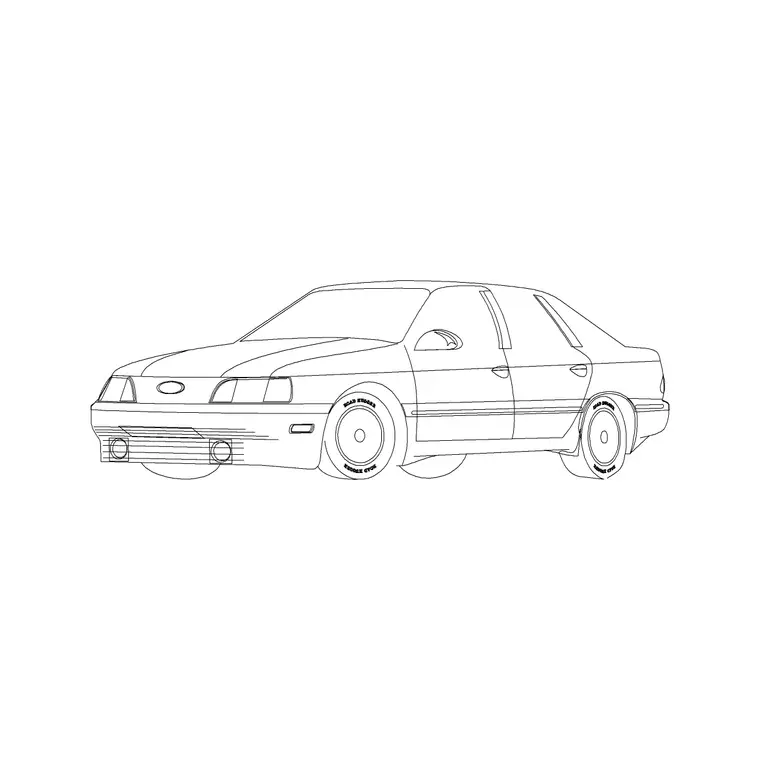
The elevation is the right view whenever the car is seen from the side or front and the drawing is about appearance. Switch to the plan view the moment the question becomes 'does it fit and park', because no elevation can answer bay-sizing or turning-circle questions. A perspective block, meanwhile, suits a three-dimensional concept image where you want depth rather than a true orthographic view.
Most projects use more than one: the plan for the car-park sheet, the elevation for the street and building-elevation sheets, and occasionally a perspective for the cover image. The vehicles category here carries each view, so you can match the block to the drawing instead of forcing one view to do every job.
Free download
Browse the full library — DWG & DXF, no signup.
Questions
Frequently asked
Which elevation should I use for a streetscape?+
Use the side elevation. The long profile reads instantly as a car and lines up neatly along a kerb in a street section or building elevation. Keep a front elevation handy for head-on views in forecourts and showrooms.
How do I stop the car floating above the pavement?+
Snap the insertion point to the road or finished-floor line using OSNAP so the wheels sit exactly on the ground line. The elevation blocks are drawn with the wheels on the baseline for this reason.
What height should a car elevation be?+
A typical passenger car stands around 1400–1500 mm tall, with SUVs around 1650–1800 mm. The blocks are drawn to these real heights so they sit correctly beside doors, shopfronts and kerbs in your elevation.
Are the car elevation blocks free to use commercially?+
Yes. Every elevation block downloads free in DWG and, where available, DXF, with no signup, no watermark and no attribution requirement, and they are cleared for commercial project use.
Related downloads
Blocks for this guide
Related categories
Related guides
Block landing
Free Car Plan View CAD Block — DWG Download
Download a free car plan-view CAD block in DWG and DXF — the top-down footprint for parking layouts and site plans. AutoCAD 2004+, no signup.
Block landing
Free Sedan Car CAD Blocks — DWG Download
Download free sedan car CAD blocks in DWG and DXF — saloon and luxury sedans in plan and elevation for parking and showrooms. AutoCAD 2004+, no signup.
Block landing
Free Compact Car CAD Blocks — DWG Download
Download free compact car CAD blocks in DWG and DXF — small city cars and compact sedans for tight parking and urban plans. AutoCAD 2004+, no signup.