Block landing · triple palm tree cad block dwg
Free triple palm tree CAD block in DWG
By Sumana Kumar · Published 20 Sep 2024 · Updated 2 Feb 2026
Download a free triple palm tree CAD block in DWG — three palms clustered on a shared base in elevation, the bold focal clump used at roundabouts, plaza centres and resort thresholds. A triple palm carries far more presence than a lone tree, so it is the block to reach for when planting needs to anchor a space. Free for personal and commercial use, no signup, no watermark.
Drop it at the centre of a roundabout, plaza or forecourt where you want the eye to land, scaling the whole clump from its shared base. Keep it on a planting layer you can freeze, and set it against an open background so the layered silhouette reads cleanly.
What a triple palm clump gives you
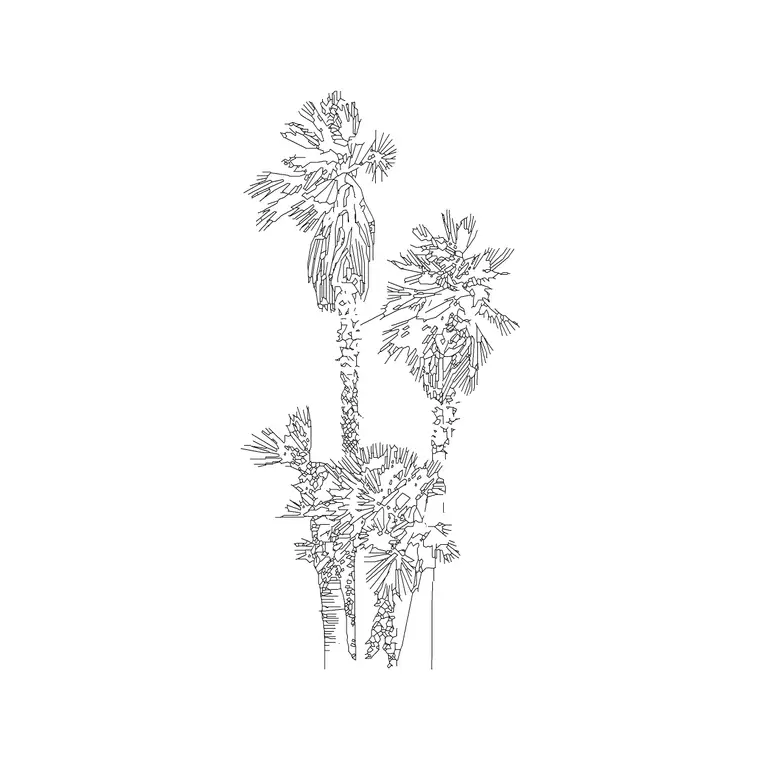
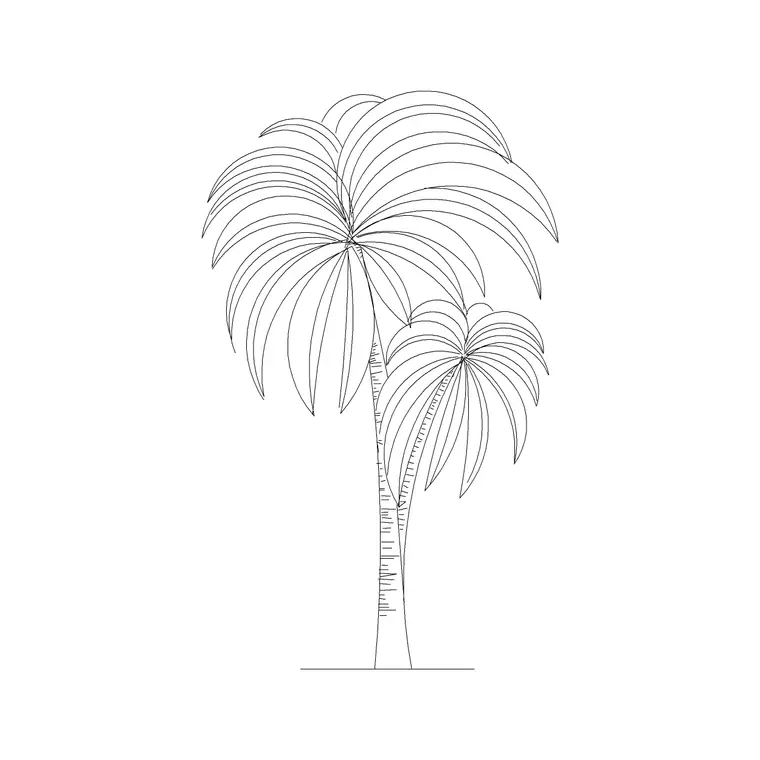
A triple palm groups three trunks rising from one base, staggered in height so the clump looks naturally grown rather than mechanically spaced. This block captures that arrangement in elevation: three slender trunks, frond-base rings, and overlapping fanned crowns that together make a substantial focal feature.
Bundling three palms into one block means you never have to position and balance them by hand, and the clump always reads as a single composed feature. All three trunks and crowns share the same planting geometry, so the whole clump scales, copies and rotates as one object.
Typical sizing for a palm clump
As with single palms, landscape and resort palms commonly read in the 4-12 m trunk-height range, with taller specimens going higher and the staggered trunks giving the clump a layered profile. Scale the triple palm to the species and maturity your scheme shows, and treat these figures as ranges rather than fixed values.
Because the three trunks differ in height, scale from the shared base so the clump grows upward together and keeps its natural, uneven silhouette. A triple palm reads best when there is real height variation between the trunks.
Inserting and placing the clump
The block is drawn full size in millimetres. INSERT at scale 1 in a millimetre drawing, 0.001 in metres, or set INSUNITS so AutoCAD rescales on insertion. Snap the shared base to your ground, planter or paving line.
A triple palm is a centrepiece, so place it where you want the eye to land — the middle of a roundabout, a plaza, a resort forecourt. Keep it on a planting layer with a lighter lineweight than the architecture and freeze that layer when you need a clean building elevation.
Where triple palms are used
Triple palms suit roundabout and median centrepieces, plaza and forecourt focal points, hotel and resort thresholds, and Mediterranean or tropical landscapes wanting a bold statement clump. The grouped form gives instant scale and presence, which is why it is used at arrival points rather than as background planting.
Combine the triple palm with single and double palm blocks so a scheme moves from accent to feature to centrepiece, giving the planting a clear hierarchy instead of an even spread of identical palms.
Triple vs double vs single palm
The trunk count sets the visual weight: a single palm is a quiet accent, a double palm a balanced feature for flanking a threshold, and a triple palm the boldest focal clump for the centre of a space. Keeping all three sizes in your library lets you match the planting to the importance of each location across one scheme.
Because the three share a consistent drawing style, you can mix clump sizes freely and the palms will still read as one coherent family of trees on the sheet.
Keeping the clump readable
Three overlapping crowns carry a lot of frond linework, so on a busy sheet give the planting layer a lighter weight or a halftone plot style so the clump sits behind the building. For a distant view, a simplified frond outline keeps the silhouette while trimming the file size.
When a focal space is finalised, WBLOCK the triple palm together with its planter and paving ring as a single feature block, so the whole centrepiece can be dropped into related plans and sections at once.
Composing the clump as a focal point
A triple palm works because three trunks at different heights create a layered silhouette that draws the eye. When you place one as a centrepiece, think about what sits behind it: a clear sky or a plain wall lets the clump read cleanly, while a busy facade behind it can swallow the silhouette. Positioning the clump against an open background in the elevation makes the most of its form.
Uplighting is often designed around these clumps in real projects, so leaving room at the base for a lighting symbol, and keeping the trunks clear of other planting, helps the focal feature do its job both on the drawing and on site. The block's open base makes adding those details straightforward.
Free download
Browse the full library — DWG & DXF, no signup.
Questions
Frequently asked
What is a triple palm tree block?+
It is three palms clustered on a shared base, drawn in elevation. The staggered clump reads as a bold focal feature for roundabouts, plazas and resort thresholds.
Is the triple palm block free commercially?+
Yes. It downloads free in DWG with no signup, no watermark and no attribution required, cleared for personal and commercial use.
When should I use a triple palm over a single one?+
Use a triple palm where you want a centrepiece with real presence — a roundabout or plaza centre. A single palm is better as a quiet accent and a double palm for flanking an entrance.
Will the file open in older AutoCAD?+
Yes. It targets AutoCAD 2004 and later, opening in AutoCAD, AutoCAD LT, BricsCAD, DraftSight and free online DWG viewers.
How do I make a triple palm stand out as a centrepiece?+
Place it against an open background — clear sky or a plain wall — so the layered three-trunk silhouette reads cleanly, and keep other planting clear of its base.
Do the three trunks scale together as one object?+
Yes. All three trunks and crowns share the same block, so a single SCALE from the shared base grows the whole clump while keeping its staggered, natural silhouette.
Related downloads
Blocks for this guide

Related categories
Related guides
Block landing
Free Flower Plant CAD Blocks — DWG Download
Free flower plant CAD blocks in DWG and DXF — flowering annuals and perennials in plan and elevation for AutoCAD landscape plans. No signup, commercial OK.
Block landing
Free Flowering Shrub CAD Blocks — DWG Download
Free flowering shrub CAD blocks in DWG and DXF — ornamental shrubs in plan and elevation for AutoCAD planting and site plans. No signup, commercial OK.
Block landing
Free Herb Plant CAD Blocks — DWG Download
Free herb plant CAD blocks in DWG and DXF — herbs for kitchen gardens, raised beds and planters, in plan and elevation for AutoCAD. No signup, commercial OK.