Block landing · flowering shrub cad block
Free flowering shrub CAD blocks for AutoCAD
By Sumana Kumar · Published 6 Feb 2026 · Updated 1 Jun 2026
Shrubs are the structural middle layer of almost every planting scheme — bigger than bedding, smaller than trees — and a flowering shrub block carries both that bulk and a hint of seasonal colour. This page gathers free flowering shrub CAD blocks in DWG and DXF, drawn in plan and elevation at true millimetre size and ready to insert into AutoCAD 2004 or later. They are free for personal and commercial work, with no signup, no watermark and no attribution needed.
Use them to mass-plant a shrub bed, screen a boundary, soften a building base or build the mid-height layer of a landscape masterplan. Because the blocks are scaled to a shrub's mature spread, they let you set realistic plant centres and see straight away how many specimens a bed needs — and whether neighbouring shrubs will knit, crowd or leave gaps.
How a shrub block differs from a flower or a tree
A flowering shrub sits between the two other plant blocks you will use most. Unlike a small bedding flower, a shrub is a substantial woody plant that holds structure year-round, so its block reads as a larger, denser canopy. Unlike a tree, it has no clear single trunk and a much smaller footprint, so it never dominates the plan.
In practice that means the shrub block is the workhorse of the mid layer: dense enough to mass into solid blocks of planting, small enough to repeat many times across a bed. Drawing it at the right spread is what keeps a planting plan honest about how much ground the scheme really covers.
Plan and elevation views
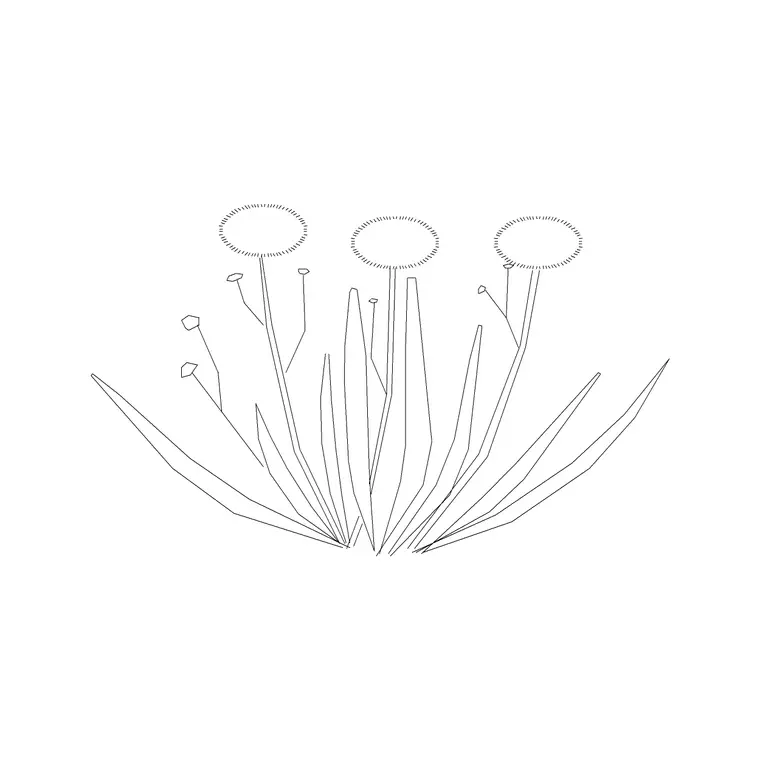
For planting plans you work in plan: the shrub canopy seen from above, massed into drifts and beds. The plan block is what you array across a shrub bed or repeat along a boundary to show a continuous run.
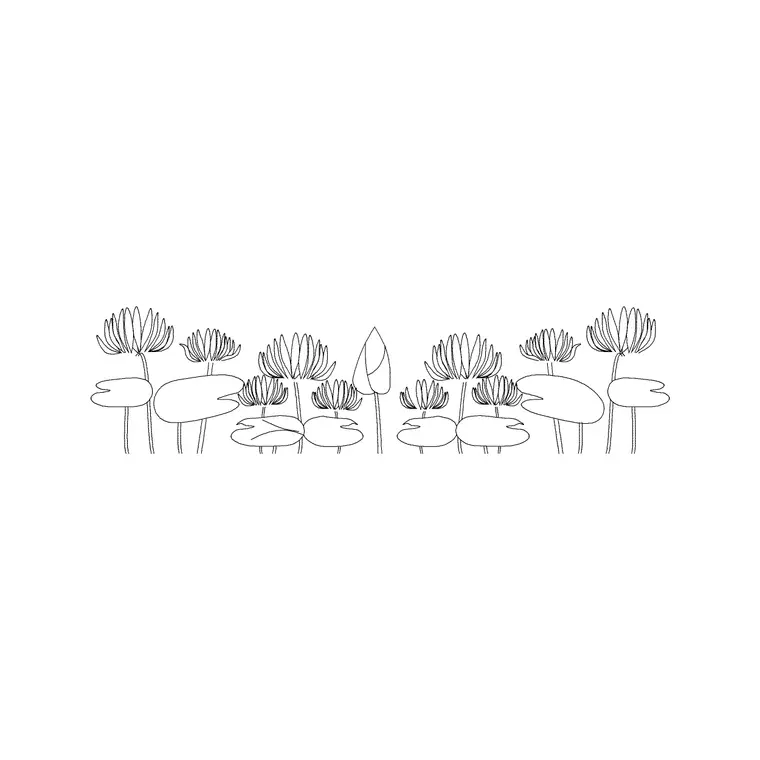
For street sections, base-of-building details and presentation elevations you switch to an elevation block — the shrub seen from the side at its mature height, drawn so it sits believably against walls, fences and the lower trunks of trees. Several shrub downloads ship both views in one DWG, so a single file serves the plan and the matching section.
Mature spread and height to design around
Shrubs vary widely by species, so treat these as broad design ranges. Compact and dwarf shrubs spread roughly 0.5–1 m and stand 0.4–1 m high; medium ornamental shrubs spread about 1–2 m and reach 1–2 m; large and structural shrubs can spread 2–3 m and grow above 2 m, edging towards small-tree territory.
Set plant centres to the mature spread you are designing for. For solid, gap-free cover, space at roughly the spread itself so canopies just touch as they grow in; for a more open, specimen feel, space wider. The scaled block makes that decision visual: array at the chosen centre and the overlap (or the gap) shows immediately.
Inserting, scaling and massing shrubs
Shrub blocks are drawn full size in millimetres. Insert at scale 1 in a millimetre drawing, or set INSUNITS to millimetres so AutoCAD rescales on insertion if your template differs. Run INSERT, snap to the centre of the plant, and place the first shrub. If the block was drawn at a different spread to the species you are specifying, run SCALE with the centre as the base point and a factor that brings the canopy to the right size.
To mass a bed, array on a triangular (staggered) grid rather than a square one — staggered planting knits into solid cover and looks natural. Vary scale and rotation slightly between specimens so the bed doesn't read as stamped. For a hedge or a screen, a path array along the boundary line spaces a single species evenly down its length.
Disciplines that use shrub blocks
Landscape architects and garden designers use shrub blocks as the backbone of planting plans and schedules. Architects drop them into site plans and elevations to show soft landscape and to soften the base of a building. Urban designers and masterplanners use massed shrubs to define edges, screen car parks and structure the spaces between buildings. Students rely on them for studio and competition work where scaled, licence-clear planting matters.
Pair the flowering shrubs here with tree blocks from the trees-and-plants category for the upper layer, and with flower and ground-cover blocks for the layer below, to build a full three-tier planting scheme from one consistent, free library.
Layering shrubs for clean drawings
Put the shrubs on a dedicated planting layer with their own colour and lineweight, separate from trees and from bedding. A clear layer structure lets you produce a clean structural plan by freezing planting, then thaw it for the full landscape drawing — and it lets you isolate the shrub layer to check spacing and counts without the rest of the scheme in the way.
Because each shrub is a block reference, the COUNT or QSELECT tools tally how many of each species you have placed, which feeds straight into a plant schedule for pricing and ordering. Attribute the blocks with a species code and you can extract that schedule directly from the drawing. When a shrub bed reads well, WBLOCK the whole drift as a reusable group so you can carry it into the next scheme rather than re-massing it from scratch.
Free download
Browse the full library — DWG & DXF, no signup.
Questions
Frequently asked
What's the difference between a flowering shrub block and a tree block?+
A shrub block is the mid-layer plant — a dense, woody canopy with no single trunk and a smaller footprint than a tree, sized to spread roughly 0.5–3 m. A tree block is larger, has a clear trunk and dominates the plan, so the two layer together rather than substituting for each other.
How far apart should I space shrubs when arraying the block?+
Space at roughly the plant's mature spread for solid, gap-free cover, or wider for an open specimen look. A staggered (triangular) array knits into natural cover better than a square grid.
Do flowering shrub blocks include an elevation view?+
Many do. Plan views drive planting plans, while elevation views suit street sections, base-of-building details and presentation boards. Several blocks ship both views in the same DWG; the views are listed on each download page.
Are the shrub CAD blocks free for commercial projects?+
Yes. Every shrub block downloads free in DWG and DXF, with no signup, no watermark and no attribution requirement, and they are cleared for commercial use.
Related downloads
Blocks for this guide
Popular blocks to download
Related categories
Related guides
Block landing
Free Flower Plant CAD Blocks — DWG Download
Free flower plant CAD blocks in DWG and DXF — flowering annuals and perennials in plan and elevation for AutoCAD landscape plans. No signup, commercial OK.
Block landing
Free Herb Plant CAD Blocks — DWG Download
Free herb plant CAD blocks in DWG and DXF — herbs for kitchen gardens, raised beds and planters, in plan and elevation for AutoCAD. No signup, commercial OK.
Block landing
Free Cactus & Succulent CAD Blocks — DWG
Free cactus and succulent CAD blocks in DWG and DXF — cacti, agaves and succulents in plan and elevation for AutoCAD xeriscape plans. No signup, commercial OK.