Block landing · sketched tree elevation cad block dwg
Free sketched tree elevation CAD block in DWG
By Sumana Kumar · Published 9 Sep 2023 · Updated 3 Apr 2026
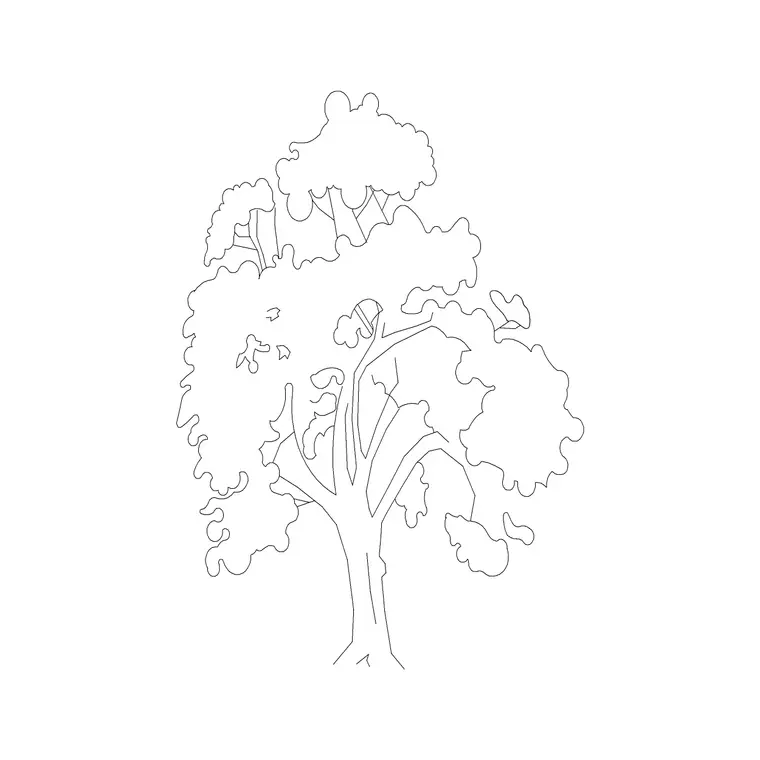
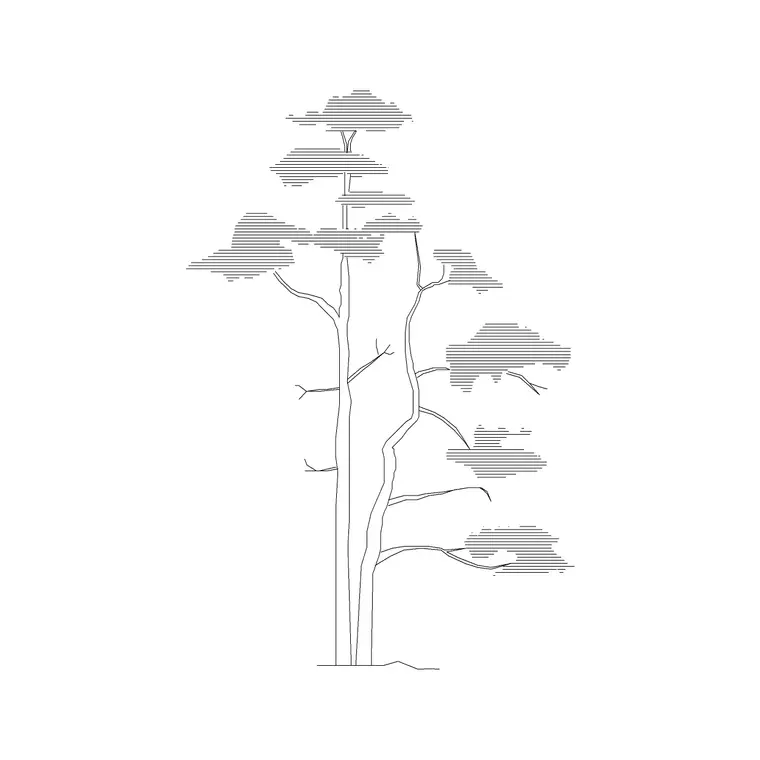
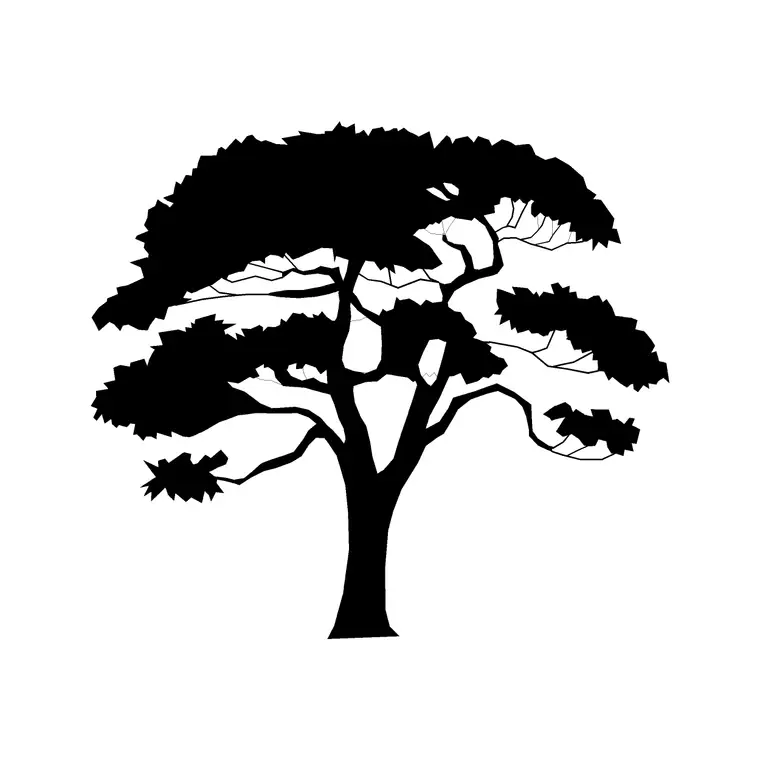
Download a free sketched tree elevation CAD block in DWG — a loose, hand-drawn-style tree with sketchy, broken linework rather than a clean geometric outline. A sketched tree softens a presentation elevation, giving it the relaxed, illustrative feel architects use on concept and visualisation sheets. Free for personal and commercial use, no signup, no watermark.
Reach for it on concept, competition and planning-stage sheets where a loose, illustrative look invites discussion, scaling it to the real height of the species. Keep the sketched trees on a presentation layer so you can swap them for clean technical blocks when the design is resolved.
What a sketched tree block gives you
A sketched tree trades crisp geometry for character. Instead of a smooth canopy outline, the foliage is drawn with loose, broken, overlapping strokes that suggest leaves and texture, and the trunk has a hand-drawn, slightly irregular quality. The result reads as illustration rather than engineering, which is exactly the look you want on a concept or presentation elevation.
The sketchy linework sits on its own element so you can keep it on a dedicated presentation layer, separate from the precise technical linework of the building. As a single block reference, the sketched tree still copies, scales and rotates as one object despite its loose appearance.
Typical sizing to design around
A sketched tree is scaled the same way as any tree elevation — to the real size of the species you are representing. Whether that is a small ornamental at 4-6 m or a larger specimen at 10-15 m, scale the block to the genuine height so the sketch still reads at the right proportion against the building. Treat these as ranges rather than fixed figures.
Scale from the trunk base so the loose canopy grows up from your ground line. Because the look is illustrative, slight variation in scale between copies actually helps — perfectly uniform sketched trees would lose the hand-drawn feel.
Inserting and placing the sketched tree
The block is drawn full size in millimetres. INSERT at scale 1 in a millimetre drawing, 0.001 in metres, or set INSUNITS so AutoCAD rescales on insertion. Snap the trunk base to your ground line.
For a presentation row, copy the sketched tree and vary scale, rotation and mirror state freely between copies — the irregularity is a feature, not a flaw. Keep the trees on a presentation planting layer so you can swap them out for clean technical tree blocks when you move from the concept sheet to the working drawings.
Where sketched trees are used
Sketched trees belong on concept and feasibility elevations, competition and visualisation boards, planning-stage presentation sheets, and any drawing meant to look approachable and illustrative rather than fully resolved. The loose style signals 'early idea' and invites discussion, which is often the right tone before a design is locked down.
Keep a clean technical tree block alongside the sketched one so you can present a soft concept elevation and then issue a precise working elevation from the same layout, simply by swapping which tree layer is visible.
Sketched vs clean technical tree blocks
The two styles serve different stages. A sketched tree softens an elevation and reads as a concept; a clean geometric tree reads as a resolved, technical drawing. Using the right one for the stage manages expectations — a polished technical sheet can imply more certainty than an early design actually has.
Keeping both styles in your library lets you control the tone of every sheet, presenting loosely when you want feedback and precisely when you are issuing for construction, without redrawing the planting.
Keeping the sketch consistent
Loose does not mean random. A presentation reads best when all the sketched trees share the same drawing style — similar stroke weight, similar level of looseness — so they look like one illustrator's hand rather than a mismatched collage. Build your sketched planting from one or two base blocks, varied by scale and mirror, to keep that consistency.
When a presentation layout is finalised, WBLOCK a small set of varied sketched trees as a single 'concept treeline' block so every board in the set carries the same illustrative style at once.
Matching the sketch to the rest of the drawing
A sketched tree only works if the whole sheet shares its register. Dropping a loose, hand-drawn tree onto a hard, fully-dimensioned technical elevation creates a jarring clash of styles. The sketched block belongs with sketched or lightly-rendered architecture, freehand-style annotation and a softer overall treatment, so the drawing reads as a single deliberate illustration.
That consistency is the difference between a concept sheet that looks intentional and one that looks like a mistake. When you switch a scheme from concept to detailed design, swap the sketched trees for clean technical blocks at the same time you tighten up the rest of the drawing, so the level of finish stays uniform across the sheet.
Free download
Browse the full library — DWG & DXF, no signup.
Questions
Frequently asked
What is a sketched tree block for?+
It is a loose, hand-drawn-style tree elevation for concept and presentation sheets. The sketchy linework gives a drawing an illustrative, approachable feel rather than a precise technical look.
Is the sketched tree block free commercially?+
Yes. It downloads free in DWG with no signup, no watermark and no attribution required, cleared for personal and commercial use.
When should I use a sketched tree over a clean one?+
Use a sketched tree on concept, competition and planning presentation sheets where a loose look invites discussion; use a clean technical tree on resolved working drawings.
Will the DWG open in older AutoCAD?+
Yes. It targets AutoCAD 2004 and later, opening in AutoCAD, AutoCAD LT, BricsCAD, DraftSight and free online DWG viewers.
Can I mix sketched trees with technical linework?+
It is best not to. A loose tree on a hard technical elevation clashes; pair sketched trees with sketched or lightly-rendered architecture so the sheet reads as one deliberate style.
How do I keep several sketched trees looking consistent?+
Build them from one or two base blocks varied by scale, mirror and rotation, so they share one stroke weight and looseness and read as a single illustrator's hand.
Related downloads
Blocks for this guide
Related categories
Related guides
Block landing
Free Flower Plant CAD Blocks — DWG Download
Free flower plant CAD blocks in DWG and DXF — flowering annuals and perennials in plan and elevation for AutoCAD landscape plans. No signup, commercial OK.
Block landing
Free Flowering Shrub CAD Blocks — DWG Download
Free flowering shrub CAD blocks in DWG and DXF — ornamental shrubs in plan and elevation for AutoCAD planting and site plans. No signup, commercial OK.
Block landing
Free Herb Plant CAD Blocks — DWG Download
Free herb plant CAD blocks in DWG and DXF — herbs for kitchen gardens, raised beds and planters, in plan and elevation for AutoCAD. No signup, commercial OK.