Block landing · mini van cad block dwg
Free mini van CAD block in DWG and DXF
By Saumyajit Maity · Published 17 Feb 2024 · Updated 29 Mar 2026
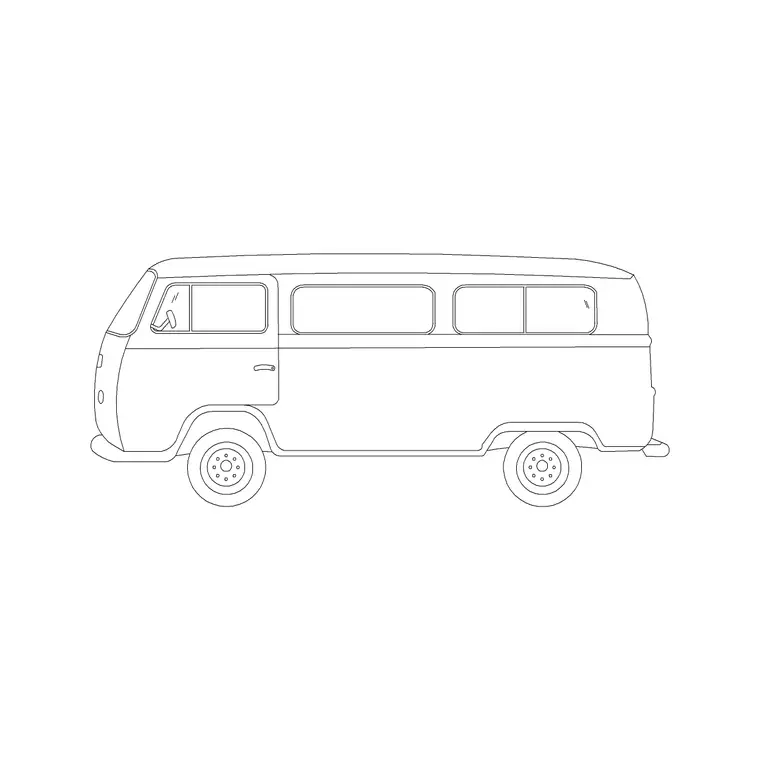
A mini van CAD block is a compact van or small people carrier — the tall, boxy, one-box body that carries either passengers or light goods and sits between a car and a full panel van. It is the block to reach for when a scene needs a small van without the bulk of a large commercial vehicle. This page offers a free mini van block in DWG and DXF, drawn in side elevation at true scale for AutoCAD 2004 or later, free for personal and commercial use with no signup or watermark.
Use the mini van in residential and commercial frontages, driveway and delivery studies, showroom drawings and street scenes. Drawn to scale, it sits correctly beside doors, kerbs and people, and its taller, longer body gives an elevation a useful contrast to ordinary cars.
What the mini van block is
This block is a side-elevation profile of a compact van or people carrier — a one-box or near-one-box body with a tall roofline, a long side and either side windows for passengers or a panelled side for goods. It is clean line geometry, so it prints sharply and stays light, and its boxy silhouette reads clearly as a van rather than a car.
The defining cues are the upright, tall body, the flat or gently curved roof and the long, slab side. Those features set it apart from a saloon or hatchback at a glance, which is what you want when the drawing needs to show a small commercial or family-carrier vehicle in the mix.
View and what's included
The download is a side elevation — the van seen square-on from the kerb. It suits residential and commercial frontages, driveway and delivery-access studies, showroom and dealership drawings, and street sections where the van sits beside walls, openings and figures at a shared scale.
The geometry is layered so you can recolour the body, mute the glazing or thin the wheel detail independently. Keep it as a single block reference so it copies, mirrors and rotates as one object — useful when you place a delivery van at a loading point or line vans along a frontage.
Typical sizing to design around
Use the block as a scale check rather than a spec table. A mini van or small people carrier generally sits in the region of 3.9–4.6 m long, about 1.7–1.9 m wide and roughly 1.7–1.9 m tall — taller than a car of the same length because of its upright, boxy body.
Those ranges help confirm the van reads right against a 2 m garage opening or beside a person, and they flag whether it clears a height-restricted entrance. If the proportions look wrong, check insertion units before rescaling. Real small vans vary, so scale to the envelope your scene needs rather than to a single fixed dimension.
How to insert the block
The DWG is full size in millimetres. In a millimetre drawing, insert at scale 1 for real size; in a metre drawing, insert at 0.001. On an imperial template, set INSUNITS to millimetres so AutoCAD rescales on insertion, or insert at 0.03937 to convert to inches.
Snap the insertion point to the van centreline, mirror to flip the facing, and copy along a frontage or to a loading point. As a block reference, a BEDIT change to the definition updates every instance — handy when you simplify the glazing for a small-scale plot.
Where mini van blocks are used
The mini van belongs in residential and mixed-use frontages, driveway and delivery-access studies, retail and trade-counter elevations, showroom drawings and street scenes. Its boxy form adds useful variety beside cars and signals light commercial or family-carrier use.
Architects use it to populate frontages and check height-restricted accesses; access and logistics designers use it in delivery studies; students use it because it is licence-clear. Combine it with the mini truck and cars from the vehicles category so a frontage or delivery scene shows a believable mix of vehicle types and sizes.
The mini van's height is the detail that matters
The one thing a car block cannot stand in for is the mini van's height. Its tall, boxy body is what trips up height-restricted car parks, low canopies and barrier-controlled entrances, so showing it in elevation is often the whole point. Draw the height-restriction bar or the soffit line across your elevation and the scaled van shows at once whether it passes under or has to be turned away.
That tall side also makes the mini van a useful host for signage or livery in a presentation drawing — a tradesperson's van or a delivery vehicle reads instantly and tells the viewer what activity the building supports. Keep the body and any added graphics on separate layers so you can simplify back to a plain technical outline when the elevation goes for coordination.
Free download
Browse the full library — DWG & DXF, no signup.
Questions
Frequently asked
Is the mini van CAD block free for commercial use?+
Yes. It downloads free in DWG and, where available, DXF, with no signup, no watermark and no attribution requirement, and it is cleared for commercial projects.
What is the difference between a mini van and a mini truck block?+
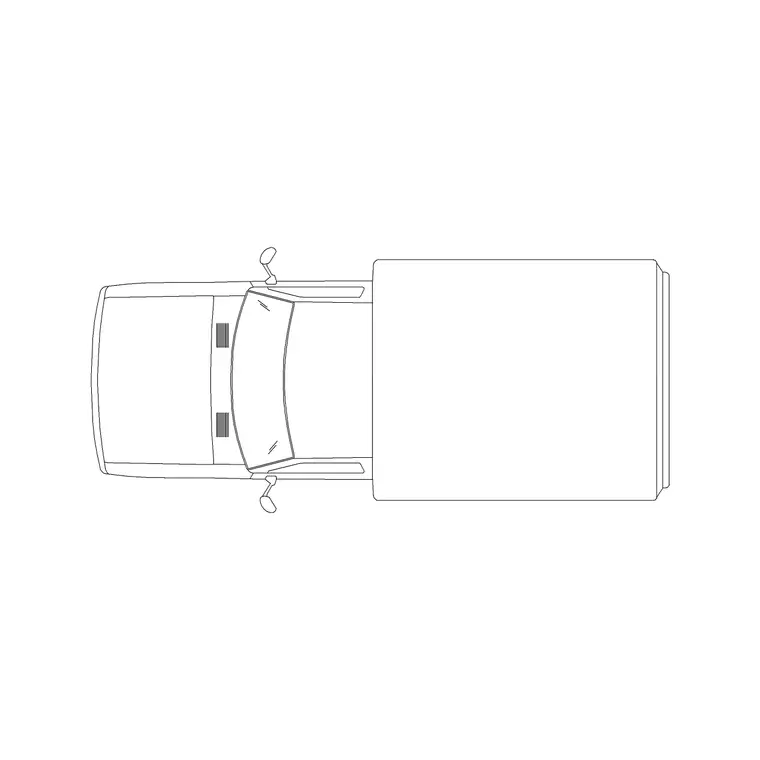
A mini van is a tall, enclosed one-box body for passengers or light goods, shown in side elevation. A mini truck is a small commercial vehicle shown as a plan footprint for yard and loading layouts.
Does the van block help with height-restricted access?+
Yes. Drawn to scale at roughly 1.7–1.9 m tall, the elevation shows whether the van clears a height barrier or a low canopy, which a plan footprint cannot reveal.
Will the file open in older AutoCAD or a free viewer?+
Yes. The DWG targets AutoCAD 2004 and later and opens in AutoCAD, AutoCAD LT, BricsCAD, DraftSight and free DWG viewers.
Related downloads
Blocks for this guide
Related categories
Related guides
Block landing
Free Car Plan View CAD Block — DWG Download
Download a free car plan-view CAD block in DWG and DXF — the top-down footprint for parking layouts and site plans. AutoCAD 2004+, no signup.
Block landing
Free Car Elevation CAD Block — DWG Download
Download a free car elevation CAD block in DWG and DXF — side and front views for streetscapes, showrooms and presentations. AutoCAD 2004+, no signup.
Block landing
Free Sedan Car CAD Blocks — DWG Download
Download free sedan car CAD blocks in DWG and DXF — saloon and luxury sedans in plan and elevation for parking and showrooms. AutoCAD 2004+, no signup.