Block landing · indoor plant with metal legs cad block
Indoor plant with metal legs CAD block in DWG
By Saumyajit Maity · Published 6 Nov 2023 · Updated 5 Feb 2026
A planter raised on slim metal legs is a distinctly modern detail: it lifts the foliage off the floor, shows a leg of clear space beneath, and gives an interior a light, mid-century feel that a planter sitting flat on the ground never quite achieves. This free indoor plant with metal legs CAD block captures that exact look in DWG, drawn in elevation for AutoCAD 2004 or later. It is free for personal and commercial use, with no signup, no watermark and no attribution.
The defining feature is the gap under the pot. Because the planter stands on thin legs, the elevation shows the floor line continuing beneath it, which reads very differently from a solid-based pot and matters when you are coordinating skirting, flooring transitions or underfloor services in the same view. This is the block to reach for when the brief calls for a contemporary, gallery-like interior rather than a traditional one.
What makes the metal-leg planter distinct
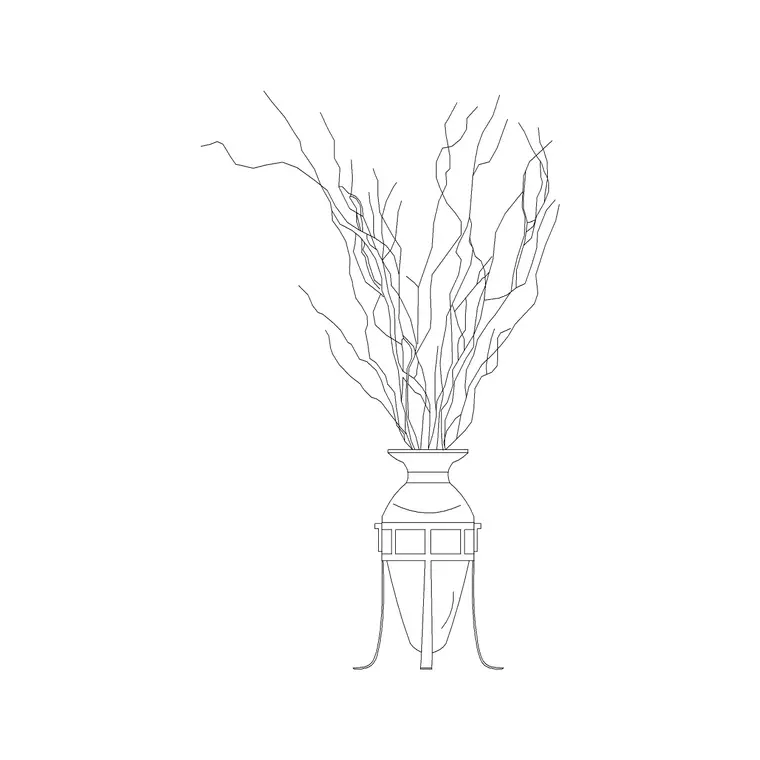
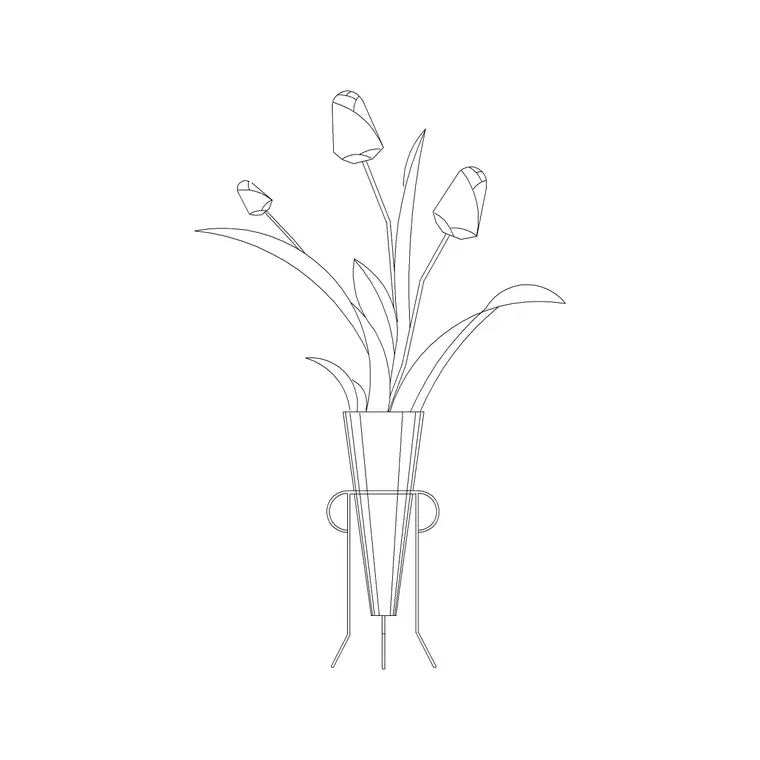
The block draws a bowl or cylindrical pot held up on a frame of slender metal legs — typically three or four — that taper to small feet on the floor. The key visual is the void between the pot base and the floor line: you can see straight through under the planter, which is what gives the detail its airy, raised character.
The foliage above is drawn as a clean silhouette so the symbol stays readable, while the legs are picked out as fine lines that suggest powder-coated steel or brass rod. Because the legs are the signature, they are kept on linework you can thicken or recolour to match a metal finish on your material board without disturbing the pot or the planting.
Views and what's included
This is an elevation block, showing the raised planter face-on for interior elevations, sections and presentation drawings. That is exactly the view where the metal legs do their work, since the open space beneath the pot only reads when you see the plant from the side.
The geometry separates the foliage, the pot and the metal stand so you can treat them independently — screen the leaves back, keep the pot crisp, and give the legs a darker, finer line to suggest metal. It inserts as a single block reference for easy placing and copying; explode it only if you need to edit individual leg or rim lines.
Typical sizing to design around
A metal-leg planter usually sits a little taller overall than the equivalent floor-standing pot because the stand adds height beneath. As a planning range, the legs lift the pot a clear span off the floor, the pot itself is modest in diameter, and the foliage carries the rest of the height up toward standing eye level for a feature piece or chair-back height for a side accent. Use the floor line as your datum and judge the leg height against skirting and furniture in the same elevation.
These are ranges to design within rather than fixed dimensions on the block. Mid-century planters come in many proportions, so scale the block to your chosen product — and if you want a taller stand or a fuller plant, adjust the X and Y scale, or scale just the foliage, since the elements sit on separable linework.
How to insert and scale it
The block is drawn in millimetres. Insert at scale 1 in a millimetre drawing, 0.001 in a metre template, or set INSUNITS to millimetres in an imperial file so AutoCAD rescales it automatically and the planter lands at the right size.
Run INSERT or drag the DWG in, and pick the bottom of the metal feet as the insertion point so the legs sit exactly on the floor line. Snap that point to your floor and the open space under the pot reads correctly against the skirting. Put the plant on a planting or FF&E layer so you can freeze it for technical elevations and thaw it for presentation views, and keep the metal legs on linework that prints with the weight you want.
Where the metal-leg planter is used
This block suits contemporary interiors above all: boutique retail and showrooms, design-led offices and co-working lounges, cafés and restaurants with a mid-century palette, hotel lobbies and bedrooms, and modern residential living and bedroom spaces. The raised pot signals a curated, lighter aesthetic that pairs well with slim-leg furniture and exposed floors.
It reads particularly well grouped — two or three metal-leg planters at staggered heights make a convincing styled corner in an elevation. Combine it with floor-standing pots, slim furniture and lighting blocks from the trees-and-plants and interior libraries, and mirror or copy it to build a balanced, gallery-style arrangement along a wall.
Detailing the legs cleanly
The legs are the reason to choose this block, so it is worth drawing them well. Keep them on a fine, distinct line so they read as thin metal rather than thick furniture timber, and resist the urge to over-detail the feet at small scales — a simple tapered line says metal rod more clearly than a fussy bracket.
If you reuse the planter across a scheme, leave it as a named block so a single edit propagates everywhere, and consider keeping a couple of leg heights as separate blocks for short side-table versions and taller floor versions. WBLOCK the proportions you like into your office library so the next contemporary interior starts from a ready-made, correctly-detailed raised planter.
Free download
Browse the full library — DWG & DXF, no signup.
Questions
Frequently asked
Why choose a metal-leg planter over a normal pot block?+
The raised stand shows clear floor space beneath the pot, which gives a lighter, mid-century feel and lets you read flooring and skirting under the planter in elevation. Use it when the brief wants a contemporary, gallery-like interior rather than a traditional one.
Is this CAD block free for commercial use?+
Yes. It is a free DWG download with no signup, no watermark and no attribution, cleared for commercial project drawings as well as personal and student work.
What view is it drawn in?+
Elevation — the planter seen face-on, which is the only view where the open space under the metal legs actually reads. It suits interior elevations, sections and presentation boards rather than top-down plans.
Can I make the legs print as a finer line for a metal look?+
Yes. The legs sit on their own linework, so you can change their colour or lineweight to a thin, dark line that reads as powder-coated steel or brass without affecting the pot or the foliage above.
Related downloads
Blocks for this guide

Related categories
Related guides
Block landing
Free Flower Plant CAD Blocks — DWG Download
Free flower plant CAD blocks in DWG and DXF — flowering annuals and perennials in plan and elevation for AutoCAD landscape plans. No signup, commercial OK.
Block landing
Free Flowering Shrub CAD Blocks — DWG Download
Free flowering shrub CAD blocks in DWG and DXF — ornamental shrubs in plan and elevation for AutoCAD planting and site plans. No signup, commercial OK.
Block landing
Free Herb Plant CAD Blocks — DWG Download
Free herb plant CAD blocks in DWG and DXF — herbs for kitchen gardens, raised beds and planters, in plan and elevation for AutoCAD. No signup, commercial OK.